Smart Switches
This category covers wall switches, in-wall relay modules, a 20 A switch for high-power circuits such as water heaters, and touchscreen panels that combine switching with scene control. What fits is decided at the wall: the number of gangs, whether the back box carries a neutral wire, and the box itself — the Light Switch H2 and Dimmer H2 we sell are the square EU System-55 models, and the MagicPad S1+ mounts on a single 86 × 86 box. Where the existing switch plate has to stay, an in-wall module behind it does the same job without changing the look of the room.
What is decided at the wall
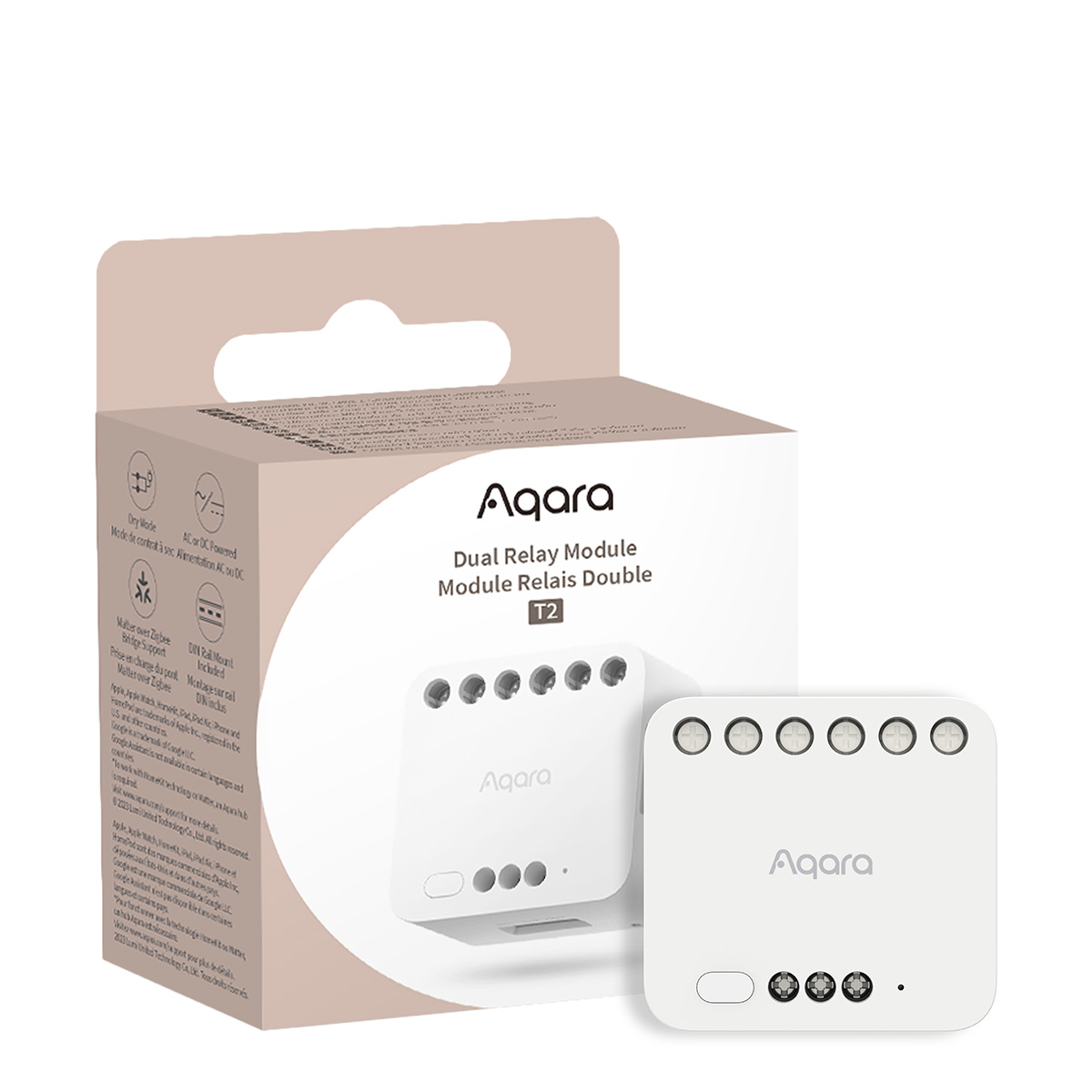
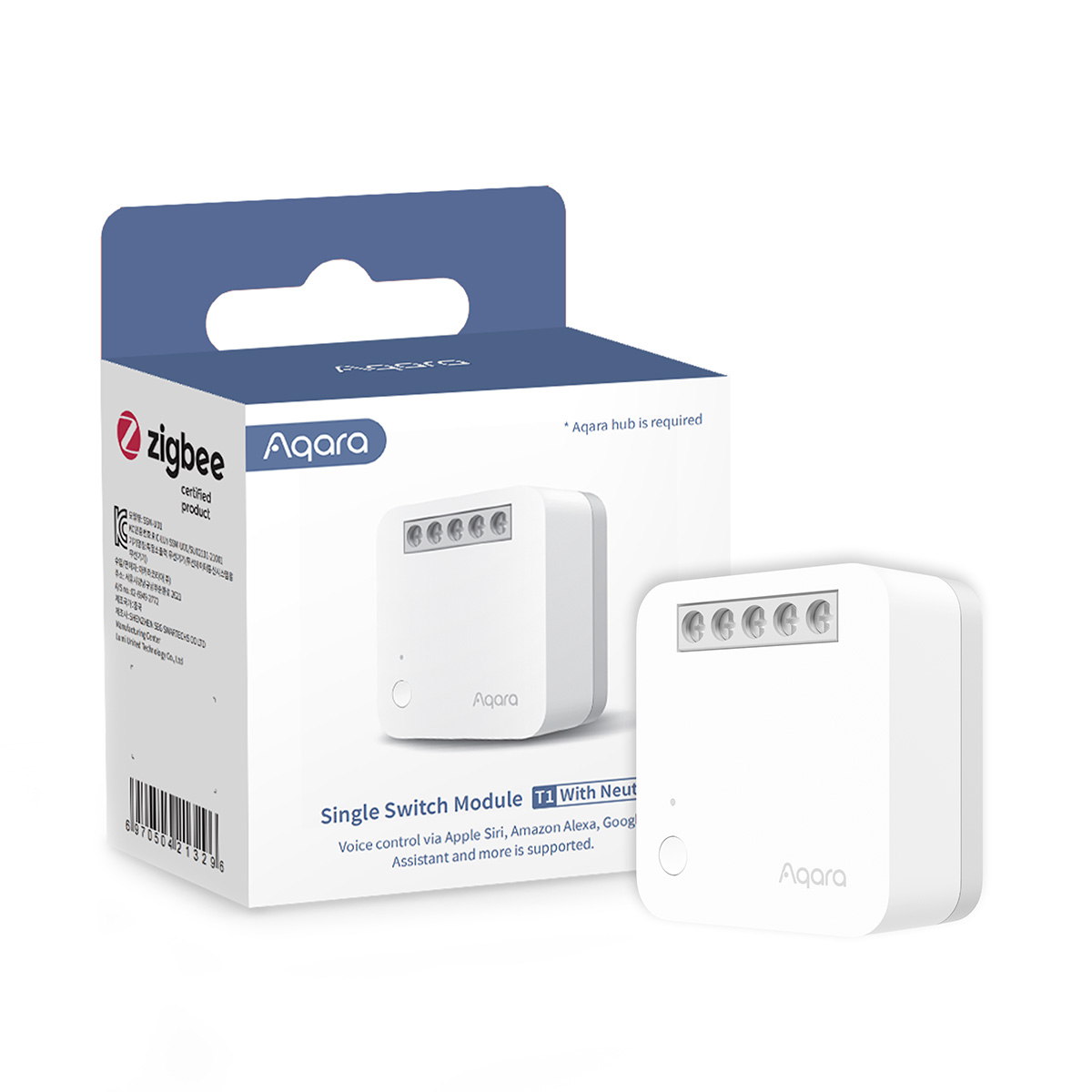
Three things about the existing switch position decide which Aqara switch fits: how many circuits it actually switches (the number printed on the face is not always the number of switched circuits), whether the back box carries a neutral wire, and the box format itself. The Smart Wall Switch D1, Smart Wall Switch H1 and Smart Wall Switch Z1 Pro are the 86 mm square families commonly used in Singapore projects; the Light Switch H2 EU is sold locally in the square European 55 mm System-55 format for homes fitted with those plates. Where the existing plate has to stay, the Single Switch Module T1 or the two-channel Dual Relay Module T2 sits behind it and does the same job without changing the look of the room.
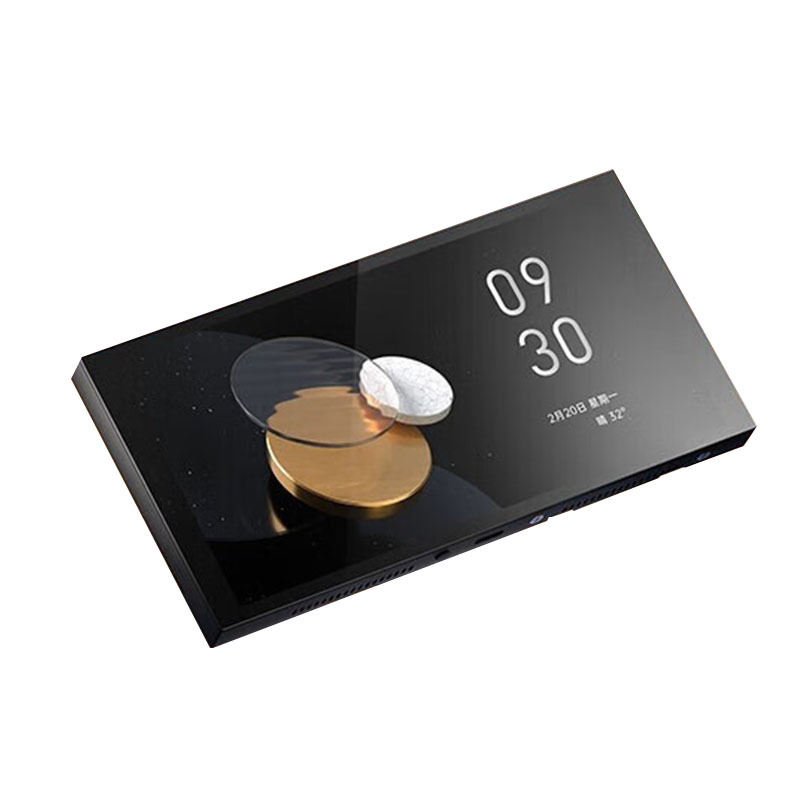
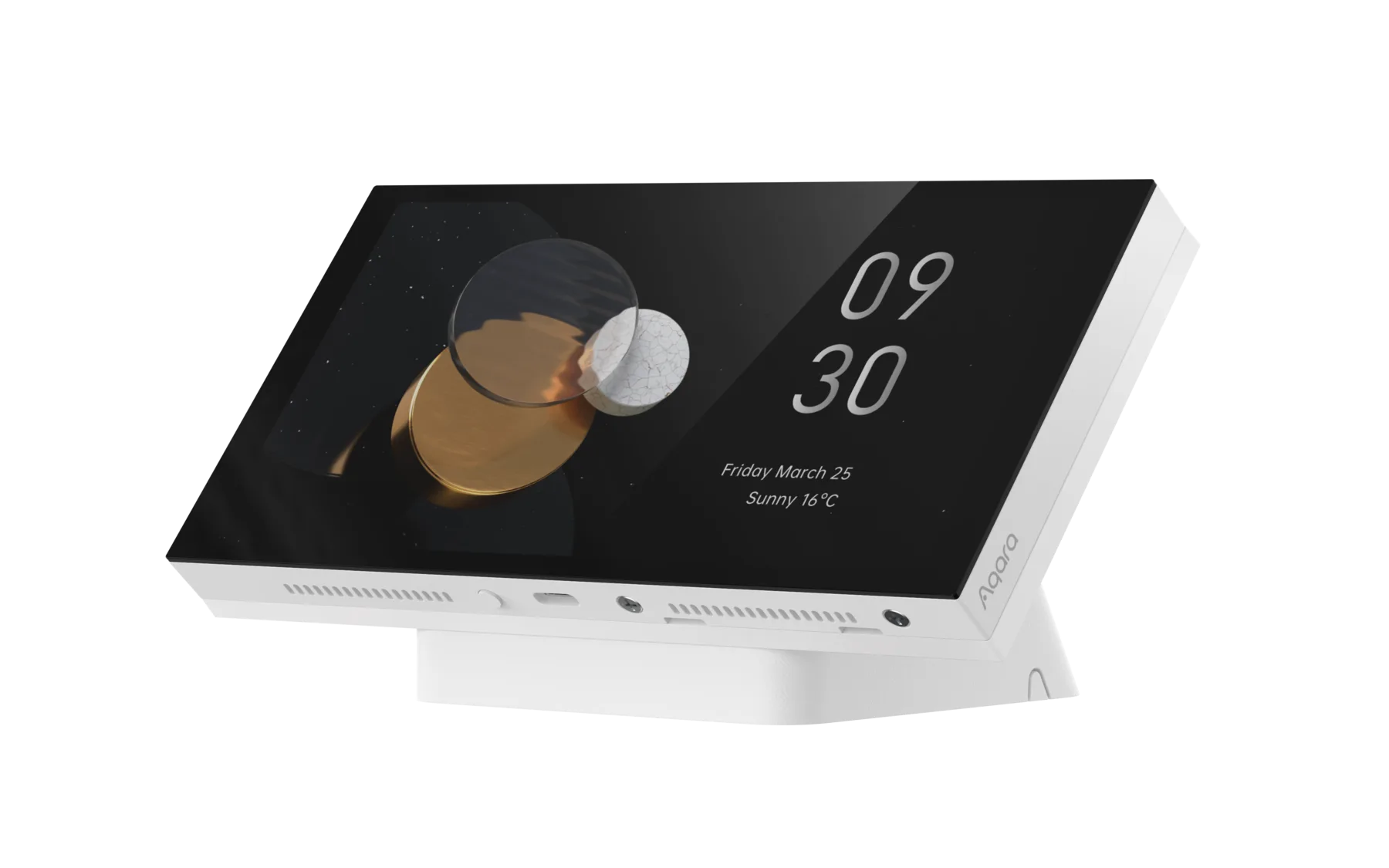
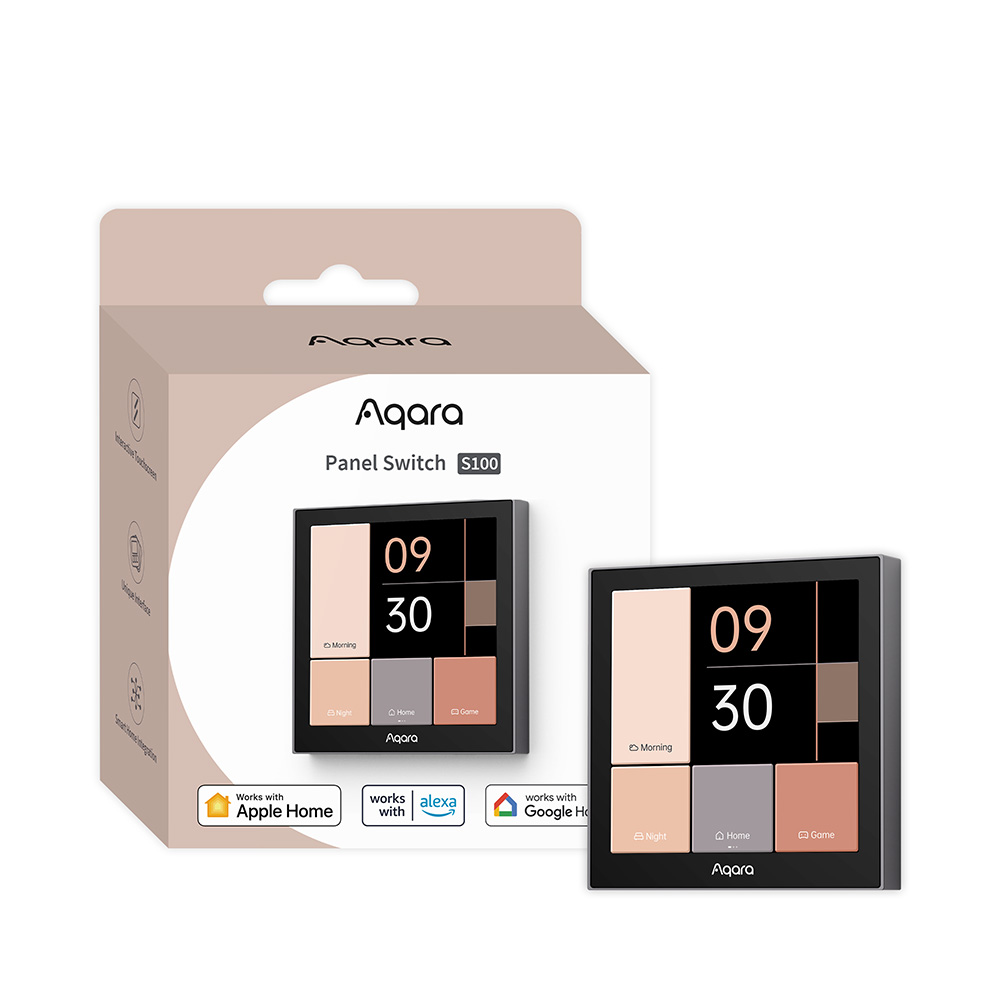
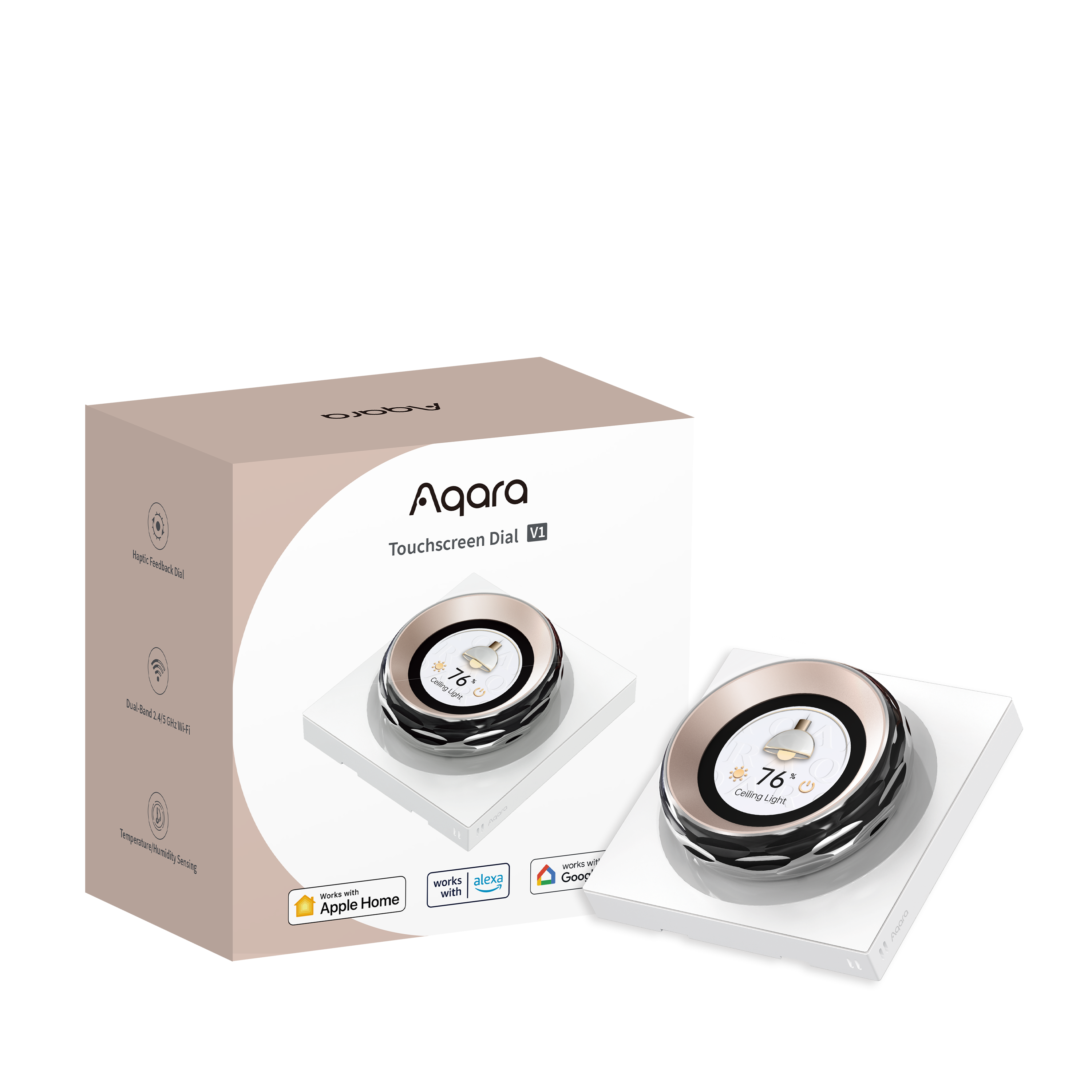
Touchscreen panels put switching and scene control on one plate. The Panel Switch S100 switches three wired circuits, puts your devices and scenes on its screen as tiles, and connects over Wi-Fi without a separate hub. The MagicPad S1+ mounts on a single standard 86 × 86 mm box (its 6.9-inch front simply spans about two squares), switches three circuits, holds up to 10 dashboards of device and scene cards, and is itself a Zigbee hub and Matter bridge for the rest of the home. The six wireless switches in these panels' specifications are not their limit: they are extra buttons the panel shows in Apple Home, where you can give each one a scene or another brand's device and then tap it on the panel. The desktop versions of the Panel Hub S1 Plus and Touchscreen Dial V1 are the exceptions in this category: tabletop controllers powered by USB-C, with no relay and no in-wall wiring, that control other Aqara devices and scenes wirelessly.
Neutral or no neutral
Many existing Singapore switch drops were wired without a neutral because a mechanical switch did not need one. A no-neutral smart switch powers itself by drawing a very small current through the connected lighting load instead, which is why no-neutral models carry a minimum load — the Z1 Pro needs at least 3 W in no-neutral mode — and can be unsuitable for some low-power, dimmable or electronically controlled lights. Where a neutral is present, the with-neutral version normally adds power monitoring and overload protection and behaves as a Zigbee mesh router rather than an end device, so deliberately buying the no-neutral version usually gives up capability without solving a problem.
Conductor colours, the age of the flat and the presence of several wires behind a plate are not proof either way. A qualified electrician should isolate the supply, verify it is dead and identify the conductors with test equipment before the model is chosen. Renovation is the least disruptive time to add a neutral to a switch drop. Our guide to neutral vs no-neutral smart switches in Singapore covers what to check and when it matters.
Pick the family for the job
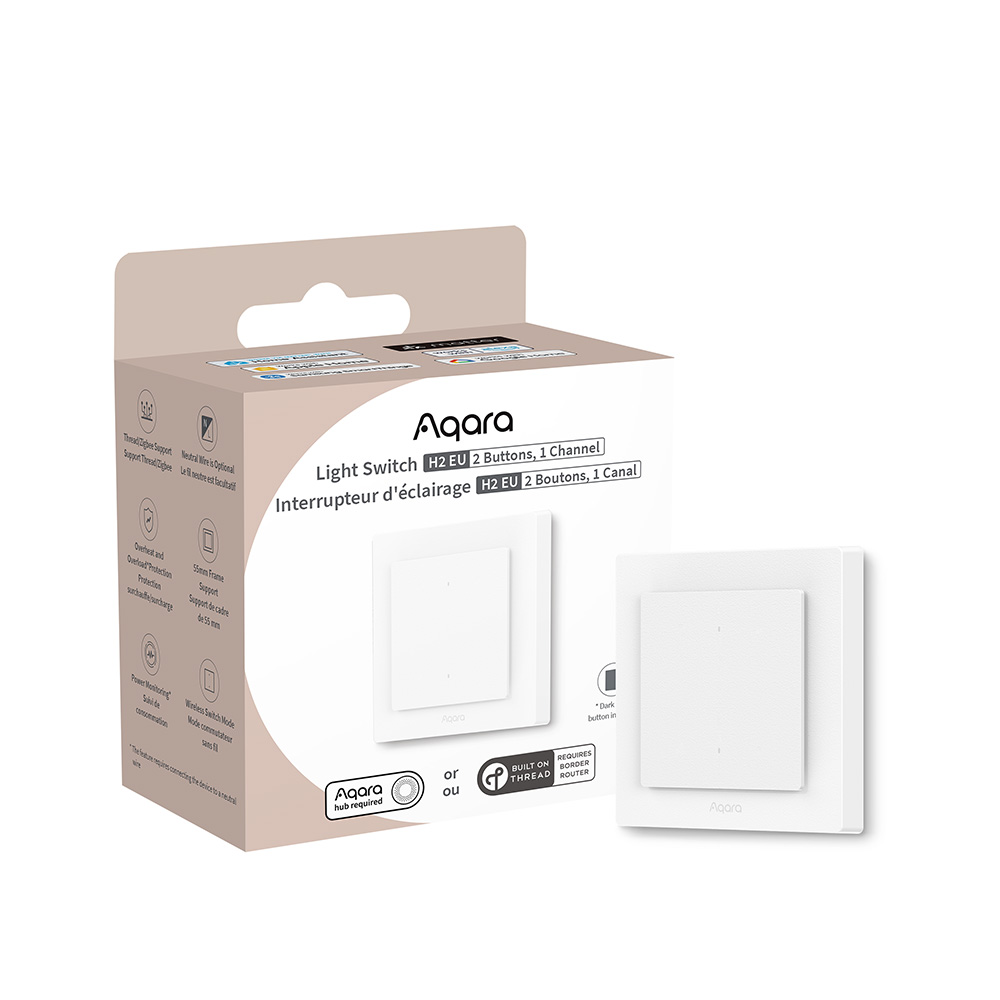
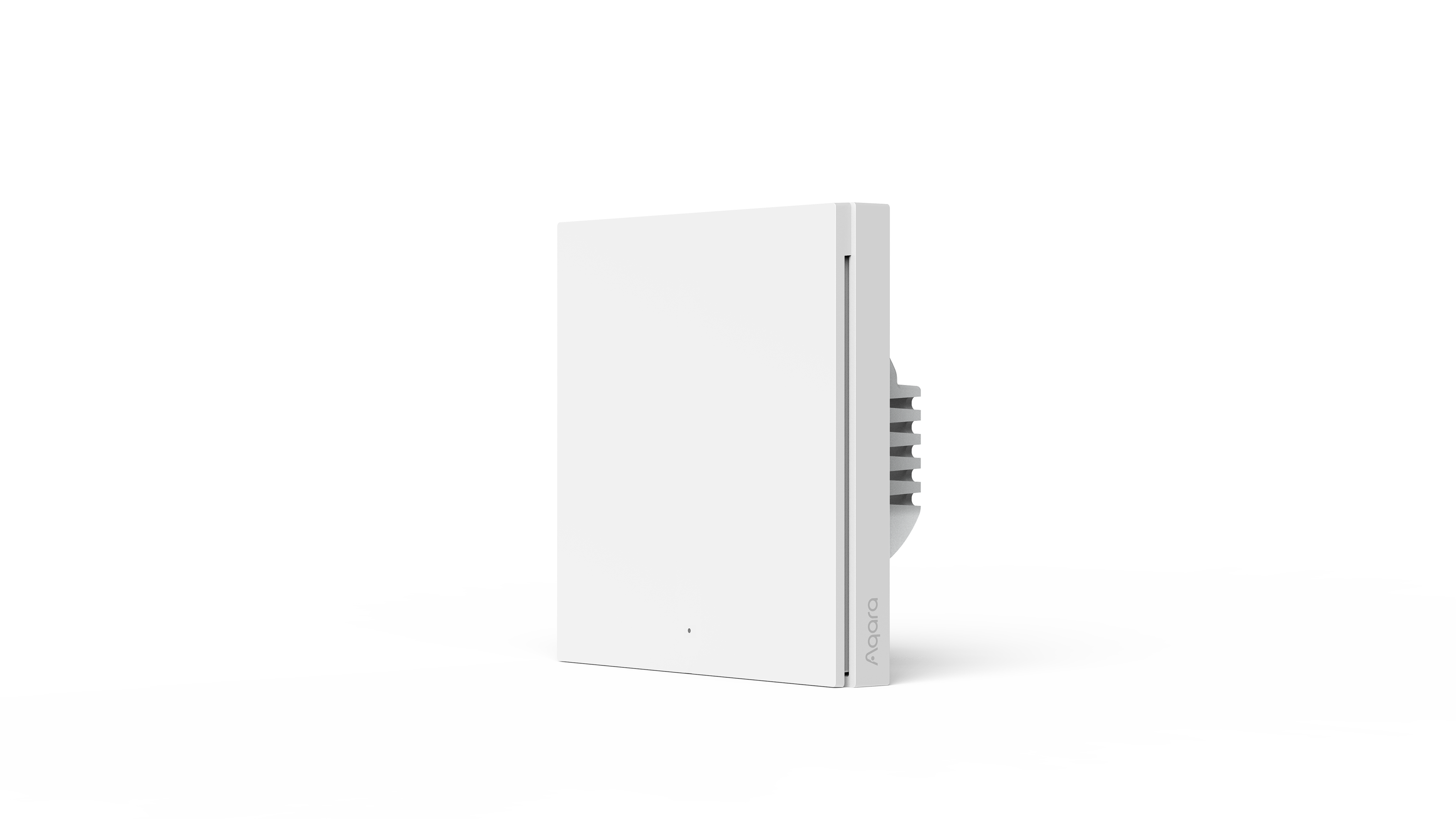
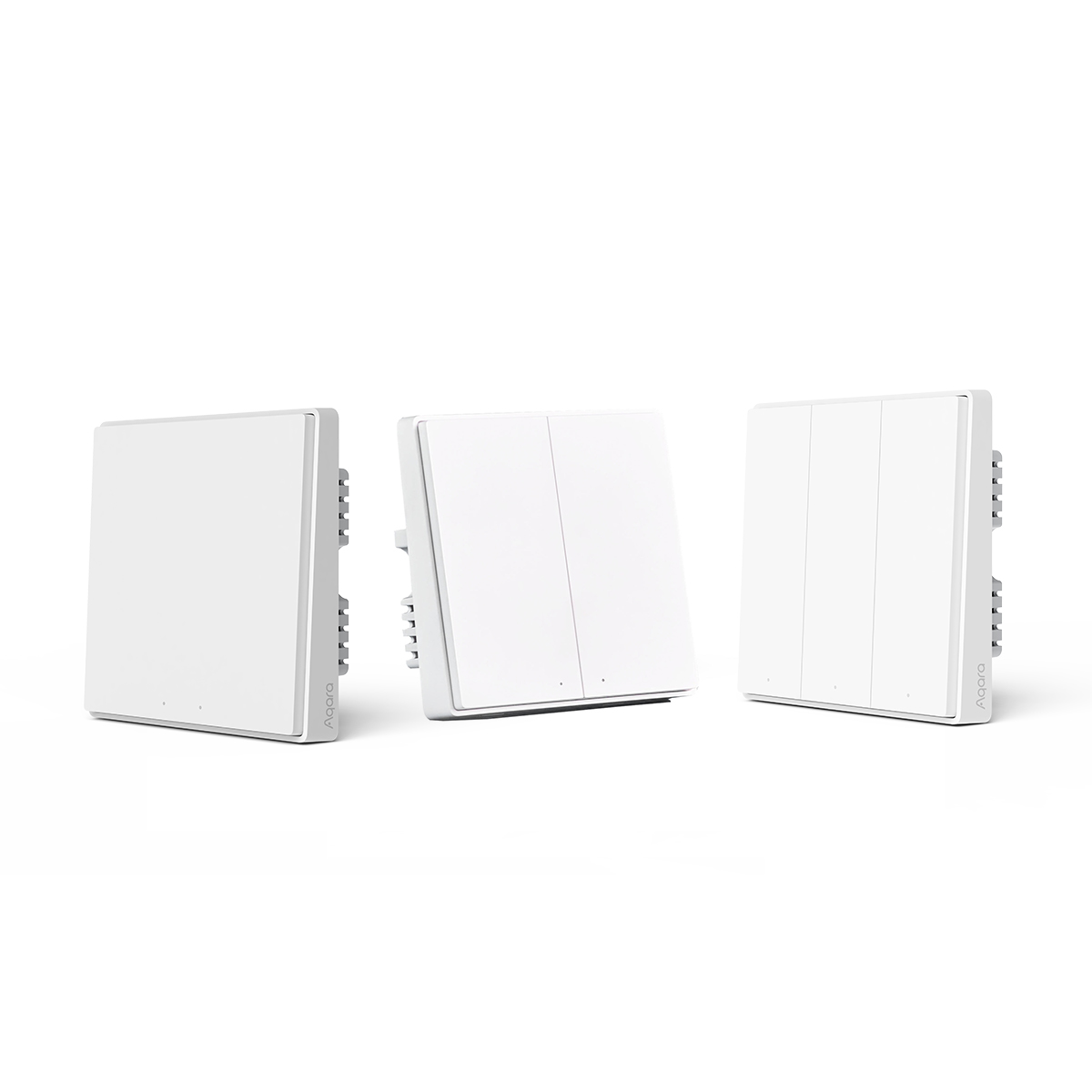
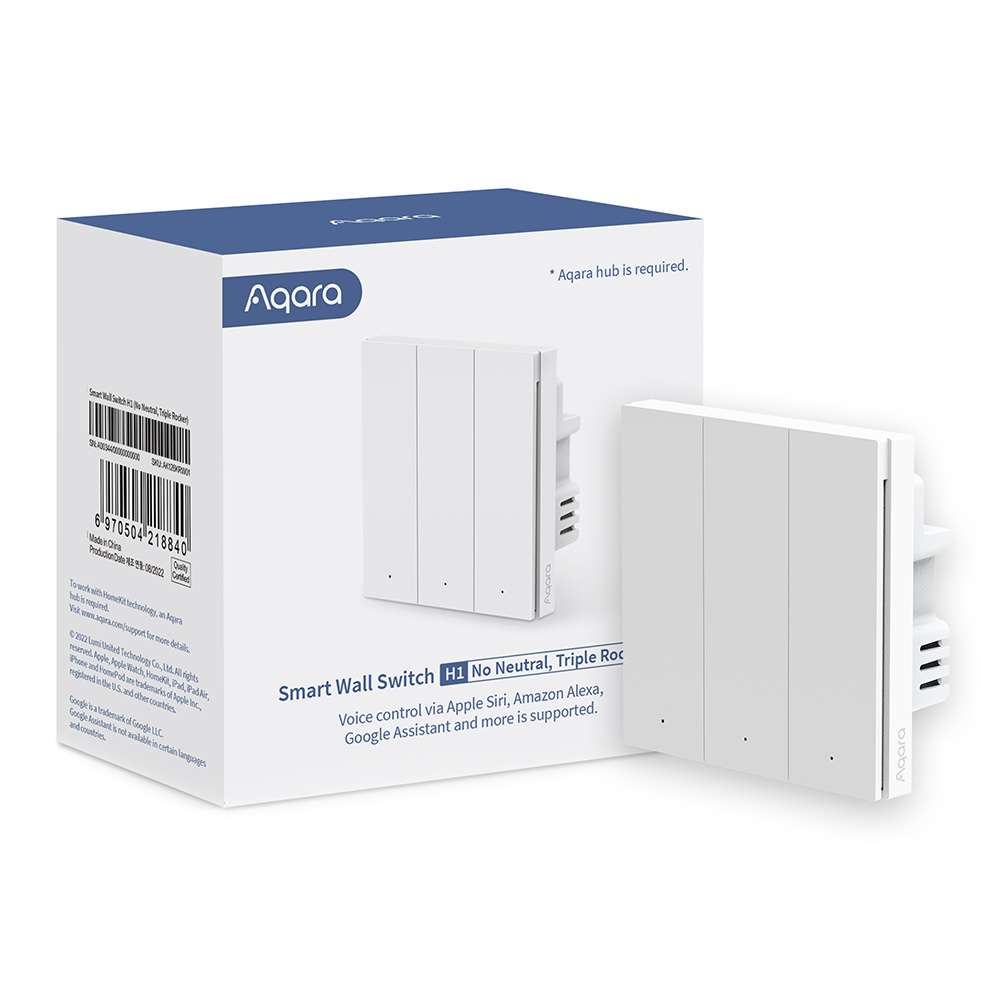
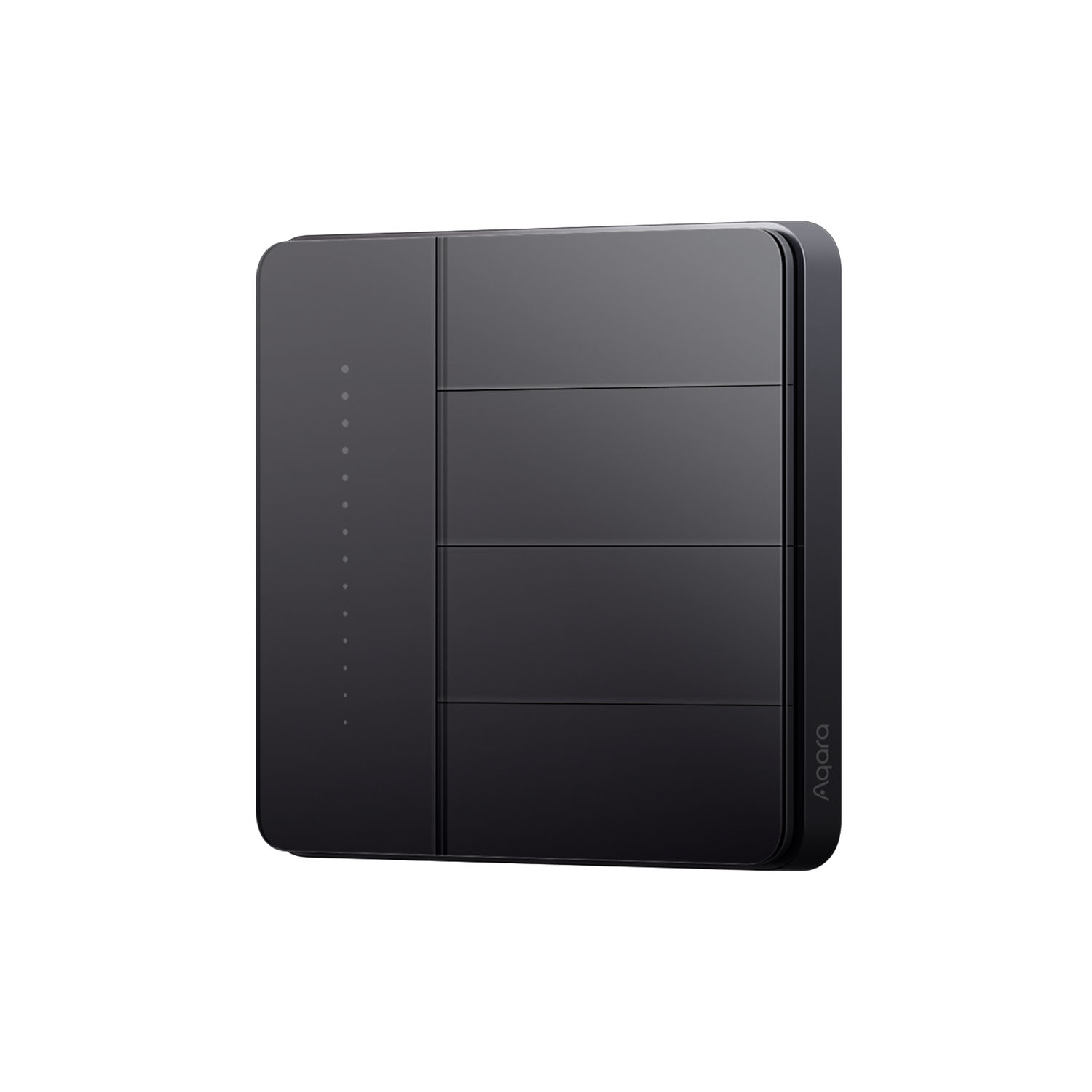
For straightforward on/off lighting, the D1 comes in one- to three-button versions with or without neutral. The H1's metal-framed rockers are rated at 8 A for normal ceiling lights and fans, and any rocker can be remapped as a wireless switch — the usual way to add two-way control alongside a Wireless Remote Switch H1. The Z1 Pro adds a touch slider for brightness, colour or curtain position, one to four gangs (the quadruple has three relays and one wireless button), an adaptive design that works with or without neutral, a 16 A rating and power monitoring. The Light Switch H2 EU works over Zigbee with an Aqara hub or over Matter via Thread with a Matter controller and Thread border router, and its lower button can act as a wireless switch.
High-power circuits are a separate case: the Smart 20A Switch H1 requires a neutral and is the model for water heaters, dryers and ovens, with power monitoring and overheat and overload protection — the standard H1 is not for 20 A appliance switches. The in-wall modules cover the rest: the T1 is a 10 A relay that keeps the existing physical switch working and supports two-way staircase circuits, while the T2 offers two channels, dry- or wet-contact operation and an interlock mode for tubular curtain and shade motors, gates and garage doors. The D1 vs H1 vs Z1 Pro vs H2 comparison sets the four wall-switch families side by side.
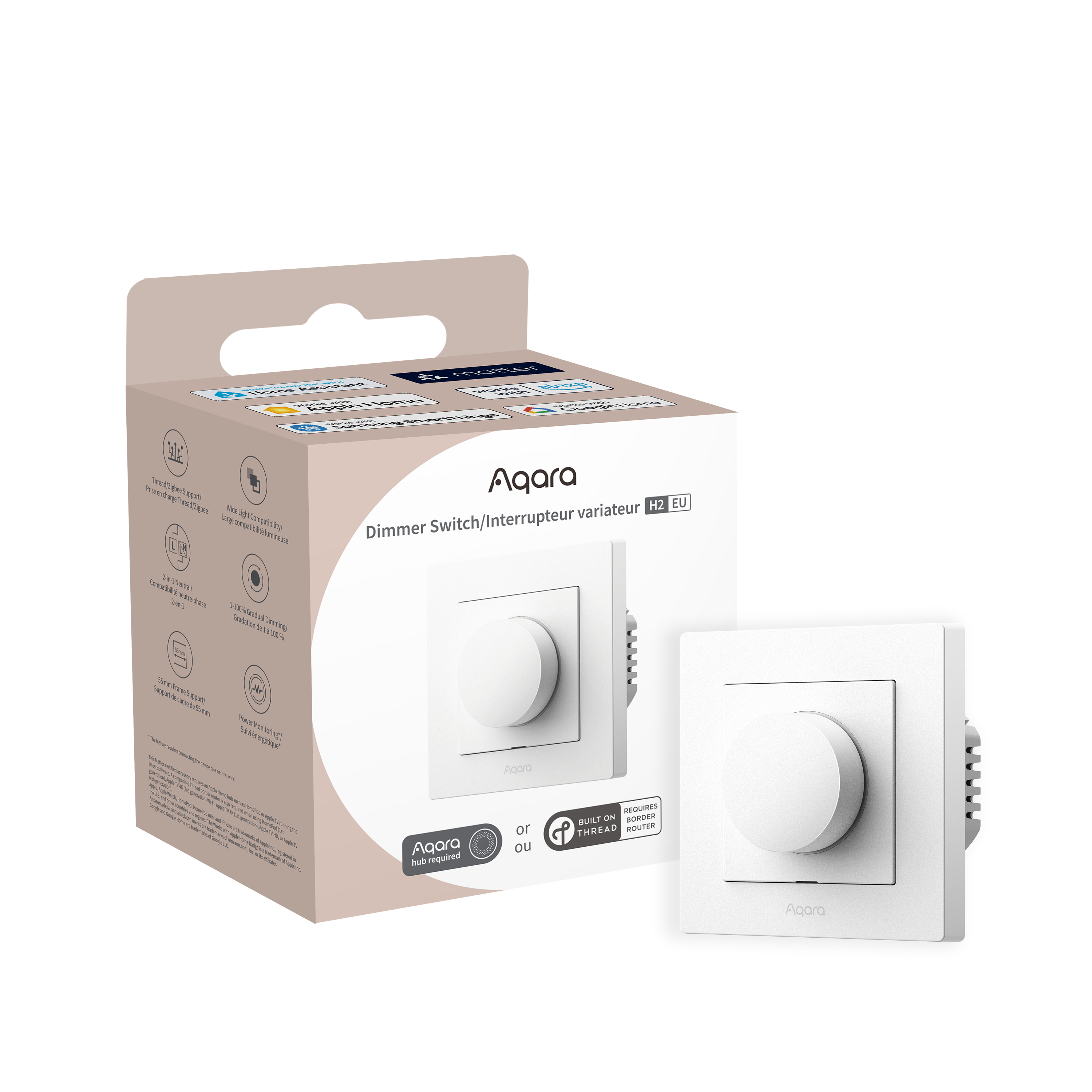
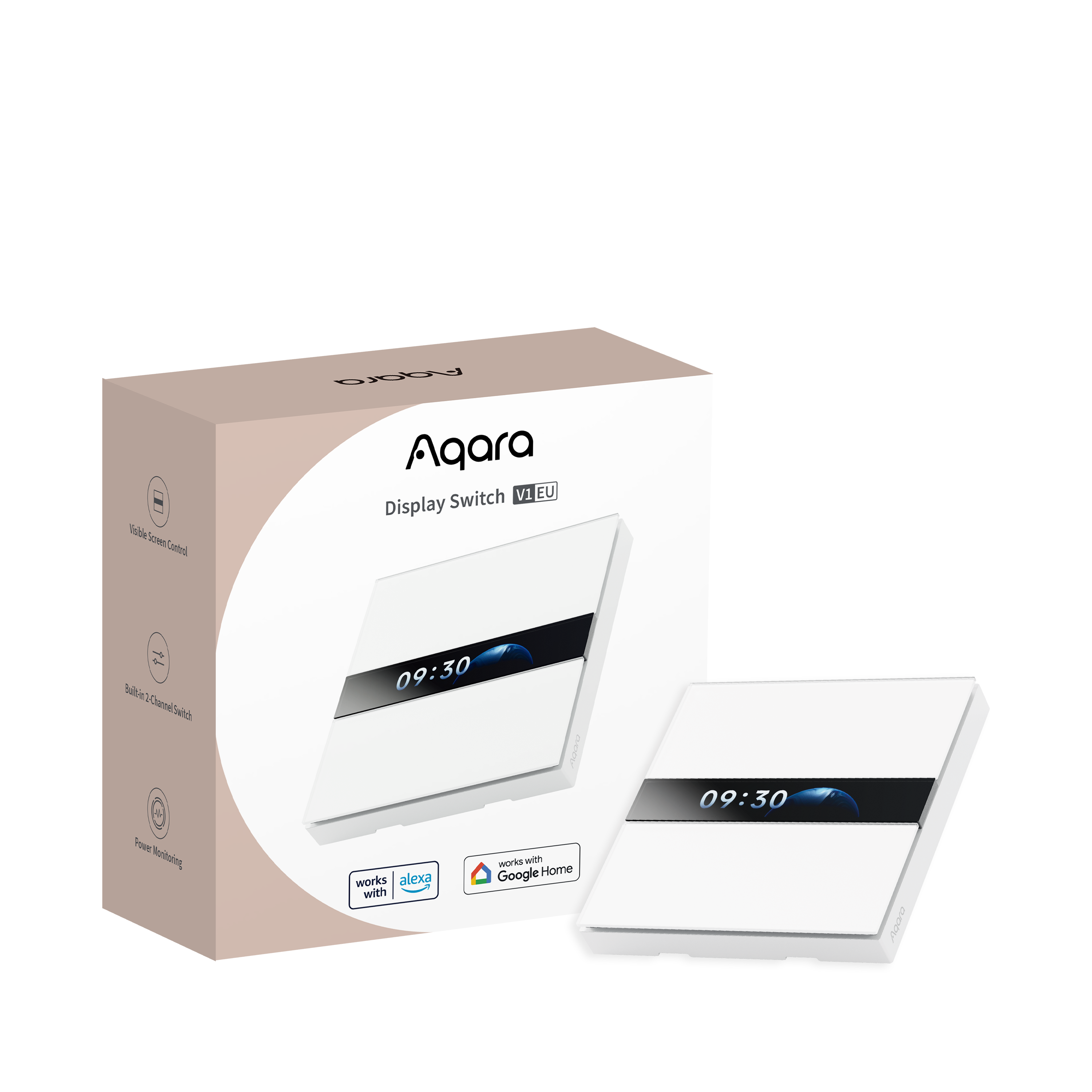
The Dimmer Switch H2 EU is listed for enquiry rather than online purchase, and the Touchscreen Dial V1 and Display Switch V1 are European-format panels — confirm fit with us before ordering any of the three.
Hubs, platforms and life without the internet
Most Aqara wall switches and modules are Zigbee devices and need a compatible Aqara hub; the S100 and MagicPad S1+ connect over Wi-Fi without one, and the MagicPad hosts Zigbee devices itself. The Light Switch H2 EU can instead join a Matter home over Thread. In every case the switch remains usable from the wall if the hub or the internet is unavailable, because the relay button keeps direct control of the circuit. That is also why a relay switch, rather than a smart bulb behind a conventional switch, is the right tool when a circuit must always work from the wall — smart switches vs smart lights explains when to use each.
Installation
Replacing a wall switch is mains wiring. Always engage a licensed electrician, and confirm the neutral, the back-box depth and actual LED driver compatibility before tiling, panelling and carpentry make corrections expensive — multi-gang points get crowded, especially in shallow masonry boxes. App pairing and scene setup are a separate step from the electrical work. We can arrange installation by a licensed electrician; contact us with a photo of the switch plate and, if you have one, the wiring behind it.
Compare the Aqara switch families
| Switch | Format | Neutral | Connection | Load | Best for |
|---|---|---|---|---|---|
| Smart Wall Switch D1 | 86 mm square, 1–3 buttons | With- or no-neutral versions | Zigbee, Aqara hub | Lighting circuits (see product page) | Straightforward on/off lighting |
| Smart Wall Switch H1 | 86 mm square rockers, 1–3 gang, metal frame | With or no neutral | Zigbee 3.0, Aqara hub | 8 A resistive | Ceiling lights and fans; rocker remaps to a wireless switch |
| Smart Wall Switch Z1 Pro | 86 mm square, 1–4 gang, touch slider | Adaptive; 3 W minimum load without neutral | Zigbee 3.0, Aqara hub | 16 A; 400 W LED | Scenes, smart-light dimming and curtains from the wall |
| Light Switch H2 EU | 55 mm EU System-55 module; double or four-button | Neutral or no-neutral | Zigbee (Aqara hub) or Matter over Thread | Not for 20 A circuits | European-format plates; Matter homes without an Aqara hub |
| Smart 20A Switch H1 | 86 mm square single rocker | Neutral required | Zigbee 3.0, Aqara hub | 20 A, power monitoring | Water heaters, dryers, ovens |
| Single Switch Module T1 | In-wall relay behind the existing switch | With-neutral model listed | Zigbee 3.0, Aqara hub | 10 A / 2500 W | Keeping an existing plate; two-way staircase circuits |
| Dual Relay Module T2 | 2-channel relay; wall box, ceiling rose or DIN rail | AC powered | Zigbee 3.0, Aqara hub; Matter via a Matter-capable hub | 10 A total; 1 A LED; ¼ HP motor | Two circuits, tubular motors, gates, interlock |
| Panel Switch S100 | 86 mm touchscreen; 3 wired channels plus on-screen tiles | Neutral required | Wi-Fi, no hub | 10 A; 400 W LED | Three circuits plus scenes on one plate |
| MagicPad S1+ | 6.9-inch panel on a single 86 mm box; 3 relays, up to 10 dashboards | Neutral required | Wi-Fi + Zigbee; is itself a hub | 400 W LED | Whole-home control point that also hosts Zigbee devices |
The Dimmer Switch H2 EU is enquiry-only; the wall-mounted Touchscreen Dial V1 and Display Switch V1 are EU-format panels — confirm fit before ordering. The desktop versions of the Panel Hub S1 Plus and Touchscreen Dial V1 need no wiring.
Frequently asked questions
Do Aqara smart switches need a neutral wire?
It depends on the model. Many existing Singapore switch drops were wired without a neutral, so the D1, H1 and Light Switch H2 EU come in with-neutral and no-neutral versions and the Z1 Pro adapts to either. The Smart 20A Switch H1, Panel Switch S100 and MagicPad S1+ require a neutral. With a neutral present you normally gain power monitoring and overload protection, so use the with-neutral version whenever the box has one. Wire colours are not proof — have an electrician verify before choosing.
Do I need an Aqara hub for a smart switch?
Most Aqara wall switches and in-wall modules are Zigbee devices and need a compatible Aqara hub for app, scene and voice control. The Panel Switch S100 and MagicPad S1+ connect over Wi-Fi without a separate hub, and the MagicPad is itself a Zigbee hub. The Light Switch H2 EU can alternatively join a Matter home over Thread through a Matter controller and Thread border router. Pressing the switch at the wall works with or without a hub.
Will an Aqara switch fit my existing switch box?
The D1, H1, Z1 Pro and Panel Switch S100 are 86 mm square models for the standard Singapore wall box, and the MagicPad S1+ mounts on a single 86 × 86 mm box with a front that spans about two squares. The Light Switch H2 EU and Dimmer Switch H2 EU are 55 mm European System-55 modules. The Single Switch Module T1 and Dual Relay Module T2 fit behind an existing plate. Back-box depth matters for multi-gang positions, so have the electrician check the box before ordering.
Can I install an Aqara smart switch myself?
Switch replacement involves mains wiring, so always engage a licensed electrician to isolate the supply, identify the conductors and fit the switch. We can arrange installation by a licensed electrician for you. Pairing the switch in the Aqara Home app and setting up scenes is a separate step that does not involve electrical work.
Which Aqara switch controls a water heater?
The Smart 20A Switch H1. It requires a neutral wire, is rated for 20 A with power monitoring and overheat and overload protection, and is the model for water heaters, dryers and ovens. The standard Smart Wall Switch H1 is rated for 8 A resistive loads such as ceiling lights and fans and is not for 20 A appliance switches.
What happens if the hub or the internet goes down?
The switch keeps working from the wall. A relay switch opens and closes the mains supply directly, so the physical button retains control of the circuit even when app, voice and automation functions are unavailable.
Can an Aqara switch control smart bulbs without cutting their power?
Yes, by using the switch's wireless mode. A conventional switch that cuts power to a smart bulb stops the bulb receiving any app, voice or automation command. On the H1 a rocker can be remapped as a wireless switch, and the Z1 Pro can pair with smart lights so the circuit stays powered while the button sends commands. The smart switches vs smart lights guide in our Articles section explains when each approach fits.