
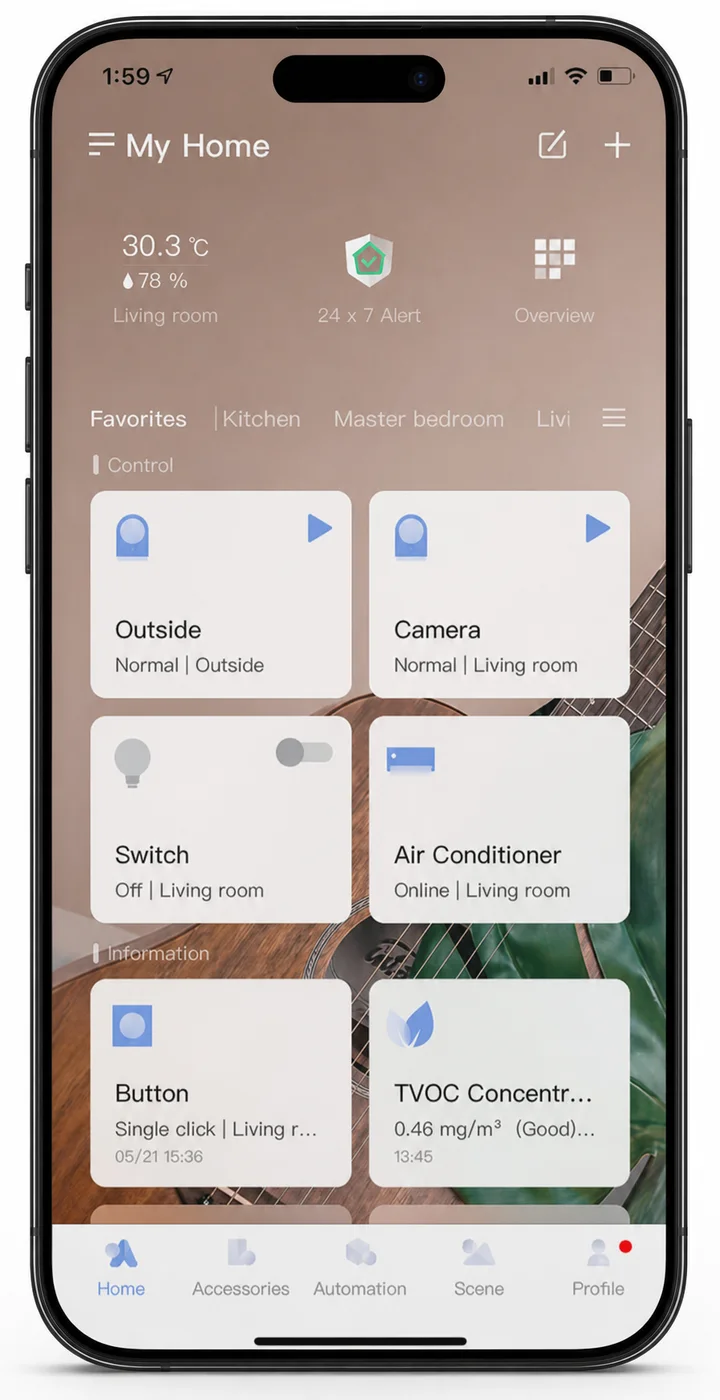
Configure the Aqara system
Aqara Home
Add and configure Aqara devices, create scenes and automations, manage rooms, review device status and access product-specific settings.
Apps, ecosystems and Matter
Configure the Aqara system in Aqara Home, then connect it to Apple Home, Google Home, Amazon Alexa or another Matter ecosystem.
Platform strategy
Aqara Home is where devices are added, configured and maintained. A second platform then provides shared household control, a voice assistant and routines that reach other brands.
Deciding that platform first determines which hub, controller and products the home needs — a decision that is far cheaper to make before installation than after.
Control platforms
The platform choice decides which interfaces the household uses, where automations are written, which voice assistant runs them and what other brands can sit alongside Aqara. Which Aqara devices and functions reach each platform varies by product, and the product pages state what each one supports.
Configure the Aqara system
Add and configure Aqara devices, create scenes and automations, manage rooms, review device status and access product-specific settings.
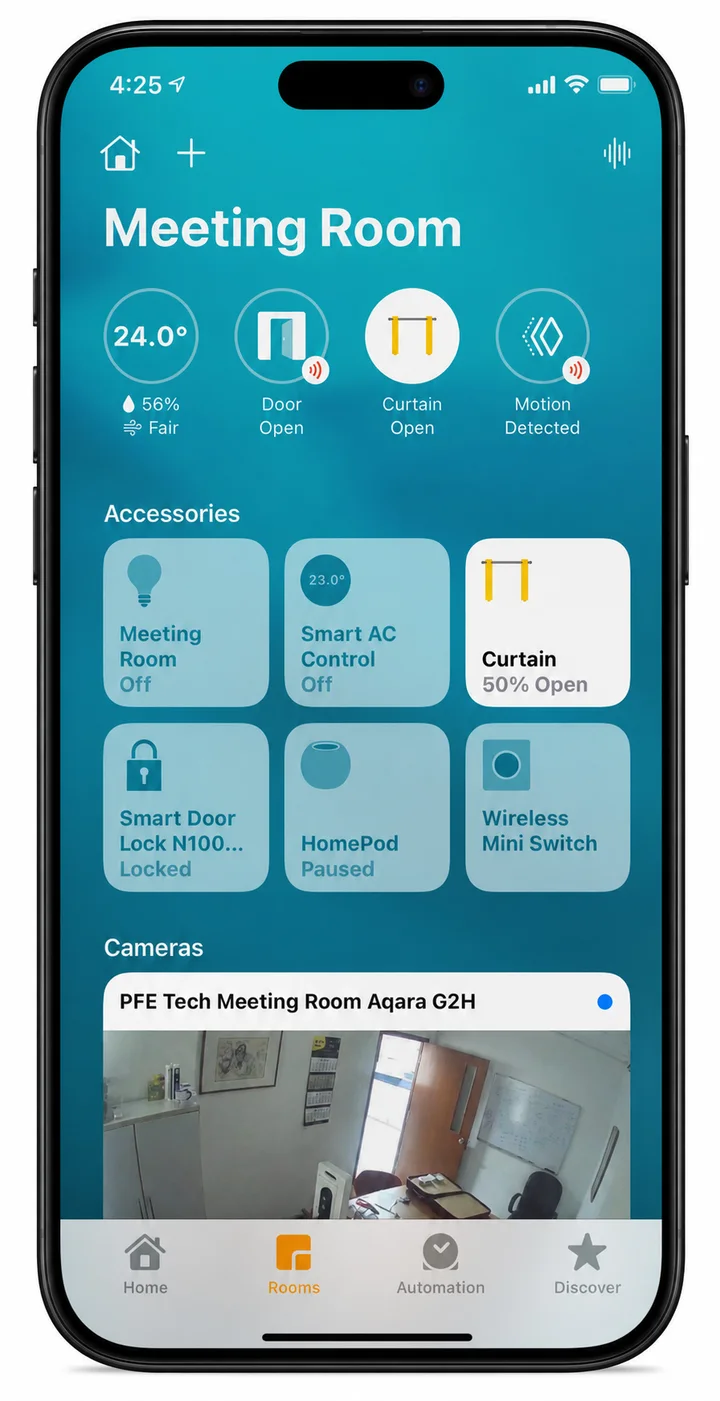
Apple devices and Siri
Bring Aqara accessories into the Apple Home app, put them in Apple scenes and automations alongside other brands, and control them by asking Siri.
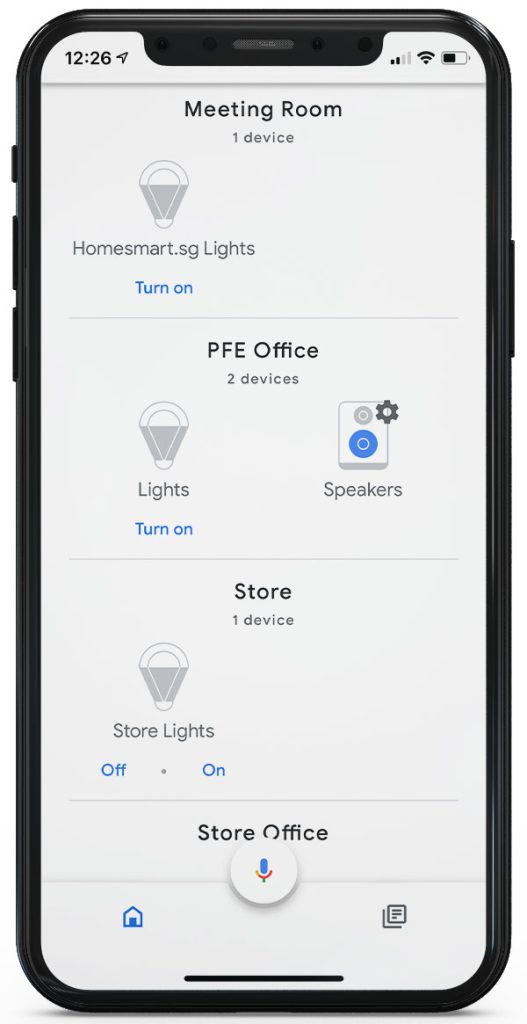
Google devices and Assistant
Control Aqara devices from the Google Home app, add them to household routines, and use Google Assistant on a phone, speaker or display for voice commands.
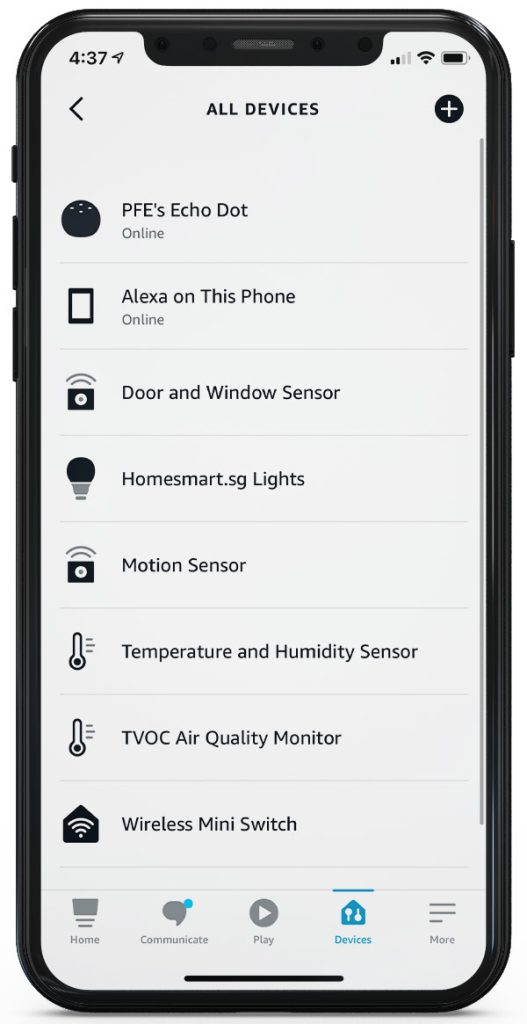
Echo devices and Alexa
Connect Aqara devices to Alexa, control them from an Echo speaker or display, and include them in Alexa routines.
How Aqara connects
Many Aqara sensors, switches and controllers communicate with an Aqara hub over Zigbee instead of joining the home Wi-Fi individually. The hub then connects to the home router through Wi-Fi or Ethernet, depending on the hub model.
Inside the rooms
Sensors, switches, lighting controls, curtain motors and the other Zigbee child devices paired to the hub.
Control centre
Receives Zigbee signals, coordinates the devices paired to it and runs automations locally. It bridges the Zigbee network to the home network; it is not the Wi-Fi router.
Home network
Connects the hub, phones and other network devices inside the home, and provides the route to the internet.
Beyond the home
Carries remote access, push notifications, firmware updates and the link to external platforms.
Phone at home
The phone joins the home network over Wi-Fi and reaches the hub directly, without leaving the house. How much keeps working during an internet outage depends on the hub and the platform.
Phone away from home
Remote access and notifications travel through the platform’s internet service, so they need a working connection at the home as well as on the phone.
This is the common Zigbee path, not every Aqara connection. Some products and hubs use Thread, Matter, Bluetooth, direct Wi-Fi or wired Ethernet instead, and which functions keep running locally varies by model and configuration.
Matter explained
Matter lets devices and ecosystems from different brands talk over a common standard. It makes cross-platform control far easier, but it does not make every feature identical everywhere — a device usually exposes fewer settings in a third-party app than in the manufacturer’s own.
Aqara reaches Matter three ways. Hubs such as the M100, M200 and M3 bridge the Zigbee devices paired to them. Products such as the Light Switch H2 and LED Bulb T2 speak Matter over Thread directly. The same hubs also act as Matter controllers, bringing third-party Matter devices into Aqara Home.
Matter connection paths
These are the three main paths. Which one applies, and what the chosen ecosystem then exposes, follows from the individual product.
Device → Aqara hub → Matter ecosystem
The hub joins the Matter platform and bridges the Zigbee devices paired to it, so a sensor that speaks only Zigbee still appears in Apple Home or Google Home.
Device → Thread border router → Matter ecosystem
A Thread device cannot reach the network alone. It needs a Matter controller that is also a Thread border router — the Aqara Hub M100, M200 and M3 all do both.
Device → home Wi-Fi → Matter ecosystem
The product joins the home Wi-Fi directly and is commissioned by the ecosystem's own controller. No bridge and no border router are involved.
Before buying
Confirm the complete path before choosing products for a multi-platform home.
01
Confirm the exact model and connection mode.
02
Check whether an Aqara hub or bridge is required.
03
Confirm the chosen ecosystem has the right Matter or Thread controller.
04
Verify which controls, sensors and scene actions are exposed.
05
Update the app, hub and device before commissioning.
Plan your Aqara smart home
Tell us which phones, speakers, hubs and smart home platforms are already in the home. We can help check the Aqara products and connection path required.