Aqara Touchscreen Dial V1 (Desktop Version)
- Wi-Fi
Connects directly to Wi-Fi; no Aqara hub is required for core operation.
$359.00
In stockA USB-C tabletop dial with a 1.32-inch touchscreen for lights, curtains, AC and scenes. Haptic feedback, climate sensor, Apple Home, no hub.
- Secure card payment
- Visa & Mastercard
- Official Singapore sets
- Free Singapore delivery
- Local warranty
- GST-inclusive prices
Local warranty: 24 months, carry-in · Terms
Category: Smart Switches
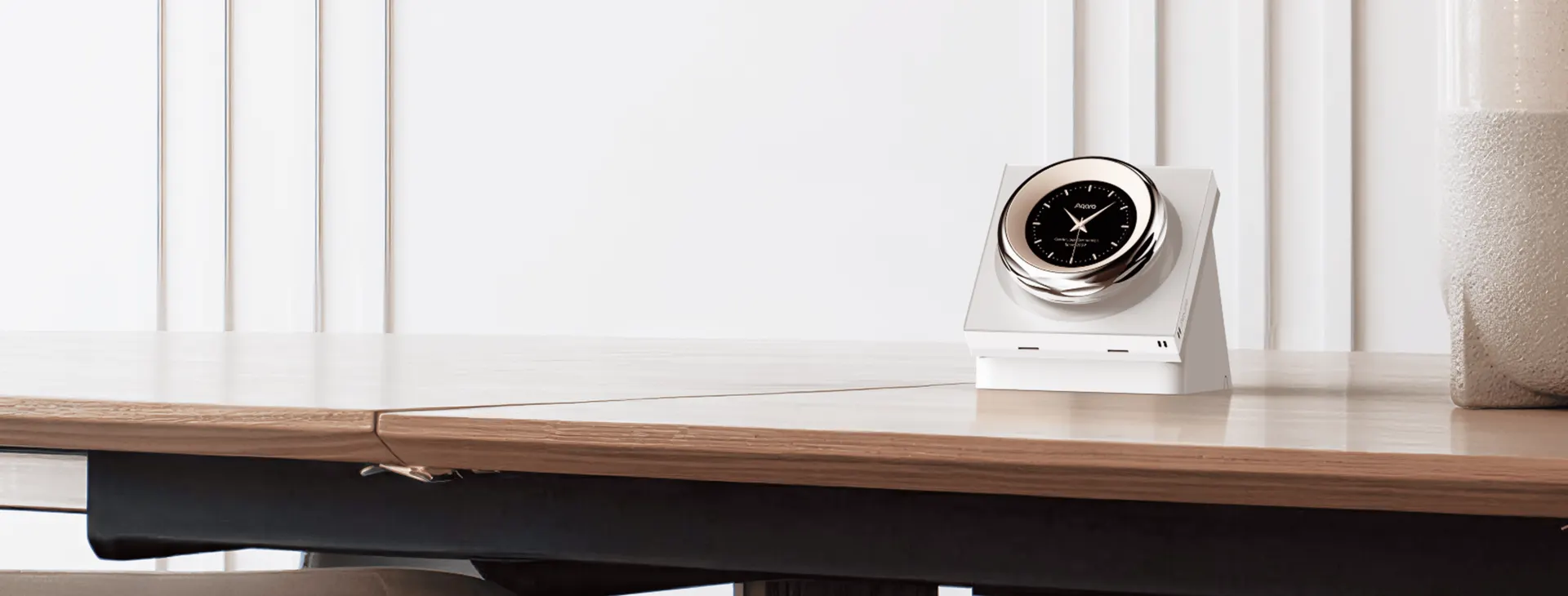
Turn, tap, done.
A rotary dial and 1.32-inch round touchscreen that controls lights, curtains, air conditioning and scenes from any table — powered by USB-C, no hub required.
- Round touchscreen
- 1.32"Round touchscreen
- Devices or scenes linked
- 18Devices or scenes linked
- Vibration and sound feedback
- HapticVibration and sound feedback
- Dual-band Wi-Fi
- 2.4 / 5 GHzDual-band Wi-Fi
- Works on its own
- No hubWorks on its own
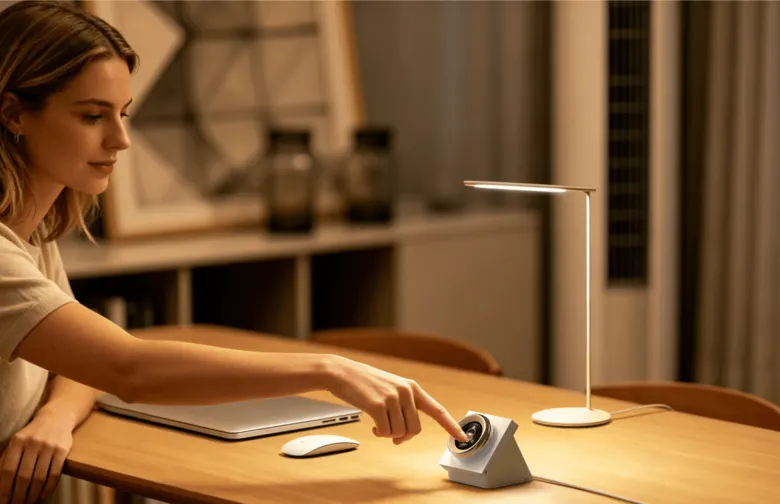
The room's key controls, in one dial.
Link up to 18 devices or scenes and move between them by swiping, or press and hold and turn the dial to scroll quickly. It connects straight to dual-band Wi-Fi, so there is no hub to buy, and runs from USB-C on a desk, bedside table or counter.
- Precise adjustment — turn to set dimmable brightness, tunable-white or colour lighting, curtain opening percentage and AC temperature
- Six wireless switches for Apple Home — the dial also appears in Apple's Home app as six extra buttons; give each one a scene or another brand's device there, place it on a page of the dial and tap to run it
- No hub required — scan to add it to Aqara Home or Apple Home directly; Amazon Alexa and Google Home connect through the cloud
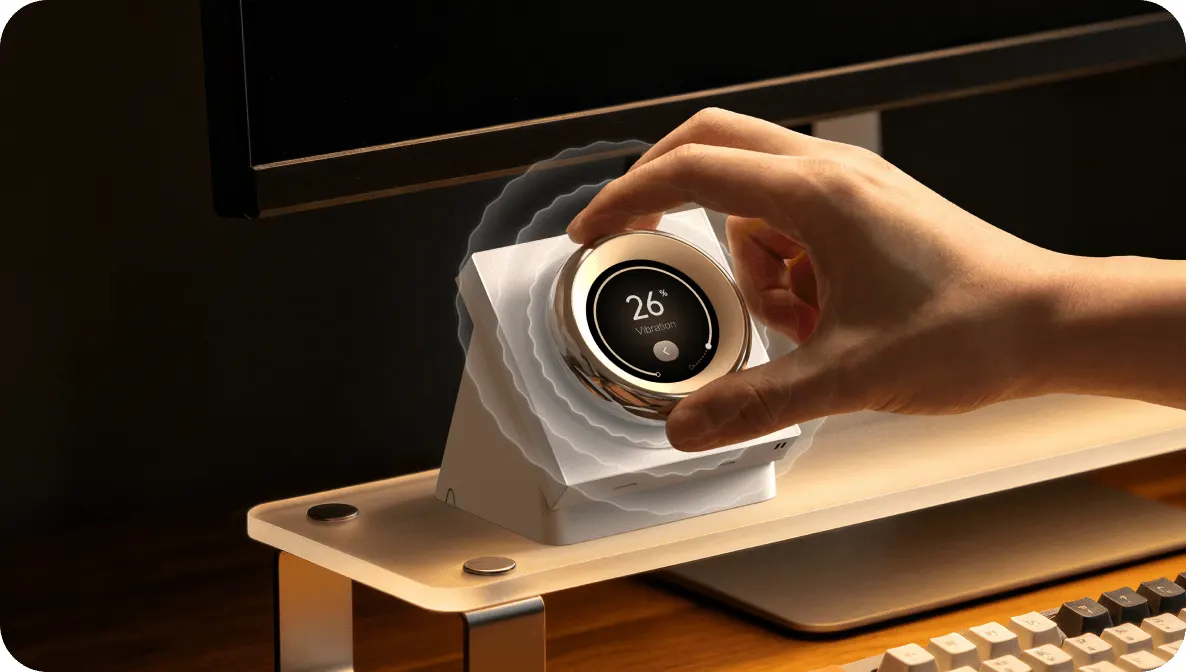
Every turn answers back.
The dial pairs tactile vibration with optional sound, so each step in brightness, curtain position or temperature registers without looking at the screen. Vibration strength and audio feedback are both adjustable.
- Multi-sensory confirmation — vibration and sound as you turn and select
- Fast navigation — swipe one device at a time, or hold and turn to scroll the list
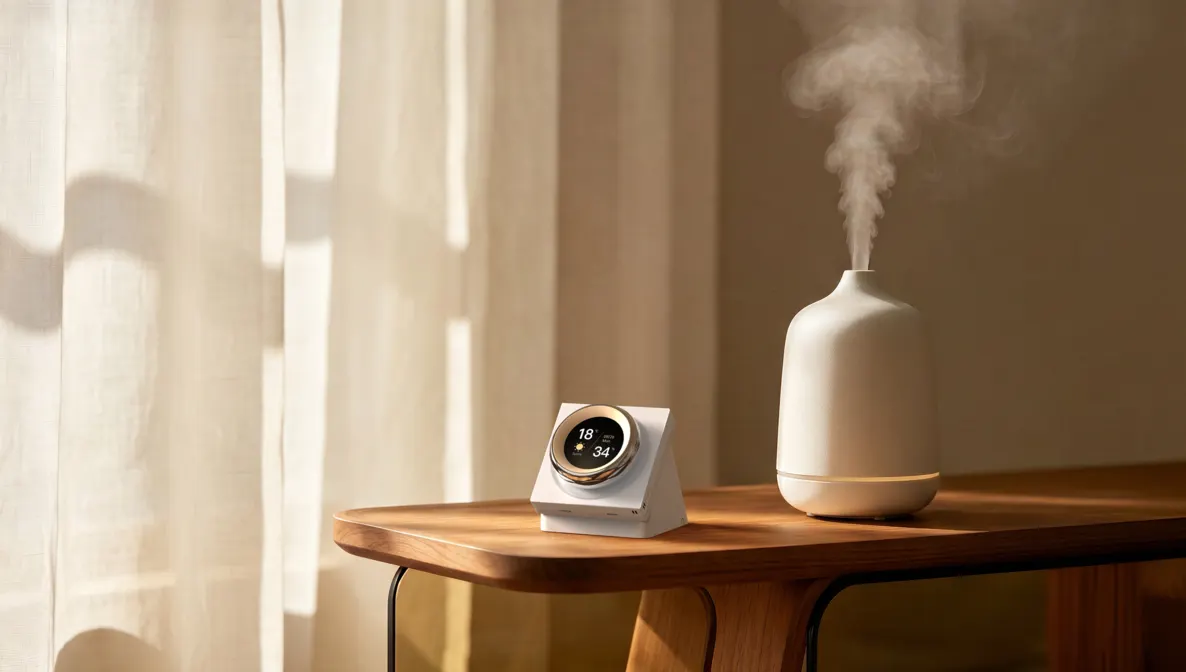
It knows how the room feels.
A built-in temperature and humidity sensor shows indoor conditions on the screen and can trigger automations — switch on a humidifier through a smart plug when the air gets dry, or adjust the air conditioner when the room warms up. Link other Aqara climate sensors to show readings from elsewhere in the home.
- Screen and screensaver — time, date, weather and room temperature and humidity, in a light or dark theme
- Climate triggers — use the dial's own readings as automation conditions in Aqara Home
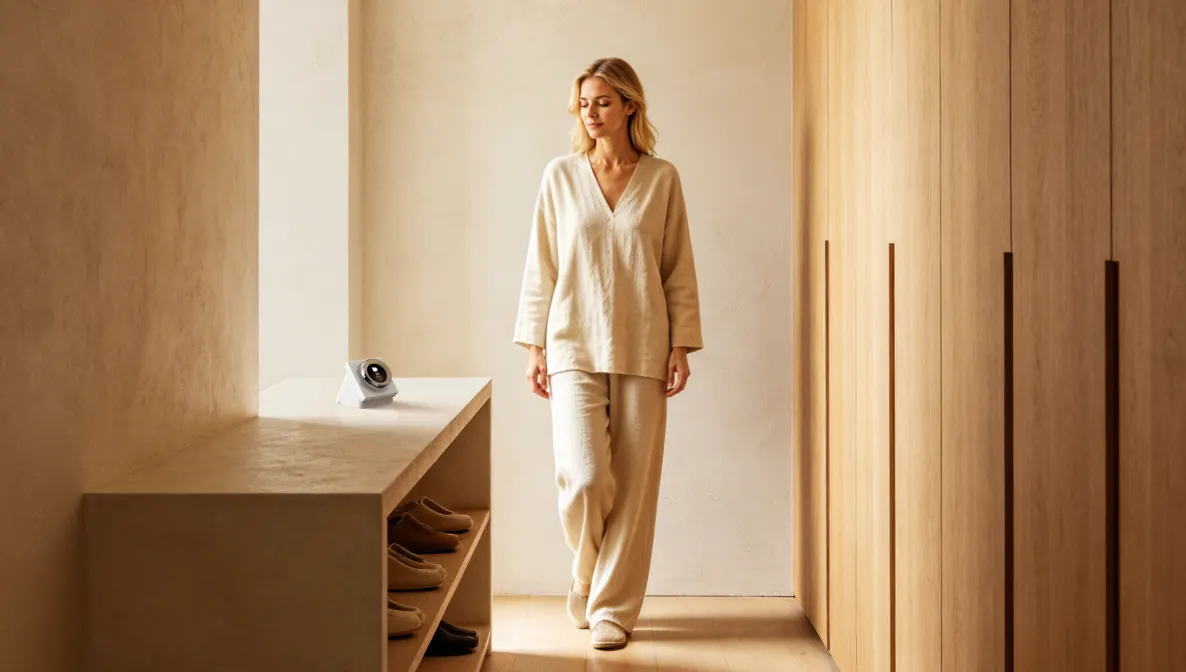
Awake before you touch it.
A built-in mmWave radar wakes the screen as you approach, with an adjustable activation distance. Approach can also act as an automation trigger — run an entrance scene when someone walks up to the dial.
- No tap-to-wake — the interface is ready as you arrive
- Presence as a trigger — use proximity to start a device or scene in Aqara Home
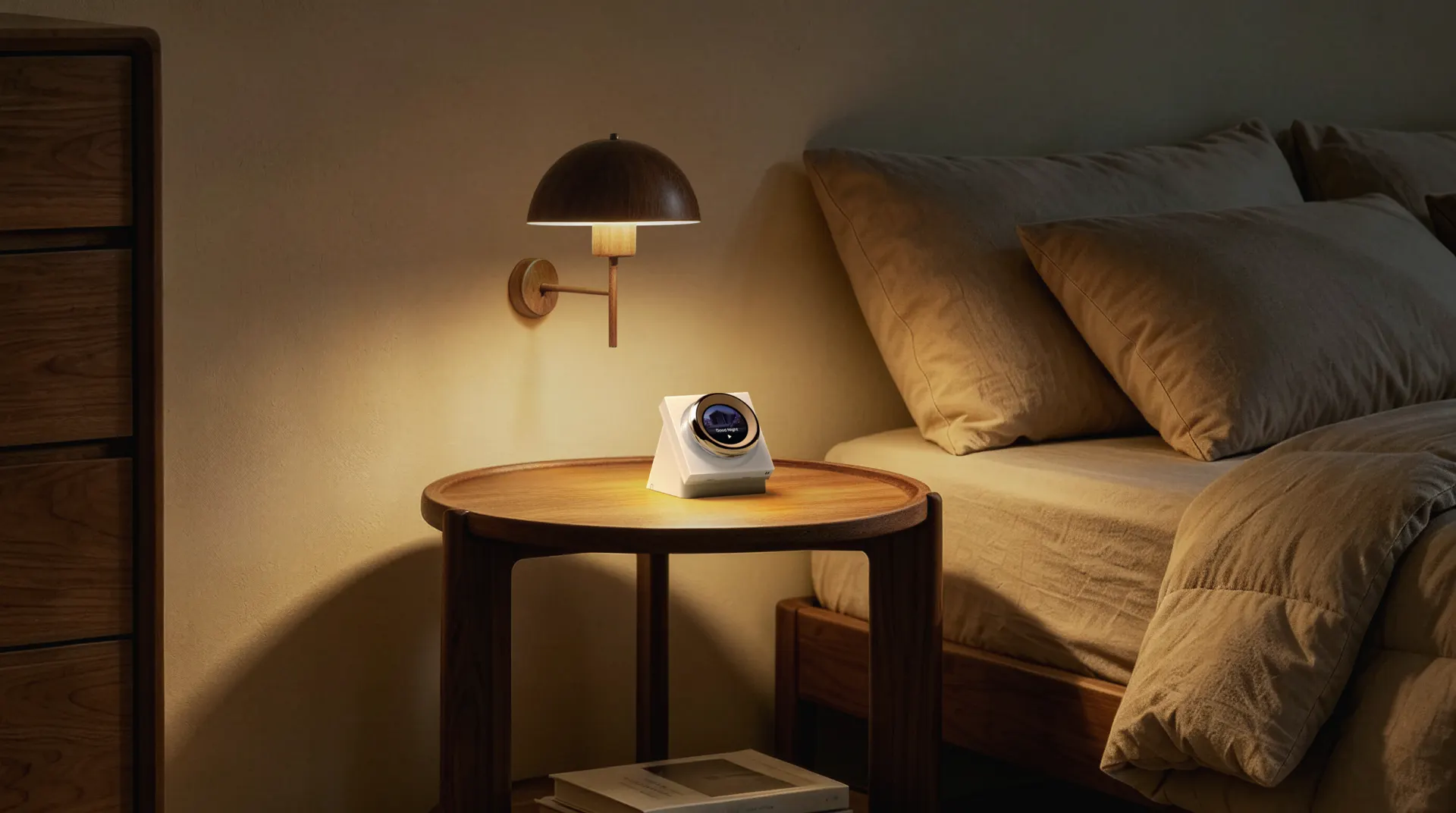
Dim the lights and close the blinds without leaving bed.
A bedside dial that runs your good-night scene and shows the room's temperature at a glance.
Tech specifications
| Product | Touchscreen Dial V1 (Desktop Version) |
|---|---|
| Model | WS-K11D |
| Screen | 1.32-inch round touchscreen with rotary dial and haptic feedback |
| Built-in sensors | Temperature, humidity, mmWave radar (proximity) |
| Wireless | Wi-Fi IEEE 802.11 a/b/g/n/ac (2.4 / 5 GHz), Bluetooth |
| Ecosystems | Aqara Home, Apple Home (native); Amazon Alexa and Google Home via cloud |
| On-screen control | Up to 18 devices or scenes (Aqara Home); 6 wireless switches exposed to Apple Home |
| Power input | USB-C, 5 V ⎓ 2 A |
| Dimensions | 86.6 × 107.3 × 92.8 mm |
| Operating temperature | -10°C to 40°C |
| Operating humidity | 0–95% RH, non-condensing |
| In the box | Touchscreen Dial V1 (Desktop Version) × 1, USB-C cable × 1, User Manual × 1 |
This desktop model has no relay and does not switch a wired circuit; it controls compatible Aqara devices and scenes wirelessly. Dial control, device navigation, the 18-device list, proximity activation and screensaver customisation are available in the Aqara Home app only. A power adapter is not listed among the supplied items; use a compliant 5 V / 2 A USB-C supply.
Frequently asked questions
Does the Touchscreen Dial V1 Desktop Version need a hub or wiring?
No. It connects to your home's 2.4 GHz or 5 GHz Wi-Fi and runs from USB-C at 5 V, 2 A, so it needs no Aqara hub and no electrician. It has no relay and does not switch a wired circuit; it controls compatible Aqara devices and scenes wirelessly. A power adapter is not listed among the supplied items.
How is it different from the wall-mounted Touchscreen Dial V1?
The wall-mounted Touchscreen Dial V1 fits a wall box, needs a neutral wire and includes relays that switch lighting circuits directly. The Desktop Version stands on a table, runs from USB-C and has no relays, so it controls other devices and scenes rather than a circuit behind it.
Does it work with Apple Home, Alexa and Google Home?
It adds natively to Apple Home (HomeKit) by scanning its code and works with Amazon Alexa and Google Home through the cloud. The dial control, device navigation of up to 18 devices or scenes, proximity activation and screensaver customisation are available in the Aqara Home app only.
Can I only control six things from it?
No. Every device or scene you add in the Aqara Home app gets its own page on the dial, up to 18 in total. Swipe to a page, then tap or turn the dial to control it. The six wireless switches are a separate feature for Apple Home.
What are the six wireless switches for?
They are Apple Home's way into the dial. Once the dial is added to Apple's Home app, it shows up there as six wireless switches. In the Home app you give each one a job, such as a whole-home scene or a light from another brand like Philips Hue, then place that switch on one of the dial's pages in Aqara Home. Tapping it on the dial then runs whatever you assigned in Apple Home. If everything you want to control is Aqara, you can simply add those devices and scenes to the screen and may never need the wireless switches.