
When
A person arrives, motion is detected, a lock changes state, or a scheduled time is reached.
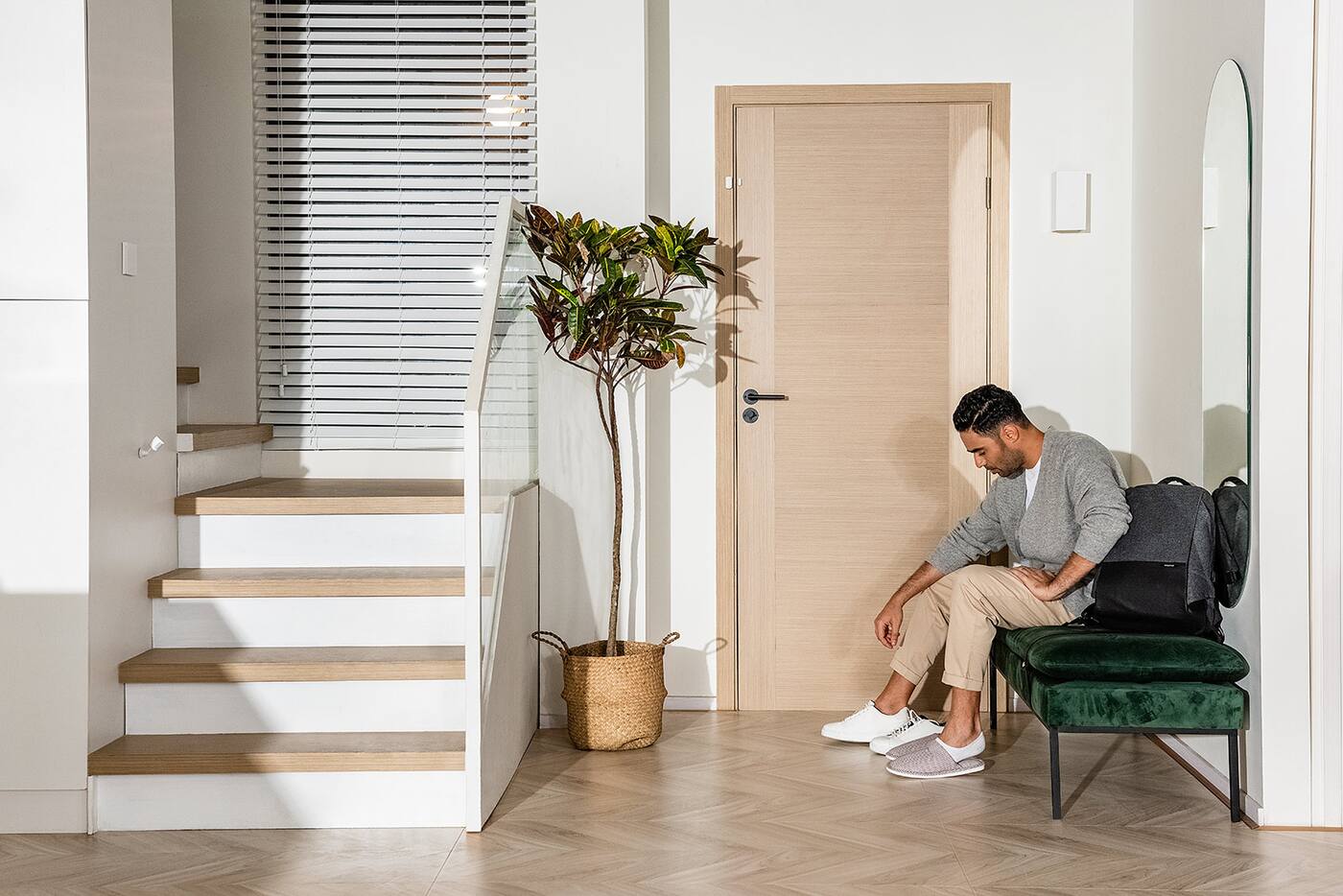
Aqara automations
Use sensors, schedules, device status and conditions to control lighting, curtains, air-conditioning, security and more automatically.
Automation logic
Every automation starts with an event, checks any required conditions, and runs one or more actions.
This structure keeps the response specific. A motion sensor can turn on a light only after sunset, or an air-conditioner can start only when the room is both warm and occupied.
A person arrives, motion is detected, a lock changes state, or a scheduled time is reached.
After sunset, while someone is present, above a set temperature, or only when the home is in Away mode.
Control a light, curtain, air-conditioner, notification, alarm, device or complete scene.
Everyday automations
These are written with real devices and values so the logic is clear rather than abstract. The triggers, conditions and actions actually available in a given home depend on the products, hub and app installed.
Around the home
Aqara automations can coordinate several product categories so the result matches the way a room is used.
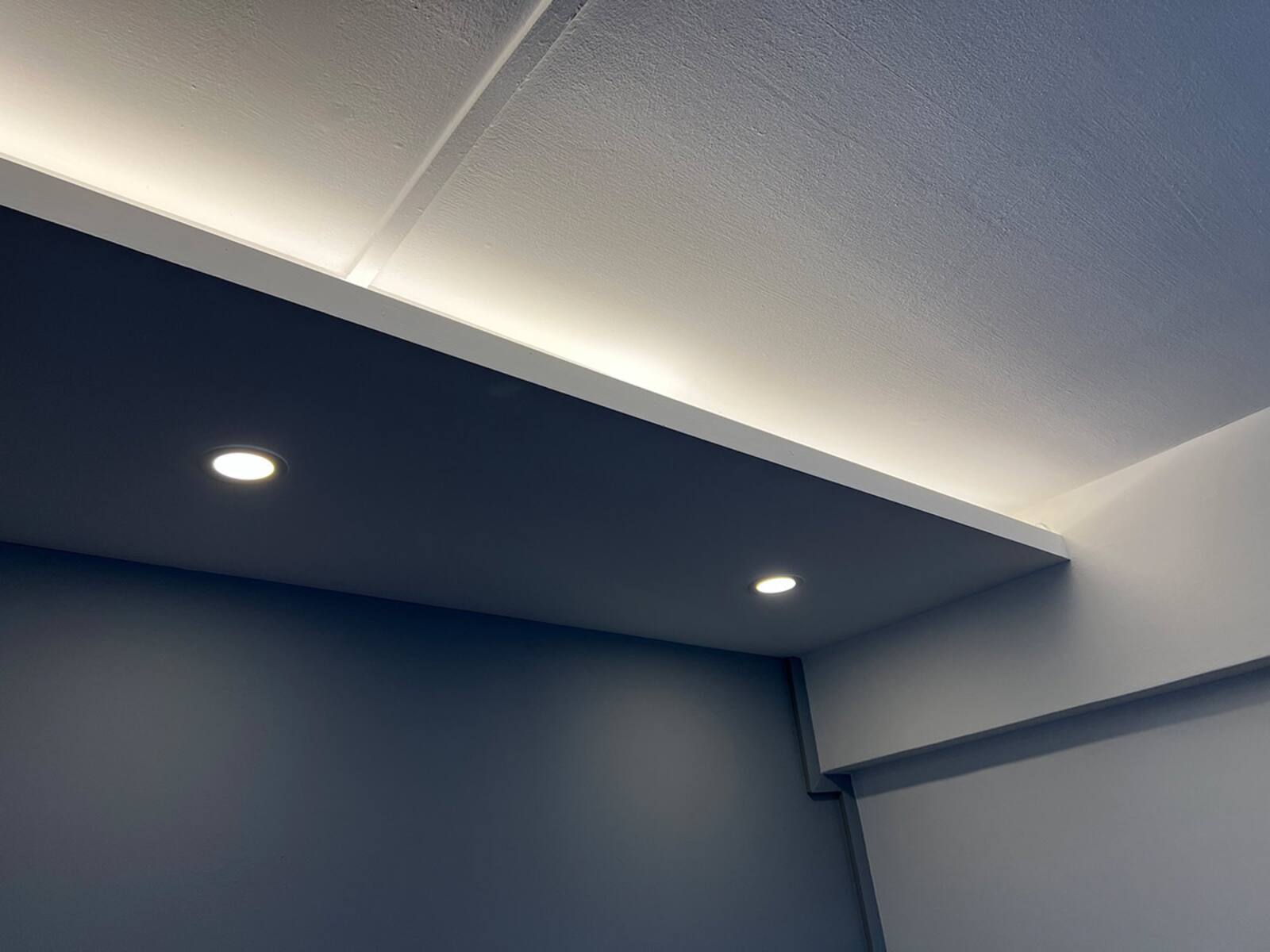
Turn lights on only when needed, adapt brightness by time of day, and switch empty areas off automatically.
View products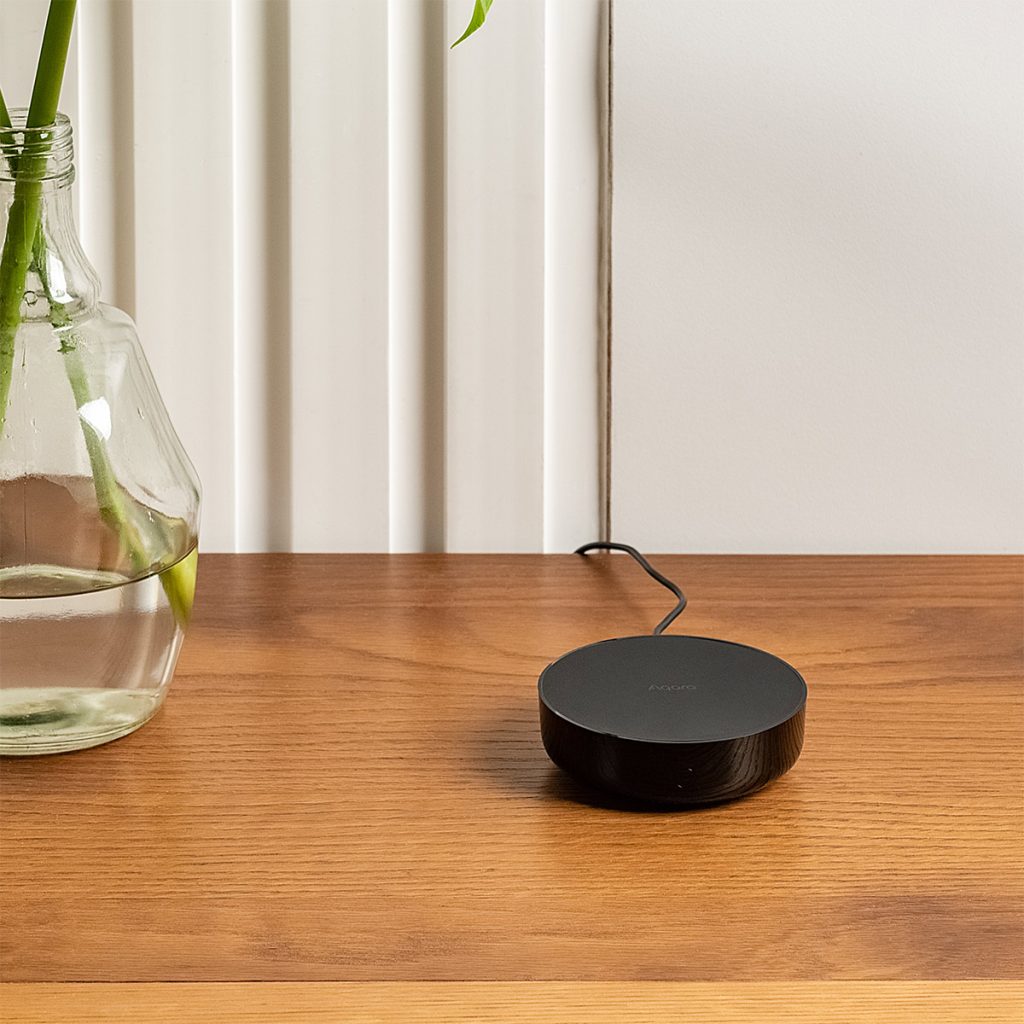
Pair a hub with an infrared blaster to a temperature or presence sensor so cooling follows occupancy, schedules and room temperature.
View products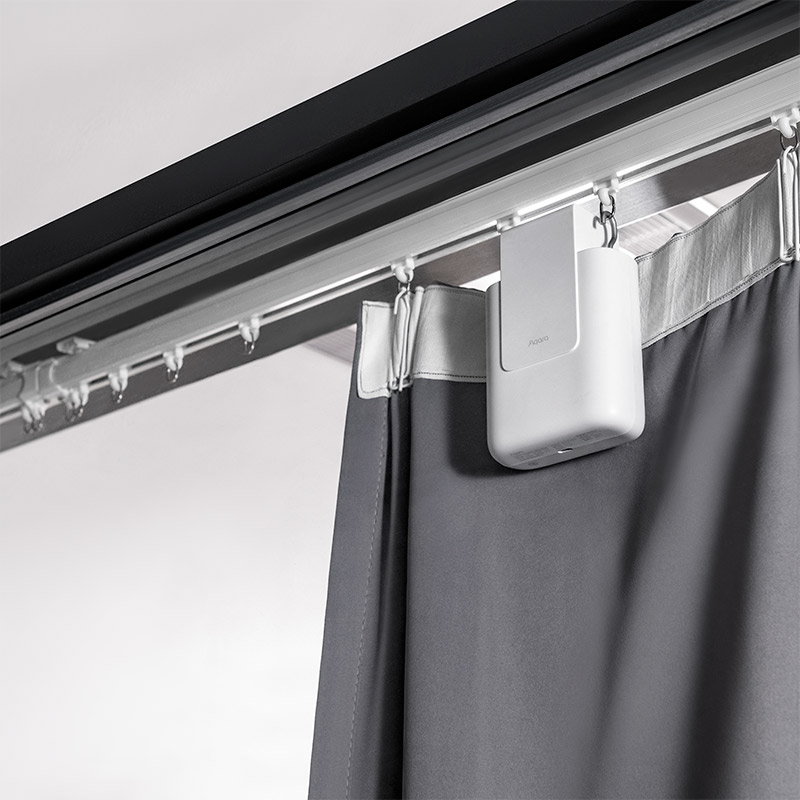
Open or close curtains by schedule, sunrise, sunset, room use or a wider arrival and bedtime routine.
View products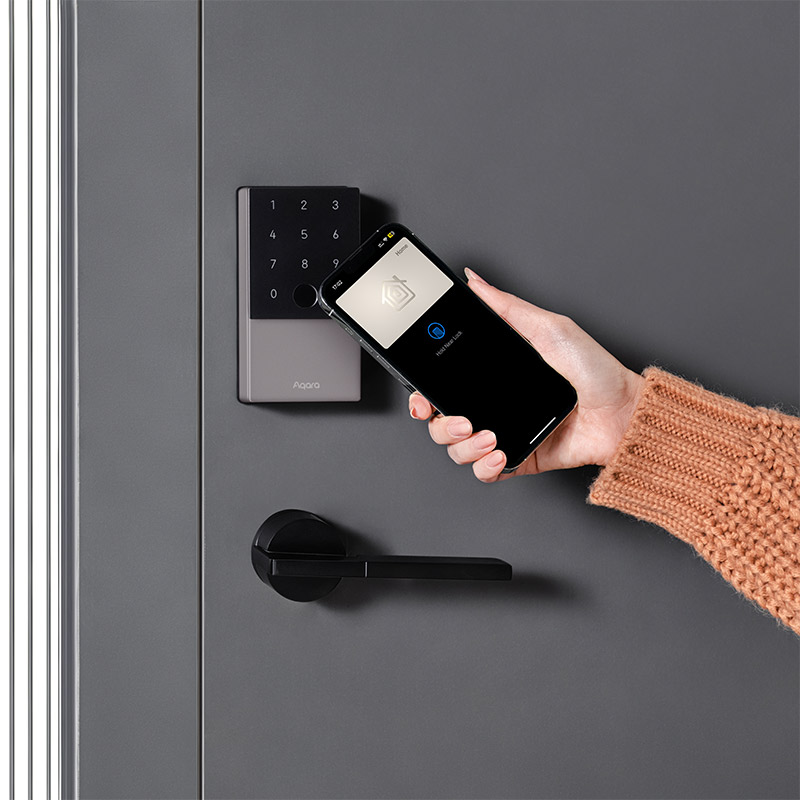
Coordinate locks, cameras, doorbells and sensors so an unlock, a doorbell press or an open door produces the right response.
View products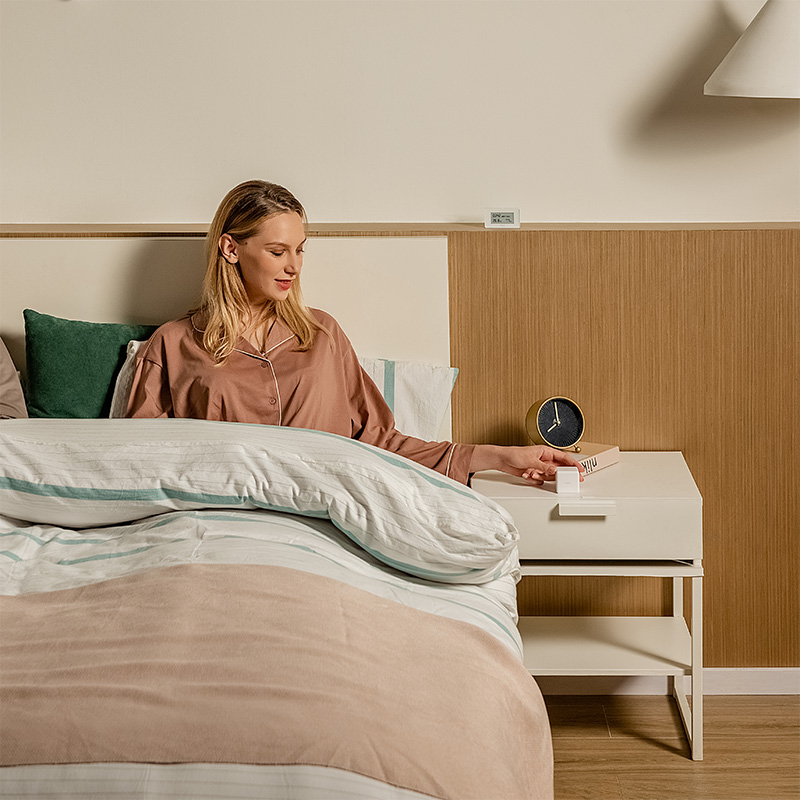
Good automation design
Reliable automation includes clear conditions, sensible delays and an obvious manual control.
Read the detailed guide to arrival, evening and Good Night routines, including modes, exceptions and manual override.
Plan your Aqara smart home
Share your floor plan and the actions you want to automate. We can translate them into the sensors, controls, hubs and Aqara products that will carry them.