
Switches and Lighting
Aqara Smart Switch Comparison: D1 vs H1 vs Z1 Pro vs H2
Compare Aqara D1, H1, Z1 Pro and H2 smart switches by wiring, buttons, relays, protocols, decoupled control and finish.
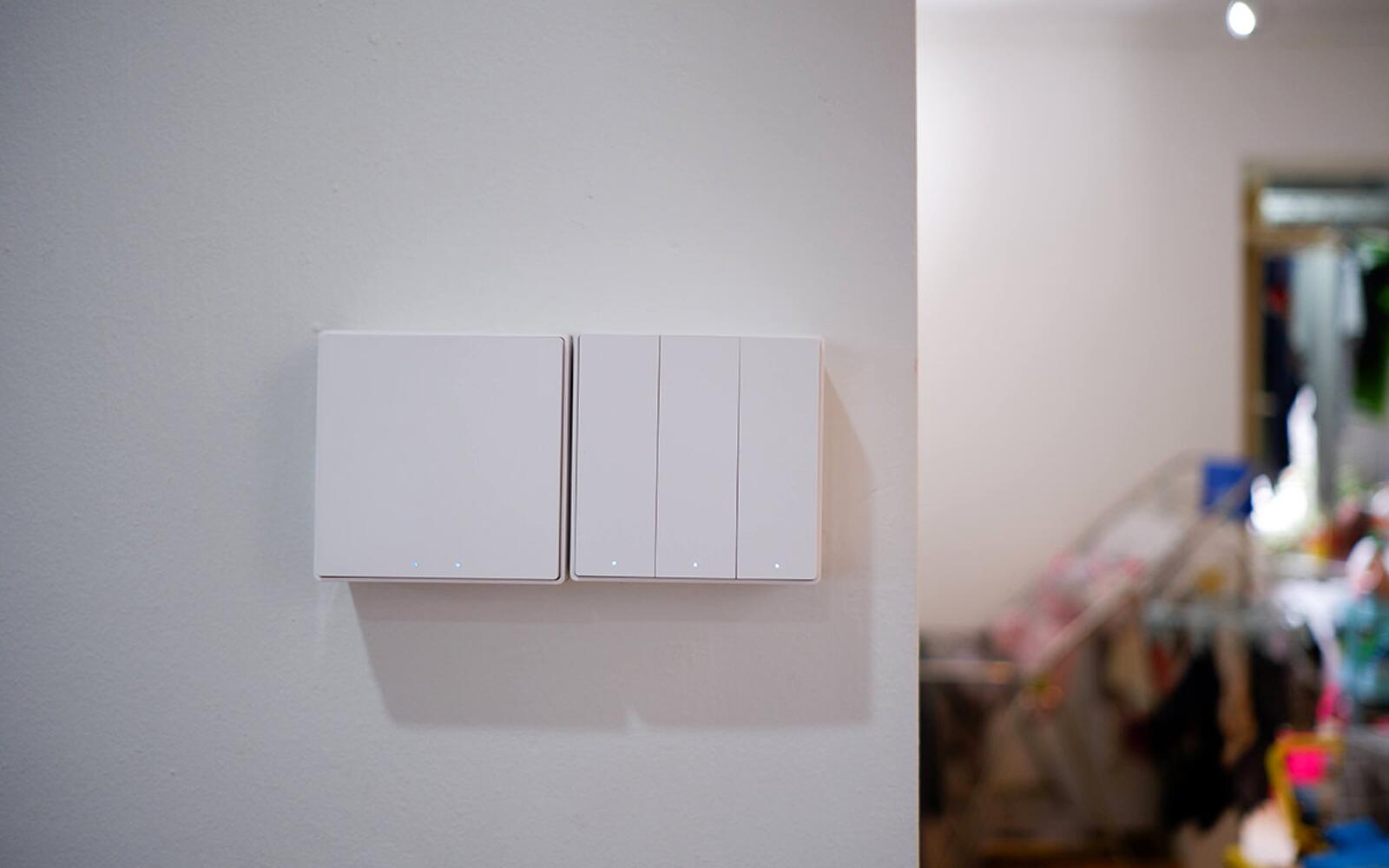
All four of these Aqara switches, the D1, H1, Z1 Pro and H2, let you control your lights from your phone. What differs is how they feel, what has to be behind them in the wall, and what the extra buttons can do.
This comparison covers the switch families we sell. Within each family, the exact model decides how many circuits and buttons you get and whether it needs a neutral wire, so check the variant and its wiring diagram before you order.
On this page
- D1 vs H1 vs Z1 Pro vs H2 at a glance
- Aqara D1: the simple way to make existing switches smart
- The Aqara H1 feels better and comes with or without neutral
- What the Z1 Pro's touch slider and extra presses are for
- Aqara H2 for square System 55 plates and Thread
- Neutral wiring decides which switch you can use
- Switching, dimming and smart bulbs are different jobs
- What to list for each switch before you buy
D1 vs H1 vs Z1 Pro vs H2 at a glance
Don't go by the number of buttons on the front. On some models, only some buttons are wired to a relay that actually switches a circuit; the rest are programmable wireless buttons. Those are handy for scenes and curtains, but they can't switch an extra light.
The D1, H1 and Z1 Pro are established 86 mm square switches, a size widely used in Singapore homes. The H2 is newer, and the version we sell uses the square European 55 mm (System 55) format, with models that mix relay buttons and programmable ones.
| Family | Why you'd pick it | What it switches | What the extra controls do | Connects through |
|---|---|---|---|---|
| D1 | Good value and familiar full-size 86 mm rockers | On/off relays; neutral and no-neutral versions | App, automations and a wireless second switch | Aqara Zigbee hub |
| H1 | Firmer feel and a metal frame | On/off relays; neutral and no-neutral versions | Buttons can be decoupled to work as wireless buttons on supported versions | Aqara Zigbee hub |
| Z1 Pro | Touch slider and more programmable presses | On/off relays; one adaptive design for neutral or no-neutral | Slider plus single, double and hold presses | Aqara Zigbee hub |
| H2 | Newer square System 55 multi-button format | Relay channels plus programmable buttons; depends on the model | Buttons can be assigned to a light or a scene | Zigbee or Thread on supported versions |
Aqara D1: the simple way to make existing switches smart
The D1 is the straightforward choice when you want to swap a normal wall switch for a smart one that still clicks on and off with a full-size rocker. One-, two- and three-rocker versions cover one, two or three lights, and the 86 mm square size fits the wall boxes in many Singapore homes.
It keeps working from the wall if the internet or hub goes down. Add an Aqara hub and you can control it from Aqara Home, put it on schedules and automations, or use it from another supported smart home platform. If you want a second switch by another door, a wireless Aqara button can do that without running another cable.
It's not the one to get if you want a metal-framed panel, a slider, several programmable buttons in one place or Thread. Otherwise it's a good fit for bedrooms, storerooms and homes with lots of plain on/off lights.
The Aqara H1 feels better and comes with or without neutral
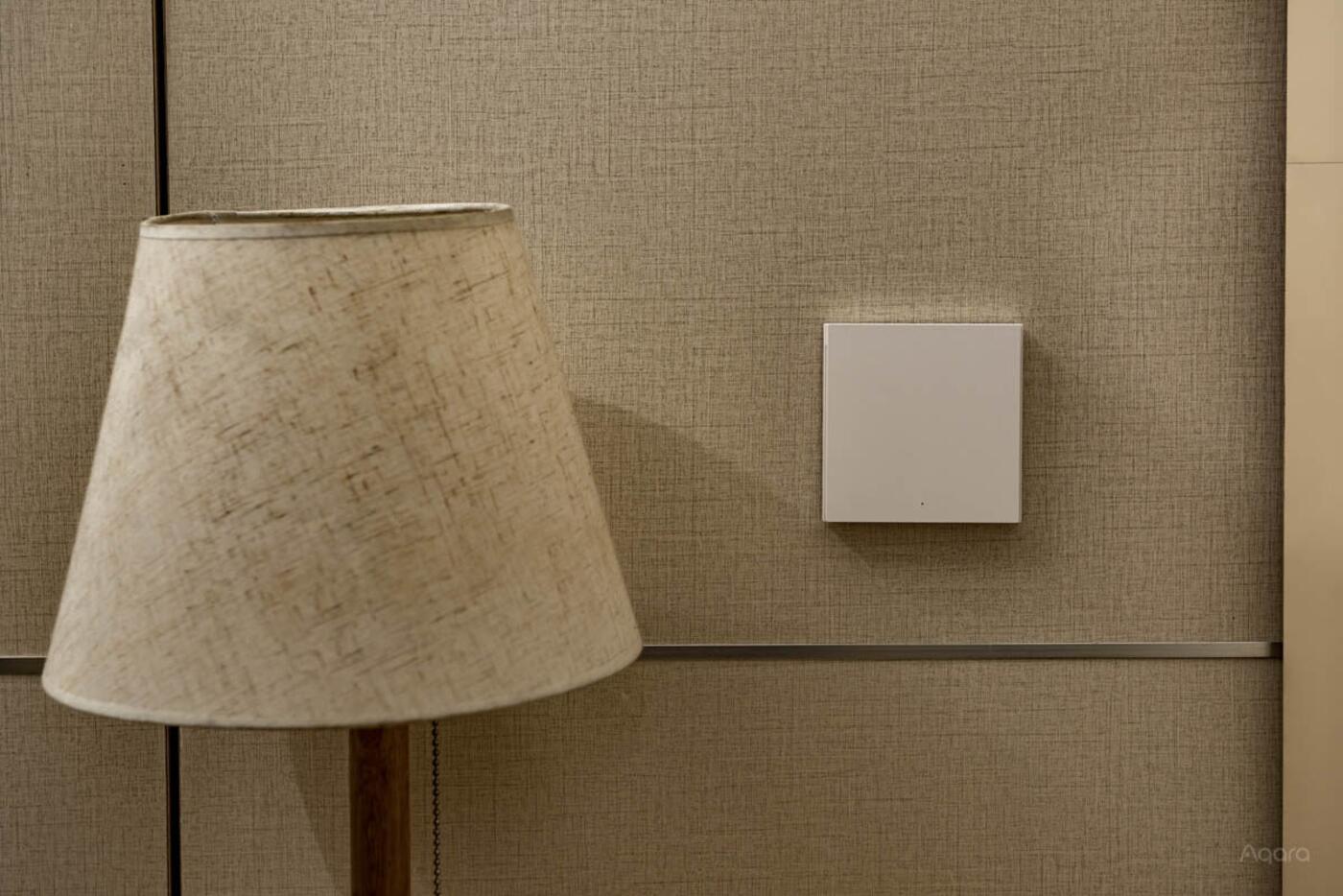
The H1 does the same basic job as the D1 but is nicer to use. Its rockers have a short, firm press and the frame is metal. It comes in with-neutral and no-neutral versions, so it suits both new wiring and many existing homes, and we sell one-, two- and three-rocker models.
On supported versions you can decouple a button from its relay. The light stays powered and the button becomes a wireless control for a smart light, a curtain or a scene. Pressing it then no longer cuts the power the way a normal switch does, so label decoupled buttons and make sure your electrician knows about them.
The with-neutral H1 can do things the no-neutral one can't always manage, including power monitoring and, on supported models, acting as a Zigbee repeater. Buy the no-neutral version because your wall box has no neutral, not as an equal alternative.
What the Z1 Pro's touch slider and extra presses are for
The Z1 Pro has a touch strip down the left side of the panel. Slide it to change the brightness or colour temperature of supported lights, or to move curtains. Its buttons also recognise a single press, a double press and press-and-hold, and you can set each one up separately. So one switch can run its wired lights as well as other devices or scenes.
On the Z1 Pro models we sell, the same adaptive design works with or without a neutral. Aqara's MARS-Tech mode keeps compatible Aqara smart lights powered and in sync, instead of cutting their supply every time you use the switch. That's a different way of working from an ordinary switch turning an ordinary lamp on and off.
Decide what the slider and each press will do in every room before it goes in. Buttons that look the same but do different things from room to room will confuse anyone who doesn't have labels to go by. In a storeroom the Z1 Pro is overkill. In a living room with tunable lights, curtains and evening scenes, it can replace several separate controls.
Aqara H2 for square System 55 plates and Thread
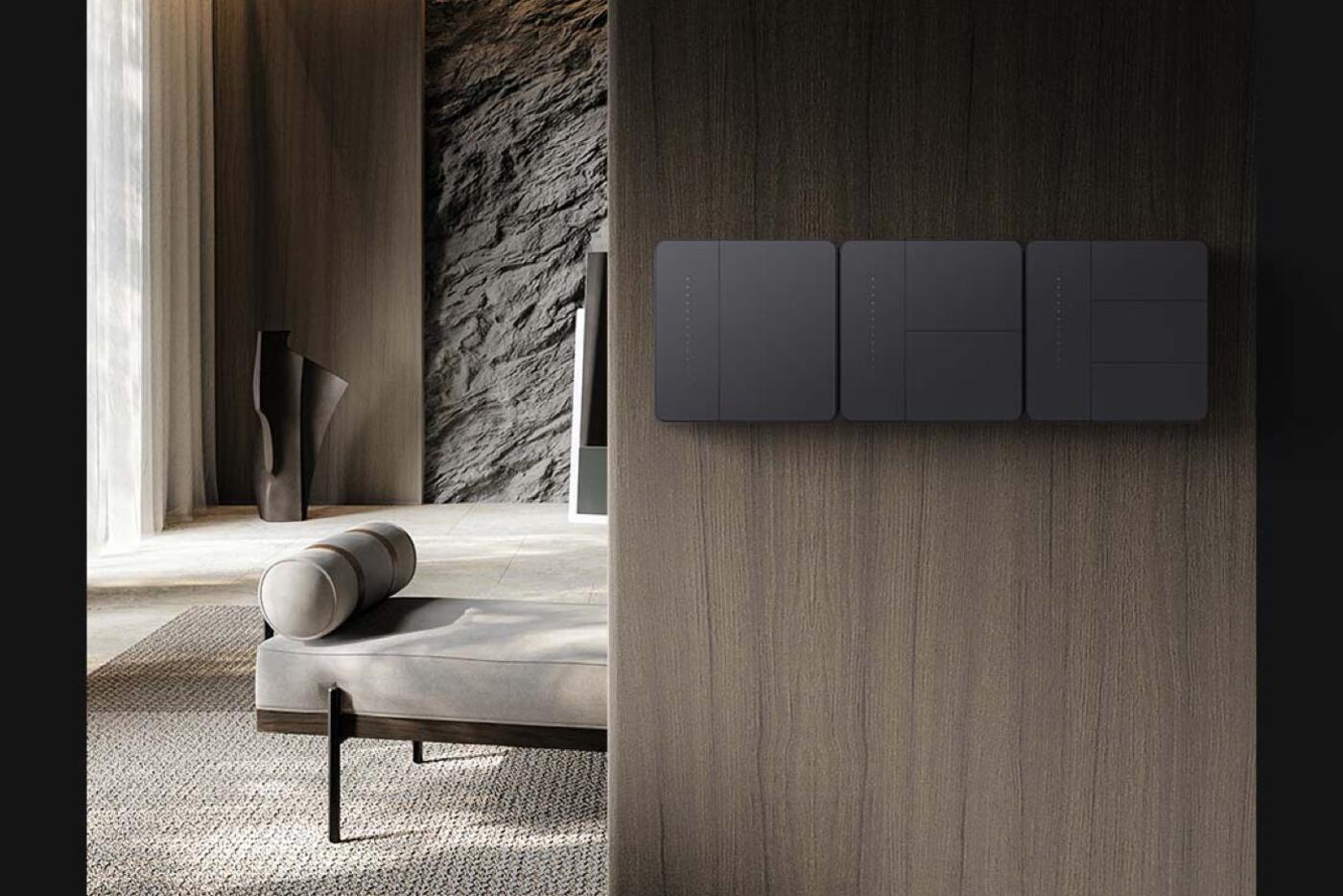
The Light Switch H2 we sell uses the square European System 55 plate, and some versions have more buttons than relay channels. One switch position can turn wired lights on and off while the spare buttons run scenes or other devices. It's a neat fit if your frames and interior details are already designed around 55 mm modular plates.
Supported H2 versions can run on Zigbee or Thread. On Zigbee, you set it up in Aqara Home with all of Aqara's own settings and local hub automations. On Thread, you add it through Matter, using a compatible Matter controller and Thread border router. Some Aqara-only options may not show up in other platforms.
The Light Switch H2 and the Dimmer Switch H2 are different products. The light switch uses a relay to turn a circuit on or off; the dimmer electronically varies the power to a compatible dimmable light. Tell your electrician which one each light needs before you order.
Neutral wiring decides which switch you can use
A switch with neutral gets a permanent live and neutral supply in the wall box. A no-neutral smart switch has to power itself through the light it's connected to, even while that light is off. That difference affects which lights it works with, whether it can monitor power or act as a mesh repeater, and sometimes how small an LED load it can handle reliably.
You can't tell the wiring from the age of the building, the colour of the plate or a photo of the wires. A qualified electrician needs to isolate and test the circuit and identify the live, load, neutral and any two-way wires. If you're renovating, ask for a neutral and a deep enough box at every smart switch position; that keeps every option open.
The Z1 Pro and some H2 models save you choosing between neutral and no-neutral stock, but the wiring still matters. Terminal layout, load rating and setup all depend on the circuit you actually have.
Switching, dimming and smart bulbs are different jobs
The D1, H1, Z1 Pro and Light Switch H2 all switch lights with a relay, which turns full mains power on or off. A relay can't make an ordinary non-dimmable lamp dimmable, and if it keeps cutting power to a smart bulb, the bulb drops out of your app and automations.
For ordinary lights, a relay switch with lamps made for normal mains switching is all you need. Lights that dim through the mains (phase-dimmable fittings) need a compatible dimmer, with the minimum load, dimming method and driver checked. Smart lights that need constant power belong on a supported decoupled or smart-light mode, with a sensible way to switch them at the wall if something goes wrong.
You can mix these in one home. A relay can run the ordinary utility lights while a spare wireless button sets a scene for your tunable lights; just be clear about what each button and channel does.
Explore Aqara smart lighting Plan brightness and colour temperature
What to list for each switch before you buy
This list is more useful than a shopping list by room, because it lets you, your designer and your electrician spot problems before installation day: three lights at a two-channel switch, a dimmable light on a relay, or a no-neutral box with the wrong version.
- The room, where on the wall the switch goes and the wall-box size
- Each light it controls, and whether it needs on/off or dimming
- Whether there's a neutral, how deep the box is and the maximum load
- How many buttons are wired to relays and how many are programmable
- Any button you want decoupled from its relay
- Extra jobs such as curtains, scenes and a second switch by another door
- One family throughout, or a note of where you've mixed them
D1, H1, Z1 Pro or H2
D1 or H1
- D1 for good value and familiar rockers
- H1 for a better feel, a metal frame and decoupling on supported versions
- Either suits homes with lots of plain on/off lights
Z1 Pro
- Touch slider for compatible lights or curtains
- Extra presses you can program
- Worth it when you'll use the extra controls
H2
- Square System-55 multi-button design
- Zigbee or Thread on supported versions
- Count its relay channels, and don't confuse it with the Dimmer Switch H2
Where the product's wiring diagram or load rating disagrees with this comparison, the product wins.
Official references
Product and standards information was checked against these primary sources. The article above is original Aqara Singapore editorial content.
Aqara smart switches
See the Aqara switches we sell.
Check current configurations and prices, or plan your switches and lights before the renovation wiring is closed up.