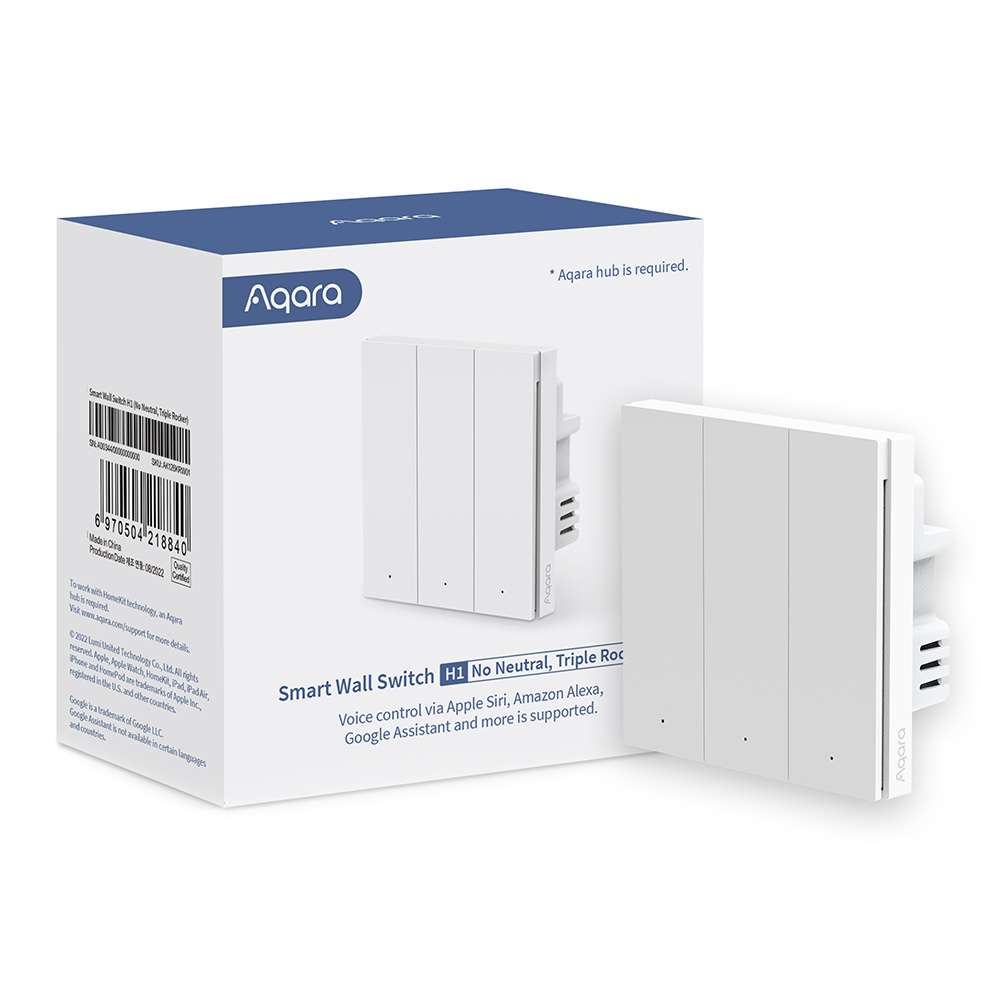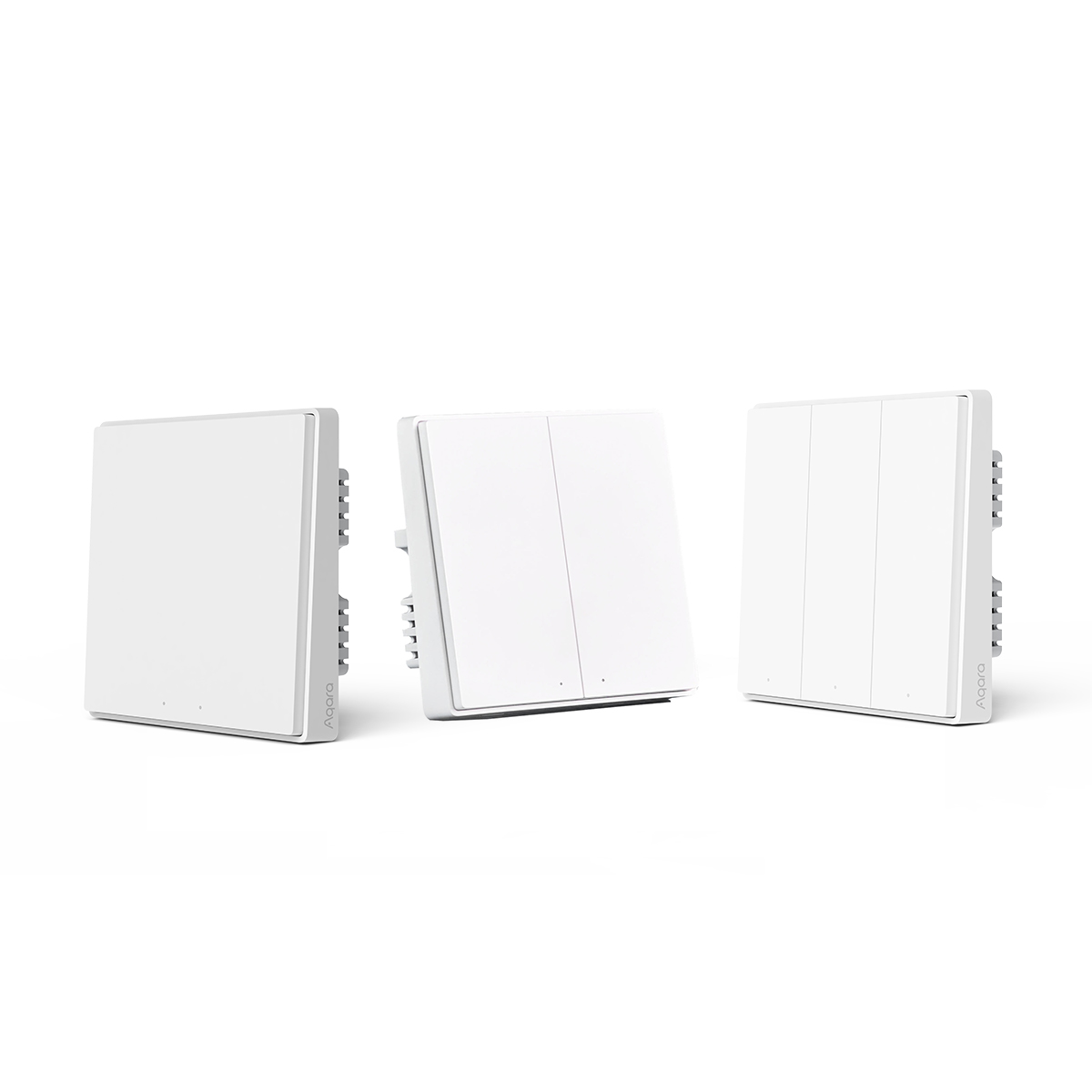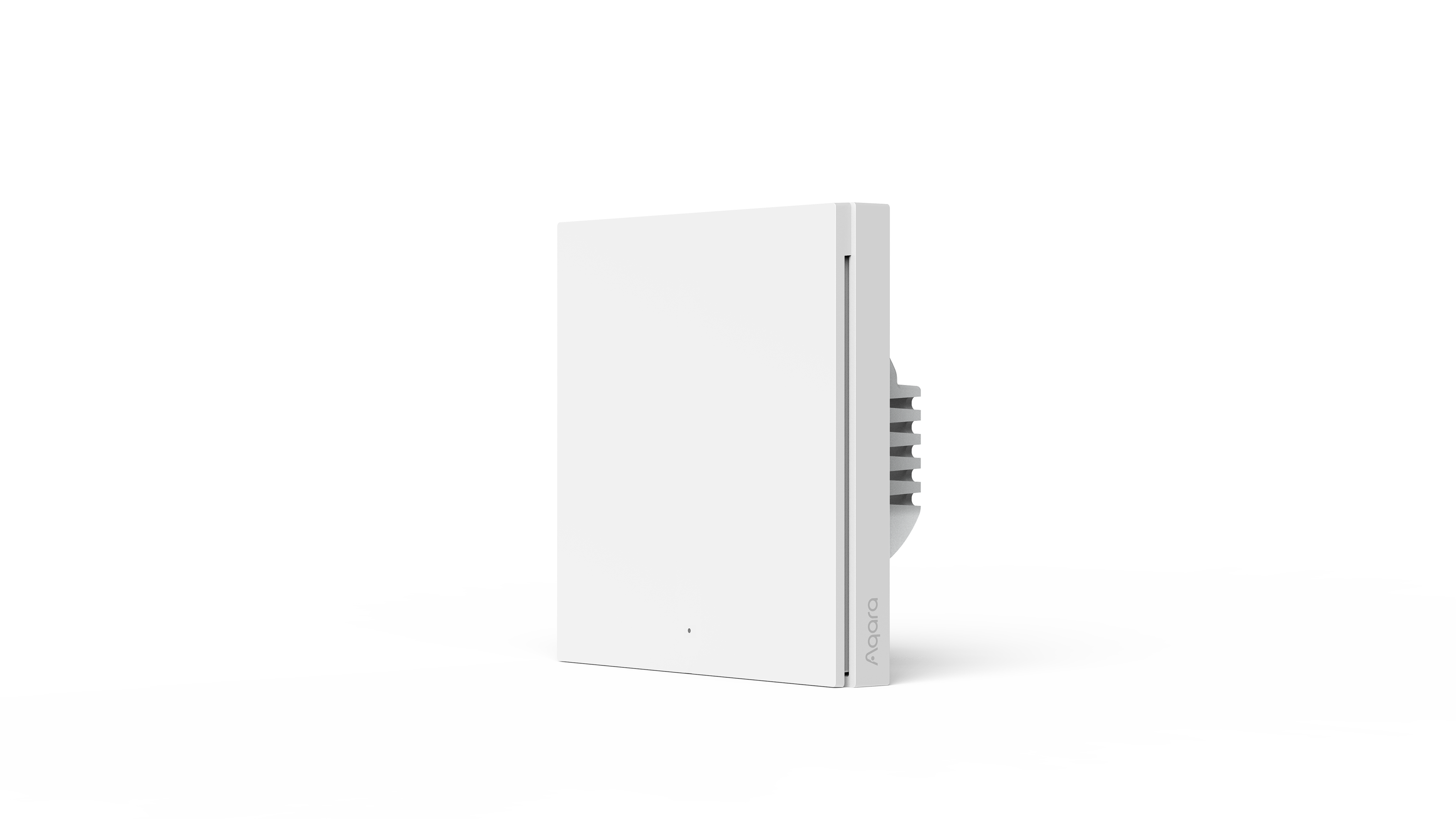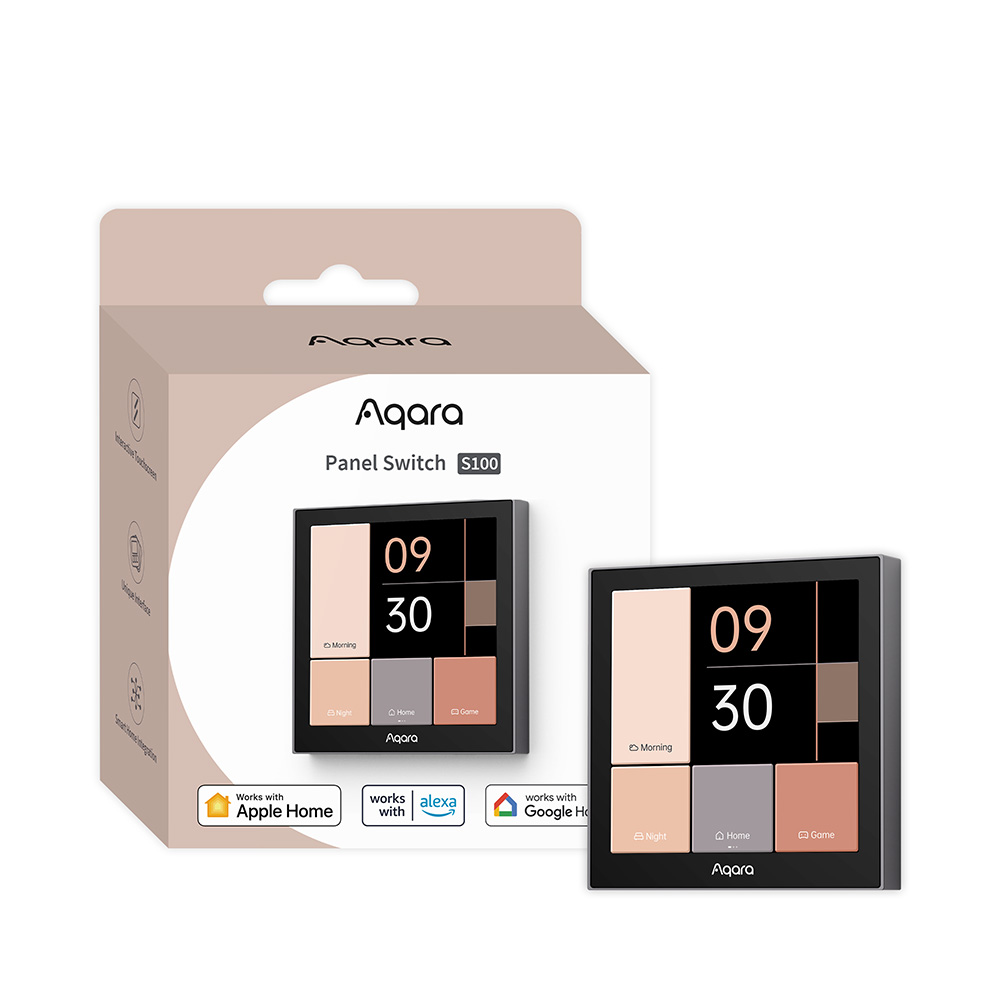
Aqara Panel Switch S100
- Wi-Fi
Connects directly to Wi-Fi; no Aqara hub is required for core operation.
$199.00
Wired three-channel smart switch with a colour touchscreen for your devices and scenes, Apple Home support and dual-band Wi-Fi — no hub required.
- Secure card payment
- Visa & Mastercard
- Official Singapore sets
- Free Singapore delivery
- Local warranty
- GST-inclusive prices
Local warranty: 12 months, carry-in · Terms
Category: Smart Switches
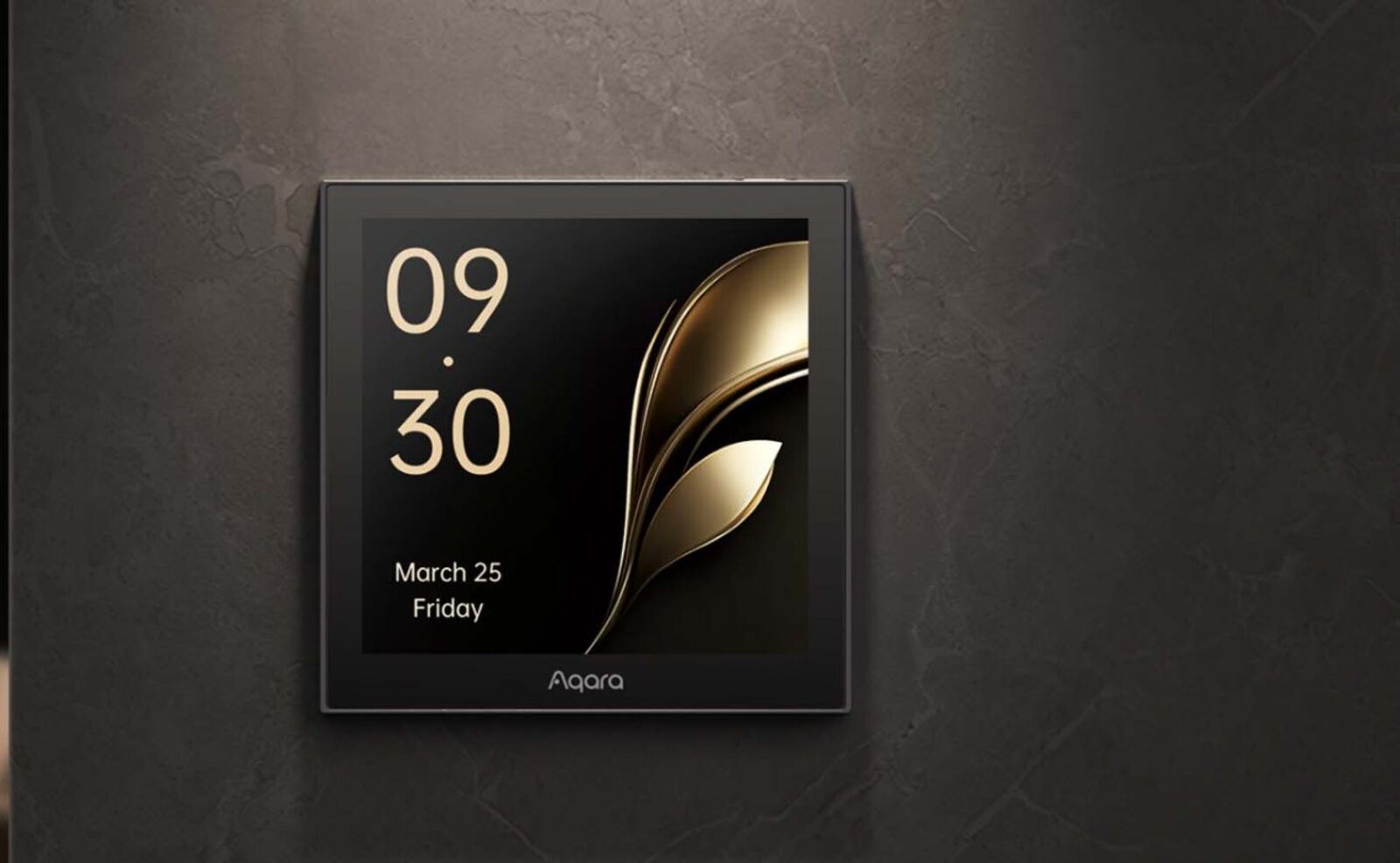
Your whole room, on one wall switch.
A wired 3-channel smart switch with an intuitive touchscreen — customisable layouts and themes, live time and weather, and one-tap scenes.
- Wired switch channels
- 3Wired switch channels
- Colour touchscreen
- 480 × 480Colour touchscreen
- Max rated load
- 2200 WMax rated load
- Dual-band Wi-Fi, no hub
- 2.4 / 5 GHzDual-band Wi-Fi, no hub
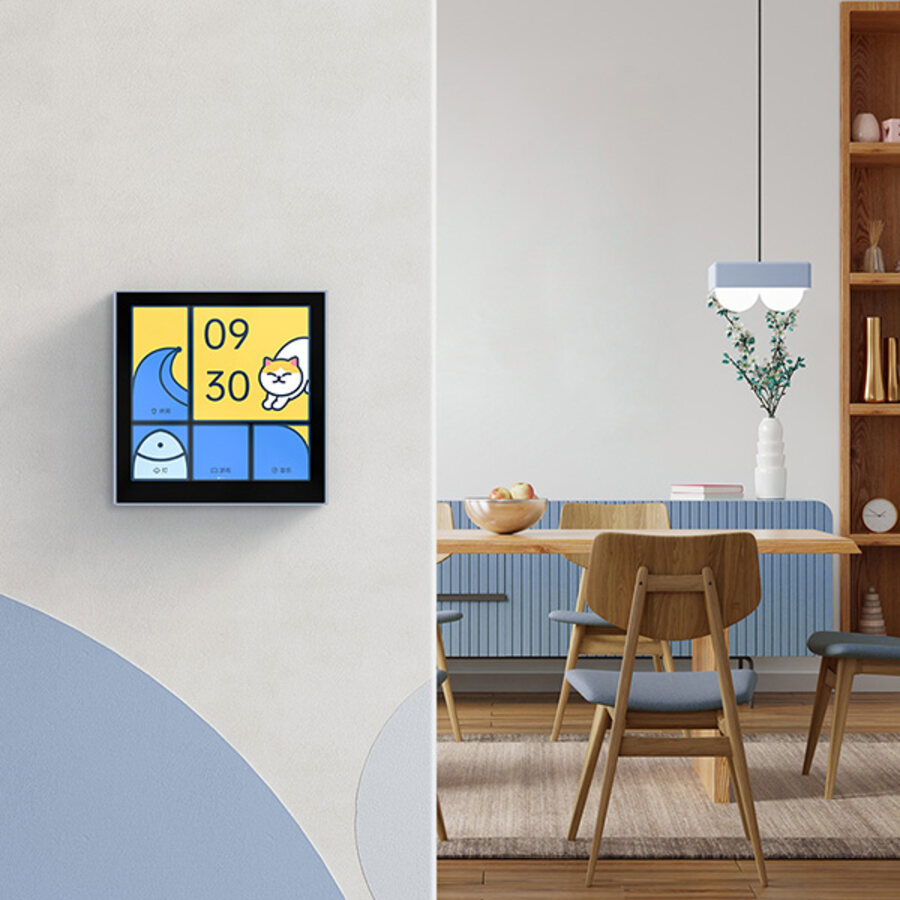
Everything in the room, from one panel
Assign layouts and tiles to the devices you actually use — lights, curtains, aircon, sensors, locks and scenes — in the Aqara Home app. Control it all from the wall, so it stays effortless for family, guests and anyone who'd rather not open an app.
- Time and weather at a glance — the screen shows the time, date and local weather whenever you walk past
- Your devices, your layout — arrange tiles per room so the controls you reach for most sit front and centre
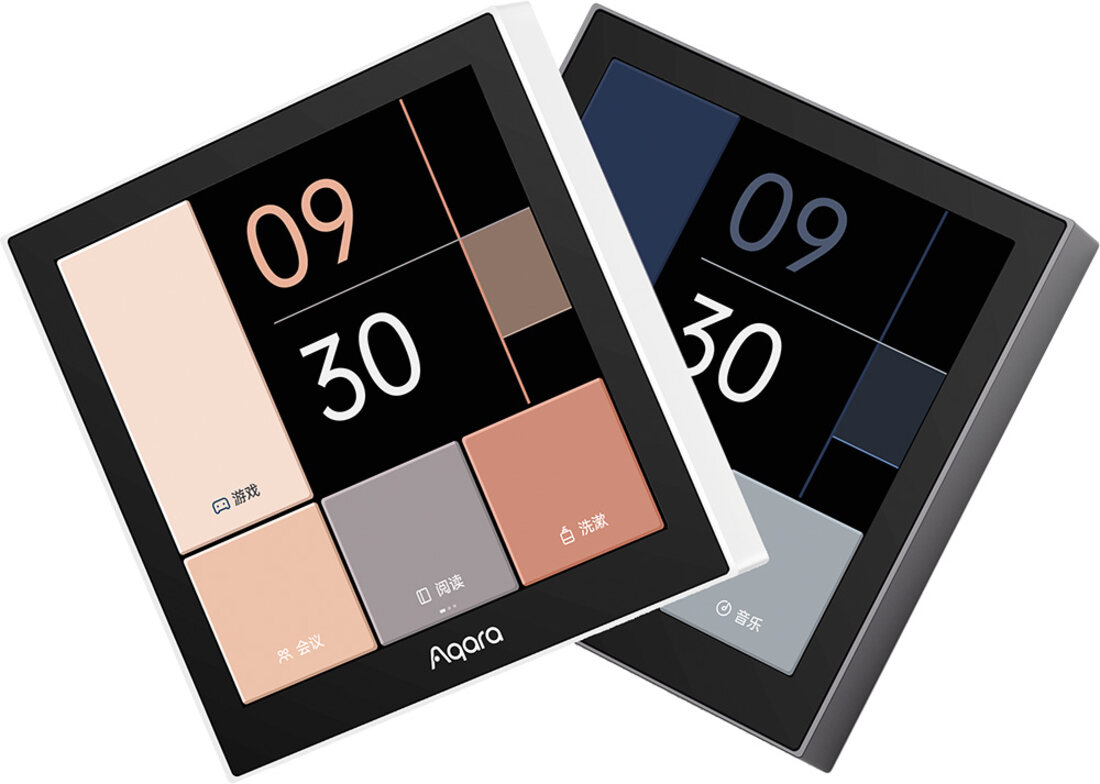
Three wired channels, plus six buttons for Apple Home
The S100 is a genuine three-gang wired switch — control three separate lighting circuits from a single location, no cluster of switch plates required. The devices and scenes you use every day go on the screen as tiles. Separately, the panel appears in Apple's Home app as six wireless buttons: in Apple's Home app, give each one a job, such as a whole-home scene or a light from another brand like Philips Hue, then place it on one of the S100's pages and tap it to run it.
- 3-channel wired control — replaces up to three separate switches for the lights in a room
- Six Apple Home buttons — run Apple Home scenes and non-Aqara accessories from the panel, on top of your on-screen tiles
- Finishes to suit the wall — comes in white and grey
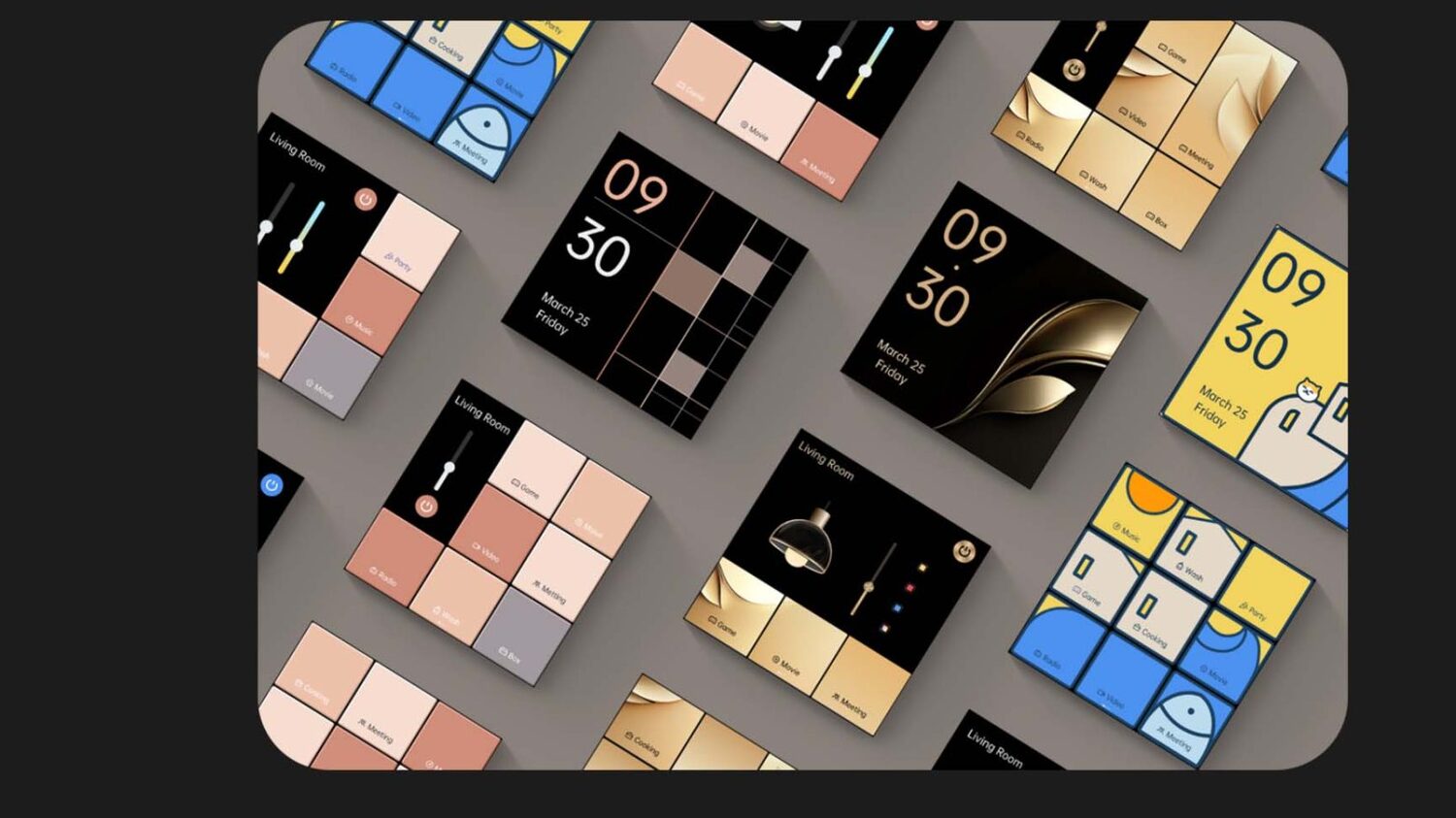
Make it match your home
Tailor the S100 to your taste — pick from a range of skins and templates, or build your own layout with your own devices, scenes and on-screen information for a panel that looks like it belongs on your wall.
- Set it up your way — tap the touchscreen, speak to your voice assistant, or configure it all in the app
- Clear feedback every tap — on-screen cues and toast notifications confirm device control, scene triggers and network status
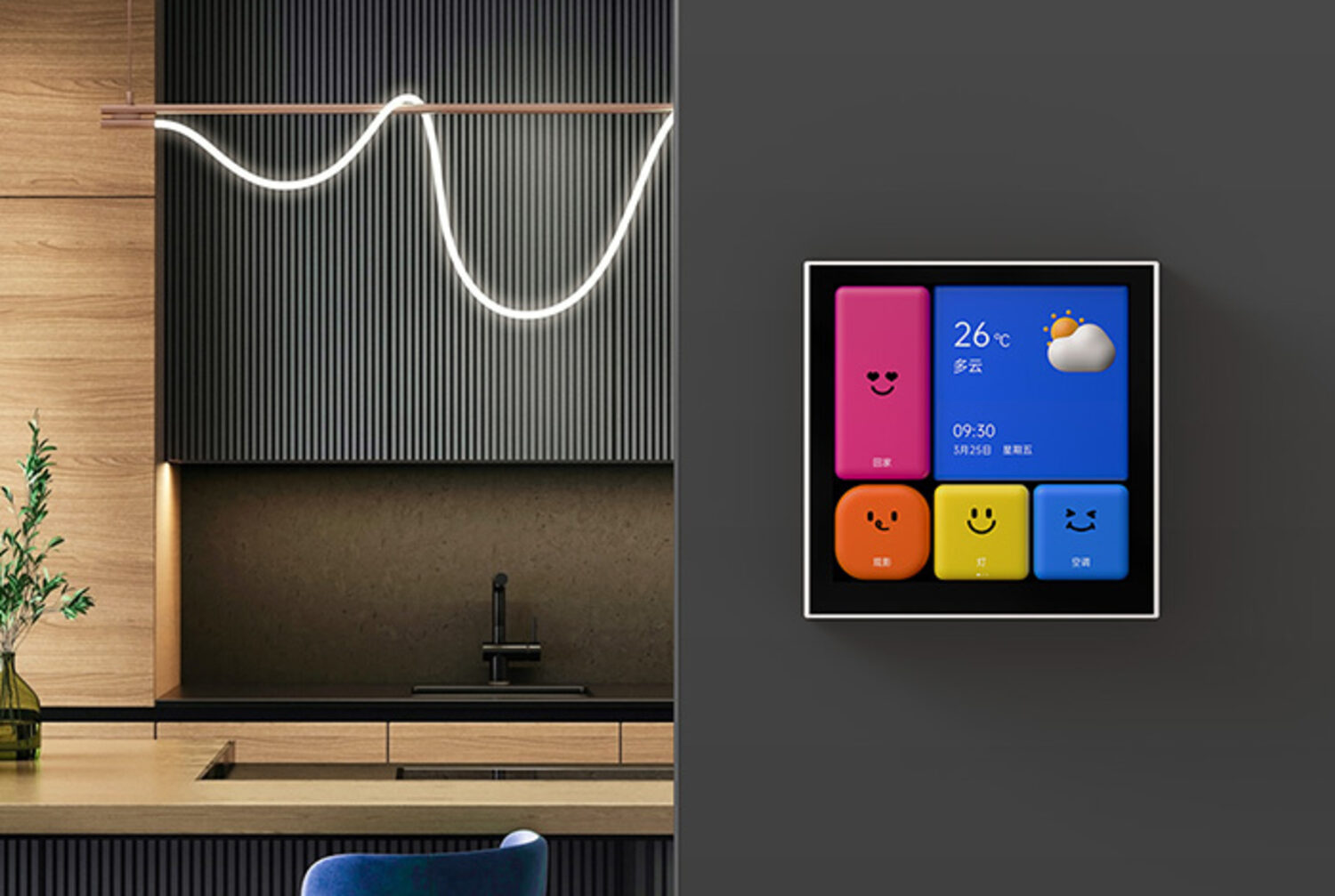
One tap sets the whole scene
Link the S100 with your other Aqara devices to build automations — dim the lights and draw the curtains for movie night, or kill every light on your way out and warm them back up when you're home.
Thoughtful in the details
The touches that make a wall switch worth looking at every day.
Power monitoring
See energy use for connected wired devices in the app, with charts by day, week or year to track consumption over time.
Three ways to control
Touchscreen, voice assistant or app — pick whichever suits the moment, with an immediate response every time.
Built-in safeguards
Overload, over-temperature and surge protection cut power automatically when limits are exceeded, in a V-0 grade flame-retardant housing.
Tech specifications
| Display | 480 × 480 colour touchscreen |
|---|---|
| Switch type | 3-channel (three-gang) wired switch, neutral wire required |
| Apple Home buttons | 6 wireless switches exposed to Apple Home, in addition to on-screen tiles |
| Wireless protocols | Wi-Fi 802.11 a/b/g/n/ac (2.4 / 5 GHz), Zigbee (IEEE 802.15.4) |
| Works with | Aqara Home, Apple Home, Google Home, Amazon Alexa |
| Input power | 100–240 V~, 50/60 Hz |
| Rated load | Max 2200 W / 10 A (incandescent) · Max 400 W / 2 A (capacitive/inductive, e.g. LED) |
| Colours | White, grey |
| Dimensions | 86 × 86 × 43.7 mm |
| Operating temperature | -10°C to 40°C |
| Operating humidity | 0–95% RH, non-condensing |
| In the box | Panel Switch S100 × 1, User Manual × 1, Screw Kit × 1 |
The S100 is a hard-wired switch that mounts into the wall and requires a neutral wire. Electrical work is dangerous — always engage a licensed electrician; never attempt installation yourself.
Frequently asked questions
Can I only control six things from the Panel Switch S100?
No. The devices and scenes you use day to day go on the S100's screen as tiles, set up in the Aqara Home app, and its three wired channels switch the lights behind the plate. The six wireless switches are a separate feature for Apple Home.
What are the six wireless switches for?
They are Apple Home's way into the S100. Once the S100 is added to Apple's Home app, it shows up there as six wireless switches. In the Home app you give each one a job, such as a whole-home scene or a light from another brand like Philips Hue, then place that switch on one of the S100's pages in Aqara Home. Tapping it on the S100 then runs whatever you assigned in Apple Home. If everything you want to control is Aqara, you can simply add those devices and scenes to the screen and may never need the wireless switches.