
Switches and Lighting
Aqara Neutral vs No-Neutral Smart Switches in Singapore
Understand Aqara neutral and no-neutral switch wiring, model choices, LED load behaviour, feature differences and what to provide during a Singapore renovation.
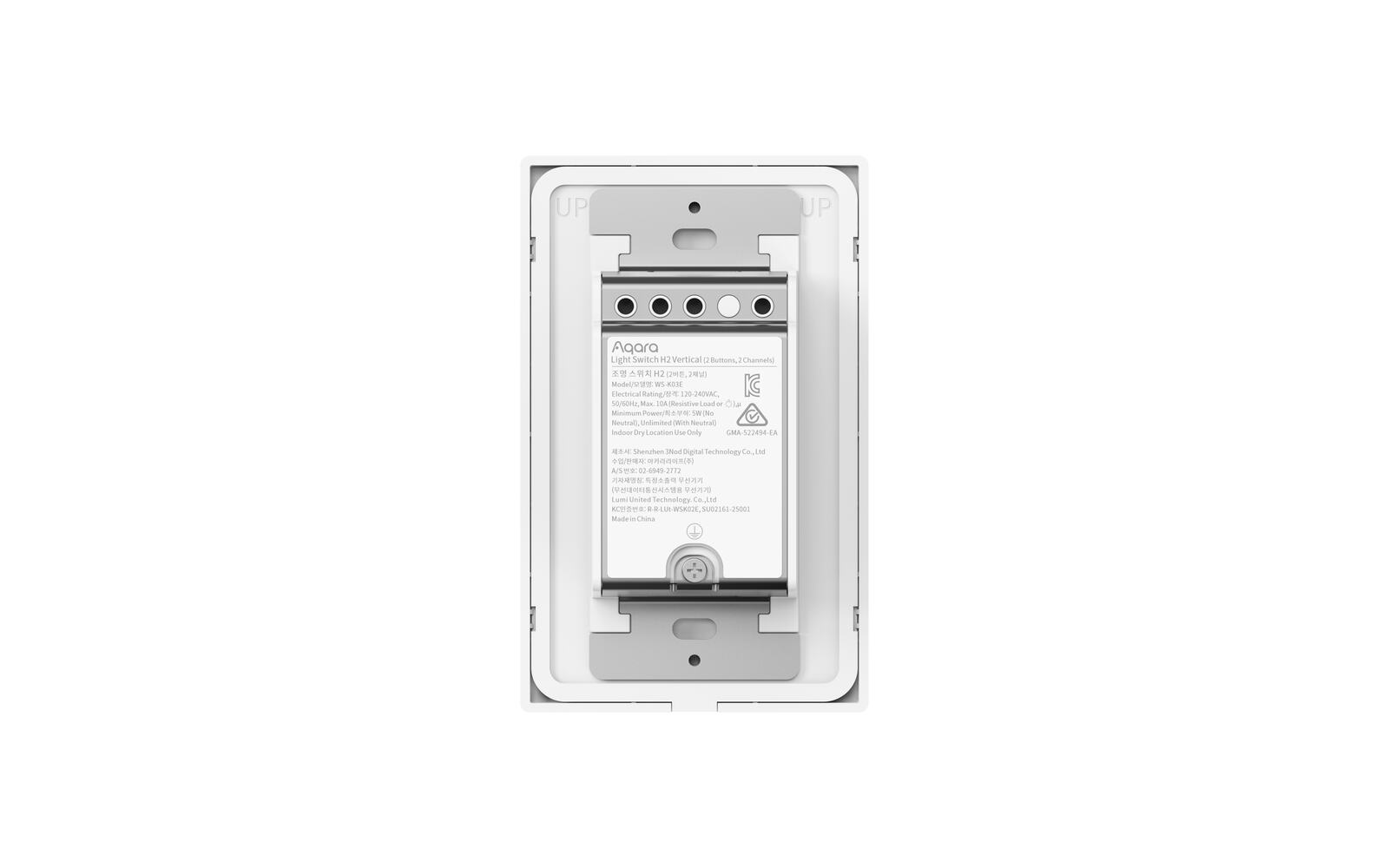
A smart wall switch needs a little power even when the light is off, to keep its radio and electronics running. A with-neutral switch gets that power from the live and neutral wires in the wall box. A no-neutral switch draws a tiny current through the light it controls instead.
This guide explains what that means when you're choosing an Aqara switch or planning a renovation. It won't tell you how to open or test a live switch box; that's a job for a qualified electrician.
On this page
- What a neutral wire does for a smart switch
- How to find out whether your switch box has a neutral
- Aqara D1, H1, Z1 Pro and H2: neutral and no-neutral options
- No-neutral switches with low-power LED lights
- What you give up with a no-neutral switch
- Get a neutral wired in during your renovation
- Smart bulbs, decoupled buttons and MARS-Tech
- A record for each switch position
What a neutral wire does for a smart switch
An ordinary switch just breaks the live wire to the lamp. It doesn't need power for itself. A smart switch does, for its radio, processor and status light. A with-neutral switch takes that small supply from the permanent live and neutral, separately from the lamp.
Without a neutral, there's no separate return path in the box. So the switch lets a very small current through the lamp circuit while it's off: enough to keep itself running, not enough to light a compatible lamp. It's deliberate engineering, but it makes the lamp's driver part of how the switch gets its power.
That's why neutral matters for more than the number of terminals. It affects the smallest load the switch can handle, whether it can measure energy use or repeat Zigbee signals, and which lights it can control reliably.
| What changes | With neutral | No neutral |
|---|---|---|
| How the switch is powered | Directly from live and neutral | Through the light it controls |
| How much the light matters | Generally less | The driver and minimum load matter more |
| Power monitoring | On supported models | Usually not available |
| Zigbee mesh repeating | On applicable mains-powered models | Normally doesn't repeat |
| Best for | Renovations and boxes with a neutral | Retrofitting a box that has been checked and has only live and load |
How to find out whether your switch box has a neutral
Only testing the actual circuit will tell you. Wire colours, the age of the flat and the number of wires behind the plate aren't proof. A box can hold permanent lives, switched wires and two-way wires without any neutral the switch can use.
A qualified electrician should isolate the supply, confirm it's dead, identify each wire with proper test equipment and check the circuit against the wiring diagram of the switch you've chosen. Two-way and multi-way positions need extra care, because the second box can be wired differently from the first.
Keep a note for each switch position: neutral confirmed, no neutral, or not checked yet. Opening one box and ordering a dozen switches on the strength of it isn't safe.
Aqara D1, H1, Z1 Pro and H2: neutral and no-neutral options
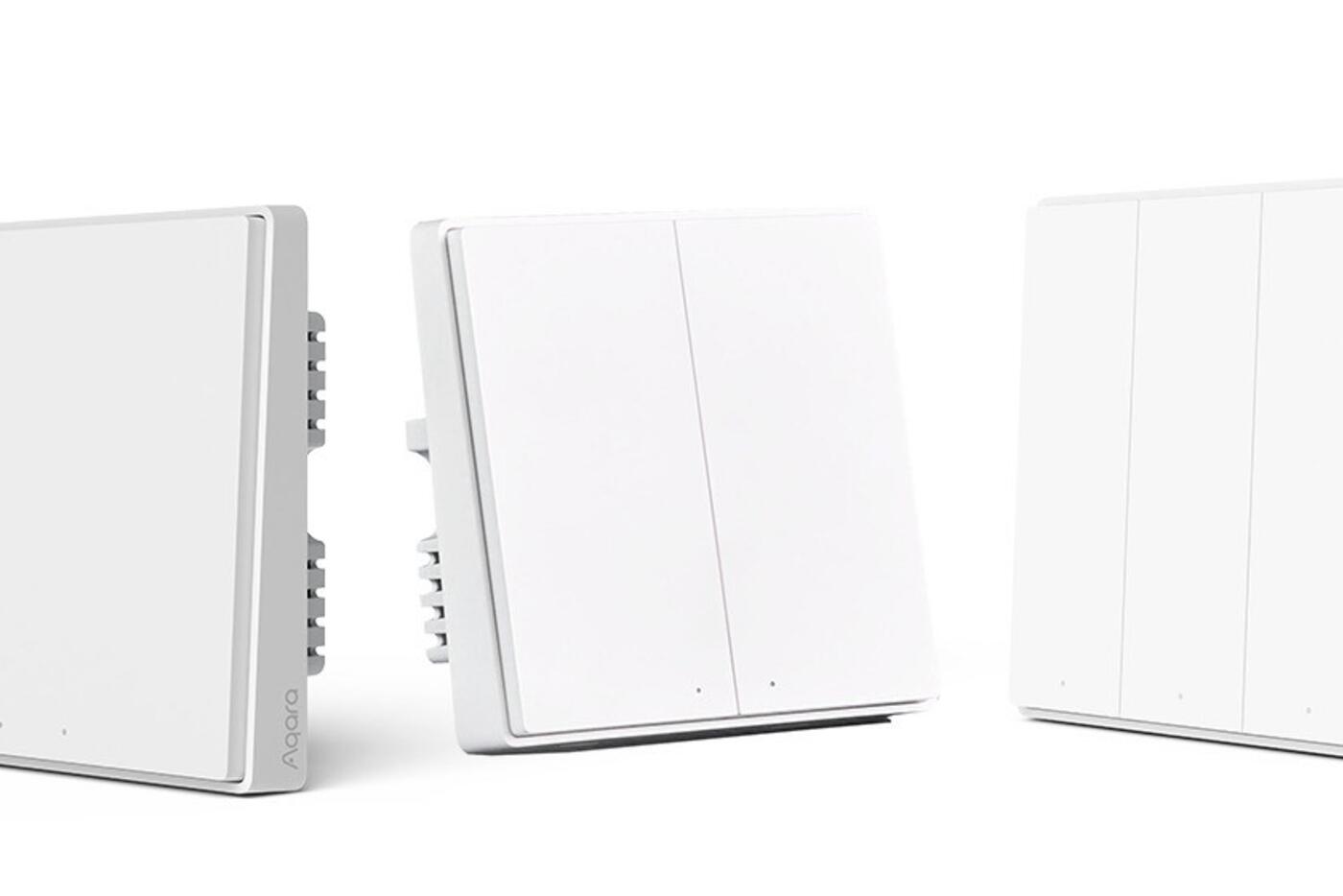
The D1 and H1 are sold in distinct with-neutral and no-neutral variants. They look much the same from the front, so the product label and the terminal diagram are what tell them apart. The with-neutral H1 adds power monitoring and Zigbee repeating on supported versions; the no-neutral one is for circuits that can't provide a neutral.
The Z1 Pro models we sell use an adaptive design meant to handle either wiring, though each one still has to be wired and set up for the circuit you have. Its touch slider and MARS-Tech smart-light features are good reasons to choose it, but they don't mean every light will work with it.
The H2 family we sell also includes models built for flexible wiring, and the mix of relay channels, buttons and protocol depends on the model. Check whether you're buying the Light Switch H2 or the Dimmer Switch H2 and follow that product's own diagram. Neutral support tells you nothing about whether a light will dim.
Compare D1, H1, Z1 Pro and H2 Shop Aqara smart switches View Smart Wall Switch D1 View Smart Wall Switch Z1 Pro
No-neutral switches with low-power LED lights
Every LED lamp has an electronic driver inside. With a no-neutral switch, the small standby current runs through that driver. Some drivers cope with it fine. Others glow faintly, pulse or flicker, or don't let enough through to keep the switch powered when the load is very small.
Minimum and maximum loads vary from product to product. Aqara's published H1 guidance, for example, gives the no-neutral model a minimum load that the with-neutral model doesn't have. Several low-wattage fittings on one channel can behave differently from a single tiny decorative lamp, even when the total wattage looks about the same.
If a light misbehaves, don't fix it by adding unapproved components or swapping the driver without checking the whole circuit. Check the load type and rating against your switch's documentation, and try a few of your actual fittings before using the same combination all over the house.
Explore Aqara smart lighting View Smart Wall Switch H1
What you give up with a no-neutral switch
A no-neutral switch has to keep its own power use tiny without pushing enough current through to light the lamp. So it can't always offer the same metering and radio features as a with-neutral model. Power monitoring is usually left out, and it normally joins the Zigbee network as an end device rather than a router that extends the mesh.
That doesn't make it unreliable. A correctly installed no-neutral Aqara switch with a compatible light and a well-placed hub gives you dependable control from the wall and the app. It just does fewer things, and it depends more on the light being compatible.
If your box already has a neutral, buying the no-neutral version gives up features for nothing. If adding a neutral would mean opening up finished walls, a no-neutral switch can be the cleanest way to go smart.
Get a neutral wired in during your renovation
Ask your electrician to run a neutral to every planned smart switch box before walls are closed. The box should be deep enough for the switch you've chosen, with enough wire to work with and without a tangle of connectors and unrelated loops. A simple drawing of each wall, showing the switch family, frame layout and number of channels at each position, helps everyone.
A neutral also keeps your options open beyond today's Aqara models, since future switches, dimmers, displays and control panels may need constant power. And it makes faults easier to trace later, because the switch has its own supply instead of relying on the lamp driver.
Sort out two-way switch positions at the same time. A common Aqara setup is one wired smart switch plus a wireless scene button at the other door. That's a different design from a traditional two-way circuit, so the old wiring between the two switches isn't simply reused.
Use the renovation planning checklist Plan your Aqara smart home
Smart bulbs, decoupled buttons and MARS-Tech
A relay switch cuts power to the light when you turn it off. That's right for ordinary lamps, but a smart bulb or smart downlight needs constant power so your app can reach it. Supported decoupled or MARS-Tech modes let the button send a command without cutting the power.
If you set a switch up this way, write it down. An electrician working on the circuit needs to know the relay is meant to stay on, and everyone at home needs a simple way to get the light back if it stops responding. A neutral powers the switch; it doesn't decide whether the light should be an ordinary one, a dimmed one or a smart light on constant power.
A record for each switch position
Give this list to your electrician and keep a copy with your smart home notes. It stops a last-minute substitution from changing the neutral requirement, or turning a scene button into something that switches mains power by mistake.
- The switch family and exact model
- Neutral confirmed, missing or not yet checked
- The lights it controls, how many and their wattage
- On/off relay, dimmer or a smart light on constant power
- How many buttons are wired to relays and how many are programmable
- Any decoupled button or wireless two-way setup
- Which hub and protocol it's paired with
Neutral or no neutral: which to choose
Choose with neutral
- There's a neutral, or you can add one while renovating
- You want it to work with more kinds of light
- Power monitoring or Zigbee repeating matters to you
Choose no neutral
- The finished box has been checked and has only live and load
- Your lights meet the switch's load requirements
- Rewiring would be too disruptive to be worth the extra features
Never identify wires or pick a version by how they look. The tested circuit and the product's wiring diagram decide it.
Official references
Product and standards information was checked against these primary sources. The article above is original Aqara Singapore editorial content.
Neutral and no-neutral switches
Compare Aqara switch variants before installation.
See our neutral and no-neutral switches, or plan your switch wiring as part of a whole-home renovation.