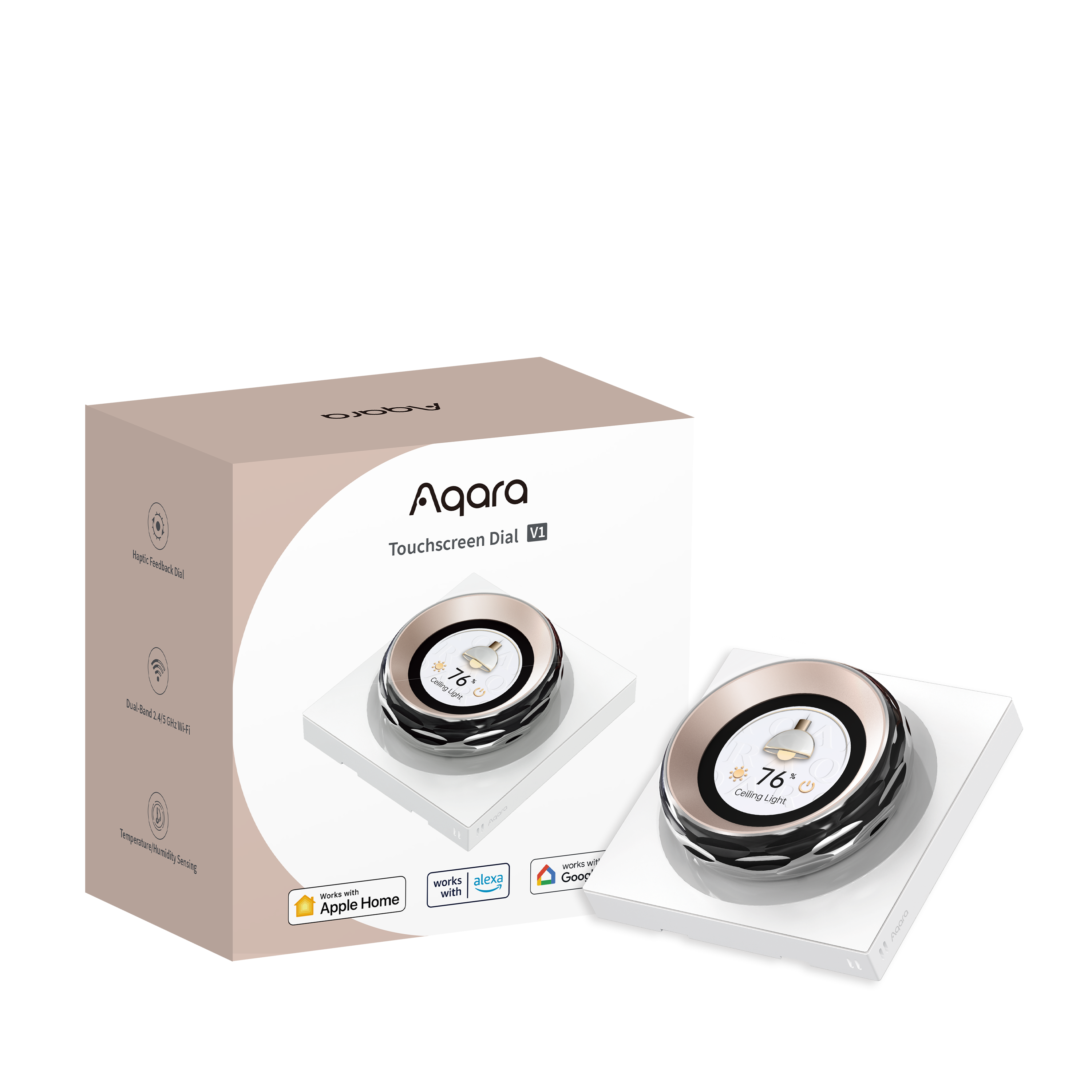
Aqara Touchscreen Dial V1
- Zigbee
- Wi-Fi
Requires a compatible Aqara Zigbee hub.
$329.00
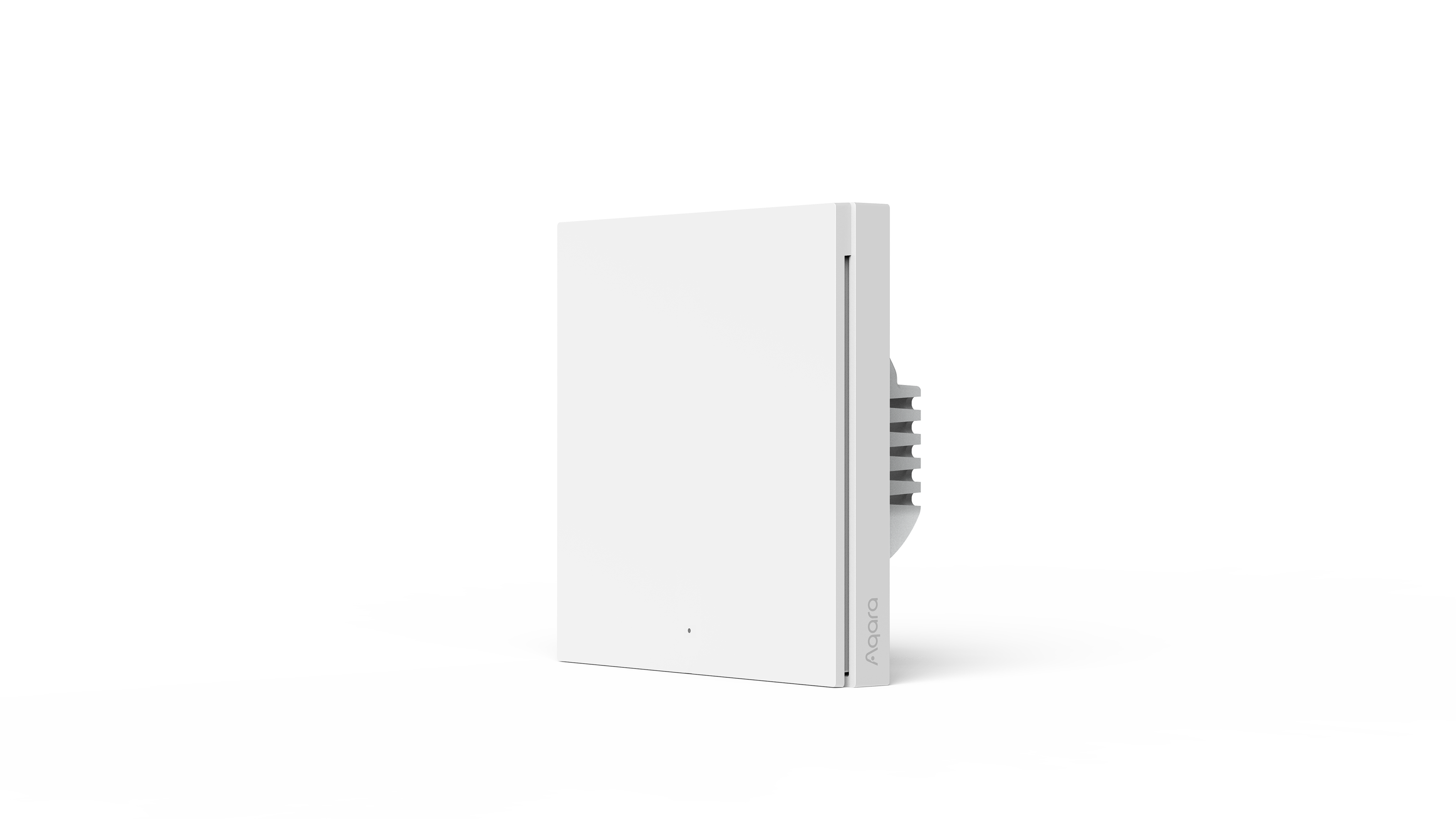
In stockSmart with-neutral switch with a haptic rotary dial and 1.32-inch round touchscreen that controls practically any smart home device — no hub required.
- Secure card payment
- Visa & Mastercard
- Official Singapore sets
- Free Singapore delivery
- Local warranty
- GST-inclusive prices
Local warranty: 12 months, carry-in · Terms
Category: Smart Switches
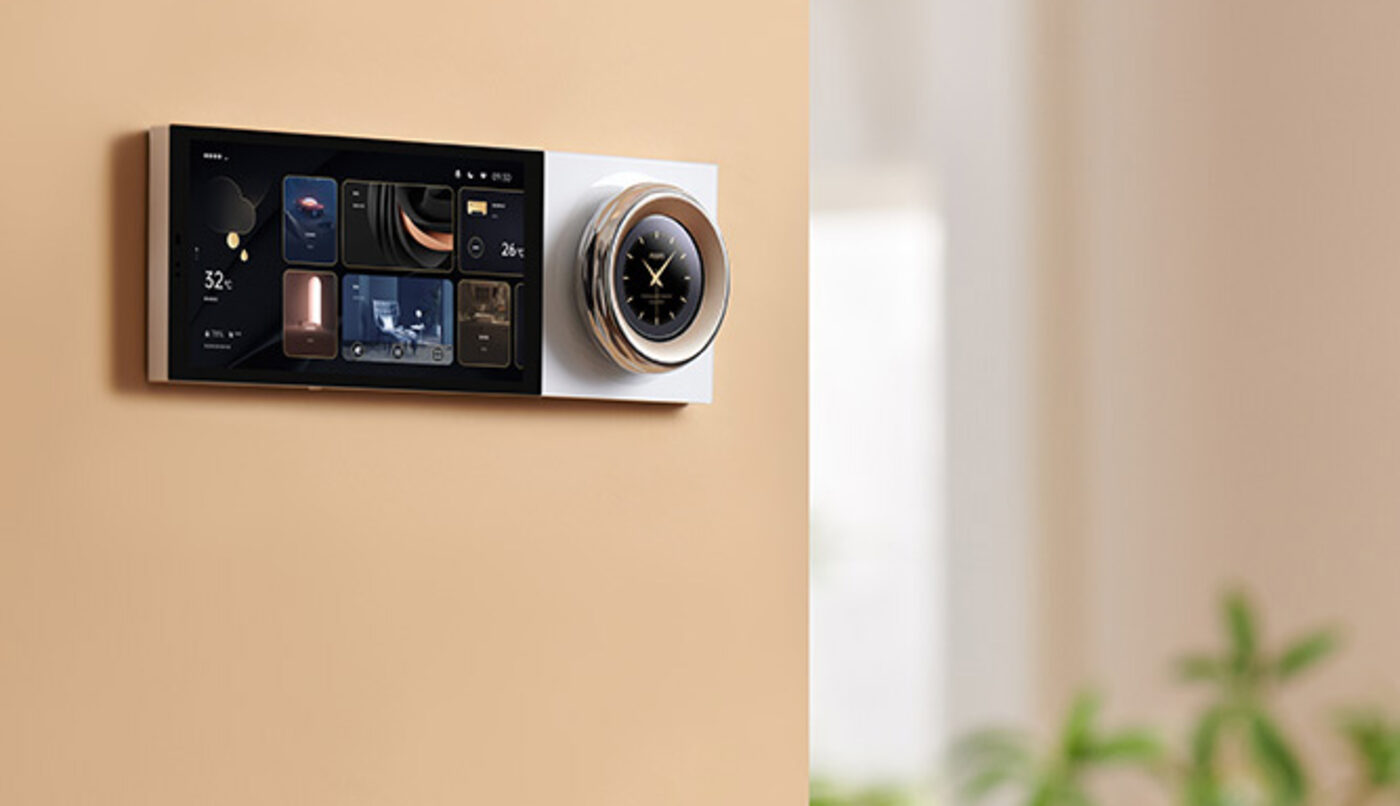
One dial for the whole room.
A haptic rotary dial and 1.32" round touchscreen that control practically any smart home device — over Wi-Fi, no hub required.
- Round touchscreen
- 1.32"Round touchscreen
- Devices or scenes on screen
- 18Devices or scenes on screen
- Wired relay switches
- 2Wired relay switches
- Dial fine-tuning
- 1–100%Dial fine-tuning
- Dual-band Wi-Fi
- 2.4 + 5 GHzDual-band Wi-Fi
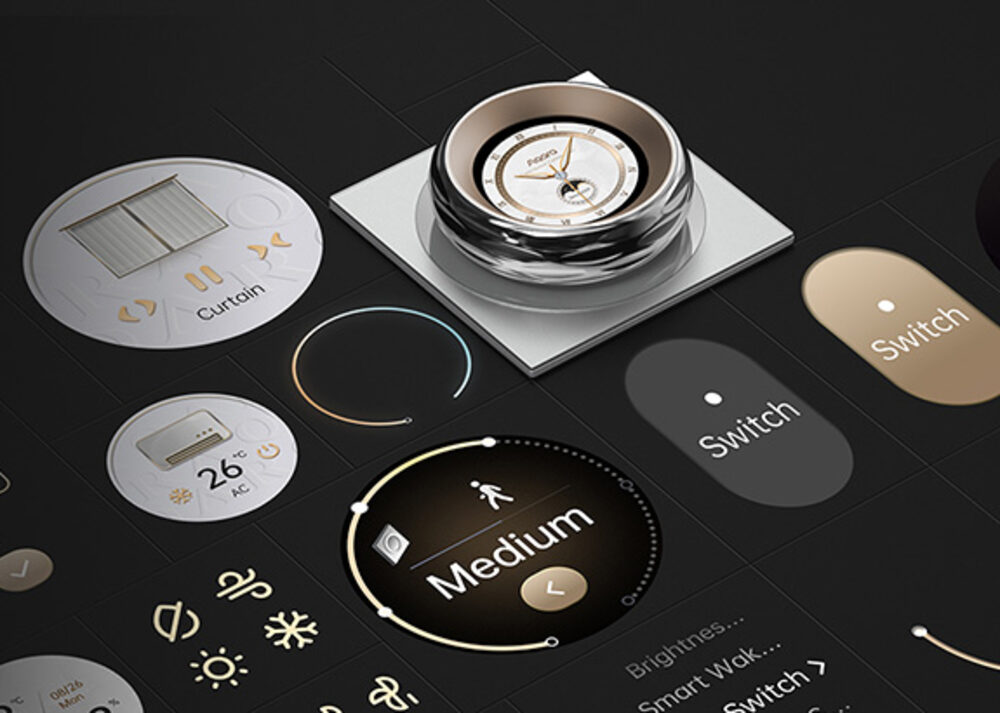
Up to 18 devices and scenes on one dial
Everything you add in the Aqara Home app gets its own page on the dial — up to 18 devices or scenes. Swipe to one, then tap to switch it or turn the dial to fine-tune it. Two built-in relays also switch the wired lights behind the plate.
- Beyond on/off — adjust tunable white and RGB lighting, or set curtains to an exact percentage open
- Scenes on tap — put Morning, Dinner or Night scenes on their own pages and run them from the screen
- Six wireless switches for Apple Home — the dial also appears in Apple's Home app as six extra buttons; give each one a scene or another brand's device there, place it on a page of the dial and tap to run it
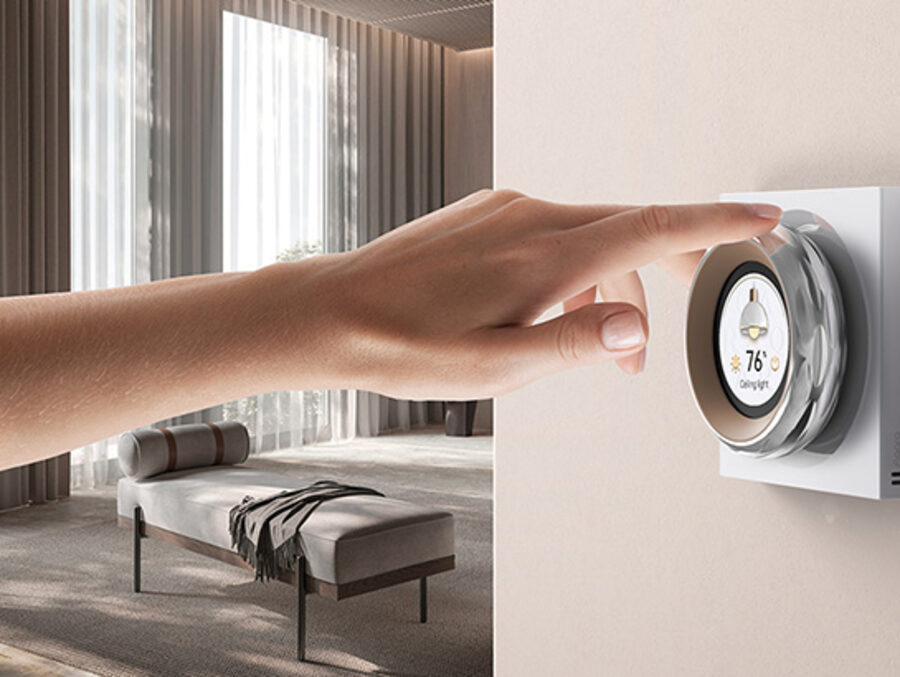
Turn it and feel every step
The rotary dial answers back with vibration and sound, so precise adjustments feel deliberate rather than fiddly. Skip the plain on/off — dial a compatible Aqara device anywhere from 1% to 100% for exactly the level you want.
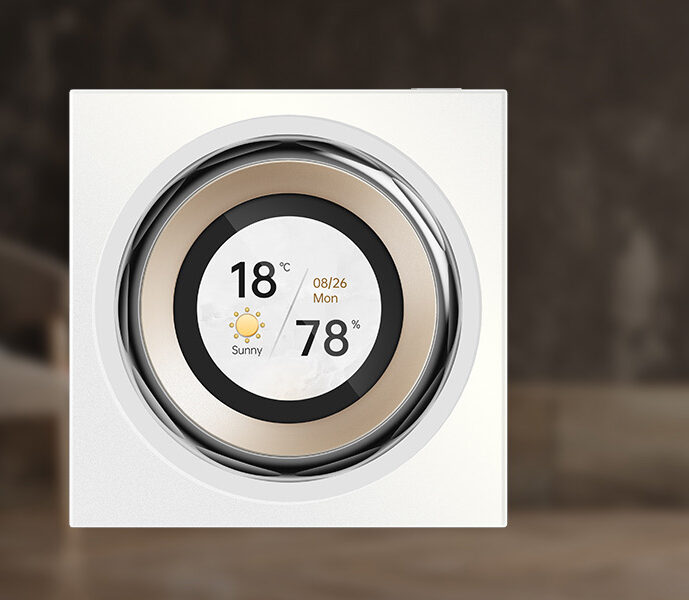
Reads the room's temperature and humidity
An onboard temperature and humidity sensor tracks indoor conditions in real time — no separate sensor needed. Readings sync to Aqara Home and can act as IF conditions, so the aircon or a humidifier reacts before you feel uncomfortable.
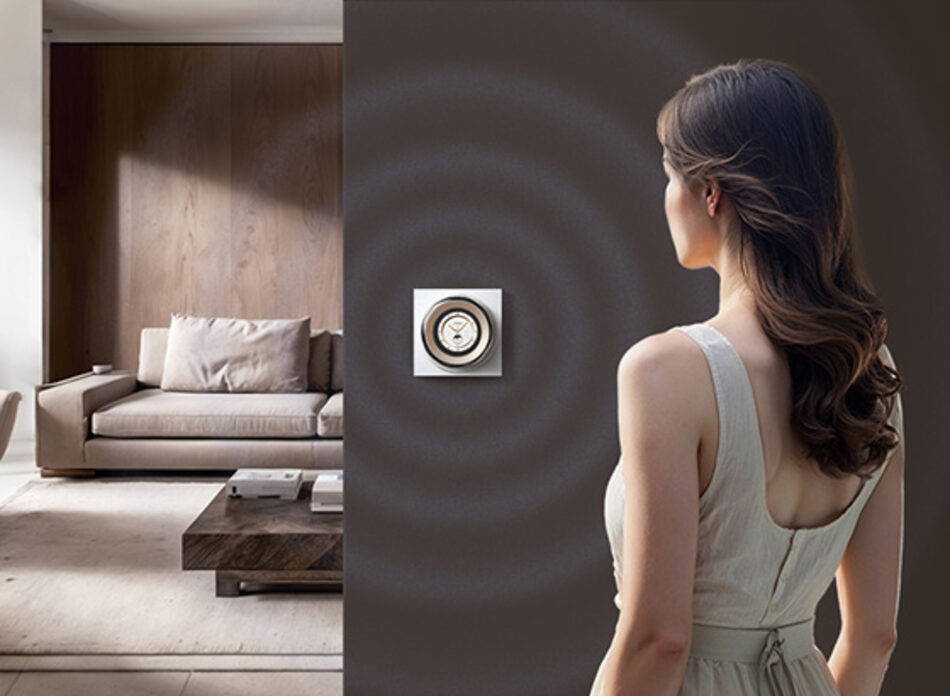
Lights up as you walk over
A built-in presence sensor wakes the screen as you approach and lets it rest when you leave — less glare at night, and a tidy trigger for automations. Set the wake distance across five steps from 0.2 m to 2 m to suit the space.
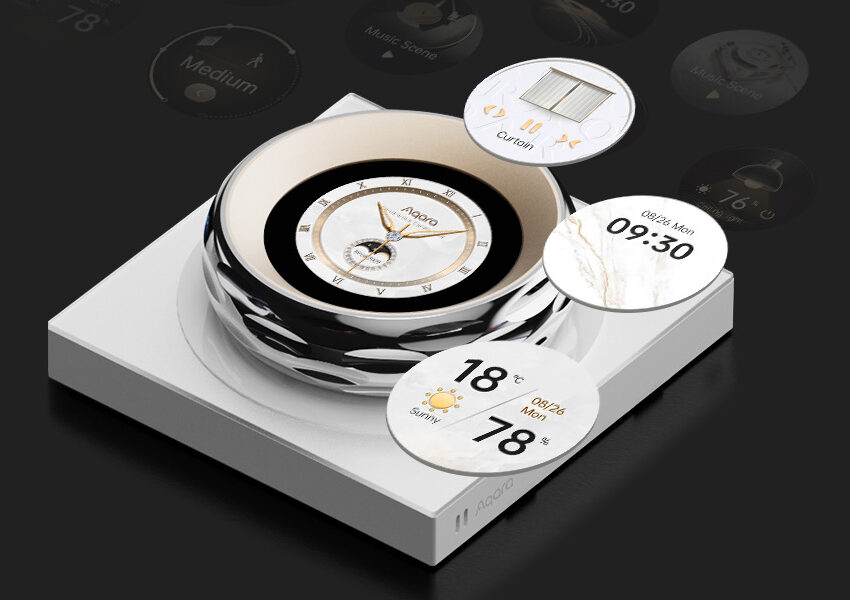
A screen that suits your home
Customisable screensavers show the time, date, weather and indoor conditions in themes you choose, with auto-brightness keeping everything readable day or night. Clear, tactile controls give obvious feedback on every touch.
Tech specifications
| Model | DS-K01D |
|---|---|
| Colour | Moon White |
| Display | 1.32" round touchscreen |
| Controls | 2 wired relay switches; up to 18 devices or scenes on screen (Aqara Home); 6 wireless switches exposed to Apple Home |
| Sensors | Temperature, humidity, presence (proximity) |
| Wireless | Wi-Fi (dual-band 2.4/5 GHz), Zigbee, Bluetooth |
| Ecosystems | Apple HomeKit & Home Assistant (2.4 GHz); Amazon Alexa & Google Home via cloud |
| Wiring | Neutral wire required; single 1-gang wall box |
| Rated input | 200–240V~, 50 Hz |
| Dimensions | 86 × 86 × 62.1 mm |
| Operating temperature | -10°C to 40°C |
| Operating humidity | 0–95% RH, non-condensing |
V1 EU model, rated 200–240V. It fits a single 1-gang wall box and needs neutral wiring — a 2-gang box won't take two of these switches side by side. The dial's rotate action controls compatible Aqara devices on-screen only and isn't exposed to third-party ecosystems; the six wireless switches appear in Apple Home, where you choose what each one runs — your Aqara devices go on the dial's own pages instead. Alexa and Google Home connect via cloud.
Frequently asked questions
Can I only control six things from the Touchscreen Dial V1?
No. Every device or scene you add in the Aqara Home app gets its own page on the dial, up to 18 in total. Swipe to a page, then tap to switch or turn the dial to adjust brightness, colour, curtain position or aircon temperature. The two built-in relays also switch the wired lights behind the plate. The six wireless switches are a separate feature for Apple Home.
What are the six wireless switches for?
They are Apple Home's way into the dial. Once the dial is added to Apple's Home app, it shows up there as six wireless switches (alongside its two wired switches). In the Home app you give each one a job, such as a whole-home scene or a light from another brand like Philips Hue, then place that switch on one of the dial's pages in Aqara Home. Tapping it on the dial then runs whatever you assigned in Apple Home. If everything you want to control is Aqara, you can simply add those devices and scenes to the screen and may never need the wireless switches.