
Smart lighting
Smart Lighting: Brightness and Colour Temperature by Time of Day
Use Aqara smart lighting to set practical daytime, evening and night lighting with suitable brightness and colour temperature.
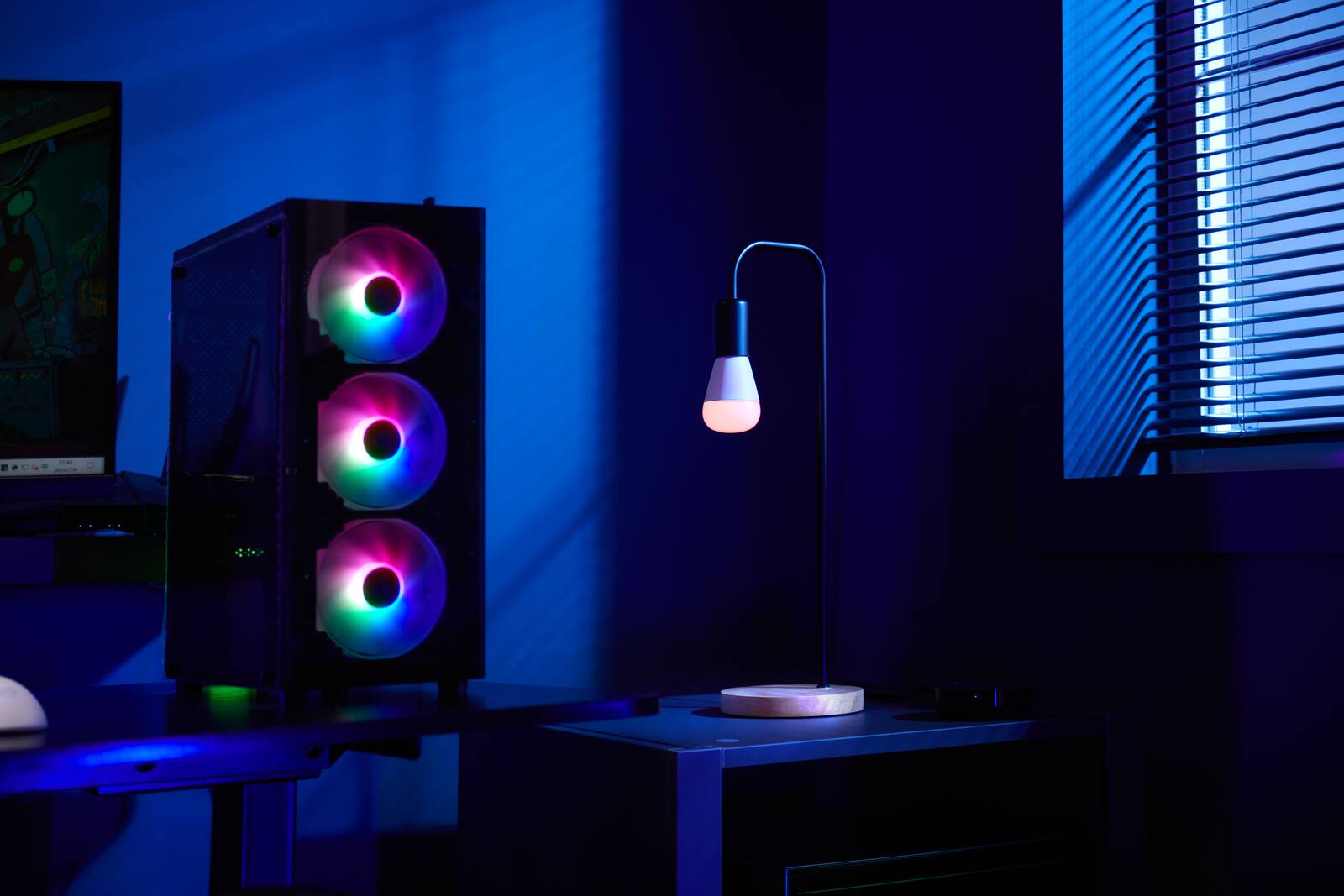
Smart lighting earns its keep when it changes what the light is like, not just whether it's on. Bright, cooler light helps when you're cooking or working. Lower, warmer light is more comfortable in the evening and easier on the eyes when you get up at night.
It still starts with the right fittings, beam angles and circuits. Smart controls can't fix a badly lit room, but they can let a well-lit one change through the day.
On this page
- Task, ambient and accent lighting, and why they need separate control
- Lumens, lux and colour temperature in plain terms
- Daytime, evening and night settings to start from
- Smart switches or smart bulbs: controlling a circuit versus each light
- Why LED dimmers flicker: drivers and minimum loads
- Scene buttons and wall switches everyone can rely on
- Which lighting is worth automating
Task, ambient and accent lighting, and why they need separate control
Task lighting is for cooking, reading, getting ready and working. Ambient lighting fills the room. Accent lighting picks out artwork, shelves or a feature wall.
A scene can only balance these if they're on separate circuits or are fittings you can control individually. If every downlight in the room is on one circuit, the smart controls have very little to work with.
Start with the surfaces where you actually do things: the kitchen counter, the desk, the bathroom mirror. Light needs to land there without you standing in your own shadow. Ambient fittings then bring the rest of the room up to a comfortable level, and accent fittings add depth to walls and joinery. Smart control shifts the balance between the layers; it doesn't work out how much light each surface needs.
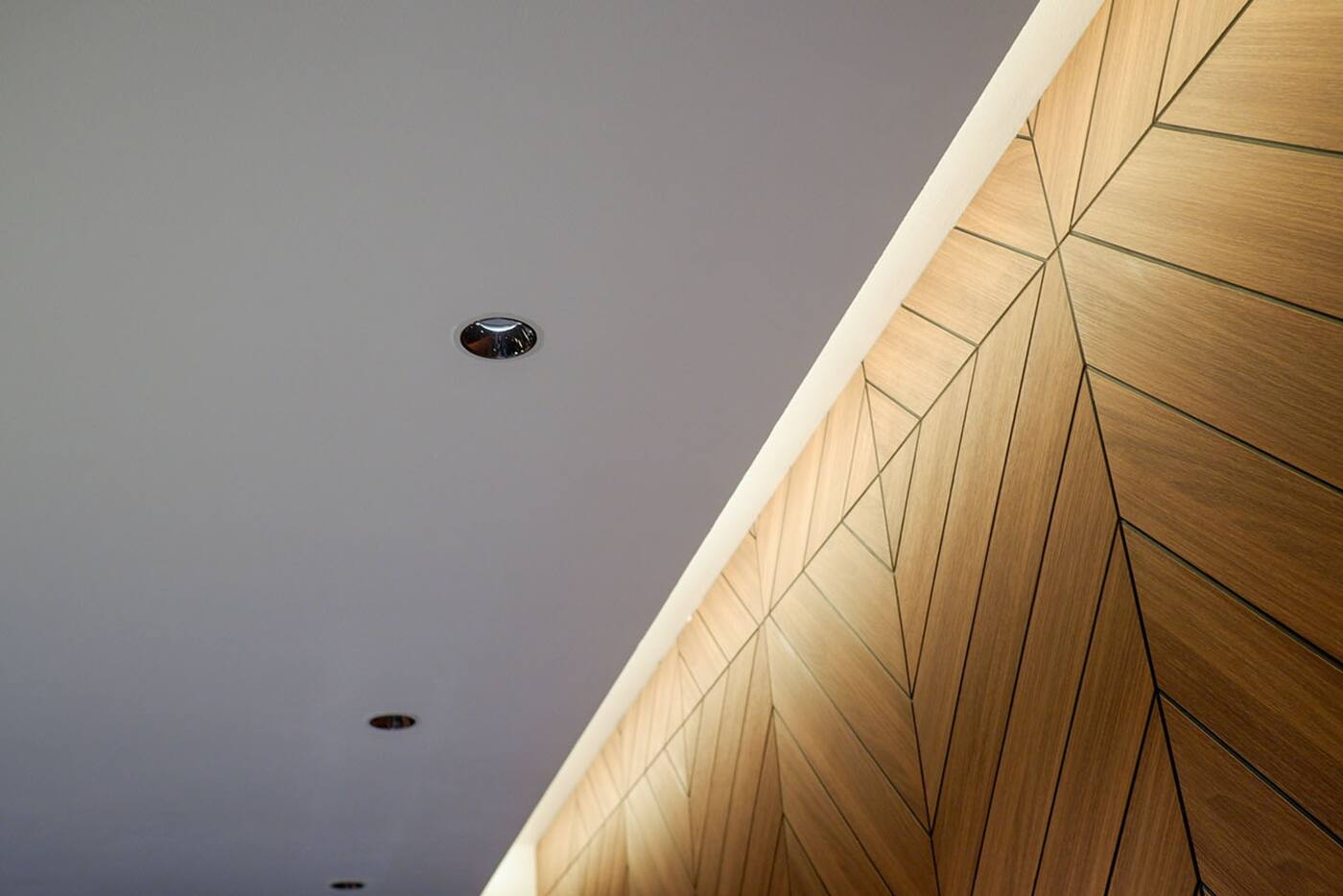
Lumens, lux and colour temperature in plain terms
Lumens tell you roughly how much light a source gives out. Lux tells you how much of it reaches a surface: one lux is one lumen per square metre. The same fitting gives a different lux reading at your table depending on distance, beam angle and aim, how much light the walls reflect and how much the diffuser absorbs.
Colour temperature (strictly, correlated colour temperature) is measured in kelvin and tells you whether white light looks warm or cool. It says nothing about brightness, or about how good colours look under it. Colour rendering figures such as CRI describe how faithfully colours show up, but one headline number can't tell you how a fitting handles strong colours or skin tones. For the fittings that matter most to you, look at them against your actual finishes if you can.
Daytime, evening and night settings to start from
These are starting points. Wall colours, daylight, your age, your taste and the fitting's output all change how a setting feels, so adjust each scene in the room instead of trusting a kelvin number.
You don't need lighting that constantly recalculates itself. A daytime scene, an Evening scene and a night-route scene are easy to understand, easy to test and easy to override. If your products and platform support it, a slow fade from one to the next can feel more natural.
- Daytime: brighter, with neutral or cooler white where you're working.
- Evening: dimmer and warmer in the living and dining areas.
- Night: very low, warm light along the route you walk, without lighting up the whole home.
- Cleaning or work: a temporary full-brightness scene with every fitting you need switched on.
Smart switches or smart bulbs: controlling a circuit versus each light
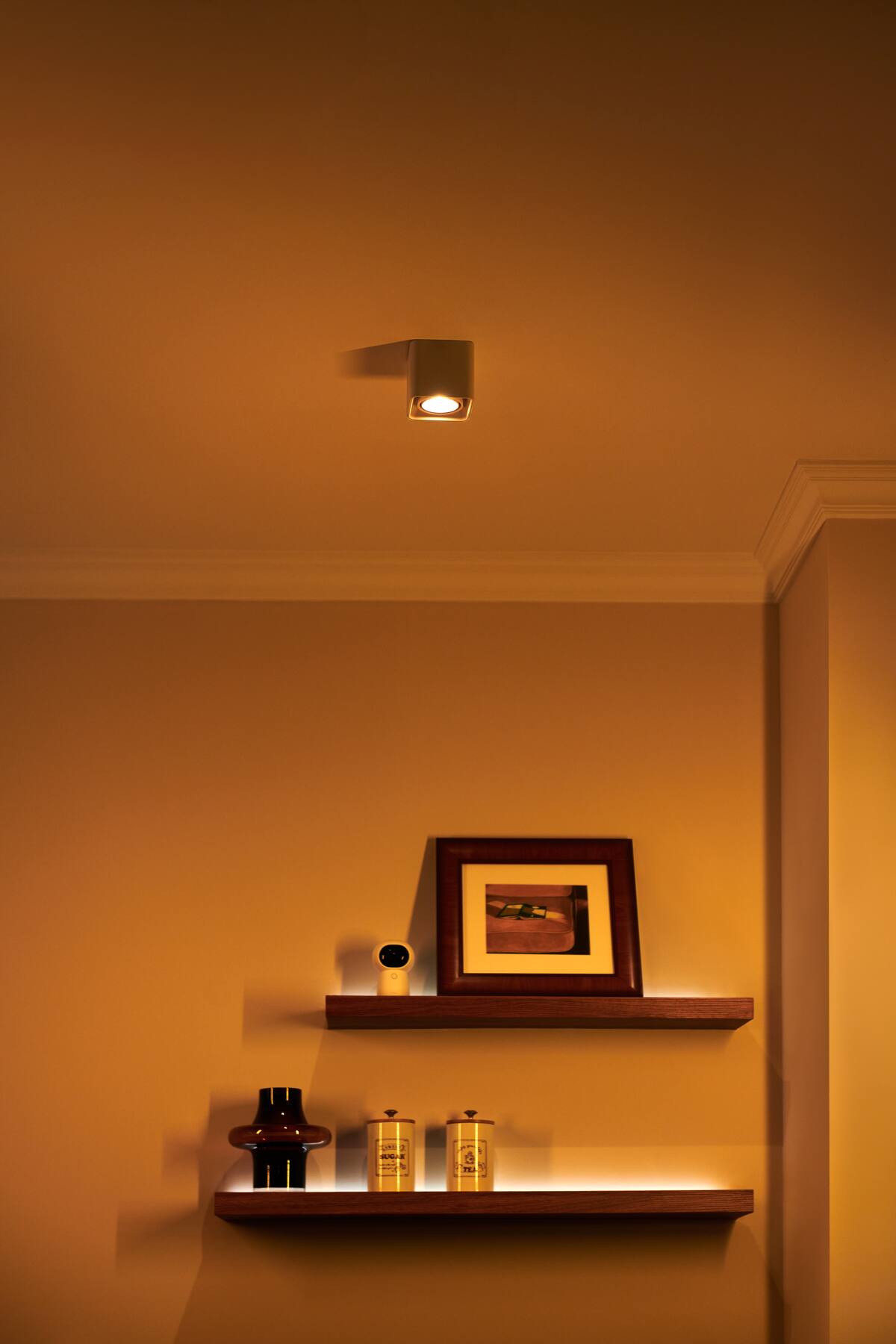
A smart switch or relay controls the power to a whole circuit, which suits ordinary fixed fittings. A smart dimmer also needs drivers that are electrically compatible with it and dim steadily. Smart lamps and smart luminaires let you control each light on its own, including tunable white or colour, but they usually need to stay powered all the time to remain reachable.
A smart lamp behind an ordinary switch that people turn off will keep dropping off the network. Some wall switches have a decoupled mode, where the button sends a command instead of cutting the power; if you use it, make sure everyone at home knows how it works and what happens when the hub is down. Essential lights should always have an obvious way to come on.
Why LED dimmers flicker: drivers and minimum loads
Every LED fitting has an electronic driver inside it. A dimmer and a driver can both be labelled dimmable and still work badly together. The usable range might be narrow, lights might flicker when turned right down, different fittings might dim unevenly, or a circuit might glow faintly when it's supposed to be off. Leading-edge and trailing-edge dimmers are not interchangeable.
Before you repeat a combination across the home, test it with the real fittings and the real number on the circuit. Use the lowest steady level in your scenes, not a percentage the circuit can't hold. Lights that aren't dimmable are better simply switched; get the variety from separate circuits or tunable products.
Scene buttons and wall switches everyone can rely on
Pressing a wall switch should still give a sensible result. Put named settings such as Evening, Dining and Good Night on scene buttons or a control panel, and keep the app for the occasional tweak.
You don't need a button for every small variation. Most households use a few dependable scenes far more often than a long menu of them. Name each scene after what you're doing (Cooking, Dining, Evening, Cleaning, Night Route) rather than a brightness level, and make sure pressing it always gives the same result. Fine adjustment can stay in the app for the times you really need it.
Which lighting is worth automating
Time, daylight and occupancy can choose a lighting scene for you, as long as you can easily override it. A living room doesn't need the same scene at the same hour every day.
Start with the corridor, the entrance and night lighting, where people's movements are predictable. Add more once you've seen how the household actually uses each room.
Daylight and occupancy sensors should adjust a sensible base setting, not keep surprising you. Depending on the room, either hold on to your last manual choice for a while or pause automatic changes until the room is empty. If someone changes the light and the system immediately changes it back, the automation needs rethinking.
Get the lighting right, then add the smart control
The lighting itself
- Enough light on the surfaces you work at
- Ambient and accent lighting you can control separately
- Beam, glare and colour quality checked against your finishes
The smart control
- Circuit control or individual smart fittings, chosen on purpose
- Dimmer and driver tested together with the real number of fittings
- A few named scenes, each with an easy manual override
Most homes need only a few scenes: daytime, Evening, a night route and a full-brightness scene for cleaning.
Official references
Product and standards information was checked against these primary sources. The article above is original Aqara Singapore editorial content.
See it in person
See daytime, evening and night lighting side by side.
Browse Aqara smart lighting, or try brightness, colour temperature and scene control for yourself at our Experience Centre on Keong Saik Road.