
Hubs and Connectivity
Which Aqara Hub Should You Buy? M100 vs M200 vs M2 vs M3
Compare Aqara Hub M100, M200, M2 and M3 by Zigbee, Matter, Thread, infrared control, networking, placement and the homes each model suits.
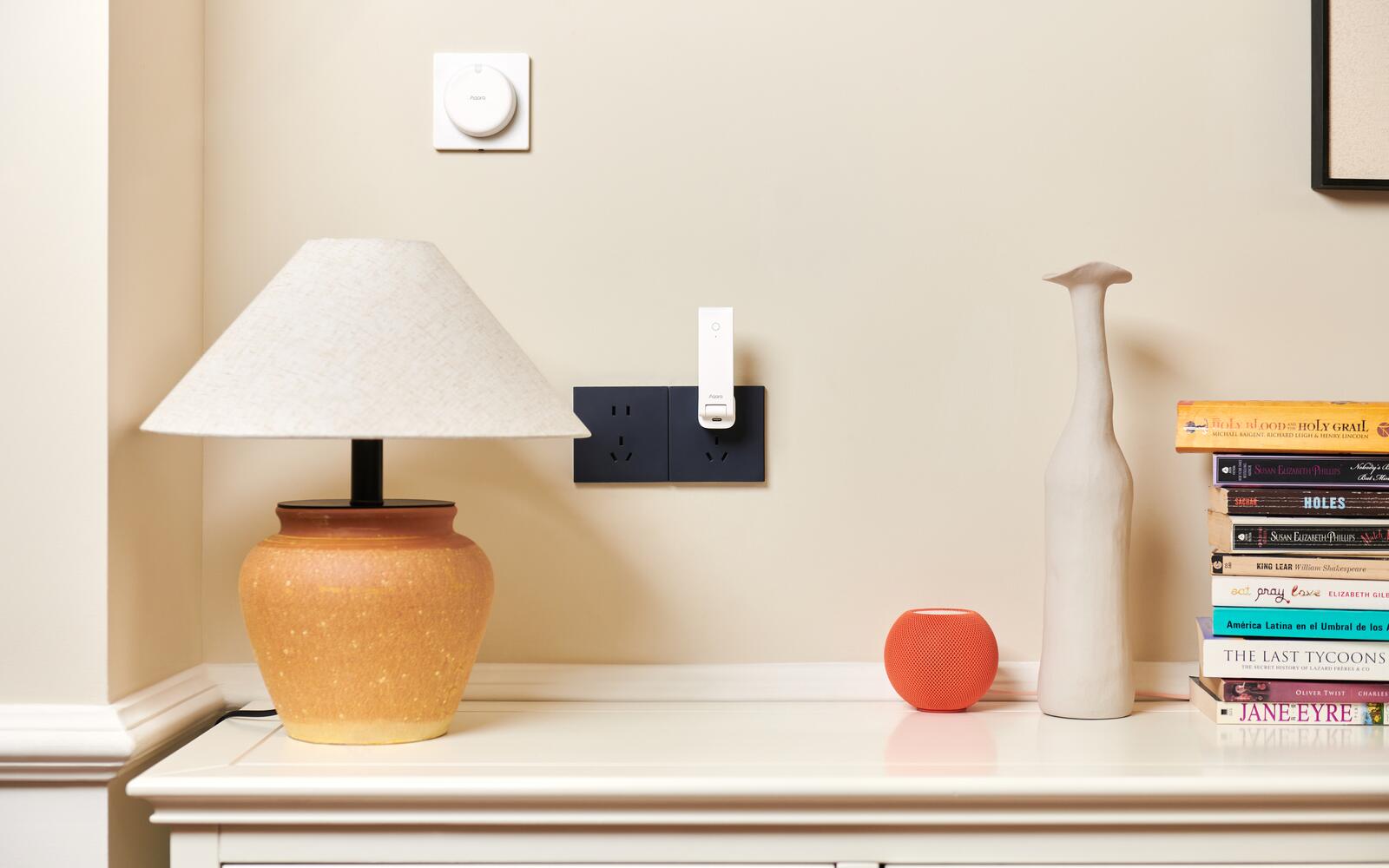
The Aqara Hub M100, M200, M2 and M3 all run Aqara devices, but they aren't the same hub in four sizes. They connect to your network in different ways, only some of them can control an air-conditioner by infrared, only some have a speaker, and they take on different jobs in Matter. We no longer sell the M2; the M200 replaces it, and the M2 stays in this comparison for anyone who already has one.
So the useful question is what you want the hub to do and where it will sit. A small USB hub can be enough for a modest Zigbee and Thread setup. If you want aircon control, a wired network connection or dependable coverage across a whole home, you'll be looking at one of the larger models.
On this page
- How the M100, M200, M2 and M3 differ
- Which Aqara hub for Apple Home, aircon control or PoE
- Aqara Hub M100: small, USB-powered and without IR
- The M200 is the hub to get for a new home
- If you already have an Aqara Hub M2
- The Aqara Hub M3 is for homes with several hubs
- Where to put an Aqara hub for Zigbee, Thread, Wi-Fi and IR
- An Aqara hub is not your Wi-Fi router
- Start with one Aqara hub and add more only when needed
How the M100, M200, M2 and M3 differ
All four hubs run compatible Aqara Zigbee devices and can pass supported ones through to other smart home platforms. The M100, M200 and M3 can also act as a Thread border router and a Matter controller. A Thread border router links Thread devices to your home network; a Matter controller is what adds and runs Matter devices. Both are separate from making your existing Aqara Zigbee devices appear in Matter, which is the bridge's job.
We no longer sell the M2, but one you already own hasn't become obsolete just because it lacks Thread. It still offers Aqara Zigbee, Ethernet and 360-degree infrared, and a home built mostly from Aqara Zigbee switches, sensors and curtains can keep running well on one.
| Model | Connects to your router by | Zigbee | Thread / Matter | Infrared control | Best for |
|---|---|---|---|---|---|
| M100 | 2.4 GHz Wi-Fi; USB-A power | Yes | Thread border router, Matter controller and bridge | No | Compact setups and extending coverage |
| M200 | 2.4/5 GHz Wi-Fi 6 or PoE; USB-C power | Yes | Thread border router, Matter controller and bridge | 360° transmit and IR status detection | New whole-home setups and aircon control |
| M2 | 2.4 GHz Wi-Fi or Ethernet; Micro-USB power | Yes | Matter bridge through supported firmware; no Thread border router | 360° transmit | Homes that already have one (discontinued) |
| M3 | 2.4/5 GHz Wi-Fi or PoE; USB-C power | Yes | Thread border router, Matter controller and bridge | 360° transmit and IR feedback | Coordinating several hubs locally |
Which Aqara hub for Apple Home, aircon control or PoE
It's easier to start from what you want your home to do than from which model is best. Find your goal in the left-hand column.
| You want | Get | Why |
|---|---|---|
| Aqara devices in the iPhone Home app | M100, M200 or M3 | Each bridges supported Aqara devices to Apple Home, directly or through Matter. An M2 you already own does this too. |
| To add Matter and Thread devices over time | M100, M200 or M3 | Each is a Matter controller and Thread border router. The M2 isn't — it only bridges its own Zigbee devices into Matter. |
| Automations to replace the aircon remote | M200 or M3 | Both have 360° IR and notice when someone uses the original remote, so the app stays accurate. The older M2 also has 360° IR, without that feedback. |
| The aircon to behave like a thermostat | M200 or M3 | Pair the hub's IR with an Aqara climate sensor and compatible Matter platforms get thermostat-style control of one aircon. |
| A network cable instead of Wi-Fi | M200 or M3 (PoE) | PoE carries power and data on one cable. An existing M2 uses plain Ethernet with separate power. |
| A siren or chime from the hub itself | M200 or M3 | Both have speakers, as does the older M2. The M100 doesn't. |
| The smallest, most discreet hub | M100 | It plugs straight into USB-A power with no cable, and has no IR or speaker hardware. |
| Several hubs working as one local system | M3 | It leads a group of Aqara Zigbee hubs and runs the automations locally on the hub. |
Aqara Hub M100: small, USB-powered and without IR
The M100 plugs into USB-A power through an adjustable plug, so it can sit on a USB power adaptor, a power bank or a suitable powered USB port with no cable at all. That makes it easy to tuck into a bedroom, a study or anywhere a bigger hub would stand out.
It does more than its size suggests. It's a Zigbee hub, Thread border router, Matter controller and Matter bridge in one, so it can add supported Matter devices in Aqara Home, connect Thread devices to your home network and share supported Aqara devices with other Matter platforms.
What it lacks is hardware: there's no Ethernet, no PoE, no infrared blaster and no alarm speaker. It also relies on decent Wi-Fi and on wherever the USB power happens to be. If the only handy socket is behind a metal cabinet or at the far end of a large flat, you lose the radio coverage that makes the hub worth having.
The M200 is the hub to get for a new home
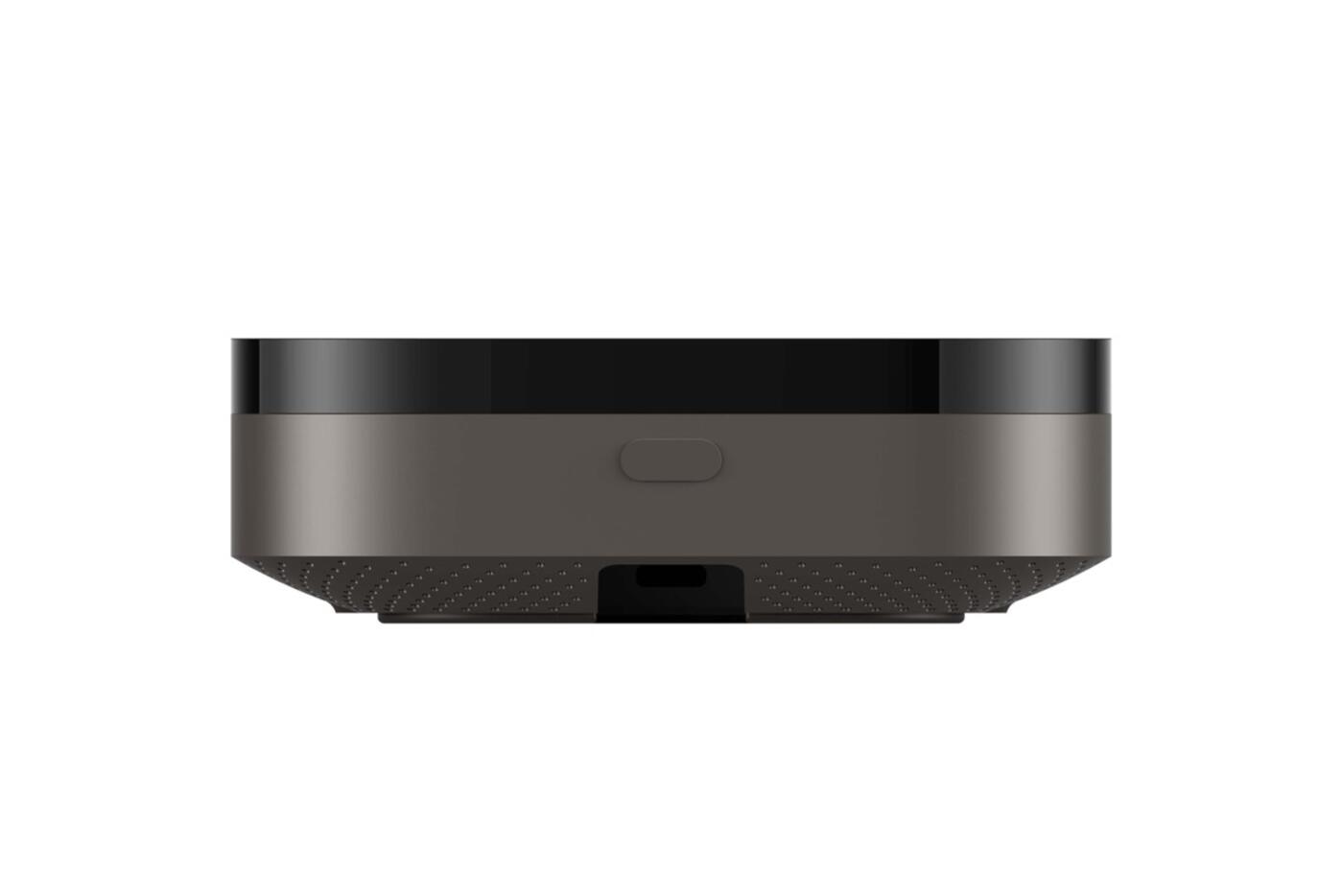
The M200 covers the most ground in the current range. It's an Aqara Zigbee hub, Thread border router, Matter controller and Matter bridge, with dual-band Wi-Fi 6, PoE, USB-C power, a 90 dB speaker and 360-degree infrared. If your network switch or injector supports PoE, a single Ethernet cable both powers and connects it.
The infrared is useful in Singapore because many split aircons still use a handheld IR remote. The M200 can send commands, notice supported changes made with that remote, and, paired with an Aqara climate sensor, present one aircon to Matter as something like a thermostat. It does need a clear line of sight to the aircon in the same room. IR won't reach through walls to the rest of the home.
Supported automations run on the M200 itself. You still need the internet for notifications, remote access and cloud integrations, but a local routine, like a sensor turning on a light or adjusting the aircon, doesn't have to stop when your broadband does.
View Hub M200 How Aqara aircon control works
If you already have an Aqara Hub M2
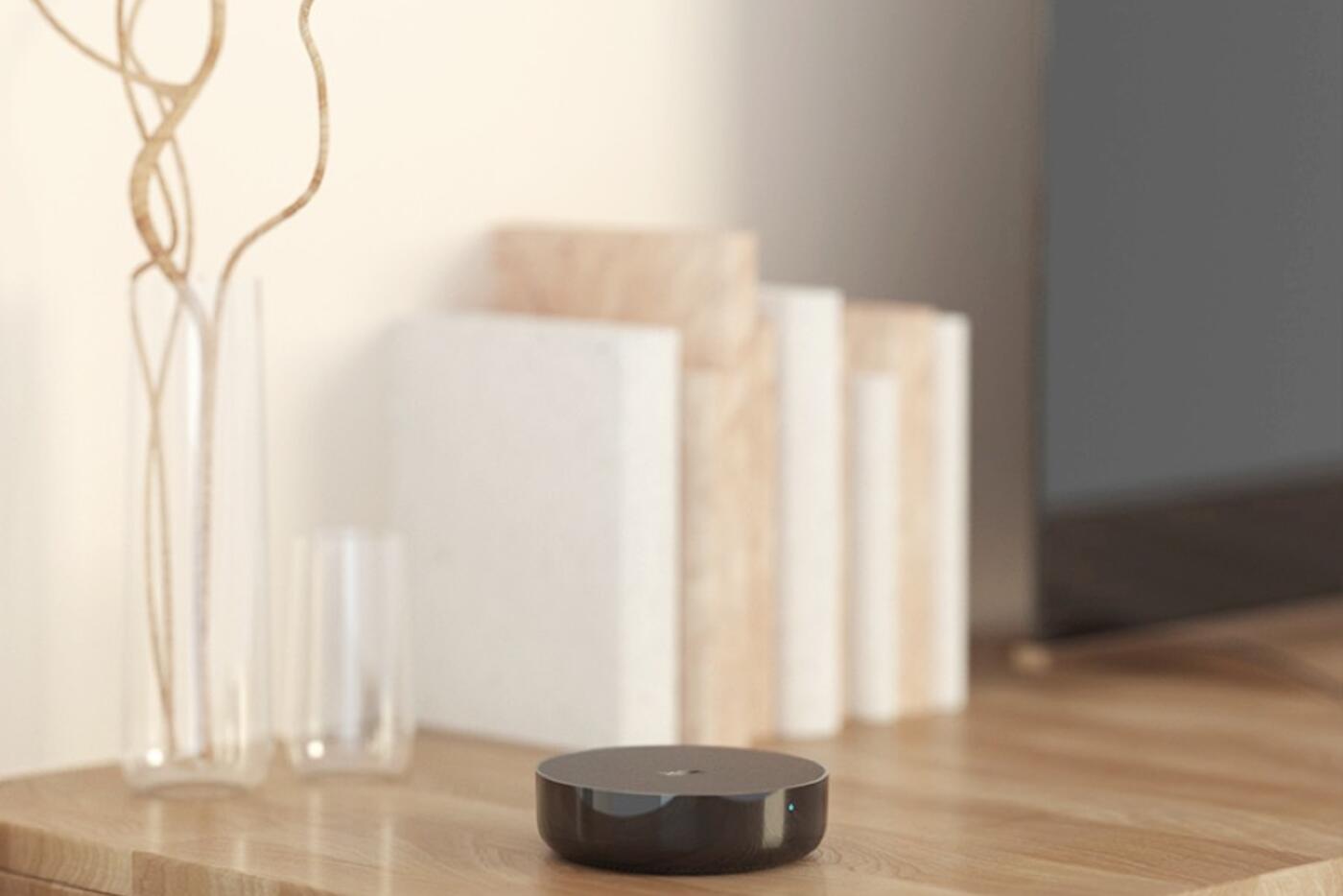
We no longer sell the M2, and the M200 has taken its place. The M2 is a mature Zigbee 3.0 hub with Wi-Fi, Ethernet, a built-in speaker and 360-degree IR. Aqara rates it for up to 128 compatible devices. Treat that as a ceiling rather than a target: leave room to grow, and plan around radio coverage rather than the headline number.
It suits a home that already runs on Aqara Zigbee and doesn't need its hub to be a Thread border router or Matter controller. Ethernet is handy if the router or network switch is nearby, and the IR blaster still works for aircons, TVs and fans in the same room.
Moving to the M200 gets you Thread, fuller Matter support, dual-band Wi-Fi, PoE and IR feedback when someone uses the original remote. If your M2 works and you don't need those, keeping it is often the sensible call.
The Aqara Hub M3 is for homes with several hubs
The M3 was designed to sit at the edge of a larger Aqara system. On top of its own Zigbee, Thread and Matter roles, it can coordinate supported automations across your other Aqara hubs. That helps when a sensor is paired to one hub and the light it controls is on another: supported routines can stay on your local system instead of making a round trip through the cloud.
It connects by Ethernet with PoE or by dual-band Wi-Fi, and takes USB-C power. Its 360-degree IR blaster can learn and control compatible appliances, and the speaker handles alarms and custom sounds. There's no camera or microphone, and Aqara stores your settings and supported automation data on the hub itself.
Most single flats don't need an M3. It earns its place when several Aqara hubs need one local coordinator, or when a home is already designed around one. For a general-purpose new purchase, put it side by side with the M200; the higher model number doesn't settle it.
Where to put an Aqara hub for Zigbee, Thread, Wi-Fi and IR
Four things pull on where a hub should go. Zigbee and Thread are low-power 2.4 GHz meshes, so the hub wants to be central to your devices. It needs Wi-Fi or Ethernet back to the router. IR needs an open view within the room it controls. And every hub needs reliable power. The best spot for aircon control may not be central to your sensors, and a network cabinet can be a poor home for both radio and IR.
Start somewhere open and fairly central, away from large metal enclosures, dense electrical equipment and the immediate side of a Wi-Fi access point. Mains-powered Zigbee devices can extend the Zigbee mesh, but most battery sensors don't pass traffic on. Thread has its own mesh and its own border routers, and doesn't use Zigbee repeaters.
If you're getting a PoE model, decide where the cable will end before the carpentry is closed up. And avoid plugging a USB-powered hub into a switched socket, where one accidental press takes it offline.
Read how Aqara hubs work Read the Matter, Thread and Zigbee guide
An Aqara hub is not your Wi-Fi router
Your router gives devices their network connection and carries internet traffic. An Aqara hub runs compatible Aqara devices and translates supported functions between protocols and platforms. A bigger hub won't fix weak Wi-Fi, stand in for a router or give you Ethernet where there isn't any.
A Thread border router isn't your internet router either. It's the link between a Thread mesh and your home network. You can have several from different platforms, but which devices show up where still depends on how each one was added and what each platform supports.
Keeping these apart helps when something goes wrong. If the hub is online but a distant Zigbee sensor keeps dropping out, look at the Zigbee path. If every device loses remote access, it's the router or the internet. If an IR command only fails from one spot, it's line of sight.
Start with one Aqara hub and add more only when needed
Most flats should start with one well-positioned hub. Add a second only for a real reason: the layout, weak signal readings, a large number of devices, another floor, or a room that needs its own IR. More hubs give you more places to put things, but every device and automation then belongs to a particular hub, and you need to keep track of which.
A large or multi-storey home may need more than one. An M100 works well as a second Zigbee or Thread point when you don't need another IR blaster and speaker. Base any expansion on the weak spot you actually find in your home, not a set number of hubs per bedroom.
Which Aqara hub to get
Work out how the hub will connect, which rooms need IR and whether you need Thread and Matter. Then compare size and price.
M100
- Small and USB-powered
- Zigbee plus Thread and Matter
- No Ethernet, IR or speaker
M200
- The default choice for a new home
- PoE or dual-band Wi-Fi
- IR feedback, speaker, Thread and Matter
M3, or an M2 you own
- M3 to coordinate several hubs locally, over PoE or Wi-Fi
- An existing M2 can keep running Zigbee and IR
- We no longer sell the M2; the M200 replaces it
A mid-range hub in a good spot usually beats a more capable one hidden where its radio and IR can't reach.
Official references
Product and standards information was checked against these primary sources. The article above is original Aqara Singapore editorial content.
Aqara hubs
See the current Aqara hub range.
Compare our hubs and prices, or get help working out where the hub, network cable and IR should go as part of a whole-home plan.