
Smart home basics
What Is an Aqara Hub? Zigbee, Wi-Fi and Internet Explained
Understand what an Aqara hub does, how Zigbee devices reach your network, and which smart home functions can continue locally without the internet.
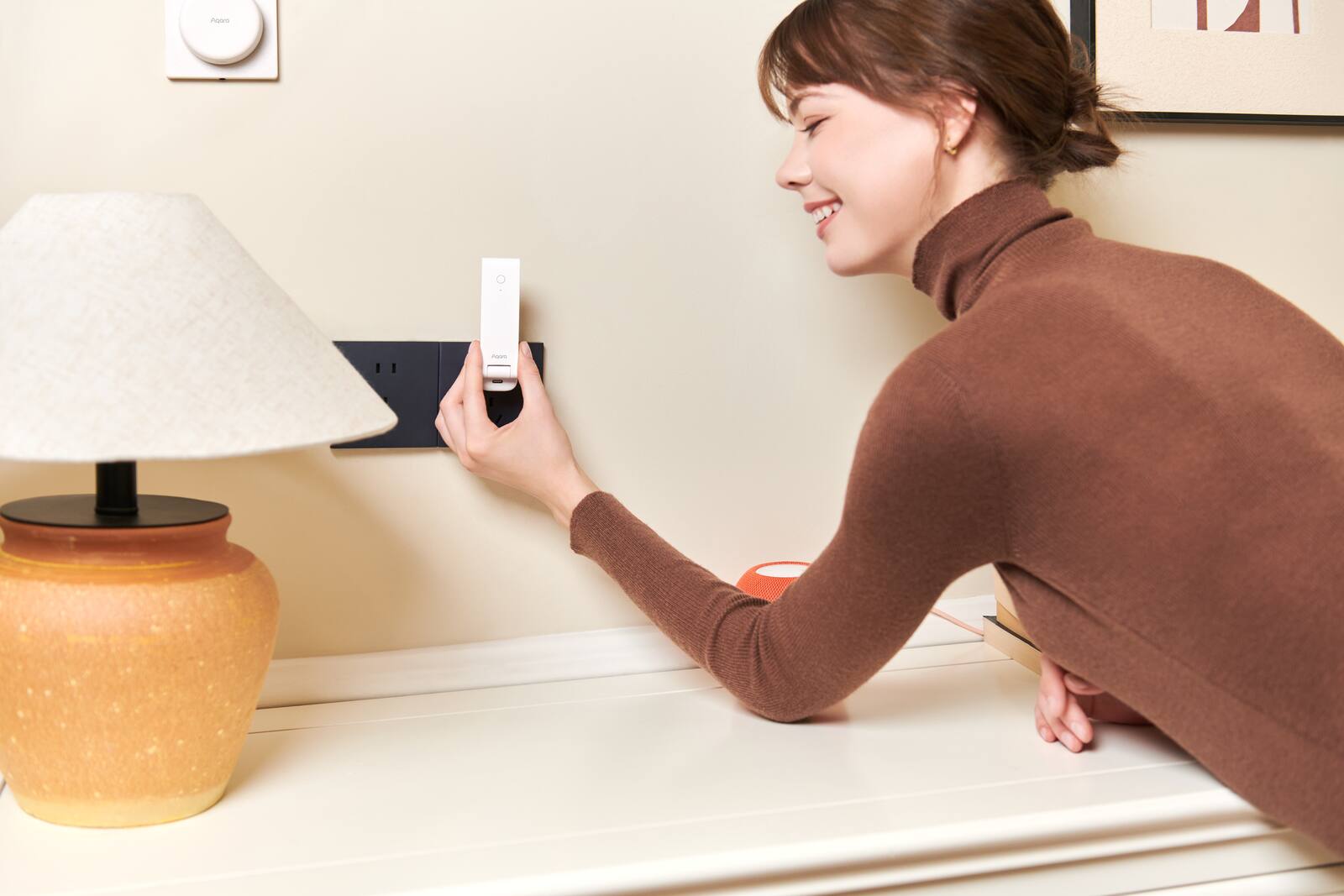
Many Aqara sensors, switches and curtain motors don't connect to your Wi-Fi directly. They talk to an Aqara hub instead. The hub lets these low-power Zigbee devices work with each other, connects them to the Aqara Home app, and can pass compatible devices on to Apple Home, Google Home or Amazon Alexa.
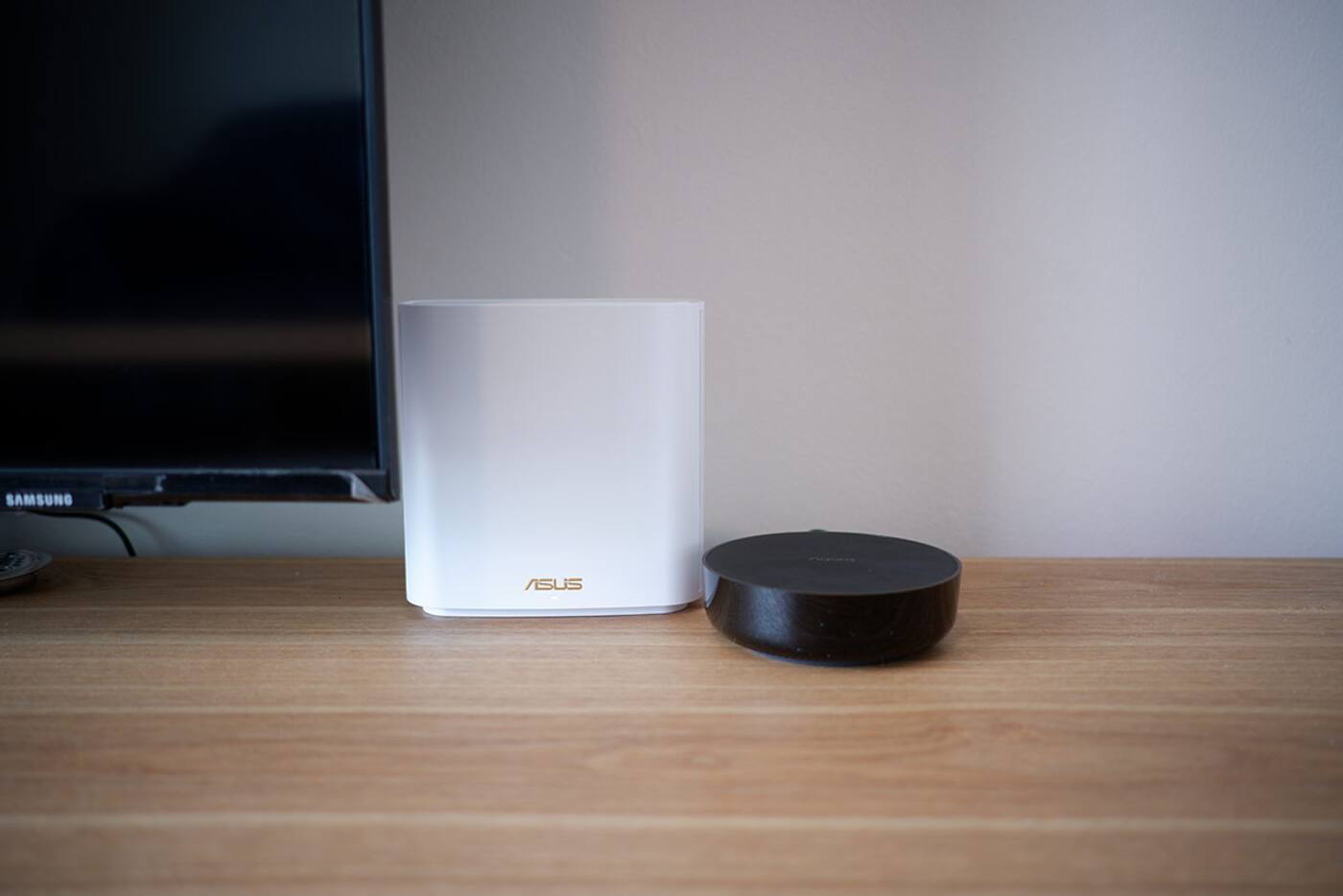
The hub isn't your internet router, and it helps to know which box does what. It makes placing the hub easier, and it tells you where to look when something stops responding.
On this page
Devices, hub, router and internet: who does what
A Zigbee sensor doesn't normally join your Wi-Fi. It talks to a compatible Aqara hub, and the hub connects to your home network by Wi-Fi or Ethernet, depending on the model. That keeps dozens of battery-powered devices off your Wi-Fi and gives them a low-power mesh built for smart home use.
Knowing this saves time when something goes wrong. If a sensor can't reach its hub, changing an internet setting won't help. If the app works at home but not when you're out, the Zigbee side is probably fine and the problem is more likely remote access, the router or an outside service.
- Aqara devices use Zigbee, Thread, Wi-Fi or Bluetooth, depending on the product.
- The Aqara hub looks after the devices that pair to it and runs compatible automations.
- Your Wi-Fi router connects the hub, and any Wi-Fi devices, to your home network.
- The internet is what gives you remote access, cloud services and integrations that rely on outside servers.
What the hub actually does day to day
The hub is where you add devices, and it passes their messages around and runs compatible automations. Say a door sensor tells the hub the main door has opened: the hub can then turn on the lights you've chosen or send you a notification.
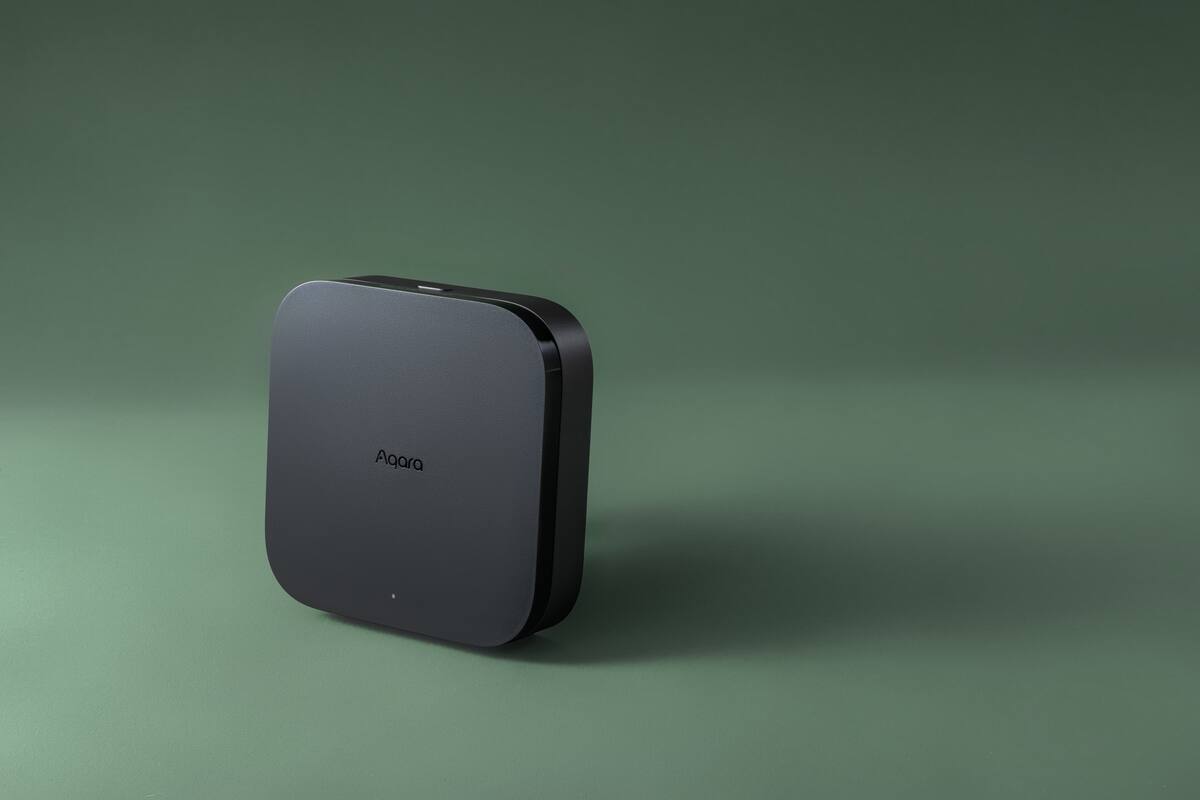
Some hubs do more. Depending on the model you might get an infrared controller, a speaker, a camera, an Ethernet port, a Matter controller or a Thread Border Router. So the right hub is the one that fits your devices and the platforms you want to use, which isn't necessarily the newest.
Each Aqara Zigbee hub runs its own separate network. A sensor paired to one hub stays with it; it doesn't hop between hubs the way your phone moves between Wi-Fi access points. If a large home has several hubs, decide which devices go on each, and check whether an automation that uses devices on two hubs can still run locally on the platform you're using.
What keeps working when the internet goes down
Controls and automations can keep running without the internet as long as every device, condition and action involved is supported locally by your hub. Remote access from outside the home, cloud notifications, voice assistants and some third-party integrations may need the internet.
Don't let your main lighting depend only on a phone or a cloud service. Wall switches and local automations are what keep the home usable during an outage.
The internet can go down while the router and hub stay on. The Wi-Fi can fail while the Zigbee devices still reach their hub. Or the hub itself can go offline. To find out what your setup really does, unplug the internet for a while and try your important routines, then take the relevant hub offline and try them again. That tells you far more than a label saying ‘local’.
| What failed | What may still work | Check first |
|---|---|---|
| Internet connection | Wall switches and supported hub automations | Remote access, cloud notifications and voice assistants |
| Home Wi-Fi or router | Zigbee devices may still reach their hub | The hub's network connection and your Wi-Fi devices |
| Aqara hub | Wired controls that don't rely on it, and other networks | Hub power, status, signal coverage and the devices paired to it |
How Zigbee range works: the mesh
The hub runs the Zigbee network. Compatible Zigbee devices that run on mains power can also act as routers and pass messages between the hub and devices further away. Battery sensors don't do this. They wake up to report or check in, then go back to sleep to save battery.
So putting another battery sensor next to a weak one won't extend the network. A suitable powered device can help, but only if it's compatible, stays powered all the time and is paired to the same hub. A wall switch whose circuit someone turns off at the breaker can't be relied on to carry signals.
Signal inside Singapore flats is rarely even. Reinforced concrete walls, metal distribution boards, lift cores, appliances and mirrors all affect it. Test each sensor where it will actually live, with the doors closed and the home in normal use. A device pairing successfully right next to the hub only proves it can join.
How many hubs does a home need?
Many flats manage with one centrally positioned hub, but the size of the home, the walls, the number of devices and which products you choose all make a difference. Mains-powered Zigbee devices can strengthen the mesh; battery devices generally don't repeat signals.
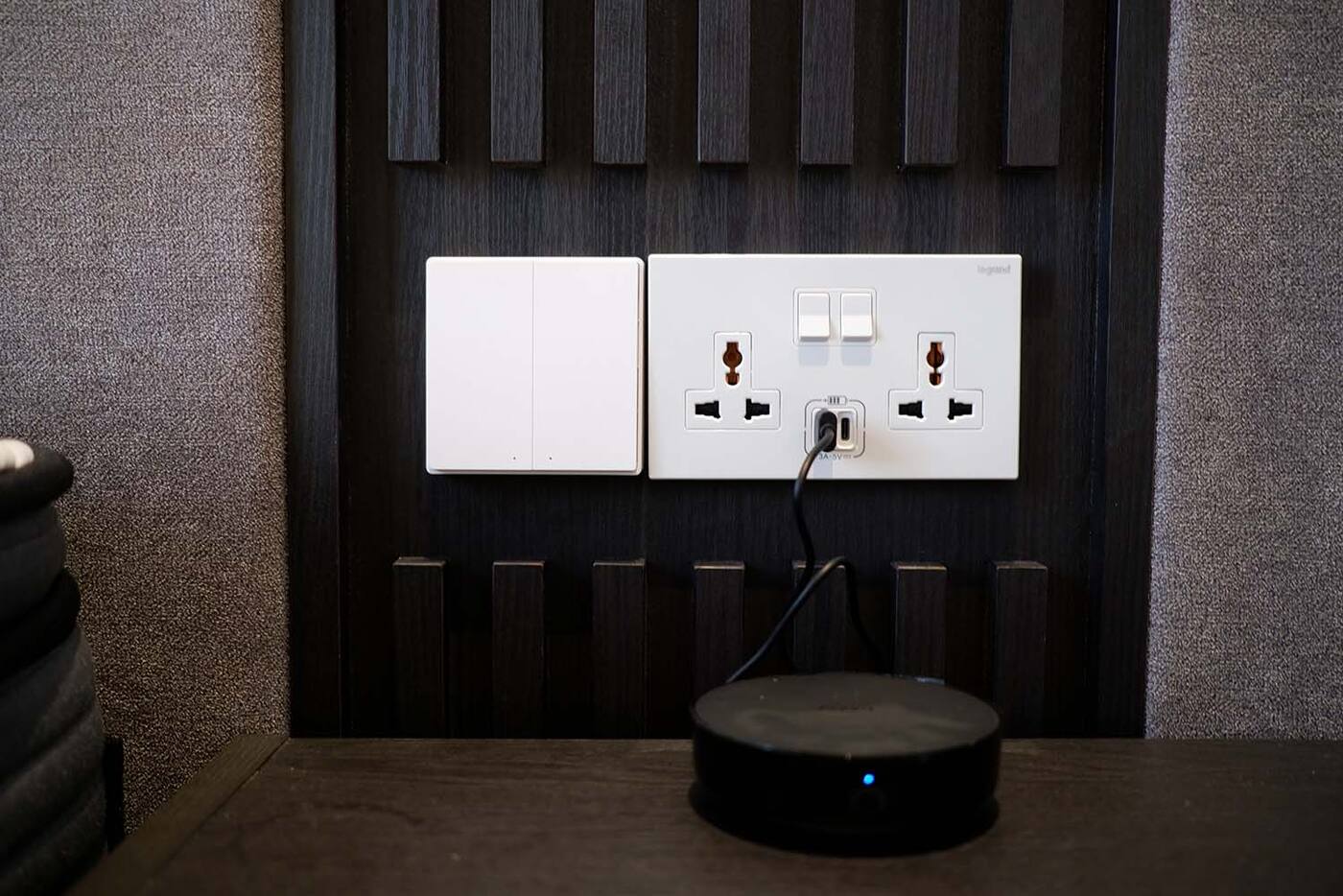
Decide where the hub goes before the renovation finishes. Inside an enclosed metal cabinet it loses much of its range, and wherever it sits it needs power and a network connection you can get to. Check the signal at the sensors and motors furthest away.
One hub in a good spot usually beats several put down without a plan. Add another only for a clear reason: coverage, the number of devices, a feature only that hub has, or a separate part of the property. If your hub has an Ethernet port, plugging it into the router removes one wireless link, though its Zigbee side still needs a good position.
How many Aqara hubs does a home need? Compare the M100, M200 and M3 hubs
Checklist for picking an Aqara hub
Asking which Aqara hub is best doesn't get you far. Ask which hub covers everything your home needs with the fewest extra pieces. A few lights and sensors need far less than a home mixing Matter, Thread, infrared and several platforms.
- List every Aqara device you plan to buy and check which hub, and which regional version, supports it.
- Note whether you need Ethernet, Wi-Fi, infrared control, a speaker, camera features, Matter control or a Thread Border Router.
- Find out how each device will reach your main platform: a native integration, a Matter bridge or another supported route.
- Check where your important automations run and what stops working without the internet.
- Leave room for power, ventilation and an easy way to reset or replace the hub.
What your hub needs to handle
Newer or pricier isn't automatically right. Check these against your actual device list.
Your devices
- Supports every Aqara device you plan to buy, in the right regional version
- Has the Zigbee, Thread, Bluetooth or Matter features you need
- Enough range and capacity for the rooms you're covering
Your network and apps
- Wi-Fi or Ethernet available where the hub will sit
- Matter controller or Thread Border Router, if you need one
- A clear way into the main app your household will use
Start with one hub in a good spot, and add a second only when coverage, device numbers or a missing feature call for it.
Official references
Product and standards information was checked against these primary sources. The article above is original Aqara Singapore editorial content.
Plan the network
Find the Aqara hub that suits your devices.
Compare the hubs, then use the network map to see where Zigbee, Wi-Fi and the internet each fit in.