
Connectivity
Matter, Thread and Zigbee: What Aqara Buyers Need to Know
A practical comparison of Matter, Thread, Zigbee and Wi-Fi for Aqara smart homes, including what a bridge or Thread Border Router actually does.
Matter, Thread and Zigbee get talked about as if they were rival versions of the same thing. They aren't. Matter is a shared language that lets compatible smart home products and apps understand each other. Thread and Zigbee are the wireless networks that carry the messages. Wi-Fi is another network, used by many cameras, hubs and controllers.
You don't need to master the jargon to buy well. What you need to know is which devices need a hub, what will work in the app you use, and what keeps working without the internet.
On this page
- Many Aqara devices use Zigbee and connect through a hub
- Matter is the language; Thread and Wi-Fi are the roads
- Thread, border routers and Matter controllers
- What Matter does and doesn't give you
- What an Aqara hub shows other platforms through a bridge
- Start with what you want the home to do
- Before you buy: a short Matter, Thread and Zigbee checklist
Many Aqara devices use Zigbee and connect through a hub
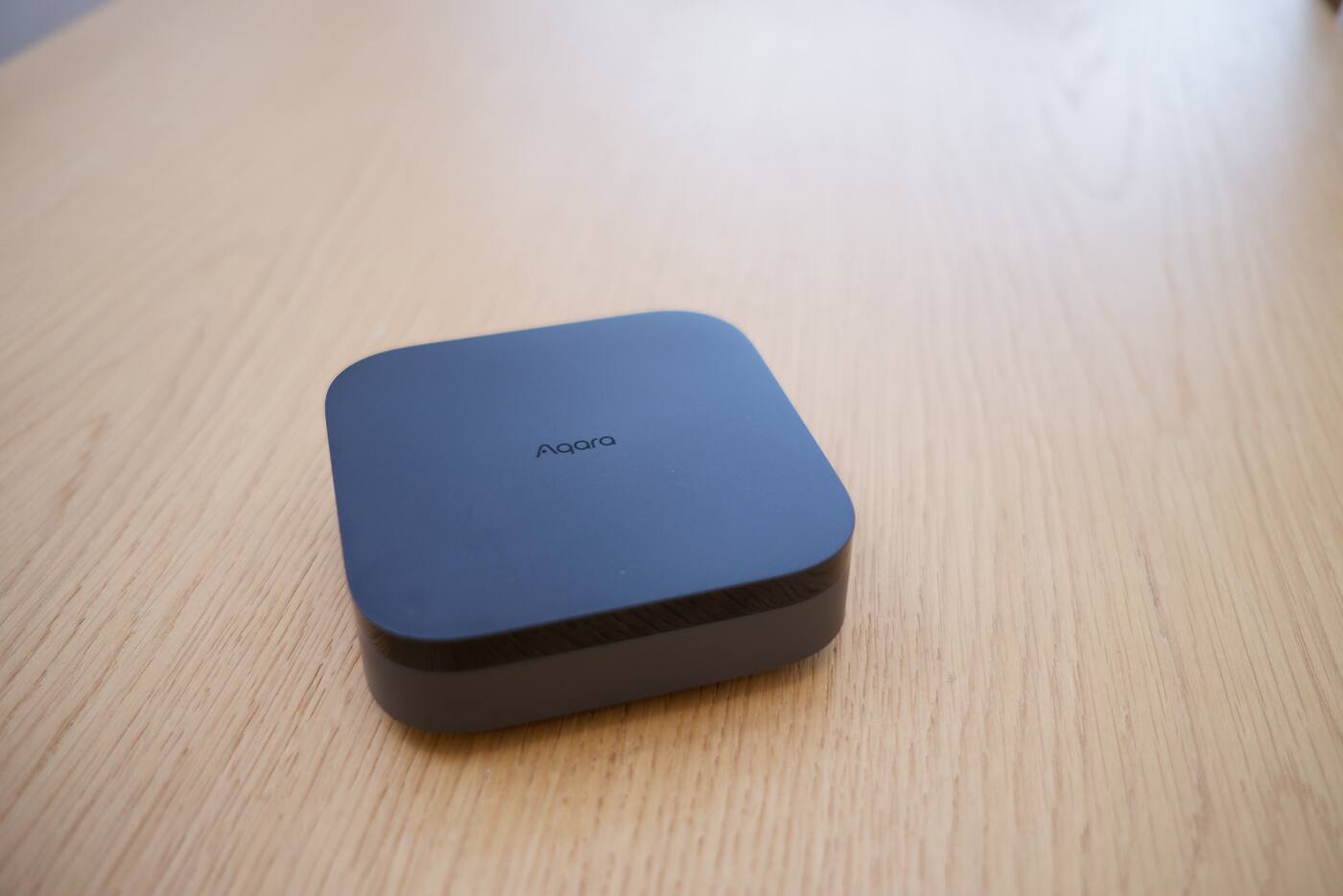
Aqara makes a large range of Zigbee sensors, switches, locks and curtain products. These join a compatible Aqara hub rather than your home Wi-Fi, and the hub makes supported devices available in Aqara Home and in selected other platforms.
A Matter update on a hub doesn't turn the Zigbee radio in your existing sensors into Thread. The hub acts as a bridge: it presents supported Zigbee devices to a Matter platform, while they carry on using Zigbee to talk to the hub.
Zigbee runs its own mesh network rather than carrying ordinary home network traffic. That's part of why its low-power sensors can run for a long time on a battery. It also means they need a compatible hub to join, and can't connect straight to a Wi-Fi access point or a Thread Border Router.
Matter is the language; Thread and Wi-Fi are the roads
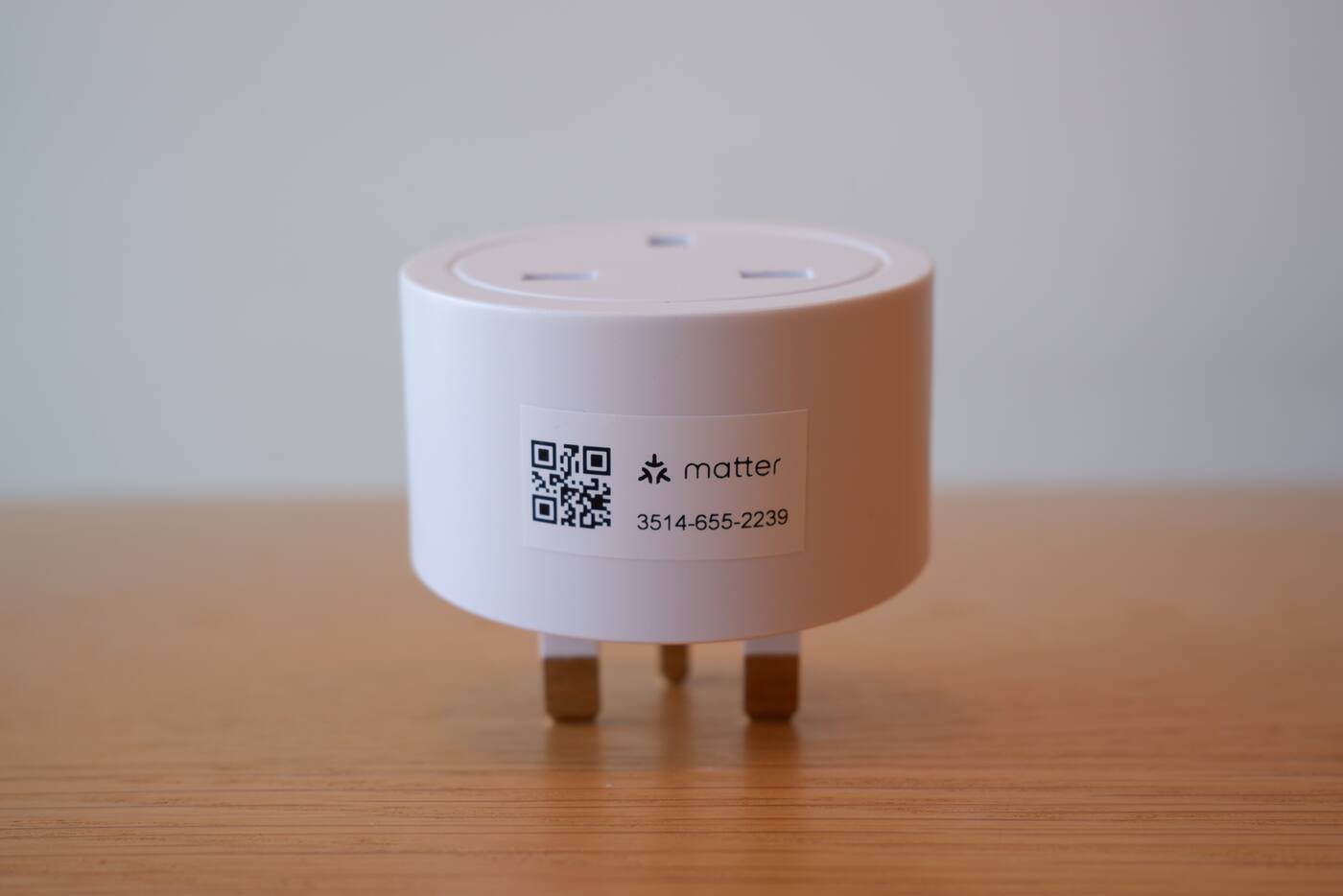
Matter sets common rules for supported device types, the commands they understand, how they're added to an app and how they're secured. That's what lets a compatible light, lock or sensor be understood by more than one platform. It still needs a network underneath it.
A Matter-over-Wi-Fi device joins your normal Wi-Fi network alongside your laptop and TV. A Matter-over-Thread device joins a low-power Thread mesh. Both speak Matter; they just travel differently. It doesn't work the other way round, though: a Thread product isn't automatically a Matter product, because Thread can carry other kinds of traffic too.

| Term | What it is | What it doesn't promise |
|---|---|---|
| Matter | A shared language and setup method | A particular radio, identical features, or that you won't need a controller |
| Thread | A low-power IPv6 mesh network | That the device supports Matter or every platform |
| Zigbee | A low-power mesh with its own hub and device rules | A direct connection to Wi-Fi or a Thread Border Router |
| Wi-Fi | Your home network, used by hubs and some devices | That it works without the internet, or low power use |
Thread, border routers and Matter controllers
Thread devices talk to each other over an IPv6-based mesh. To reach the rest of your home network, that mesh needs a Thread Border Router. To add and manage Matter devices in your chosen platform, you also need a compatible Matter controller. Some products do both jobs.
Thread gives newer devices a direct, standards-based route, but it doesn't mean every feature appears in every app. Which device types and advanced functions are supported still varies between platforms.
A Thread Border Router isn't your internet router. It passes traffic between the Thread mesh and the rest of your home network. A Matter controller is what adds devices, holds their security credentials and runs the control side for its platform. One box can do both, but they're still two separate jobs.
What Matter does and doesn't give you
Matter gives supported device types a common foundation and lets you share a device between compatible platforms, which Matter calls multi-admin. You don't have to commit to one platform forever.
You may still need the Aqara Home app for Aqara-specific settings, advanced automations, firmware updates and less common features. If one integration is the reason you're buying, check that it works with the exact product, hub and app you plan to use.
With multi-admin, a supported device can sit in more than one platform at once, say Apple Home and Google Home. Each platform keeps its own rooms, names and automations, though. Sharing the device doesn't copy those across, and an automation you build in one app won't appear in the other.
What an Aqara hub shows other platforms through a bridge
When an Aqara hub bridges a Zigbee device into Matter, it passes along the features it supports as a standard Matter device type. The device itself stays paired to Aqara Home through the hub, and firmware, calibration and advanced settings can stay there.
It's a good way to bring well-established Zigbee products into a wider platform, but the device hasn't been converted to a new protocol. If the bridge goes offline, the Matter platform loses the device, even though local Aqara automations may still be able to use it over Zigbee.
Start with what you want the home to do
A mix of technologies is often the sensible answer. Zigbee covers a wide range of proven Aqara devices, Thread adds more standards-based options, and Wi-Fi suits products that move more data.
For each thing you want the home to do, note the device, its radio, the hub or border router it relies on, which controller manages it and which app you'll use to control it. That short list is far more useful than a shopping list sorted by protocol logos.
- Write down the controls and automations you actually want.
- Decide which app the household will mainly use: Aqara Home, Apple Home, Google Home, Alexa or a combination.
- Check that each device feature you care about is available in that app.
- Then pick hubs and network equipment for coverage, local operation and room to grow.
Compare current Aqara hubs Using Aqara with Home Assistant Shop Aqara hubs
Before you buy: a short Matter, Thread and Zigbee checklist
- The regional version and firmware you're buying support the platform you want to use.
- You already have the Matter controller, Thread Border Router or Aqara hub it needs, or you've budgeted for one.
- Your app supports the specific feature you want, not just the general type of device.
- You know what your most important controls and automations do when the internet or the controller is down.
- You and your installer have agreed which app looks after rooms, names, users and automations.
Check every link in the chain before you buy
On the product side
- The exact model, region and firmware
- Which radio the device uses
- The Aqara hub, bridge or Thread Border Router it needs
On the app side
- A Matter controller for your chosen platform
- The specific features that app will show
- What still works without the internet or the controller
Buy for what the device will do in your home, not for the number of logos on the box.
Official references
Product and standards information was checked against these primary sources. The article above is original Aqara Singapore editorial content.
Map the system
See how Aqara devices reach the apps you use.
Look at the Aqara integration map, or read up on what the hub does for Zigbee, Thread and Matter devices.