
Hubs and Connectivity
How Many Aqara Hubs Does a Home Need?
Plan Aqara hub quantity and placement using Zigbee mesh roles, home layout, walls, interference, device count, infrared rooms and multi-storey coverage.
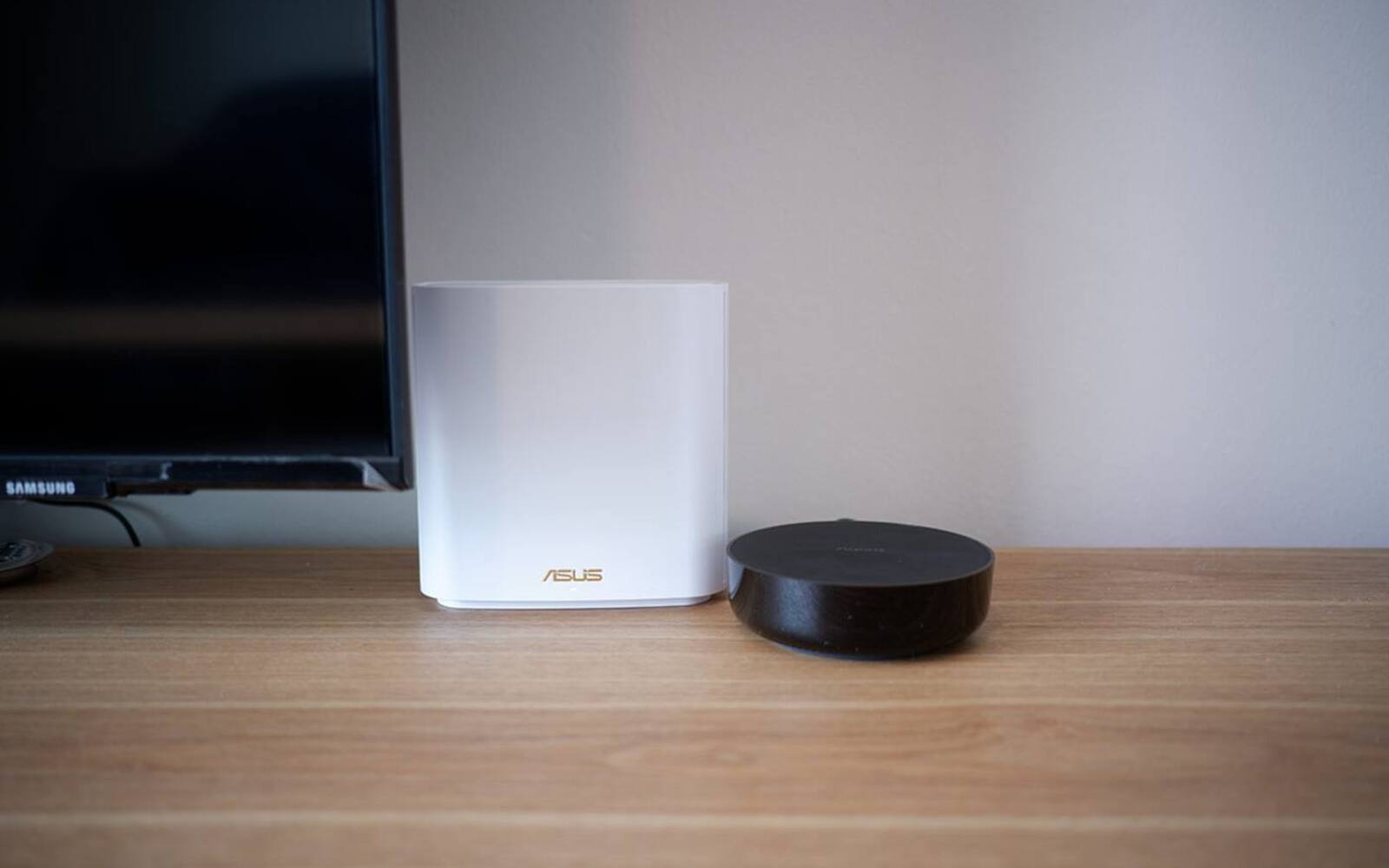
Most flats and smaller condos can start with one Aqara hub in the right spot. A bigger or multi-storey home may need more, but a second hub isn't a Zigbee range extender. It usually runs its own group of devices, and it's one more thing that needs a good position, power and someone responsible for it.
How many hubs you need depends on signal coverage, what each device does and which rooms need infrared control. Floor area on its own doesn't tell you much.
On this page
- Router, hub and Zigbee mesh: three different jobs
- Starting with one hub near the middle of the home
- Extending coverage with powered switches and plugs
- When another floor or a far wing needs its own hub
- Splitting devices across hubs for capacity or reliability
- Infrared hubs for rooms with aircon
- Fixing 2.4 GHz interference before buying another hub
- Power, network and access for each Aqara hub
Router, hub and Zigbee mesh: three different jobs
Your home router provides Ethernet, Wi-Fi and the connection to the internet. An Aqara hub joins that home network and runs your Zigbee devices. It also connects selected functions to platforms such as Apple Home or Google Home, and depending on the model it may add Matter, Thread, infrared, a speaker or security features. It doesn't replace your Wi-Fi router.
A Zigbee network has one coordinator, and that's normally the Aqara hub. Compatible mains-powered Zigbee devices act as routers, passing messages along within the same network. Battery sensors save power by staying as end devices and usually don't extend coverage.
Matter-over-Thread devices use a separate mesh and need a Thread border router. Hubs such as the M3, M100 and M200 provide current Matter and Thread functions, but Thread coverage and Zigbee coverage are still two separate things to plan.
Starting with one hub near the middle of the home
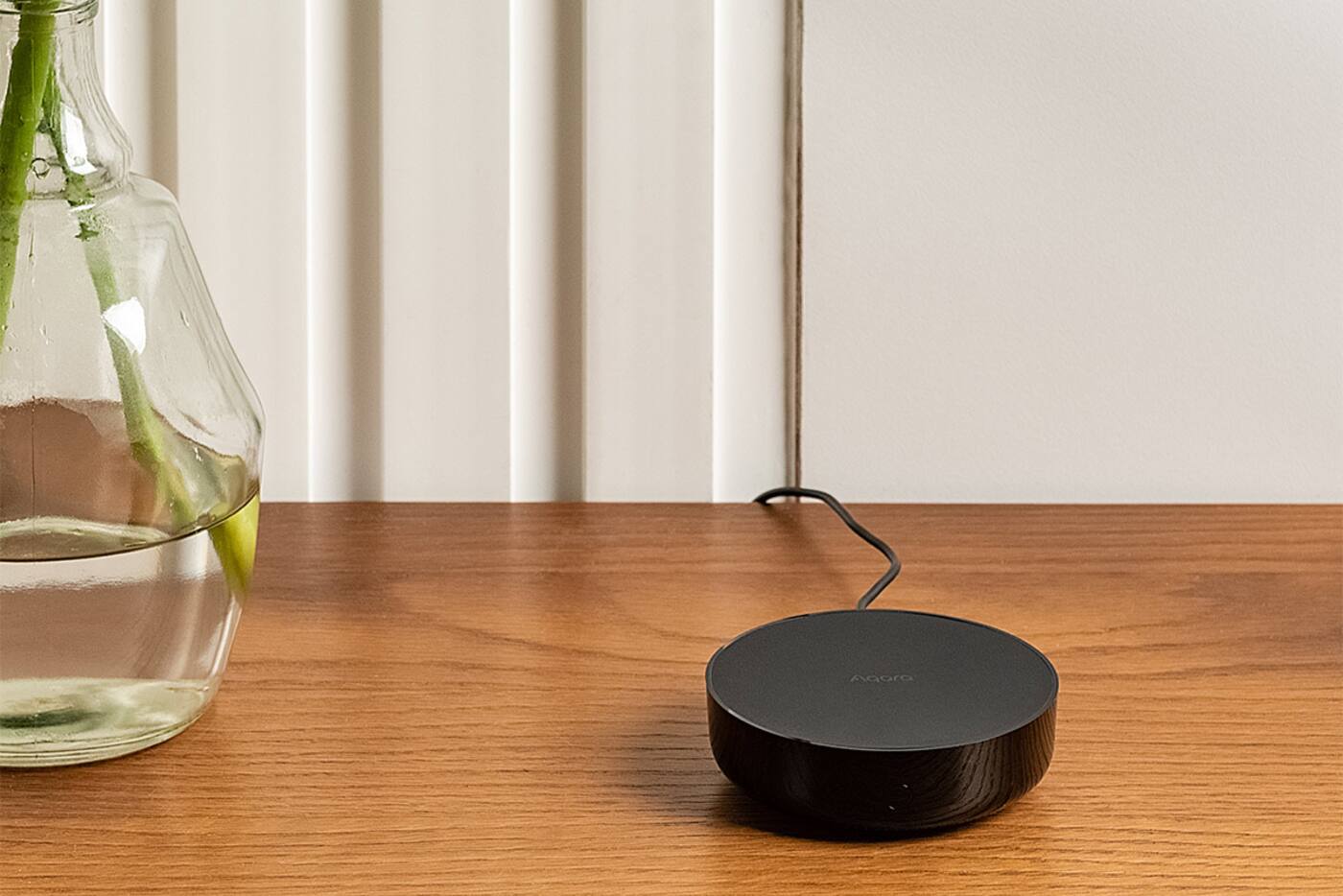
One hub is the simplest setup to live with. All your Zigbee devices share one network, automations don't depend on hubs talking to each other, and it's easier to follow how devices reach Apple Home, Google Home or Alexa. Put the hub near the middle of where your devices are, not next to the router out of habit.
Aqara's range guidance, written for its older Hub M2, suggests keeping each device within about 10 metres of the hub, with no more than two walls in between, in a typical home. Treat that as a starting point rather than a guarantee. Reinforced concrete, metal doors, mirrors, cabinets and your neighbours' 2.4 GHz networks all change the result.
The hub needs permanent power and a stable Wi-Fi or Ethernet connection, and its radios shouldn't be shut inside a metal distribution board or a closed AV cabinet. If it needs Ethernet, run a cable to a good position rather than leaving the hub in a dead corner next to the network switch.
Extending coverage with powered switches and plugs
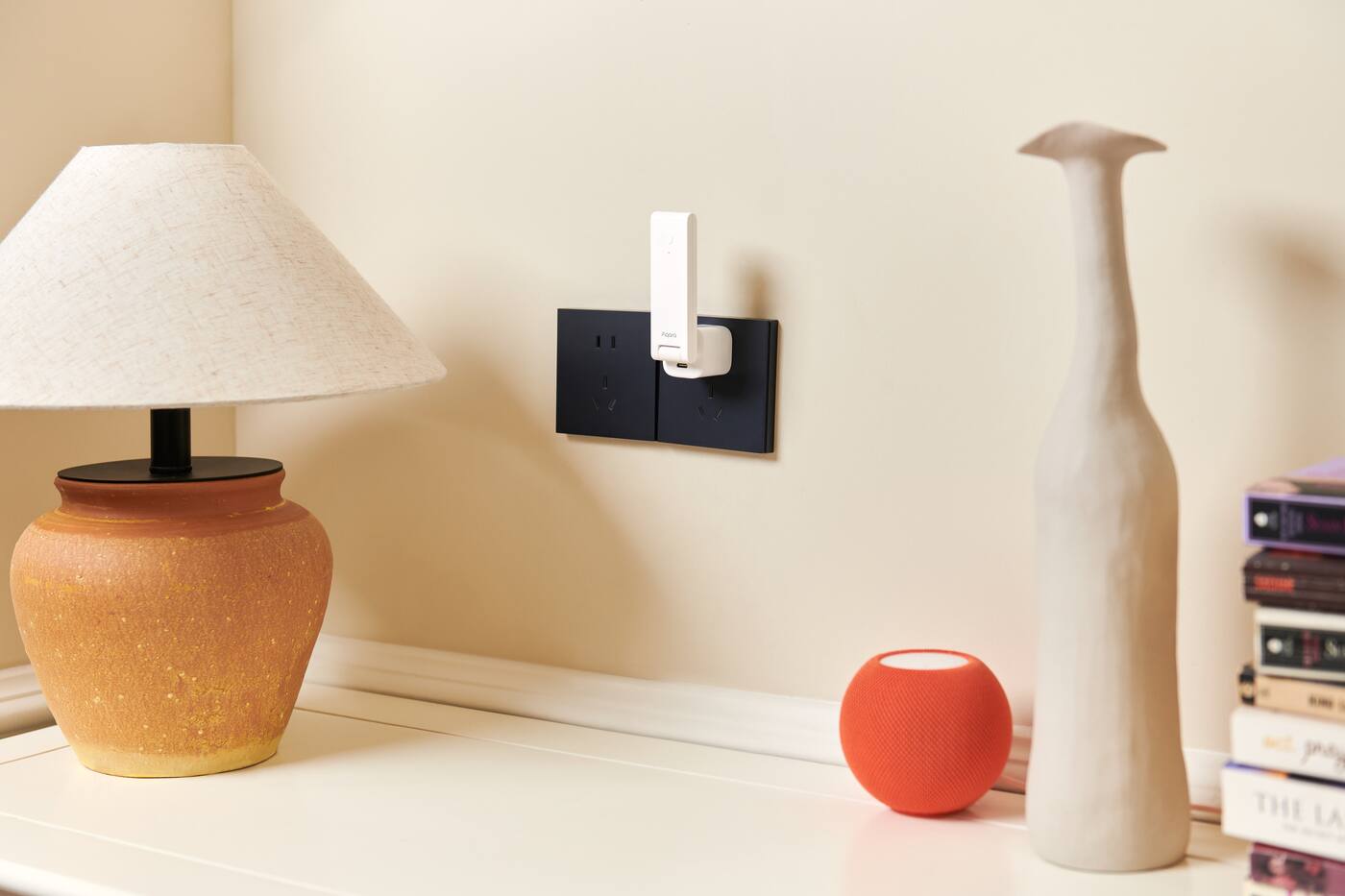
A neutral-powered Aqara wall switch, smart plug or other compatible router can relay Zigbee signals. A few of them spread around the home give signals more ways around walls and let the network carry more traffic. Battery motion, contact, leak and temperature sensors sleep between reports and don't relay anything.
Install and pair the powered devices before the battery devices furthest from the hub. Pair each battery device close to where it will live, so it connects through a sensible route. After moving a hub, or switching off circuits that power relaying devices, give the network some time to settle.
If one sensor keeps dropping out, you probably don't need another hub. Check the battery, where the sensor sits, interference, and whether a powered device on the same network could bridge the gap.
When another floor or a far wing needs its own hub
A second hub makes sense when concrete, a stair core or sheer distance leaves part of the home unreliable even with powered relaying devices in place. Put the extra hub inside that area, with its own reliable network connection and power, and pair the nearby devices to it.
Multi-storey homes often do well with a hub on each floor or in each separate wing, but not always. An open stairwell with powered Zigbee devices may let one network cover two levels, while a small floor cut off by a reinforced slab and metal doors might not. Test signal strength and how quickly automations respond once everything is in its final place.
Automations that span two hubs have more that can go wrong. Current Aqara systems, including the M3, can run some cross-hub automations locally, but that depends on the hub generation and what the automation does. Your main wall switches should keep working even if another hub or the internet is down.
Splitting devices across hubs for capacity or reliability
Manufacturer device limits assume a good network with enough relaying devices. Hitting the stated maximum isn't the same as working well in a difficult layout. In a large home, spread devices across hubs before the first one fills up, and keep track of which hub runs which room.
Separate hubs can also stop one fault taking everything down. You might keep the entrance lock and security devices on their own hub and put general lighting on another. That makes maintenance clearer if you note which automations and platforms depend on which hub; splitting for no reason just adds confusion.
Give hubs names that say where they are, such as 'Level 1 Entrance' and 'Level 2 Bedrooms'. Moving a device to another hub means pairing it again and checking its automations, so once everything is set up, only move a device if you've found a real coverage or capacity problem.
Infrared hubs for rooms with aircon
Infrared works within a room, by line of sight. It isn't a whole-home network. Of the hubs we sell, only the M3 and M200 have an infrared blaster; the M100 and the Camera Hub G350 don't. An older M2 or Camera Hub G3 you already own still works for this too. Either way, the hub can control an aircon, fan or TV only if its signal can reach the appliance's receiver, and walls block it.
So one central Zigbee hub might cover a whole flat, while extra infrared-capable hubs go in the bedrooms for the aircons. For a bedroom that only needs aircon control, the M200 is usually enough. Those extra hubs are there for infrared, not because the Zigbee network ran out of capacity. Place each one where it can reach the aircon and still keep a good network connection.
If every room needs aircon control, weigh the cost and hassle of several infrared hubs against dedicated aircon controllers or aircon systems with their own connectivity.
Fixing 2.4 GHz interference before buying another hub
Zigbee and 2.4 GHz Wi-Fi share the same radio band. Lots of Wi-Fi access points, access points set to wide channels, and hubs placed right next to routers can all make Zigbee less reliable. USB 3 equipment, metal enclosures and other powered electronics can add noise or block the signal.
Choose your Wi-Fi channels and channel widths deliberately, and keep the hub away from access points and noisy equipment. Don't change an established Zigbee channel unless you have a way to recover if it goes wrong. Home Assistant's ZHA guidance says adjusting the Wi-Fi channel is often the better first step when you suspect overlap.
Look at the symptoms before changing the setup. A device that fails at the same time each day may have an interference or power problem rather than too few hubs. Compare signal quality, missed events and how things recover after the router or an access point restarts.
Power, network and access for each Aqara hub
Every hub needs permanent power, an account you control and a known network connection. The M3 and M200 can run on Wi-Fi or a single PoE cable that carries power and data, with USB-C power as the alternative. The M100 plugs into a USB-A port. Choose the model and where it goes at the same time.
Label power adapters and network switch ports, keep the pairing codes, and note which rooms and automations belong to each hub. A hub hidden above built-in carpentry, with no easy way to cut its power, turns a simple reset into a repair job.
If the hubs need to keep running through a power cut, put the hub, router, access points and network switch on backup power together. Backing up just one of them still leaves a gap.
Compare the M100, M200 and M3 Plan your smart home Shop Aqara hubs
Use as few hubs as give you reliable coverage
One hub
- A typical flat or compact condo
- There's an open, central spot for it
- Powered Zigbee devices can fill in the weak areas
Add another hub
- A separate floor or wing is still unreliable
- You need to split devices for capacity or reliability
- Another closed room needs infrared control
Check these first
- Placement, batteries and powered relaying devices
- Wi-Fi settings and 2.4 GHz interference
- How the device performs in its final spot
The right number of hubs comes out of your floor plan and what each room needs. It shouldn't be a package number based on home size.
Official references
Product and standards information was checked against these primary sources. The article above is original Aqara Singapore editorial content.
Plan coverage
Choose hub models and positions from your floor plan.
Compare what each current hub does, or map out devices, powered relays, aircon rooms and network points as part of a whole-home plan.