
Hubs and Connectivity
Using Aqara with Home Assistant
Connect Aqara to Home Assistant through Matter, HomeKit Device, ZHA or local camera streams, with clear ownership and maintenance trade-offs.
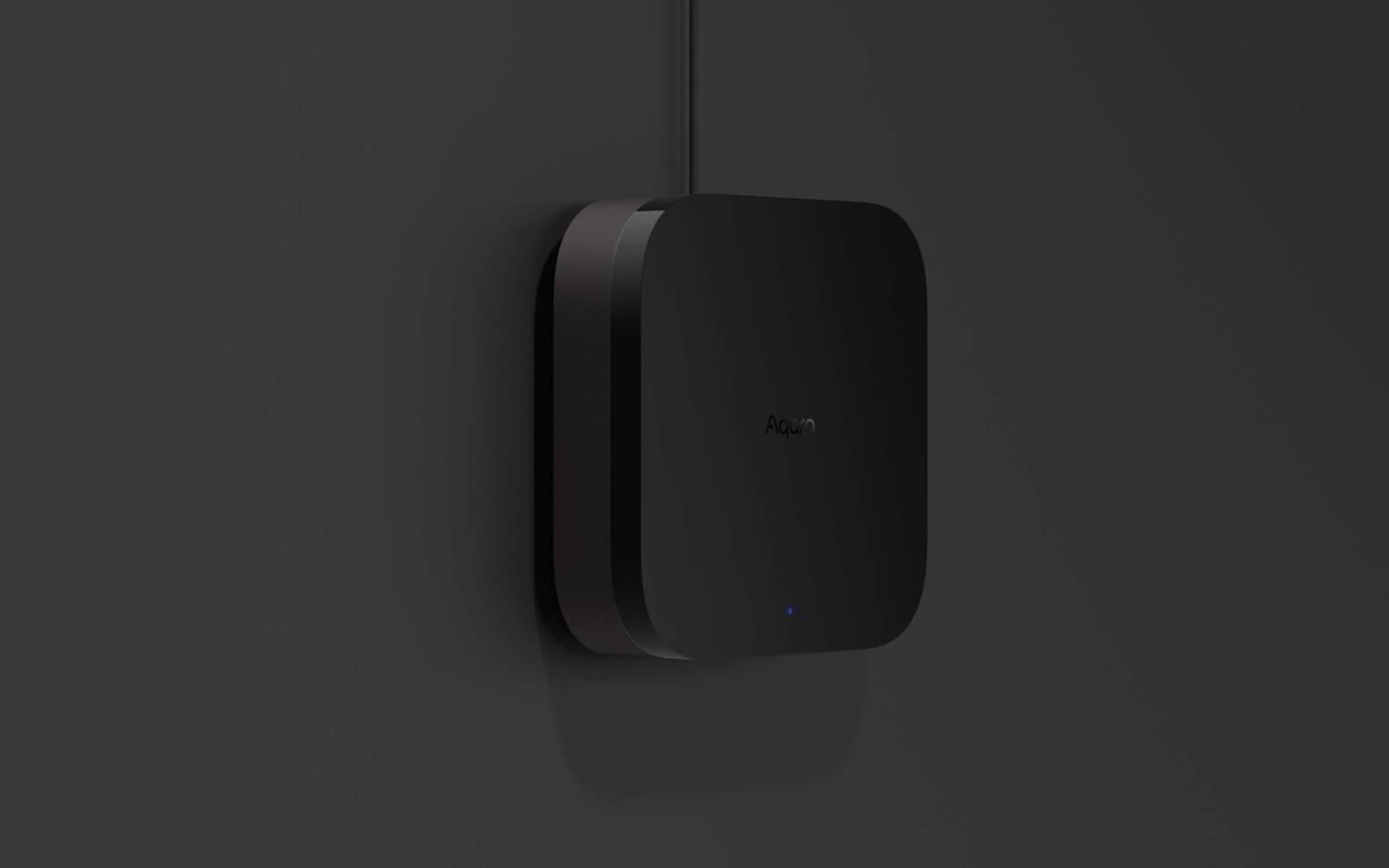
There are several ways to get Aqara devices into Home Assistant. The officially supported route keeps Aqara Home and an Aqara hub in charge. A direct Zigbee route moves your devices onto a Home Assistant coordinator instead. Aqara cameras can also send video to Home Assistant over your local network.
Each route gives Home Assistant different functions, keeps settings in a different place and leaves you with different upkeep. It's much easier to pick one route for each type of device before you start pairing than to move things later.
On this page
- Aqara hub or Home Assistant: which one runs each device
- The Matter route keeps Aqara Home in charge
- HomeKit Device takes over the Apple Home pairing
- Running your own Zigbee network with ZHA
- Community integrations for Aqara and Xiaomi gateways
- Aqara cameras in Home Assistant
- Which settings stay in Aqara Home
- Is Home Assistant worth the upkeep for you?
Aqara hub or Home Assistant: which one runs each device
Where a device is paired decides where you set it up, update it and troubleshoot it. If Aqara runs it, Zigbee devices join an Aqara hub and stay visible in Aqara Home, and Home Assistant gets some of their functions through Matter or another bridge. You still use Aqara Home for firmware, calibration and advanced settings.
If Home Assistant runs the Zigbee network, a compatible coordinator creates it and devices pair directly to Zigbee Home Automation, usually called ZHA. The Aqara hub is out of the picture. A Zigbee device can only belong to one Zigbee network, so moving it means resetting it, pairing it again and rebuilding its automations.
Plenty of homes mix the two. Aqara hubs can keep the locks and anything that needs Aqara's own features, while some sensors join Home Assistant directly. Write down which rooms and models sit where, so that when something breaks you look in the right app.
| Route | Who runs the device | What Home Assistant gets | The catch |
|---|---|---|---|
| Aqara Matter bridge | Aqara hub / Aqara Home | The standard Matter controls the bridge supports | Aqara still maintains the device, but not every Aqara feature comes through |
| HomeKit Device | Home Assistant, acting as the HomeKit controller | The HomeKit services the hub or camera offers | You have to move the pairing; features follow HomeKit |
| ZHA direct | Home Assistant's coordinator | The Zigbee controls and triggers ZHA supports | More control, more compatibility upkeep |
| RTSP camera stream | The camera stays in Aqara Home | A local video stream from supported cameras | Video only; recording and AI detection are separate decisions |
The Matter route keeps Aqara Home in charge
Home Assistant's Matter integration runs a Matter controller and talks to Matter devices over your local network. A compatible Aqara hub can act as a Matter bridge, turning supported Aqara Zigbee devices into Matter devices without changing the network they use.
Add the Aqara bridge using the pairing steps your current controller gives you. If the bridge is already in Apple Home, Google Home or another Matter setup, use that platform's sharing option to get a new pairing code rather than resetting the hub. Your phone, the Home Assistant Matter server and the bridge all need to find each other on the local network, with IPv6 working.
Matter deliberately covers common features only. Contact sensors, temperature sensors, lights and switches usually come across cleanly. Specialised settings, camera functions, complex button presses and Aqara-only modes may not. Once the bridge is added, look at what Home Assistant actually shows before moving any automations over.
Matter, Thread and Zigbee explained Compare Aqara hubs View Hub M3
HomeKit Device takes over the Apple Home pairing
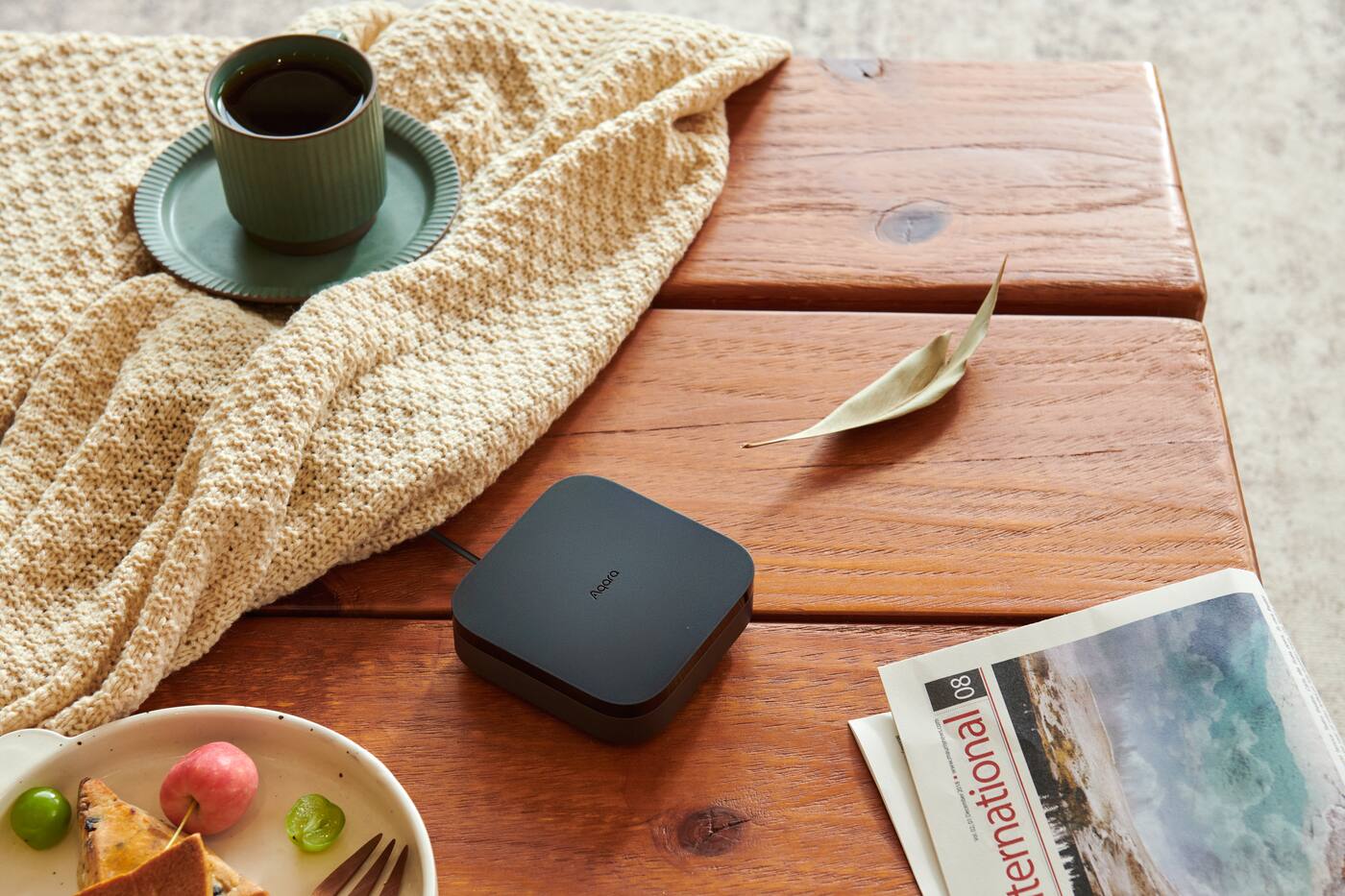
Home Assistant's HomeKit Device integration can pair with compatible HomeKit accessories over Ethernet, Wi-Fi, Bluetooth or Thread. It works locally and doesn't need an Apple online account to run. Some Aqara hubs and cameras appear as HomeKit bridges or accessories that Home Assistant can discover.
Home Assistant's official instructions say the accessory has to be removed from any other HomeKit controller before Home Assistant can take it over. If your Aqara hub already runs things in Apple Home, removing it may also remove its connected devices and your existing Apple automations. The hub showing up in Home Assistant doesn't make this the right route for your home.
Once Home Assistant owns the accessory, its HomeKit Bridge integration can pass selected devices back to Apple Home. That's a deliberate chain of controllers, and it's worth writing down how it's set up. If the Aqara bridge supports the device types you need and you want to keep both Apple Home and Home Assistant, Matter's multi-admin sharing is usually cleaner.
Running your own Zigbee network with ZHA
ZHA uses a compatible Zigbee coordinator connected to Home Assistant. It creates one Zigbee network that can take devices from several brands. Mains-powered devices act as routers and extend the network; battery sensors usually don't relay anything.
Pairing directly takes the Aqara hub and Matter bridge out of the path. You get local control and detailed Home Assistant automations, but Aqara Home firmware updates, calibration screens and manufacturer support may no longer apply. ZHA relies on standard Zigbee behaviour plus device-specific fixes, called quirks, for products that do things in non-standard ways.
Home Assistant's ZHA documentation specifically mentions compatibility problems between some Xiaomi and Aqara devices and certain third-party Zigbee routers. Use recommended coordinator hardware and compatible powered routers, and pair devices where they'll actually live. Make sure every sensor, button and control you need works properly before you add more.
How many Aqara hubs does a home need?
Community integrations for Aqara and Xiaomi gateways
The Home Assistant community has written custom integrations for various Aqara and Xiaomi gateways and cloud services. They can reach functions a standard bridge can't, but they aren't official Home Assistant integrations, and they aren't an interface Aqara supports.
A custom integration may rely on undocumented local keys, cloud addresses, particular firmware or a single volunteer maintainer. An update to Home Assistant, Aqara firmware or your account can break it. Before you make one the only way to control your lighting, locks or security, read its supported-model list, its open issues and its release history.
Install community code carefully, back up before updates, and don't let it update itself without checking first. If it stops working, fixing it is your job, not Aqara support's or the Home Assistant team's, unless the maintainer releases a fix.
Aqara cameras in Home Assistant
Supported cameras such as the G5 Pro, G100 and G350 provide RTSP streams that local software can use. The stream can feed a Home Assistant camera or a dedicated recorder such as Frigate, but it doesn't bring across Aqara Home's AI events, cloud history or every pan-and-tilt control.
HomeKit and Matter camera support are separate from RTSP. Home Assistant's HomeKit Bridge doesn't provide HomeKit Secure Video, and a local stream doesn't give you cloud storage. Decide where the video is recorded, who can watch it and what happens when Home Assistant is down.
Give each camera its own password and keep the stream on trusted parts of your network. A recorder needs storage that can take constant writing, correct time settings and backup power.
Aqara camera storage explained Shop Aqara cameras
Which settings stay in Aqara Home
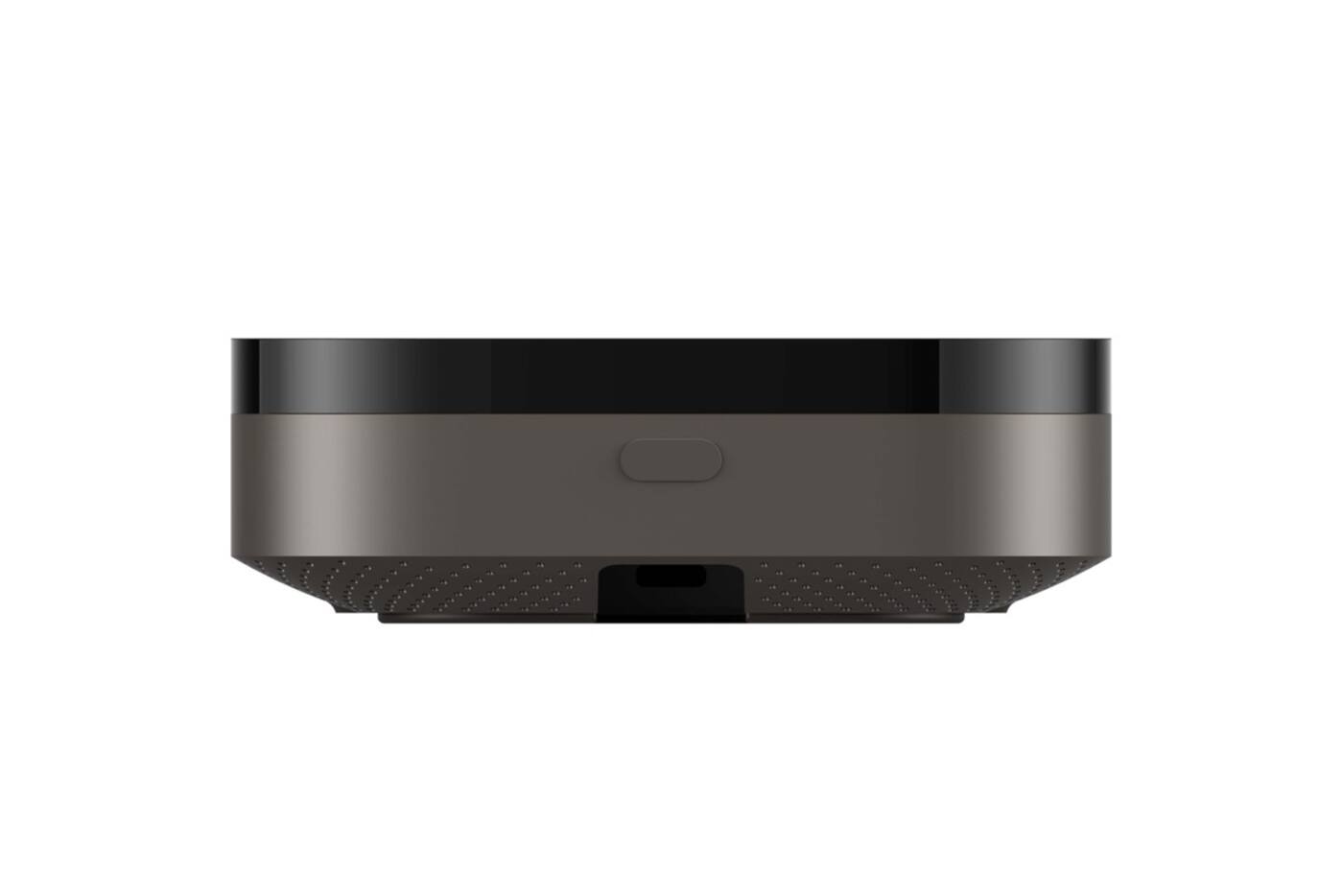
Settings that belong to the device stay in Aqara Home: firmware, sensitivity, detection zones, curtain calibration, lock codes and camera options. Automations across brands, dashboards and household routines go in Home Assistant, once you've checked that the controls you need actually come through.
Setting up the same rule in both causes clashes. If Aqara Home switches a light off after two minutes while Home Assistant keeps it on because someone is in the room, it looks like faulty hardware. Keep a note of which system runs each important automation, and keep one manual fallback that you've tested.
Be cautious with anything security-related. An integration making a lock, alarm or camera control available doesn't mean everyone should have it. Check user permissions, remote access, backups and how you'll handle updates while you're setting things up.
Is Home Assistant worth the upkeep for you?
Home Assistant suits people who enjoy the technical side and want automations across brands, local dashboards, detailed history and their own automation server. You get that flexibility because you're the one running the controller, the network, the backups and the updates.
If your household wants manufacturer support and little maintenance, Aqara Home together with Apple Home, Google Home or Alexa will be easier to live with. You can still add Home Assistant later through Matter, without moving every Zigbee device on day one.
Start in a room where nothing important depends on it, note which route you used, and test what happens after restarts and internet outages. Expand once you know which system to check when a device drops offline.
Picking an Aqara integration route
Aqara runs it, through Matter
- Aqara Home keeps firmware and model-specific settings
- Home Assistant gets the supported standard controls
- The best default if you already have a working Aqara system
Home Assistant runs it, through ZHA
- Devices pair straight to a Home Assistant coordinator
- No Aqara hub or bridge in the Zigbee path
- You take on compatibility and update work
Other local routes
- HomeKit Device moves the pairing to Home Assistant
- RTSP gives you a camera stream, not a full recording system
- Community integrations need someone to keep them maintained
Before moving a working system, try one device and make sure it gives you the events and controls your real automations need.
Official references
Product and standards information was checked against these primary sources. The article above is original Aqara Singapore editorial content.
Plan the integration
Choose your Aqara hub, and how it connects to your network, before pairing devices.
Compare the current hubs, or ask us to help plan a supported Aqara system that can share selected controls with Home Assistant.