
Cameras and Doorbells
Aqara Camera Storage Explained
Compare Aqara camera microSD, internal eMMC, NAS, RTSP, HomeKit Secure Video and HomeGuardian cloud storage, retention and outages.

Aqara cameras can store footage in several places, and not every model supports every option. A microSD card, built-in encrypted memory, a NAS, an RTSP recorder, HomeKit Secure Video and Aqara HomeGuardian each keep your video somewhere different, for a different length of time, and each behaves differently when something goes down.
So decide what you want recorded before you pick a camera. Round-the-clock recording, a copy that survives the camera being taken, history in Apple Home and analysis in third-party software each need a different mix of power, network, storage and subscriptions.
On this page
- Continuous or event recording, and for how long
- microSD cards and the G5 Pro's built-in eMMC
- NAS backup and RTSP recorders do different jobs
- HomeKit Secure Video for Apple households
- What Aqara HomeGuardian adds
- When the internet, Wi-Fi or camera power drops
- Keeping camera footage private
- A sensible recording setup for indoor and entrance cameras
Continuous or event recording, and for how long
Continuous recording shows you everything that happened over a period, but it writes far more data and needs constant power. Event recording saves space and is quicker to review, but it only works if the detection, the few seconds saved before the trigger and the clip length catch the moment that matters. Live view on its own saves nothing unless someone records it.
Work out how many days of footage you need, which views need continuous coverage, who is allowed to watch it, and whether it has to survive the camera being removed. Then decide how long a gap you could live with if the internet, Wi-Fi, recorder or power fails.
Card size alone doesn't tell you how many days you'll get. Resolution, codec, frame rate, how much moves in the scene, audio and the recording mode all change how much data the camera writes. Use the camera's own storage estimate once it's installed, and check it over a few days.
| Storage | Best for | Depends on | What it won't do |
|---|---|---|---|
| microSD / internal eMMC | Continuous or event recording on the camera | Camera power and healthy storage | Footage can be lost with the camera unless it's copied elsewhere |
| NAS transfer or backup | A local copy away from the camera | The camera model, local storage where required, your network and the NAS | Not every model can record live straight to a NAS |
| RTSP recorder | Sending a live stream to an NVR or recording software | A supported model, your network, the recorder and its storage | Doesn't bring across every Aqara AI event or app feature |
| HomeKit Secure Video | Encrypted event history in Apple Home | iCloud+, an Apple home hub and an internet connection to upload | Not 24/7 local recording |
| Aqara HomeGuardian | Aqara cloud events and plan-specific AI features | A supported model, your account, a plan and the internet | Doesn't replace local recording when uploads fail |
microSD cards and the G5 Pro's built-in eMMC
The E1, G100, G2H Pro, G3 and G350 take microSD cards, within each model's supported size and format. We no longer sell the G3 (the G350 replaced it), but if you have one, the same advice applies. Current documentation for the E1, G100, G2H Pro and G350 lists support up to 512 GB. The G5 Pro is different: it records to encrypted built-in eMMC storage and has no microSD slot.
Local recording can carry on through an internet outage, as long as the camera stays powered and its firmware supports recording offline. You won't be able to play footage back from outside the home without a connection, and some app screens may still need online account services even though the files are stored locally.
Use high-endurance cards made for constant video writing, format them in the camera, and keep an eye on the recording status or card health. Cards wear out, and a timeline that looks full doesn't prove every file will play, so play something back every so often.
Compare current Aqara cameras View Camera Hub G5 Pro

NAS backup and RTSP recorders do different jobs
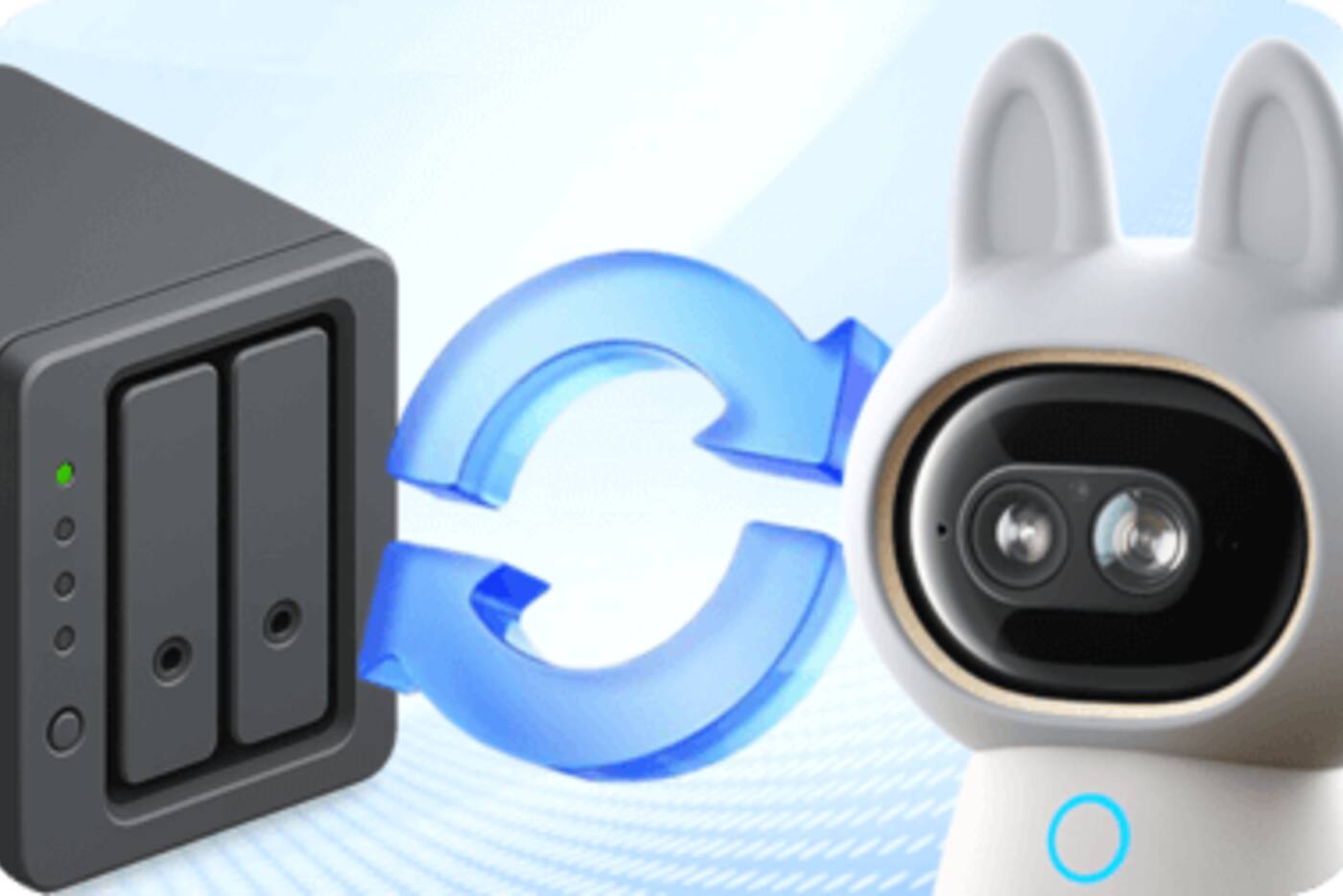
NAS support doesn't always mean the camera records its live stream straight to a network drive. The G2H Pro and E1 need a microSD card before their NAS feature works. G350 documentation describes recording locally and then transferring or backing up to a NAS. Test the timing and folder structure with your own NAS.
RTSP is a live audio and video stream. The G5 Pro, G100 and G350 support RTSP, according to their current product documentation. Software such as Frigate, Blue Iris or another network video recorder can take that stream and apply its own retention, alerts and access controls.
With an RTSP recorder, the upkeep is yours: sizing the storage, securing accounts, updates, time settings, backups and recovery. A Home Assistant dashboard showing the stream isn't recording anything unless there's a recorder set up behind it.
Using Aqara with Home Assistant View Camera Hub G350
HomeKit Secure Video for Apple households
HomeKit Secure Video stores activity from supported cameras in iCloud with end-to-end encryption. Apple says the home hub analyses the video for people, pets, cars and other supported events, and that you can view the last 10 days of activity in the Home app. The video doesn't count towards your iCloud storage.
You need an iCloud+ subscription and an Apple home hub. Apple's current plans allow one camera on 50 GB, up to five on 200 GB and unlimited cameras on 2 TB or larger. The camera has to support HomeKit Secure Video specifically; a live view in Apple Home isn't enough.
It's event history, not a replacement for 24/7 microSD or NVR recording, and Apple's camera support can limit resolution and pan-and-tilt control. If the camera supports local recording and the spot needs continuous coverage, leave local recording switched on as well.
What Aqara HomeGuardian adds
Aqara HomeGuardian adds cloud recording and plan-specific camera features in Aqara Home. Current cameras may come with limited free event history or a trial, while longer retention and some AI search, summary and detection features need a subscription. What's offered can change with the model, your account region and the plan.
Cloud footage lives off the camera, so it can survive someone removing the local storage. But it depends on your internet connection, your Aqara account and the upload actually going through. A camera that loses Wi-Fi before something happens can't upload it, subscription or not.
Check the plan in Aqara Home under the right region before you count on a particular retention period. Someone needs to be responsible for renewing it, and important footage should be viewable by more than one authorised person in the household without sharing the admin password.
When the internet, Wi-Fi or camera power drops
If the internet goes down, microSD or eMMC recording can continue as long as the camera and home network stay powered. Cloud uploads, remote alerts and remote playback stop or queue, depending on the model and service. HomeKit Secure Video can't send new clips to iCloud without a way to upload.
If Wi-Fi or Ethernet fails, the camera may still record to its own storage, but it can't reach a NAS, RTSP recorder or home hub. If the camera loses power, everything that relies on it stops. A UPS on the router and recorder won't help if the camera's own power isn't protected too.
Test four situations separately: internet unplugged, access point restarted, recorder stopped and camera power off. Check how long the gap is and how things recover, rather than treating 'offline' as a single kind of failure.
| What fails | What should keep working | What will probably stop |
|---|---|---|
| The internet | Local recording; local RTSP if the home network stays up | Cloud uploads, remote access and cloud notifications |
| The camera's network connection | Recording on the camera, where set up | NAS, RTSP recorder, home-hub analysis and remote access |
| The recorder or NAS | Recording on the camera and to the cloud | That off-camera local copy |
| The camera's power | Footage already stored away from the camera | All new recording and live view |
Keeping camera footage private
Give each household member their own account instead of sharing one, so camera admin and access to recordings stay with the people who need them. Change any default RTSP or NAS passwords, and keep cameras and recorders separated from devices on your network you don't trust.
Privacy masks and physical privacy modes help, but check where the masking happens. A mask set in one app may not apply to a separate RTSP stream, so look at the result in every recorder and app you use.
Decide how long to keep footage. Months of indoor video kept for no particular reason is more to protect and more to review. Delete test clips and old exports from phones, download folders and messaging apps, not just from the main storage.
A sensible recording setup for indoor and entrance cameras
For an indoor camera in a low-risk spot, event recording to local storage plus optional Apple or Aqara cloud history is probably enough. For a front door or perimeter camera, continuous local recording with a copy stored elsewhere gives you better evidence. A local NVR suits people happy to maintain one; HomeKit Secure Video suits Apple households who want encrypted event history looked after for them.
Choose a camera that already supports the storage you need, rather than hoping NAS, RTSP, cloud retention or HomeKit recording will be added later. Keep a note of the card type, account, plan, NAS folder, recorder address and how long footage is kept.
Matching storage to what you need to keep
On the camera
- microSD or built-in eMMC for heavy local recording
- Keeps going through many internet outages
- Needs card checks, and leaves with the camera if it's taken
Local, away from the camera
- NAS transfer where supported
- RTSP recorder for supported live streams
- You look after the storage, passwords and recovery
Cloud
- HomeKit Secure Video for Apple event history
- HomeGuardian for Aqara plan features
- Needs an account, a subscription where applicable and a working upload
For security cameras, keep one recording on the camera and one useful copy somewhere else.
Official references
Product and standards information was checked against these primary sources. The article above is original Aqara Singapore editorial content.
Choose your recording setup
Decide how long to keep footage and what happens in an outage, then compare cameras.
Browse the current cameras, or plan camera position, power, network and storage together.