
Smart plugs
Aqara Power Plug H2 UK: Should You Use Thread or Zigbee?
Choose Thread or Zigbee for the Aqara Power Plug H2 UK. Compare hubs, Matter platforms, energy monitoring, Aqara features and practical use.
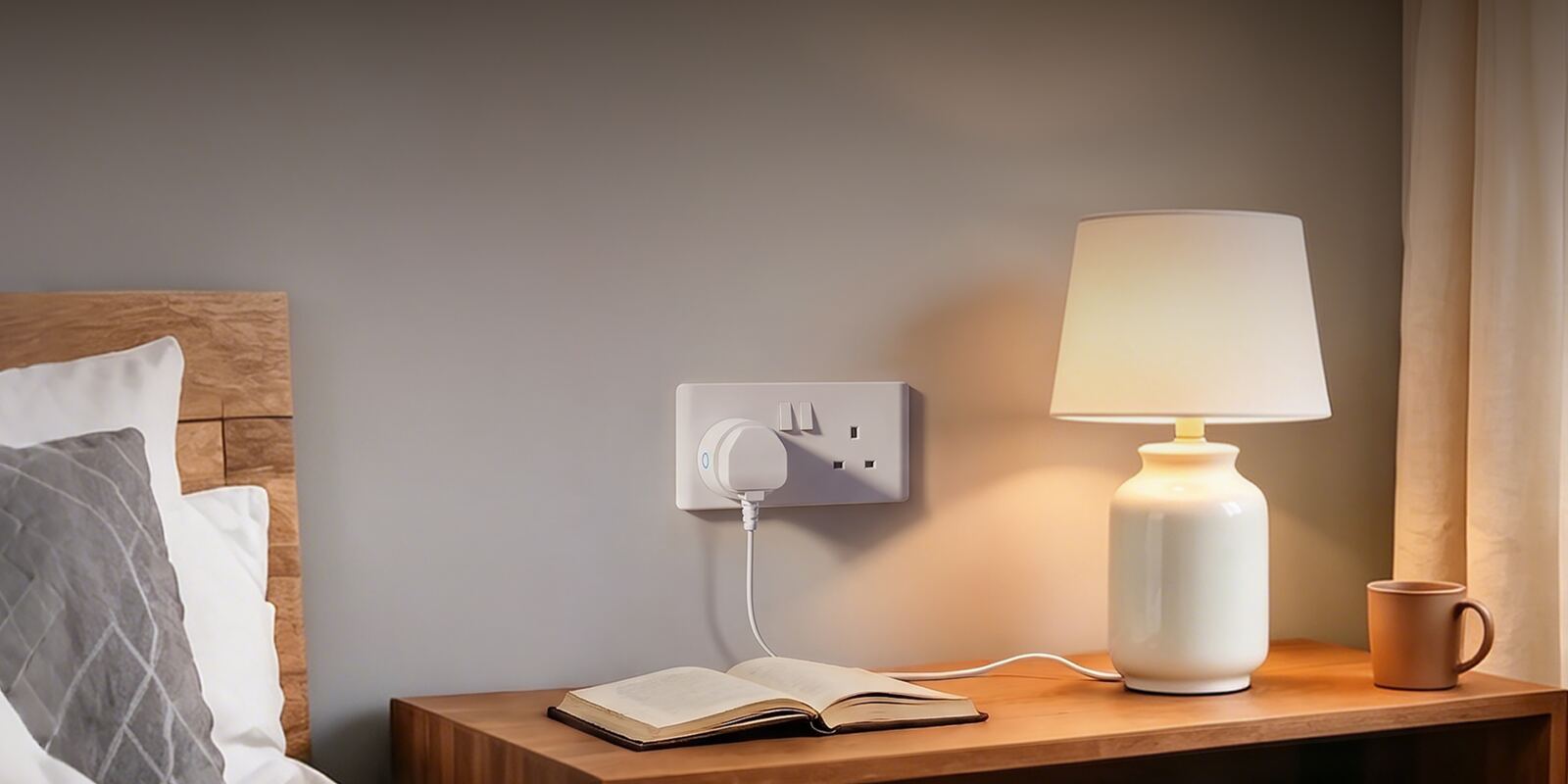
The Aqara Power Plug H2 UK can join your smart home in one of two ways: Matter over Thread, or Aqara's own Zigbee network. Either way you get smart control, but the two need different equipment, and the advanced settings don't all turn up in the same place.
This guide covers the SP-P07D model we sell: what you need for each mode, which Aqara Home features you get, energy monitoring, how the plug strengthens your network, and which appliances are worth putting behind a smart plug.
On this page
- One H2 UK plug, two ways to connect
- Thread mode: straight into Apple Home, Google Home and other Matter apps
- Zigbee mode gives you the full set of Aqara Home features
- What each mode needs, side by side
- Where you can see the H2 UK's energy data
- How the plug strengthens your Thread or Zigbee network
- Which appliances can safely go behind a smart plug
- The RGB status ring and its Zigbee-only settings
- Staying within 13A and 3250W
- Thread or Zigbee for your H2 UK
One H2 UK plug, two ways to connect
We sell the H2 UK as a white plug, model SP-P07D, with an RGB status ring you can configure. Thread and Zigbee are modes you pick when you set it up. There's no separate Thread version, Zigbee version or colour option.
It uses one mode at a time. In Thread mode it joins a Thread network and talks to a Matter controller; in Zigbee mode it joins an Aqara Zigbee hub. So the mode decides which controller runs the plug, which network it strengthens and where you'll find its advanced settings.
Decide before you set up rooms, names and automations. Switching modes later means setting the plug up again from scratch, because it joins a different network and controller, and your rooms and automations don't come with it.
Thread mode: straight into Apple Home, Google Home and other Matter apps
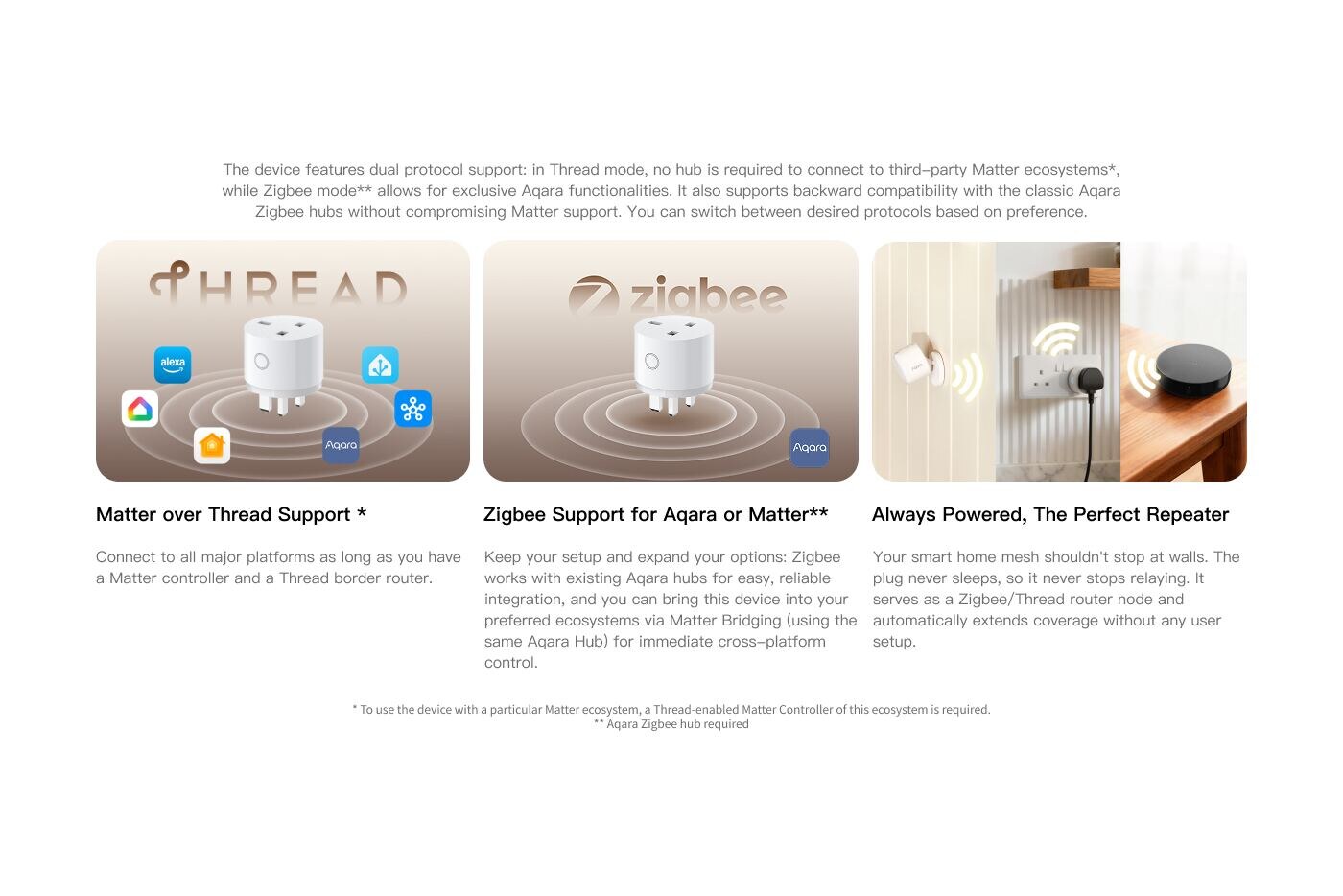
Thread mode connects the plug directly to a compatible smart home platform. You need a Matter controller with Thread for that platform, and in practice a Thread Border Router to link the Thread network to your home network. One device can do both jobs, but they are technically different roles.
This route suits a home already built around Apple Home, Google Home, Amazon Alexa, SmartThings or another Matter platform. You don't need an Aqara hub for it. That platform becomes where you switch the plug on and off, organise rooms, share control with the household and set up whatever automations it supports.
Matter support doesn't mean every app shows the same things. Platforms differ in which features, energy data and automation triggers they offer. Check that the function you want actually appears in your platform; the Matter logo doesn't promise that every Aqara Home setting will be there.
Matter, Thread and Zigbee explained Explore Aqara integrations
Zigbee mode gives you the full set of Aqara Home features
In Zigbee mode the plug pairs with a compatible Aqara Zigbee hub, and Aqara Home handles the detailed settings and automations. A suitable Aqara hub can also pass supported functions through to Matter, so the plug can still appear in another platform while staying a Zigbee device on the Aqara side.
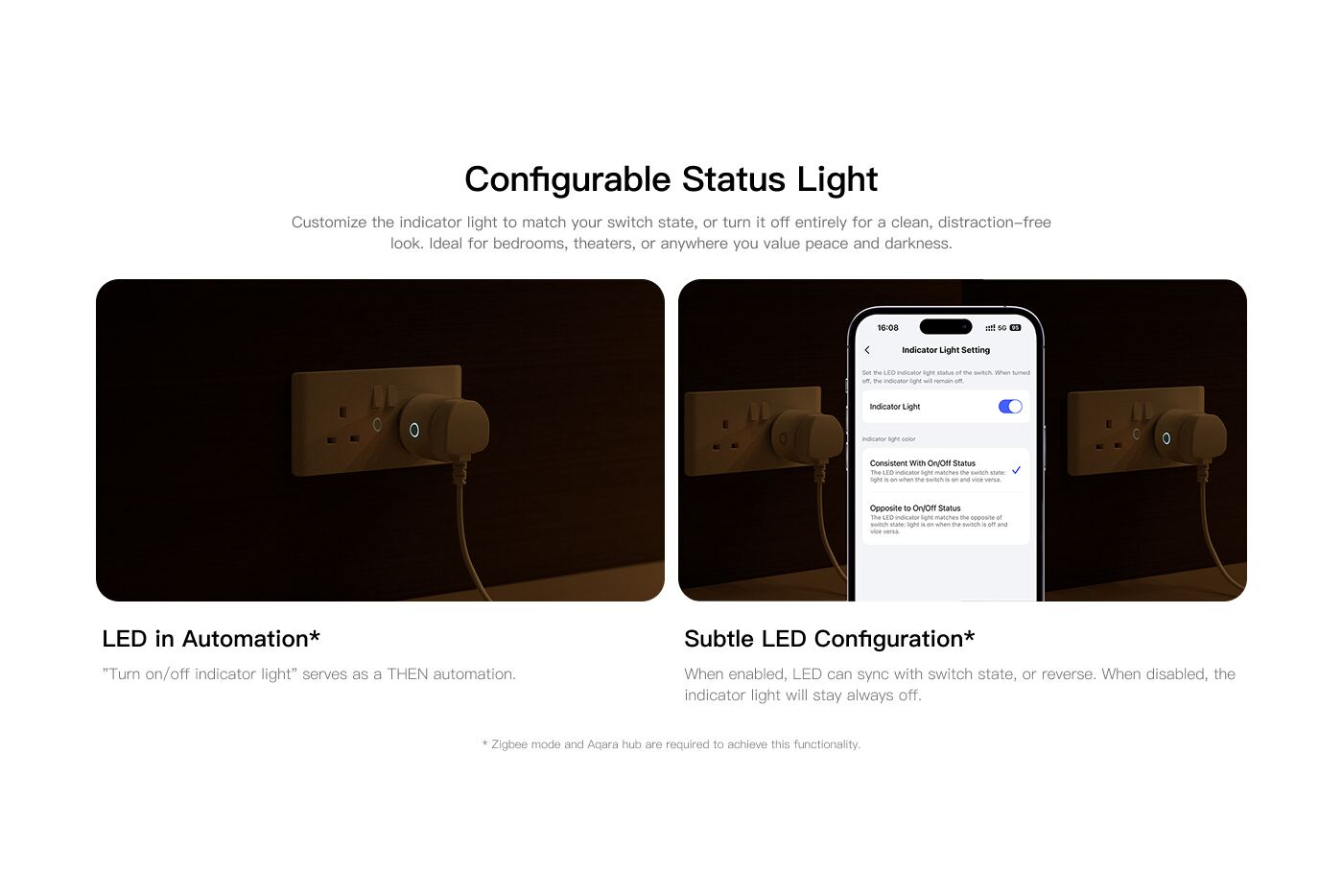
Aqara lists several features that only work in Zigbee mode with an Aqara hub: setting a maximum load, using the indicator light in automations, the subtle LED setting and protection against the device being removed. Power readings can also trigger Aqara automations, for example noticing when a washing machine's power use drops below a set level.
Go with Zigbee if those Aqara features matter to you, if you already have an Aqara hub in a good spot, or if most of your sensors and automations live in Aqara Home. You don't lose compatibility by choosing it, because the hub can still bridge supported devices to Matter while you keep Aqara's extra settings.
What each mode needs, side by side
The difference is easiest to see in what each mode depends on. Thread drops the need for an Aqara hub, but you still need a controller. Zigbee adds the Aqara hub and puts the detailed settings in Aqara Home.
Check what you already have before choosing. A smart speaker or display isn't automatically a Thread Border Router, and a Thread Border Router isn't automatically the Matter controller for every platform. An older Aqara hub, likewise, may run Zigbee products without supporting every newer Matter bridging feature.
Compare current Aqara hubs Shop Aqara hubs
| What you're comparing | Matter over Thread | Aqara Zigbee |
|---|---|---|
| What you need | A Matter controller with Thread, and a Thread Border Router | A compatible Aqara Zigbee hub |
| Main app for settings | Your chosen Matter platform | Aqara Home |
| Aqara hub needed | No | Yes |
| Getting into other platforms | Direct Matter connection | Matter bridge through a compatible Aqara hub |
| Network role | Relays signals on its Thread network | Relays signals on its Aqara Zigbee network |
| Aqara load and LED settings | Not the full Aqara set | Available in Aqara Home |
| Best for | A Matter-first home that already has Thread set up | An Aqara-first home, or advanced Aqara automations |
Where you can see the H2 UK's energy data
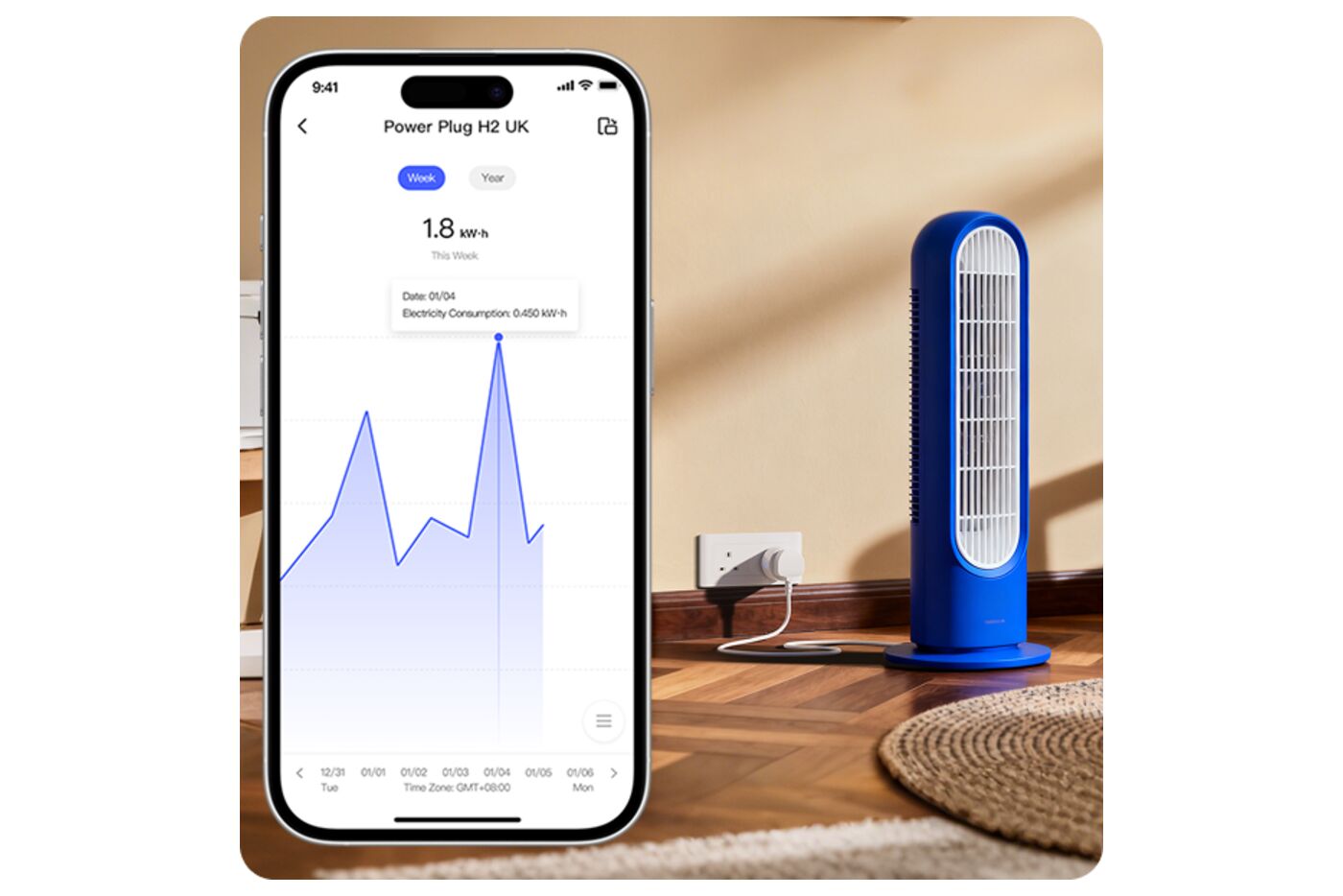
The H2 UK measures power in real time and records daily and monthly use in Aqara Home's energy screens. Aqara also lets changes in power trigger automations. That makes the plug more than a remote on/off switch: its readings can show when an appliance has started, finished or been left on standby.
Not every Matter app shows the same usage history or lets power readings trigger automations. Matter sets out common device behaviour, but each platform supports a different set of features. If you want Aqara's detailed charts, power thresholds or energy-based automations, Zigbee mode through an Aqara hub is the safer choice.
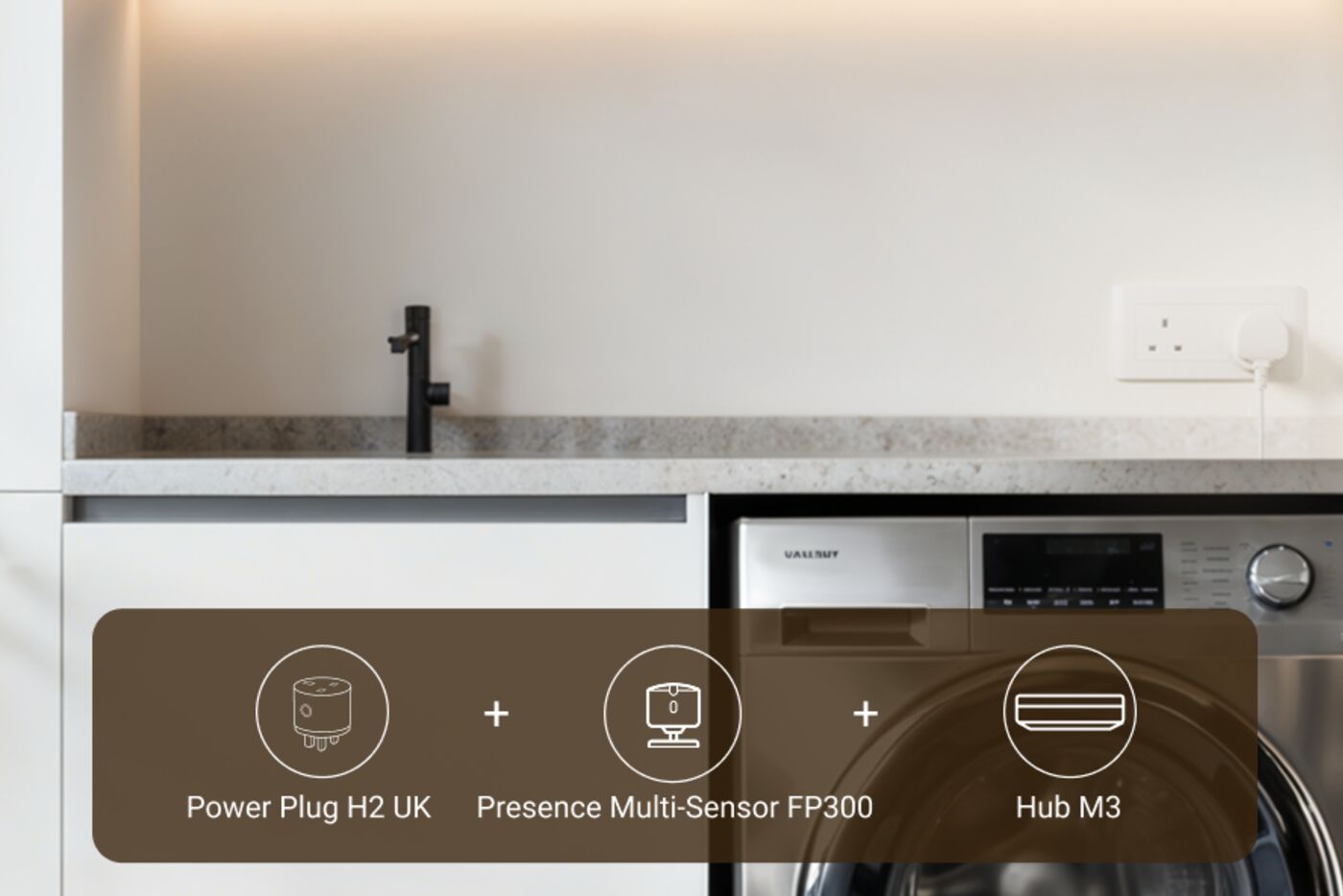
A good automation starts with some measuring. Note the appliance's reading when idle, while running and at the point it finishes. A washing machine may dip to a low reading several times during a cycle, so a 'laundry done' rule usually works better when it waits for power to stay low for a while rather than reacting to a single reading.
How the plug strengthens your Thread or Zigbee network
Because the H2 UK runs on mains power, it can relay signals for the Thread or Zigbee network it has joined. That can help nearby devices reach the rest of the network, especially where walls or distance weaken a direct signal.
It only strengthens one network at a time: the Thread network in Thread mode, the Aqara Zigbee network in Zigbee mode. It's also not a Thread Border Router, a Wi-Fi router or an Aqara hub, which all do different jobs.
Where you put it still matters. A plug behind dense cabinetry or at the edge of coverage helps less than one in an open spot partway along the route. It helps most in a socket that will stay in use, rather than wherever one happens to be free.
Which appliances can safely go behind a smart plug
A smart plug switches the power at the socket. It can't press an appliance's electronic start button or change its programme. A lamp with a physical switch may come straight back on when power returns, while a TV, coffee machine or air purifier may stay in standby or need you to turn it on.
Test the appliance while you're there to watch: switch it on, cut the power briefly, then restore it. If it comes back in the state you want, and that state is safe, scheduling or remote switching may work. If it stays off, comes back in an odd mode or needs a button press, use the plug for monitoring instead of expecting it to start the appliance.
Some equipment shouldn't start with nobody around, even if it technically resumes after a power cut. Take particular care with heaters, cooking appliances, anything with a motor and high-load appliances, and always keep a safe way to switch them off by hand.
The RGB status ring and its Zigbee-only settings
The RGB ring is built into the plug. It can show whether the socket is on, show power-use levels and act as a signal in automations.
The more detailed Aqara settings need Zigbee mode and a compatible Aqara hub. With them you can use the ring as an automation action, have it follow or reverse the socket's on/off state, switch it off for a dark room and show power use on the ring.
Treat the ring as an extra indicator, not your only warning for something important. If someone needs to act, a phone notification, a sound or a physical control is a better choice.
Staying within 13A and 3250W
The H2 UK we sell is rated for 230–250V AC, 50/60Hz, with a maximum load of 13A or 3250W. Check the rating plate on whatever you plug in and stay within both limits. Don't use a multi-way adaptor or extension lead to run several appliances through it beyond that rating.
The plug has overload and overheating protection, and Aqara specifies an over-temperature cut-off at 80°C. That's a safety net, not something to rely on day to day; the load limits still apply. If a connection becomes loose, discoloured or unusually warm, stop using it, and replace damaged sockets, plugs or cables.
Charging protection can switch the socket off once power has stayed below 3W for 30 minutes. That can suit some chargers, but test it with your actual device first. A low-power appliance may drop below 3W during normal use and get switched off when you didn't expect it.
Thread or Zigbee for your H2 UK
Neither mode is better for everyone. If your home is built around a Matter platform and you already have Thread, use Thread and skip the Aqara hub. If Aqara Home is where you manage things, or you want everything the plug can do, use Zigbee.
- Thread makes sense for a direct Matter connection when your platform already has a suitable controller and Thread Border Router.
- Zigbee is the better choice if you want Aqara Home to run the detailed automations, energy rules, load settings and ring behaviour.
- Zigbee with Matter bridging gives you Aqara's extra controls and still puts the plug in another platform.
- Check which functions Apple Home, Google Home, Alexa, SmartThings, Home Assistant or your other Matter platform actually shows before you rely on them.
- Note down the mode, controller, device name and important automations, so any troubleshooting starts on the right network.
Thread or Zigbee: decide before setup
Choose Thread if
- You already have a Matter controller and a Thread Border Router
- You want your main platform to handle rooms, sharing and automations
- Working directly with other Matter brands matters more than Aqara-only settings
Choose Zigbee if
- Aqara Home is your main app for settings and automations
- You want power-based rules, load limits or detailed ring settings
- An Aqara hub can bridge supported functions to Matter when you need it
Switching modes later means setting the plug up again, so choose before you add rooms and automations.
Official references
Product and standards information was checked against these primary sources. The article above is original Aqara Singapore editorial content.
Power Plug H2 UK
Smart control and energy monitoring for a Type G socket.
See the full specifications and price. You choose Thread or Zigbee when you set the plug up, not when you order.