
Integrations
Apple Home, Google Home, Alexa or Aqara Home?
Choose a main smart home app and understand how Aqara Home can work alongside Apple Home, Google Home and Amazon Alexa.
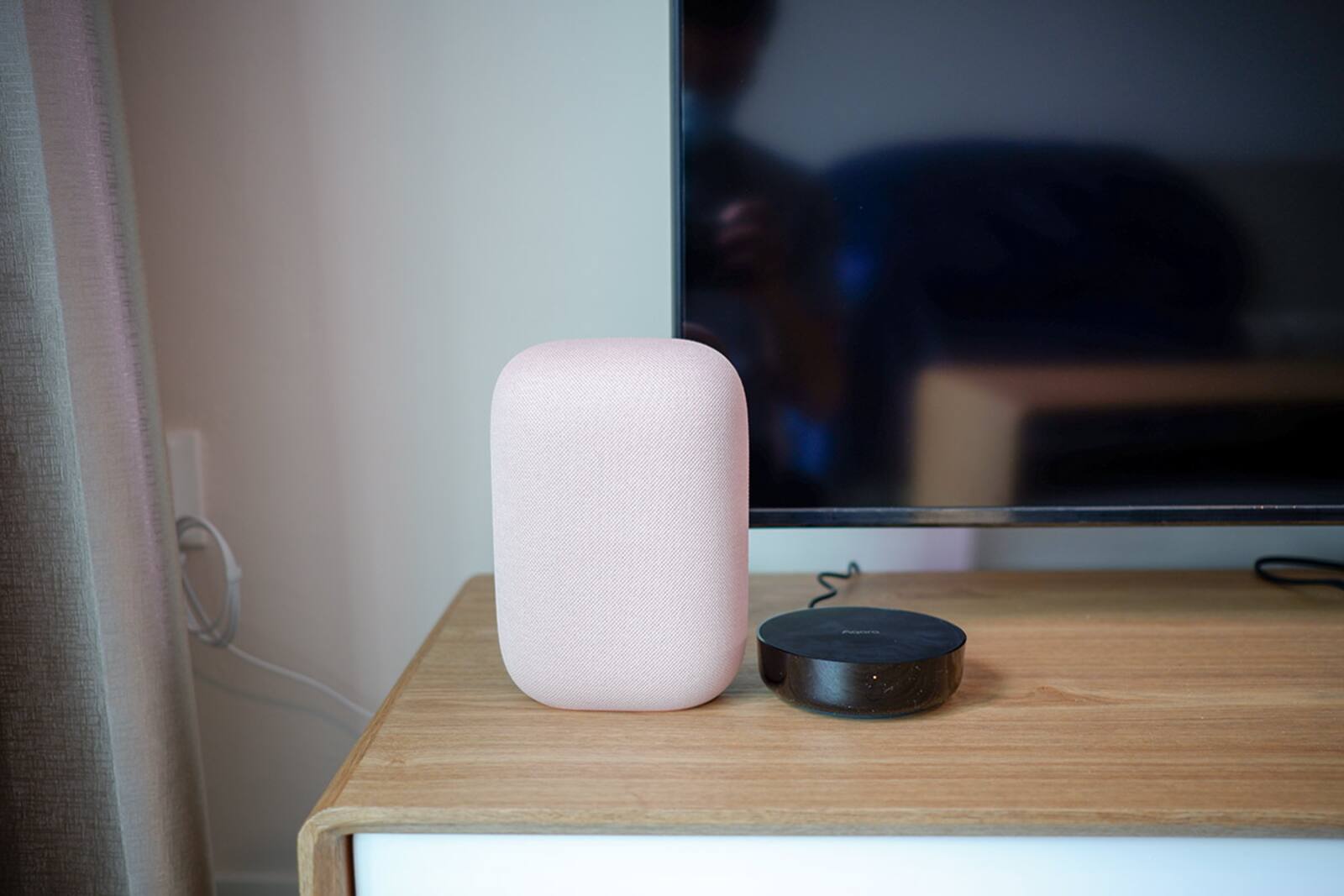
Aqara Home is the app you use to add Aqara devices, set them up, update their firmware and get at Aqara-only features. Apple Home, Google Home and Amazon Alexa work across many brands, speakers and displays, which makes them better suited to being the app everyone in the house uses day to day.
Many homes use both: Aqara Home for managing the devices, and one of the others for everyday control and voice.
On this page
- Picking the main app for your household
- Why you still need Aqara Home after setup
- Aqara hubs, Matter controllers and Thread border routers: who does what
- A compatibility logo is not a feature list
- Running two platforms at once with Matter multi-admin
- Where camera recordings live, including HomeKit Secure Video
- Where Home Assistant fits
- Naming devices and deciding who gets access
- A sensible default setup for most Aqara homes
- Test one of each device before buying the rest
Picking the main app for your household
Look at what the household already uses. If everyone is on Apple devices, Apple Home and Siri are the natural choice. A mixed or Android household will usually be happier with Google Home. If you already have Echo speakers around the home, Alexa is the voice assistant people are used to talking to.
Whichever you choose has to be easy for everyone who lives there, not just the person who set it up.
Before deciding, write down what you want it to do, from voice control and wall displays to remote access, cameras, energy information, automations and any non-Aqara products. The platform that matches your phones might still not support a particular device type or feature, so check the exact devices you have in mind rather than going by brand.


| Platform | Best used for | Check before choosing |
|---|---|---|
| Aqara Home | Pairing Aqara devices, firmware, calibration and device settings | Whether it should also run your everyday controls and integrations |
| Apple Home | Everyday control in homes built around Apple devices and Siri | Which features each accessory shows, home hub requirements and access for everyone at home |
| Google Home | Everyday control in Google, Android and Nest homes | Supported device types, automation triggers and which controller you need |
| Amazon Alexa | Voice and routines in homes that already use Echo devices | Skill or Matter support, which features come through and what depends on the internet |
Why you still need Aqara Home after setup
Other platforms tend to show the everyday controls and leave device-specific settings in Aqara Home. Firmware updates, sensor calibration, hub settings and advanced Aqara automations may all need the Aqara app.
Set up the Aqara account with an email address you control, and keep track of who else has access.
It helps to think of two layers. Pairing, calibration and troubleshooting stay with the manufacturer's app. Rooms and control across brands can live in the household platform. If you delete Aqara Home once everything is set up, troubleshooting and firmware updates become much harder later.
Aqara hubs, Matter controllers and Thread border routers: who does what
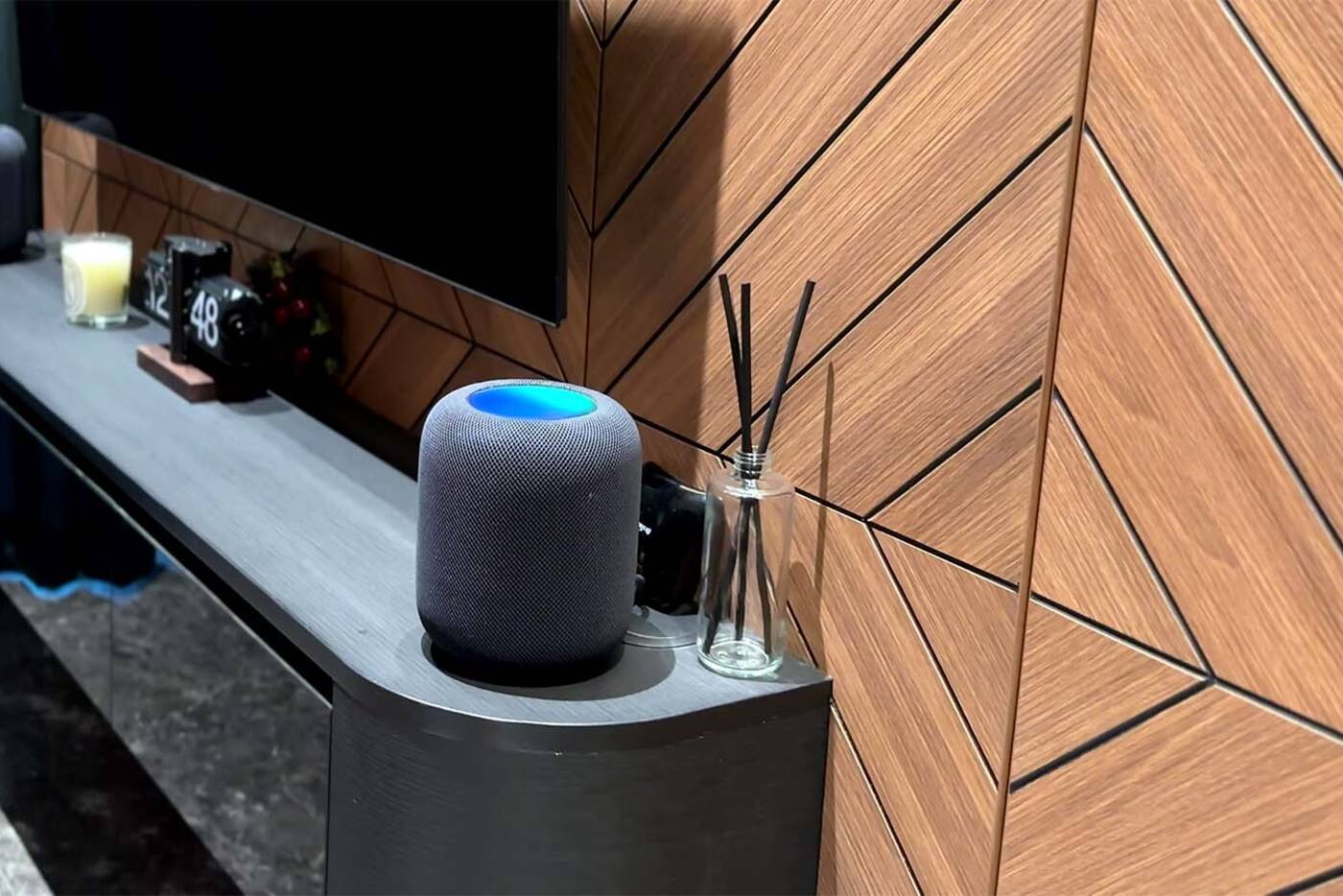
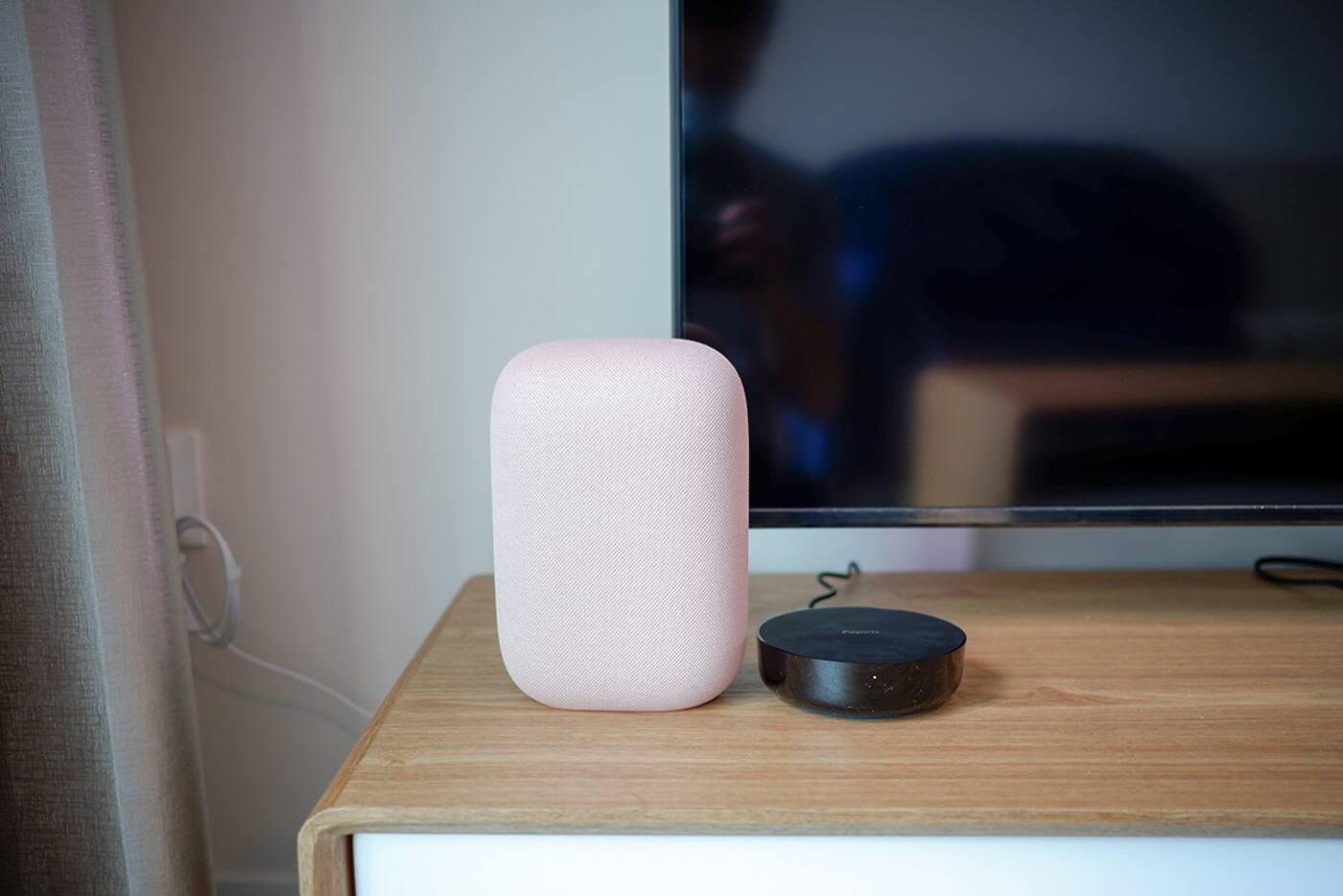
A Matter controller adds devices to its Matter network and manages them for that platform. A Thread Border Router connects a network of Thread devices to the rest of your home network. An Aqara hub can bridge supported Zigbee devices into Matter. A smart speaker may do one or more of these jobs, but having a microphone and a voice assistant doesn't mean it does any of them.
Work out which device in your home does each job. If you want a Thread device to work in both Apple Home and Google Home, each platform needs a suitable controller and a Thread network it supports. A Matter logo on the box tells you neither.
A compatibility logo is not a feature list
Plan around the functions you actually need. A motion sensor might show up as occupancy without its light-level reading. A multi-function button might offer fewer types of press. A lock might show whether it's locked while PIN codes and users stay in its own app. For anything your setup depends on, write down which app shows which feature.
- Check that your model, and its regional version, supports the integration you want.
- Find out whether it needs a compatible Aqara hub or a Matter controller.
- Make sure the device type and the specific function you want appear in the other app.
- Try out short, distinct names for voice commands.
Running two platforms at once with Matter multi-admin
With Matter, supported devices can be shared with more than one compatible platform. That helps in mixed households, but you'll quickly end up with duplicate rooms, names and automations if nobody decides which platform runs which routine.
Keep most household automations in one place, use the same names everywhere and use the other apps only for control.
If you use Matter multi-admin, add each device from an account you control and note which platform added it first. Rooms and names are usually set separately in each platform, so match them by hand. Only build the same automation in two places if the second copy is a deliberate backup.
Where camera recordings live, including HomeKit Secure Video
A camera appearing in Apple Home, Google Home or Alexa doesn't mean those platforms record it the same way. In Apple Home, live view and HomeKit Secure Video are separate things; HomeKit Secure Video needs a supported camera, iCloud+ and an Apple home hub. Google and Alexa displays can show a live view without bringing across Aqara's local or cloud recordings.
Decide where your recordings are actually kept: a microSD card or the camera's own storage, a NAS or RTSP recorder where supported, HomeKit Secure Video, or Aqara HomeGuardian. Each keeps footage for a different length of time, has its own permissions and behaves differently in an outage. Try playing back a clip in whichever app you'd rely on if you ever needed the footage.
Where Home Assistant fits
Home Assistant can act as a Matter controller, take over compatible HomeKit accessories or run its own Zigbee network through ZHA. Each of these is a bigger decision than adding another voice assistant. Bridging through Matter keeps Aqara Home in charge and passes standard devices across; pairing devices directly with ZHA takes them away from the Aqara hub.
It's a good choice if someone in the household is happy to look after the controller, backups, integrations and updates. If your Aqara Home or Apple Home setup already works, keep it until a test device in Home Assistant shows every event and control your automation needs.
Naming devices and deciding who gets access
Voice names should be short, distinct and easy to say. If a room, a device and a scene are all called ‘Living Room’, the assistant has to guess. ‘Living ceiling’, ‘Dining pendants’ and ‘Evening’ each point to something different without turning into a sentence.
Invite people through each platform's household or member feature instead of sharing the owner password, and decide who can add devices, edit automations or view cameras. Remove old residents' and installers' accounts once the setup is handed over to you, and keep the recovery details yourself.
A sensible default setup for most Aqara homes
- Aqara Home for pairing Aqara devices, firmware, calibration and device settings.
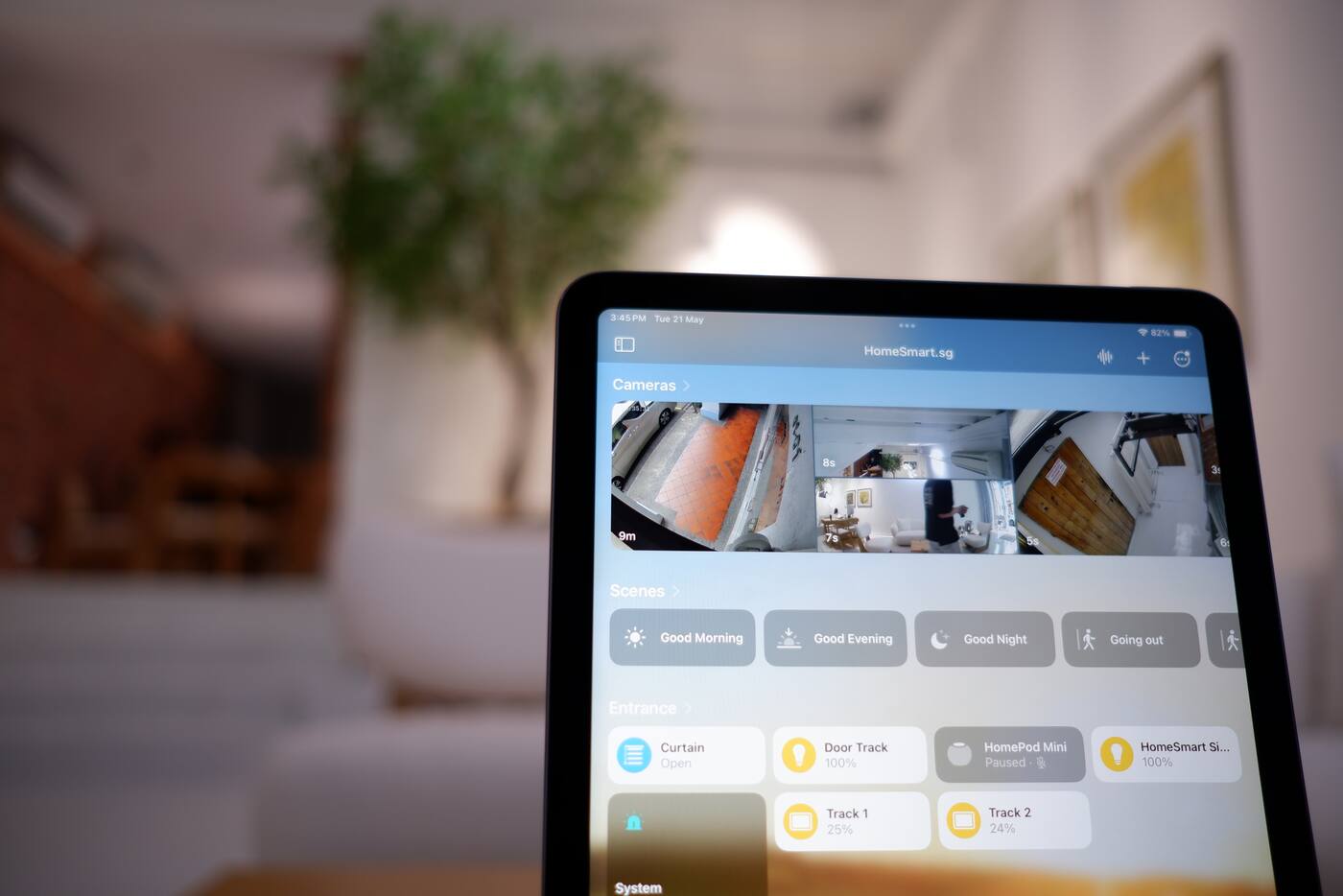
- One main household platform for rooms, everyday voice control and most automations across brands.
- Physical switches and buttons for essential actions and for visitors.
- Matter or native integrations, once you've checked that the device features you need come through.
- A note of who owns each account, and which hubs, controllers and Thread Border Routers you have.
Test one of each device before buying the rest
Pair one of each important device type and check it in every app you plan to use before buying the full quantity. Try the actual controls, status updates, automation triggers, remote access and voice phrases. An on/off command working isn't enough if you're relying on zones, dimming, lock users or sensor readings.
Then unplug the internet and note which switches, local automations and app functions keep working.
Two apps, two jobs
Aqara Home handles
- Pairing and firmware for Aqara devices
- Calibration, hub settings and Aqara-only features
- Some Aqara automations, where they're the better fit
Your household platform handles
- Rooms and everyday control across brands
- Most voice commands and the routines everyone uses
- Inviting the rest of the household
Give each automation one home. The same routine running in several platforms is hard to troubleshoot.
Official references
Product and standards information was checked against these primary sources. The article above is original Aqara Singapore editorial content.
Choosing your main app
See how Aqara connects to each platform.
Look at the network and platform map, then test the device features your household expects to use.