
Hubs and Connectivity
Aqara vs SwitchBot: Which Ecosystem Fits Your Home?
Compare Aqara and SwitchBot by installation approach, hubs, protocols, curtains, locks, sensors, Matter, local control and long-term ownership.
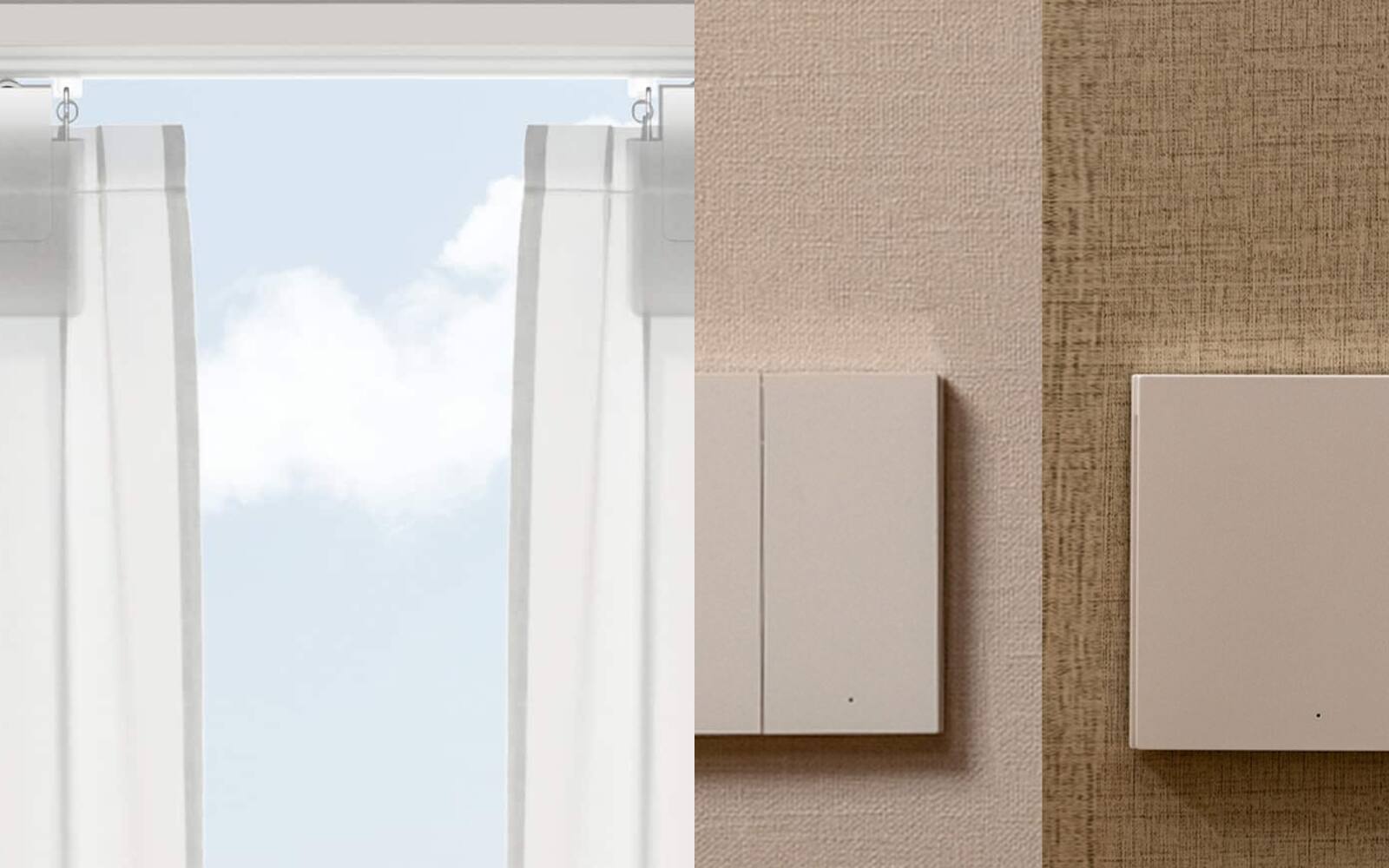
Aqara and SwitchBot both sell hubs, sensors, locks and curtain motors, and both work with Matter. They started out solving different problems, though. SwitchBot made its name with devices that work the controls you already have: a small robot that presses a button, a motor that moves your curtains along the existing rail, a lock that turns your existing thumb-turn. Aqara does some of that too, but much of its range is meant to be installed: wall switches, relays, curtain tracks and hubs.
This guide is about picking the system you'll build your home around, not about any one gadget. So it looks at hubs, apps and who owns the account as well as the devices, because those are what you live with for years.
On this page
- Retrofit gadgets or installed hardware
- How Aqara and SwitchBot hubs reach their devices
- Curtains and blinds: add-on motors vs motorised tracks
- Smart locks start with your door
- What Matter shares between Aqara, SwitchBot and your platform
- Running both apps without the automations clashing
- Aqara or SwitchBot for your home
Retrofit gadgets or installed hardware
Aqara covers both kinds of job. Battery sensors, wireless buttons, retrofit locks and the Curtain Driver E1 can all go in after a renovation. The range also includes in-wall switches, relay modules, motorised curtain tracks, smart lighting and hubs that take Ethernet or Power over Ethernet, so the smart home can be designed into your electrical and interior plan instead of sitting on top of it.
SwitchBot's best-known products leave what you have in place. The Bot physically presses a button. Its Curtain and Blind Tilt products move your existing curtains and blinds, and its retrofit locks turn the thumb-turn already on your door. That's a good fit for a rental, a finished interior, or an unusual appliance where replacing the control would be more trouble than it's worth.
Neither approach is more advanced. A no-drill button pusher can be exactly right for one appliance, while a wired relay or a proper motorised track is the neater answer for a light circuit or a heavy curtain you open every day. It helps to list the actual problems in your home before you compare apps.
Plan your smart home Smart switches vs smart lights
| Situation | Aqara usually fits | SwitchBot usually fits |
|---|---|---|
| Finished home | Wireless sensors, buttons, retrofit locks and curtain drivers | Button pushers, retrofit locks, curtain motors and blind tilters |
| Renovation | Wall switches, relays, lighting, curtain tracks and a planned power point for the hub | Appliances or mechanisms you want to leave as they are |
| Range | Wall controls, sensors, locks, cameras and lighting designed to work together | Many retrofit devices, plus climate, cleaning and appliance products |
| Using it by hand | Wired switches and relays can keep normal switching at the wall | The original control usually still works, depending on where the device sits |
How Aqara and SwitchBot hubs reach their devices
Many Aqara sensors and buttons use Zigbee or Thread. Zigbee devices join an Aqara hub, and compatible mains-powered Zigbee devices pass signals along to extend the network. Native Matter-over-Thread products join a Thread network through a suitable Matter controller and Thread border router. Current Aqara hubs differ a lot in their Matter and Thread support, so check the specific model.
Many SwitchBot retrofit products use Bluetooth. Your phone can control them directly when you're nearby, and a SwitchBot hub adds remote access and connects supported devices to cloud services or Matter. SwitchBot's own documentation says remote control of Bluetooth devices goes through its cloud and a hub. Newer hubs can run more automations locally, but don't assume that applies to every device and routine.
This affects where things go. A Zigbee system works best with powered devices spread around the home to relay signals. A Bluetooth hub has to stay within range of the devices it serves. With either brand, hiding the only hub inside a metal cabinet is a bad idea.
Curtains and blinds: add-on motors vs motorised tracks
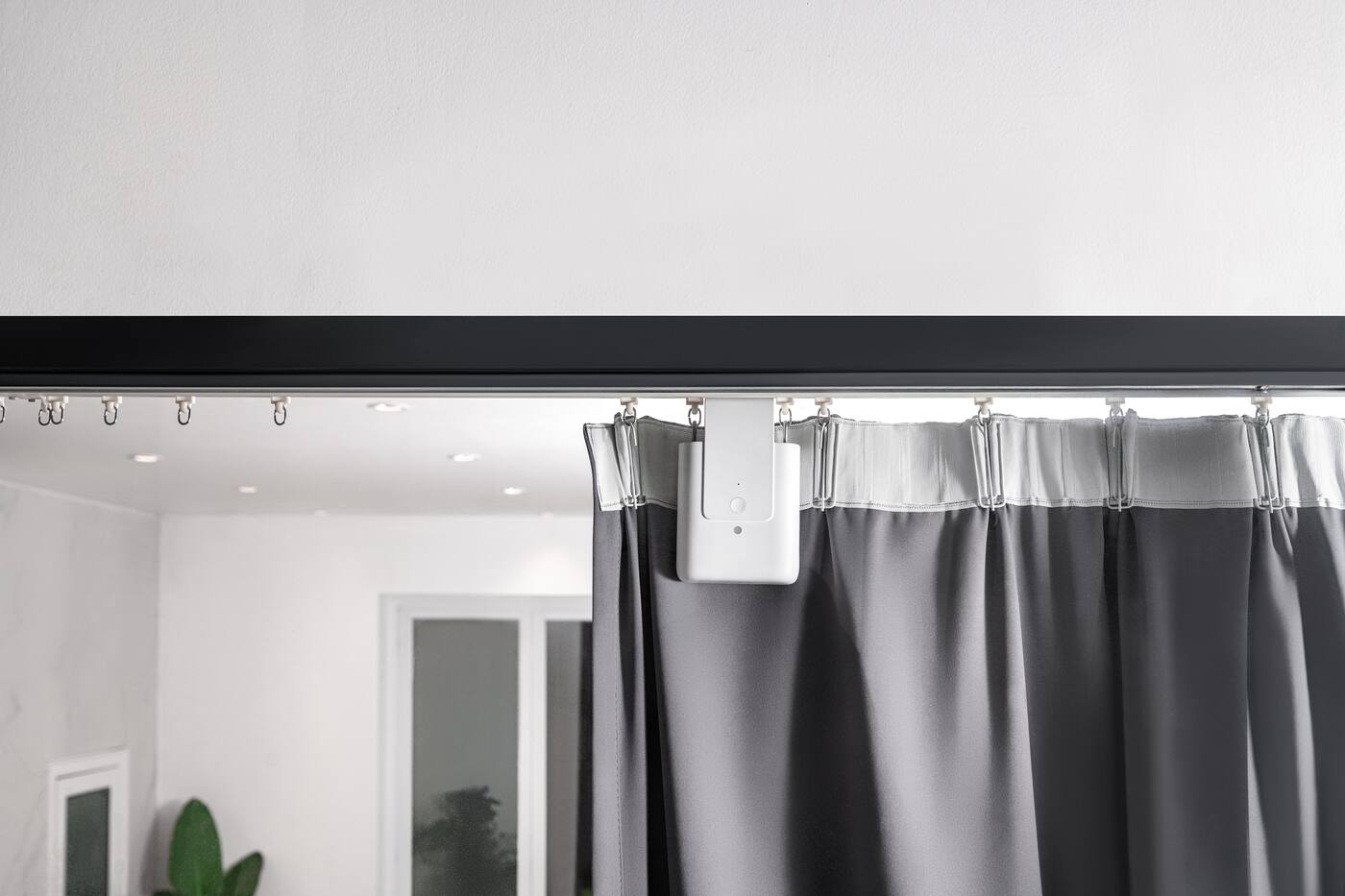
Both brands sell motors that move the curtains you already have. A retrofit driver saves you replacing the track, provided the rail type, curtain weight and layout suit it. It stays visible on the track, needs charging or new batteries, and has to push against the friction of a rail that wasn't necessarily built for a motor.
Aqara also sells complete motorised tracks for renovation work, where the motor, carrier, track length, power point, opening direction and how the curtain bunches up are all planned together. It's more work and usually costs more, but it can be quieter, stronger and neater. For the main living-room curtain in a home you're renovating, it's the better choice.
SwitchBot's Blind Tilt shows the difference well: it turns the wand on compatible horizontal blinds instead of replacing them. The Aqara range we sell has roller-shade drivers and wired curtain-track motors instead. What's actually hanging at your window will often decide the brand faster than any hub specification.
Compare Aqara curtain solutions View Curtain Driver E1
Smart locks start with your door
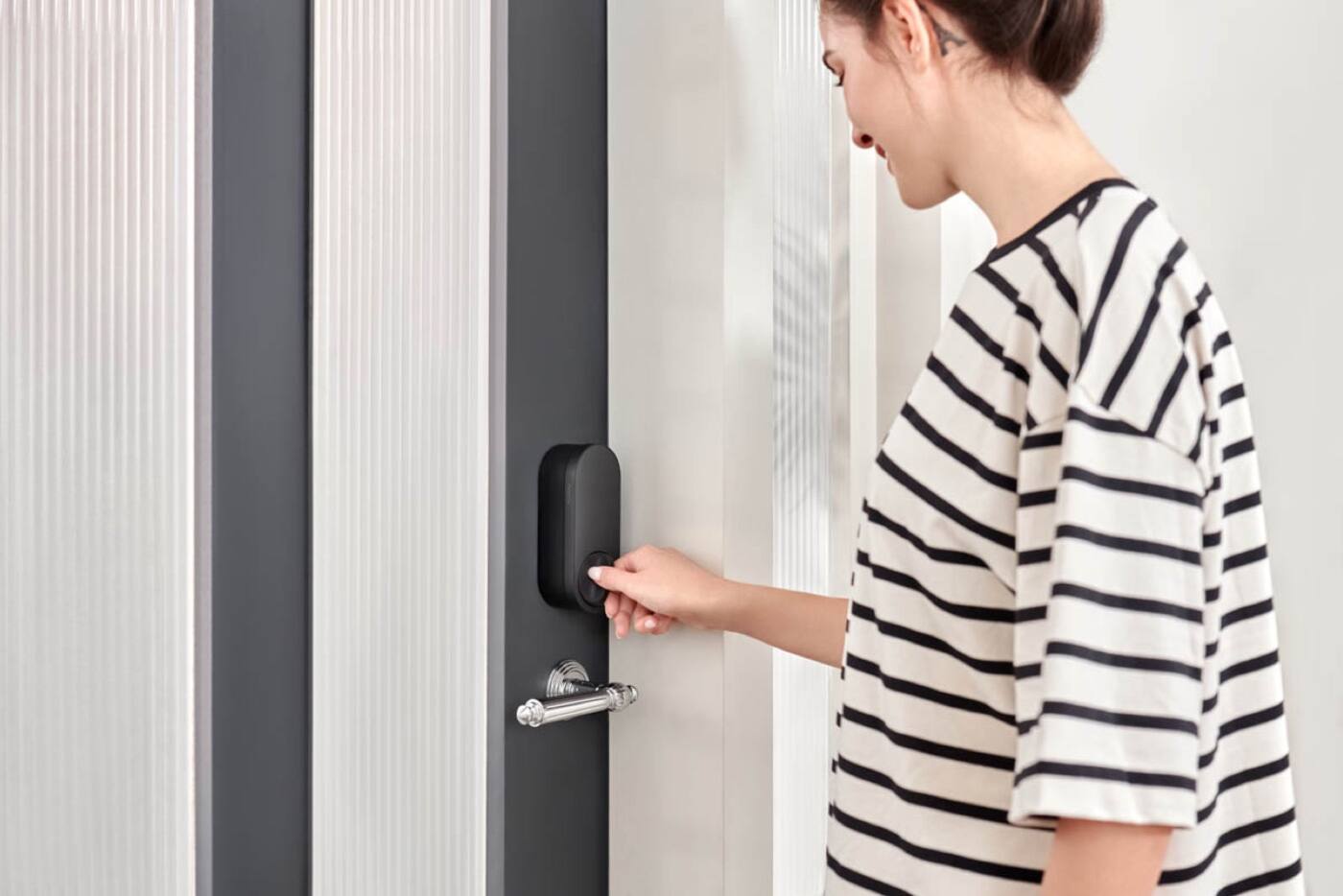
SwitchBot's locks generally fit over the inside of a compatible existing lock and turn its thumb-turn, so the outside cylinder stays as it is. Aqara's range covers retrofit locks, deadbolt and single-latch locks, and full mortise locks that replace more of the door hardware.
So the comparison starts at your door: the lock case, backset, cylinder or thumb-turn, handle, door thickness, gate clearance, and how you want to get in from outside. A mortise lock can build in a keypad, fingerprint reader or face recognition, but it needs a suitable door and professional installation. A retrofit lock may be removable later, but only if it turns your existing mechanism reliably and clears the frame.
Apple Home, Google Home and similar platforms can show whether the lock is locked without giving you every user code, passage mode, alarm or admin setting. Manage access codes in the lock maker's app, and make sure someone in the household, not the installer, holds the main account.
Choose an Aqara lock by door fit Shop Aqara smart locks
What Matter shares between Aqara, SwitchBot and your platform
Both brands use Matter to show supported devices in Apple Home, Google Home, Alexa, SmartThings and other Matter apps. Often the hub acts as a Matter bridge: the device keeps talking Zigbee or Bluetooth to its own hub, and the hub presents it to the other platform as a standard Matter device.
Matter doesn't bring every setting with it. A curtain might appear with open, close and position while its calibration stays in the maker's app. Locks and sensors are similar: you get the lock state or occupancy, but user codes, sensitivity and detection zones stay behind.
Check the current compatibility list for your exact hub and device. SwitchBot publishes limits on how many devices each hub can sync, and some device types sit in a beta or secondary list. On the Aqara side, what gets bridged depends on the hub, the device, its firmware and which Matter device types are supported.
Matter, Thread and Zigbee explained
Running both apps without the automations clashing
A home with both brands works well if every device has one clear home. Pair and calibrate each product in its own app, then share only what you need with one main platform. If the same schedule lives in Aqara Home, SwitchBot and Apple or Google Home, you have three copies that will drift apart, so only duplicate one when there's a real reason.
Having a hub doesn't mean things run locally. Work out which routines run on the brand's hub, which run on your main platform and which need the internet. Then disconnect the internet, leave the home network running, and try a light, a curtain and a lock routine.
Accounts outlast installers. The Aqara home, the SwitchBot home and your main platform should all belong to someone who lives there, with recovery details a second person in the household can reach. If the setup is tied to an installer, or an email address nobody can recover, it doesn't much matter how portable the devices are.
Aqara or SwitchBot for your home
Cheap sensors don't tell you much, since both brands make them. The choice comes down to the things that are hard to replace or install: the main door lock, the living-room curtains or blinds, the wall switches and lights, and any infrared or aircon control. Check those for fit, wiring, signal coverage and how they behave in your platform before anything else.
If you're renovating and plan to use Aqara switches, lighting, sensors, locks and curtains together, Aqara is the better main system. If you'd rather keep your existing switches and fittings and a handful of retrofit devices would cover what you need, SwitchBot is usually the easier choice.
Adding one or two products from the other brand is perfectly reasonable, as long as the extra app and hub solve something your main system doesn't.
Aqara or SwitchBot: let the physical work decide
Pick the brand that fits your home with fewer compromises and that you can keep running.
Go with Aqara if
- You're renovating and want smart switches, relays, lighting or curtain tracks
- You want sensors, locks and wall controls from one range that work together
- You're planning a Zigbee or Thread network
Go with SwitchBot if
- You want to keep your existing buttons, locks, curtains or blinds
- You rent, or can only make small changes to a finished home
- Bluetooth retrofit devices cover the things you actually need
Use both if
- Each extra hub does a job the other can't
- One main platform handles everyday control
- Each brand's own app still handles setup and upkeep
Compare the specific products for your three hardest rooms. A tested device, a good position for it and a clear account owner tell you more than any brand's feature list.
Official references
Product and standards information was checked against these primary sources. The article above is original Aqara Singapore editorial content.
Plan your system
Start with the wall switches, the curtains and the front door.
Map out the switches, curtains, locks, sensors and hub positions before you settle on a main brand.