
Hubs and Connectivity
Aqara vs Tuya/Smart Life: Products, Control and System Ownership
Compare Aqara with Tuya and Smart Life by product consistency, apps, hubs, protocols, local automation, Matter, integrations, support and ownership.
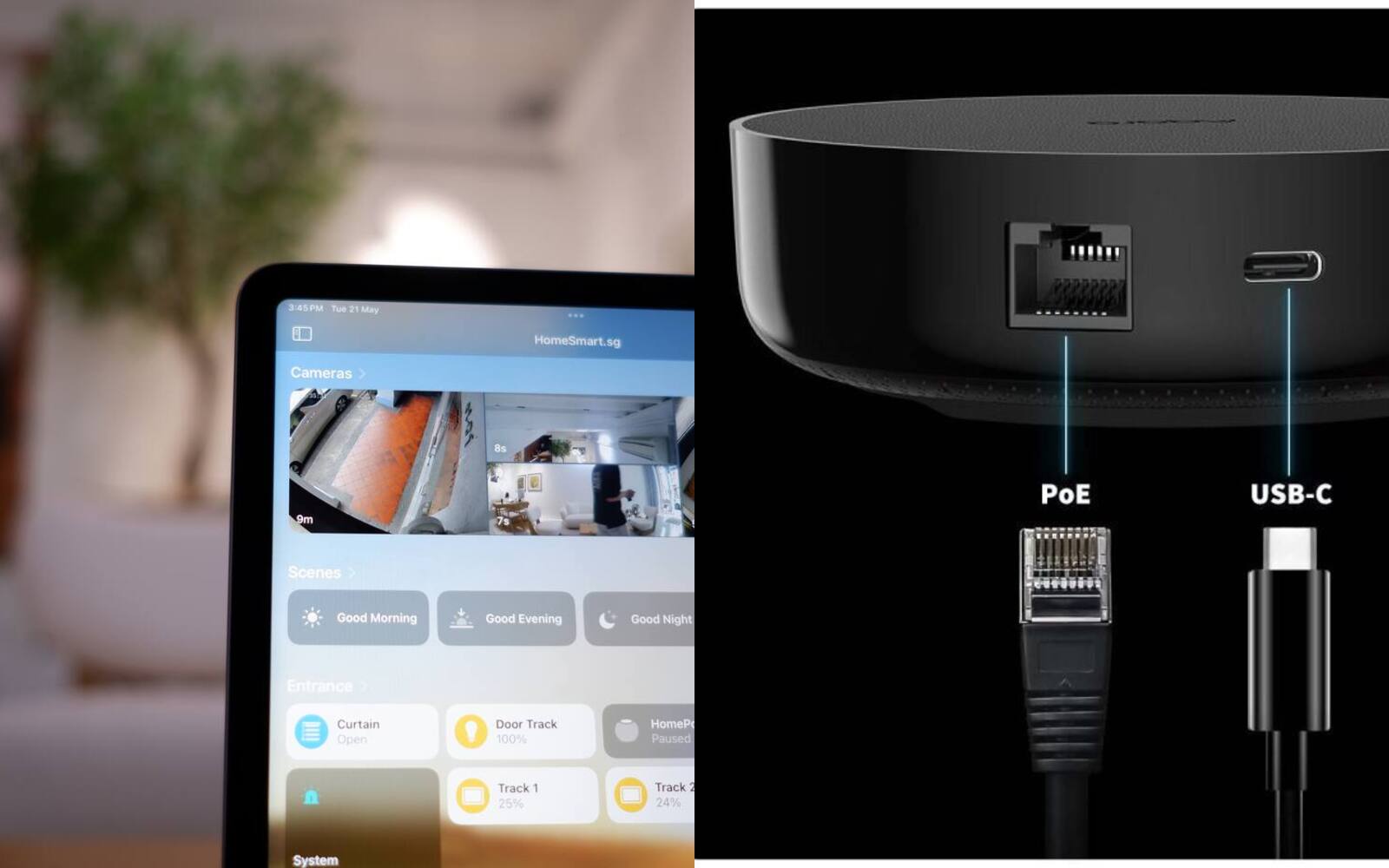
Aqara is a brand. It makes its own hardware, runs the Aqara Home app and has a regional support network. Tuya is something else: an Internet of Things platform that many manufacturers and retailers build their products on. Smart Life is Tuya's own consumer app, and the same platform also powers apps sold under other companies' names.
So this isn't one brand against another. It's one maker's range against a huge platform where product quality, firmware, documentation and support depend on whichever company made the device.
On this page
- Aqara makes products; Tuya powers other companies' products
- Two Smart Life switches can be very different inside
- How Tuya and Aqara devices connect
- What keeps working when the internet goes down
- Putting Aqara and Tuya devices in one Matter app
- Who should own the Smart Life or Aqara Home account
- Getting help with a Tuya or Aqara product
- Choosing a main system, with exceptions
Aqara makes products; Tuya powers other companies' products
Aqara designs and sells its own range of hubs, sensors, switches, locks, cameras, curtains and lighting. The model pages, manuals, firmware and app all sit under one brand. Regional distributors and retailers decide which versions are sold and supported in each market.
Tuya supplies other companies with modules, development tools, cloud services, app toolkits and ready-made apps they can put their own name on. A manufacturer can build hardware on Tuya and then either use Smart Life or release its own branded app on Tuya's platform. That's why there are so many kinds of Tuya-based device.
When a listing mentions Tuya, it's usually telling you about the platform inside the product. It doesn't tell you who made the casing, rated the relay, calibrated the sensor, certified it or handles after-sales service. You need to judge that supplier separately.
| Area | Aqara | Tuya / Smart Life |
|---|---|---|
| Who makes the hardware | Named Aqara models and generations | Many brands and OEM products built on Tuya |
| Main app | Aqara Home | Smart Life, Tuya Smart or a supplier's own Tuya-based app |
| Documentation | Aqara's model pages and manuals | Depends on the device supplier, as well as Tuya's platform documentation |
| Support | The seller, the regional channel and Aqara product support | The seller or brand; sharing an app doesn't give you a warranty |
Two Smart Life switches can be very different inside
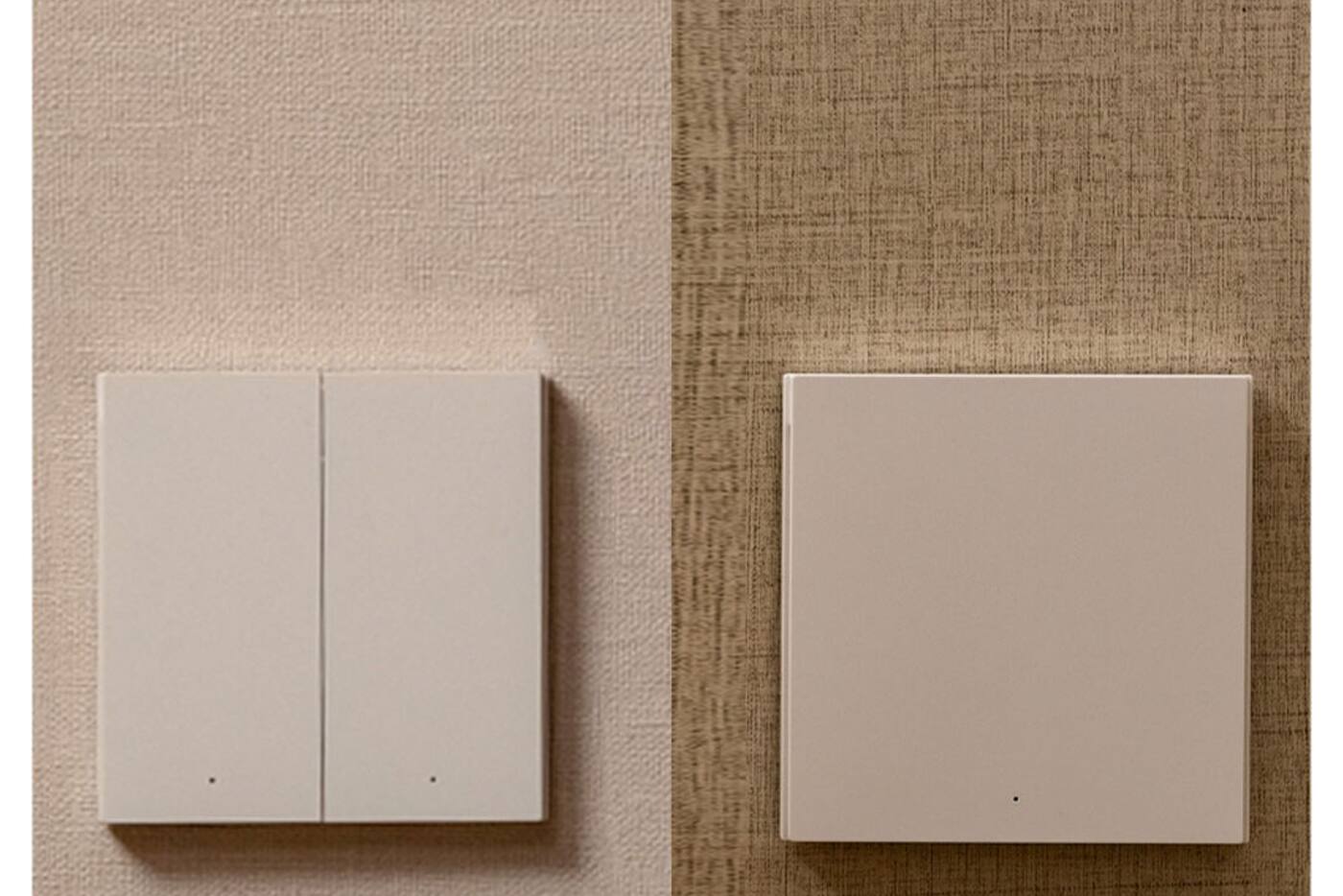
Two products can both show up in Smart Life and still have different casings, relays, terminals, power supplies, sensor parts and firmware. Even when the controls look the same in the app, one supplier may offer more settings, calibrate better or keep updating the firmware for longer.
Aqara cuts down some of that variation because its products are designed and documented as one range. Not every Aqara model suits every home, but you always know exactly which model you're looking at. A D1, H1, Z1 Pro or H2 switch has a specific wiring and control design you can check before you buy.
Whichever you choose, check the electrical rating, whether it needs a neutral wire, the size, the protocol, the region, the certifications and who is actually selling it. If you buy an unnamed device because the photo shows Smart Life or a Matter logo, there's no model to check any of that against.
Compare Aqara smart switches Shop Aqara smart switches
How Tuya and Aqara devices connect
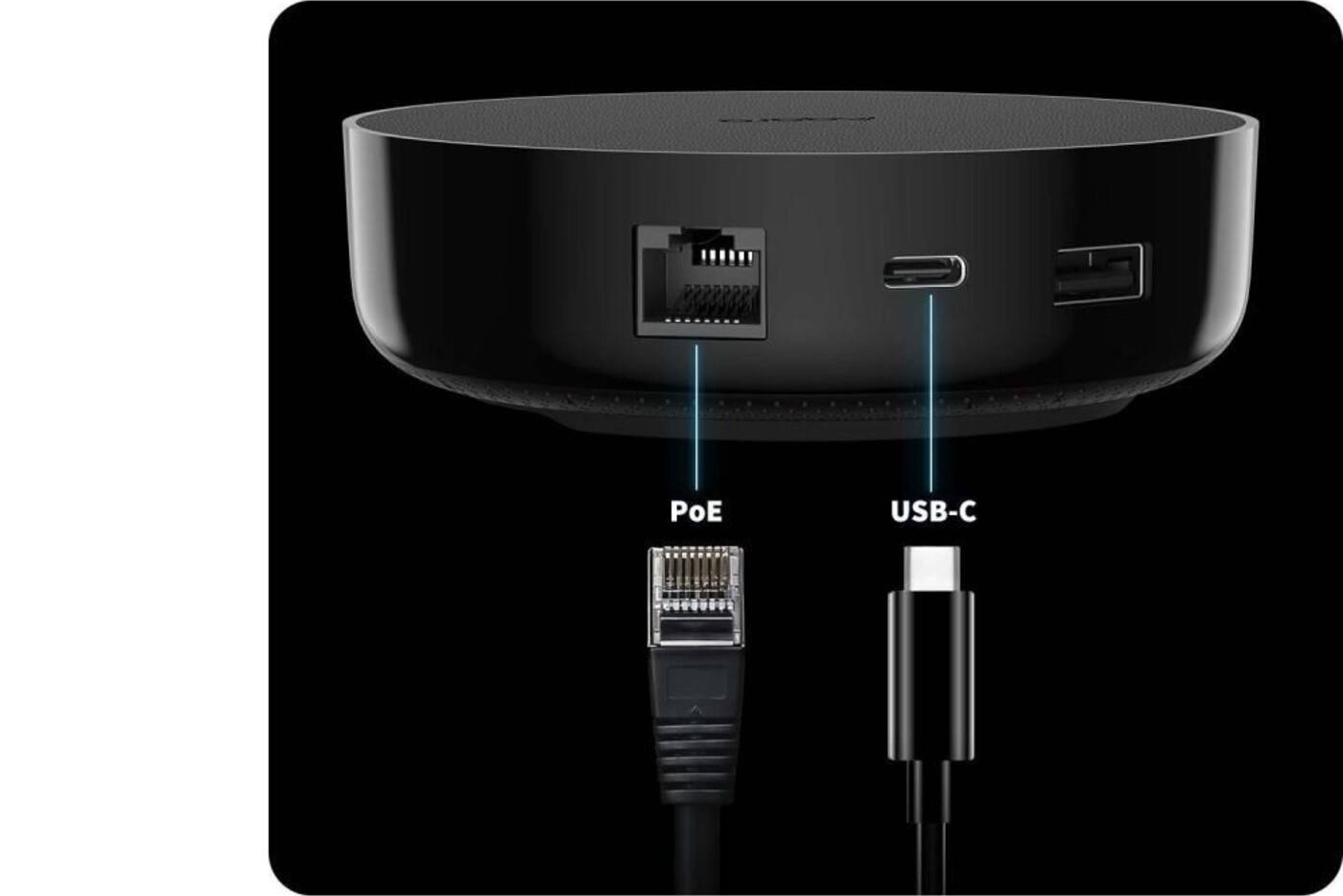
Tuya-based products can use Wi-Fi, Zigbee, Bluetooth and Matter, depending on the device and the gateway. A Wi-Fi product may connect straight to your router. A Tuya Zigbee product needs a compatible Tuya-based gateway. Zigbee or Bluetooth products without Matter can sometimes appear in Matter apps through a Matter bridge, if the gateway and device type support it.
Aqara works the same way with a shorter product list. Zigbee devices join a compatible Aqara hub, native Matter-over-Thread devices need a Matter controller and a Thread border router, and some cameras and presence sensors connect straight to Wi-Fi. Current Aqara hubs combine different jobs, from Matter controller, bridge and Thread border router to infrared and networking, so check which ones your hub does.
Matching protocol names don't guarantee that two things will pair. Not every Zigbee hub supports every Zigbee device, and a Matter bridge passes on standard functions rather than every maker-specific setting. Check the whole route, from the device to its app and on to your main platform.
Matter, Thread and Zigbee explained Compare Aqara hubs Shop Aqara hubs
What keeps working when the internet goes down
Whether an automation keeps running offline depends on the gateway, the device and where the routine is stored. A maker may run some triggers and actions locally while other features need its cloud. Remote app access and voice assistants linked cloud to cloud generally need the internet, even when basic local control still works.
Aqara documents how local automations work on its hubs, and newer models such as the M3 put more weight on local and cross-hub automations. Tuya's gateway and development tools can support local scenes, but the finished product and its firmware decide what you actually get. How one Tuya device behaves offline tells you nothing about another brand's gateway.
The only way to know is to test the routines you care about. Leave the router and home network on, disconnect the internet, then use the wall controls and set off a typical sensor automation. Note which app screens, notifications, voice commands and schedules stop working.
Putting Aqara and Tuya devices in one Matter app
Tuya and Aqara both support Matter devices and bridges. Matter lets Apple Home, Google Home, Alexa, SmartThings or Home Assistant show common device types from several brands together, in the same rooms and automations.
You'll still need the maker's app for pairing, firmware, calibration and the more advanced features. A Matter light may show on, off, brightness and colour while its power-on behaviour or music mode stays in the maker's app. A bridged sensor may show its reading without all the reporting options.
Matter's multi-admin feature can let a supported device join more than one controller, but the controllers don't share users, automations or history. Pick one platform to run the household routines and keep device upkeep in the maker's app.
Who should own the Smart Life or Aqara Home account
You, the homeowner, should own the main app account, the home and the recovery email. That applies to Aqara Home, Smart Life, Tuya Smart and any branded app. An installer can be invited in or work alongside you without holding the only admin account.
With a Tuya-based product, find out which app it's meant to be set up in, and whether it can move between Smart Life and a branded app without a reset or losing features. Apps that look alike can run on the same platform while keeping separate accounts or regional data centres, so your login and homes won't necessarily carry across.
With Aqara, the product's region and the server you pick in Aqara Home can affect pairing and support. Buy stock meant for the local market if warranty, replacements and predictable app behaviour matter to you. Whichever brand you use, keep a record of device names, rooms and important routines so it isn't all in one person's head.
Getting help with a Tuya or Aqara product
Because Aqara's range is smaller and tightly defined, it's easier to ask about a specific model and find the right manual. Local support still depends on where you bought it, its region and the warranty route. A product appearing on Aqara's global website doesn't mean we sell or support that version in Singapore.
Tuya provides its platform to manufacturers and developers. For hardware warranty, installation instructions and firmware problems with a particular model, you'd normally go back to the brand or the seller. Using Smart Life as your app doesn't make Tuya the warranty provider for every product in it.
A well-supported Tuya-based product from a supplier who stands behind it can be a better buy than the wrong device from a brand you know. On the other hand, a generic listing with no fixed model, manual or identifiable seller is a risk you don't need to take, however cheap it is.
Choosing a main system, with exceptions
If your plan includes several Aqara switches, sensors, locks, cameras, curtains or lights, and local support matters to you, make Aqara your main system. A Tuya or Smart Life setup can be the better choice when device variety, choice of supplier and price matter more, particularly for a type of device your main brand doesn't make.
Adding a product from another brand is fine when it does something nothing else in the home does. Use Matter or one main platform for everyday control, and keep the lines clear: the device's own app maintains it, one platform runs the shared automations, and you own every account.
Don't build up a collection of hubs and apps to save a few dollars. Each extra platform brings another account, another firmware update route, another way to fail and another support contact, so it has to be worth keeping for years.
Aqara, Tuya or a bit of both
Go with Aqara
- You want several types of device to work as one documented range
- Consistent models and local support matter to you
- You're happy to use Aqara Home for setup and upkeep
Go with Tuya / Smart Life
- A particular supplier makes the better device for what you need
- Wide choice or price matters more than sticking to one brand
- The seller gives you a proper model and warranty support
Mix the two carefully
- The extra product fills a gap nothing else does
- Matter or one main platform handles everyday control
- You've noted who owns each account and automation, and who to call for support
Sharing an app is handy, but it doesn't replace a named product, accurate documentation and a seller who will answer for it.
Official references
Product and standards information was checked against these primary sources. The article above is original Aqara Singapore editorial content.
Plan your setup
Pick your main app, hub and support route before you buy devices.
Planning room by room shows up the exceptions early, so you don't end up with a pile of unrelated apps.