
Hubs and Connectivity
Aqara Aircon Control: Infrared, Sensors and Automations
Control an infrared air-conditioner with Aqara hubs, climate sensors and safe automations while understanding line of sight, state and remote limitations.
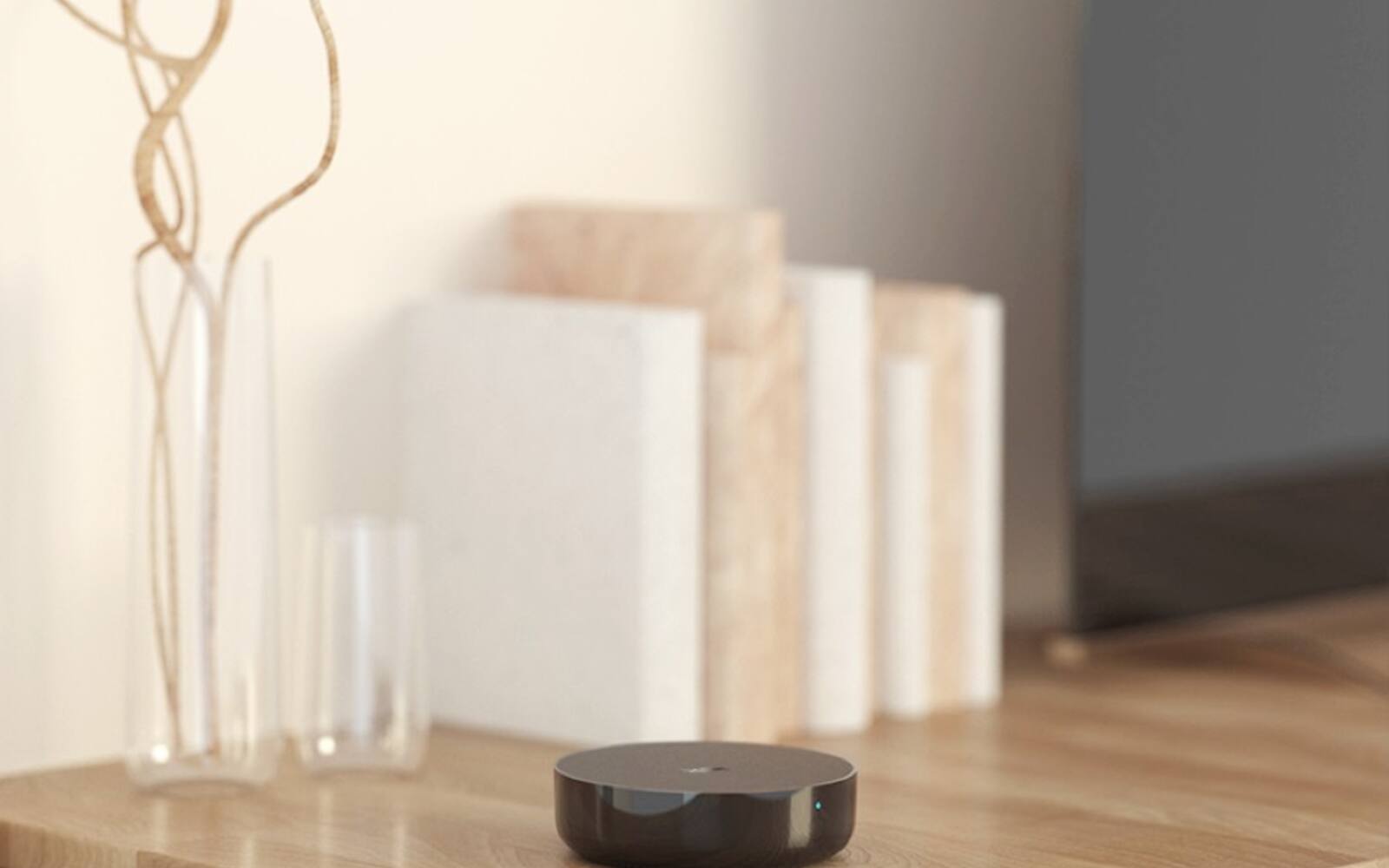
Many split aircons in Singapore are controlled with an infrared handheld remote. An Aqara hub with infrared can send the same commands, so you can put the aircon into scenes and automations and link it to a room temperature or occupancy sensor.
The hub is still talking to the same receiver on the aircon as the handheld remote. Whether it works reliably comes down to where the hub sits, what the app assumes about the aircon's state, and how carefully the automations are timed.
On this page
- Which Aqara hubs can control an aircon
- Getting the infrared signal to the aircon
- Finding the right remote profile for your aircon
- The app shows what was sent, not what the aircon did
- Using a room sensor such as the Climate Sensor W100
- Aircon automations that don't keep switching on and off
- Living with both the remote and the app
- Testing outages and writing the setup down
Which Aqara hubs can control an aircon
Two of the hubs we sell can control an aircon by infrared: the Hub M3 and the Hub M200. The M100 has no infrared emitter, and neither does the Camera Hub G350 that replaced the G3. The hubs also differ in Matter, Thread, speaker and storage features, so don't choose on aircon control alone.
Both send infrared out in all directions (360 degrees), connect over dual-band Wi-Fi or a PoE cable, and run supported automations locally. The M3 adds infrared state tracking, and when it's paired with an Aqara temperature sensor it can present a supported aircon as a thermostat to Matter apps. For a room that just needs its aircon in scenes and automations, the M200 is usually enough; choose the M3 if you want the thermostat in Apple Home or another Matter app.
We no longer sell the Hub M2 or the Camera Hub G3. If you already have one, its infrared blaster still works and everything below applies to it. A global product page or firmware announcement doesn't mean we stock that model, or that the app behaves the same way here.
Compare current Aqara hubs View Hub M3 View Hub M200
| Hub | Infrared | Network and power | Role in aircon control |
|---|---|---|---|
| M3 | Improved 360-degree infrared with state tracking | Dual-band Wi-Fi, Ethernet or PoE; USB-C | Thermostat function with a supported climate sensor, shared through Matter |
| M200 | 360-degree emitter | Dual-band Wi-Fi 6 or PoE; USB-C | Compact hub and infrared controller for a room |
| M100 | No | USB-A; Matter controller and Thread border router | Can't control an aircon by infrared |
| Camera Hub G350 | No | Wi-Fi; Matter controller and Thread border router | Camera and hub; can't control an aircon by infrared |
Getting the infrared signal to the aircon
Infrared light can't pass through walls. Put the hub in the same room as the indoor unit, close enough and without a cabinet door, TV or shelf in the way. A spot on a table in the middle of the room often works better than a network cupboard by the front door.
'360 degrees' means the hub sends the signal out all around it, not through solid objects. Walls can bounce the signal around a room, but don't rely on a narrow bounce that disappears when someone moves a door or curtain.
Test from the final position with the furniture and doors as they'll normally be, sending power, mode, temperature and fan commands several times each. If another bedroom behind a wall also needs control, plan a second infrared controller for it, even if one Zigbee hub covers both rooms.
How many Aqara hubs does a home need?
Finding the right remote profile for your aircon
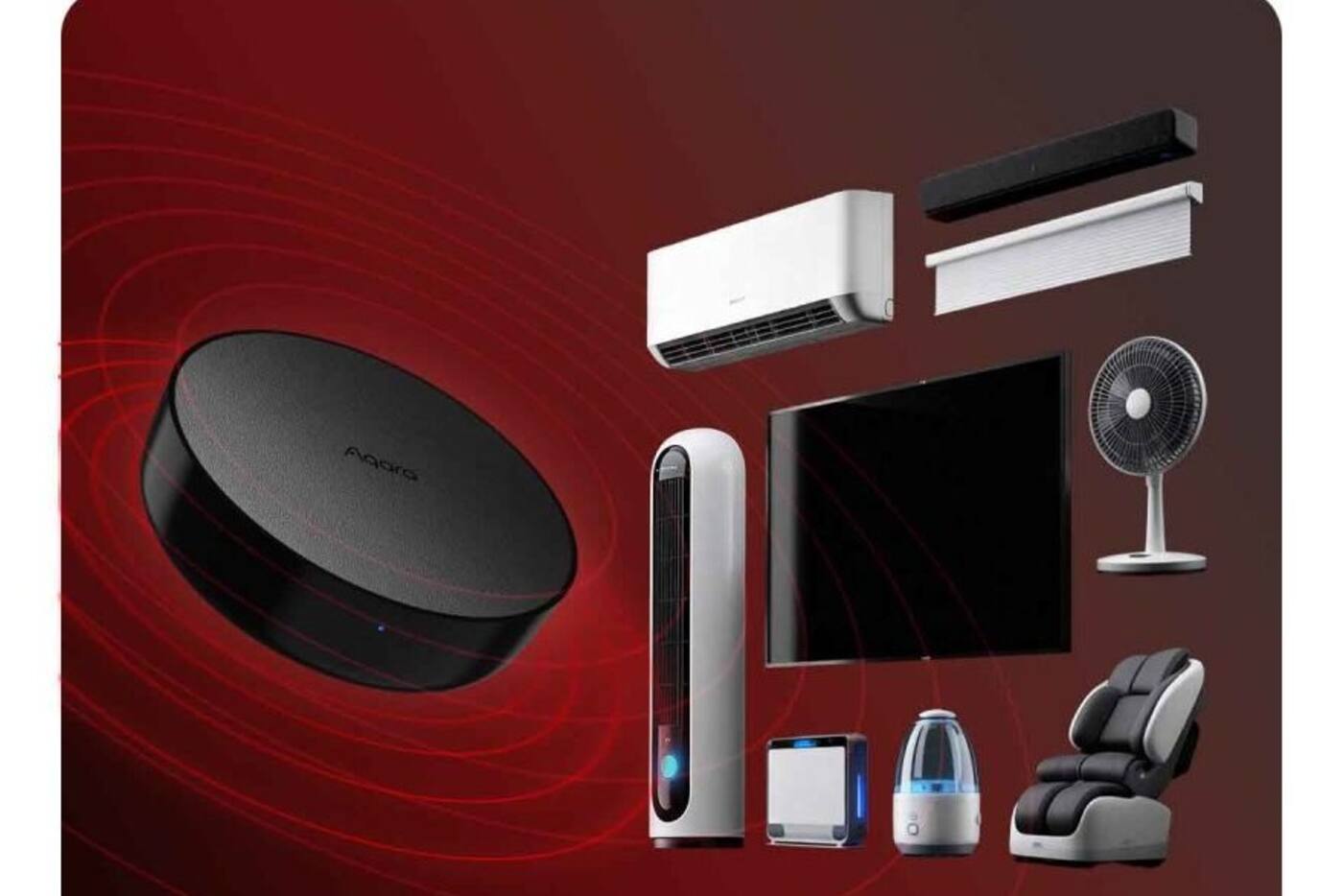
Start with the aircon library in Aqara Home and try your exact brand and remote. Aircon remotes usually send the whole setting at once, including power, mode, temperature and fan speed, rather than one button press, so the right profile has to reproduce all of it reliably.
If automatic matching doesn't work, use the manual matching or learning option. Note the model of your original remote and keep it. Some features, such as swing patterns, quiet modes, ionisers or the maker's own comfort sensors, may be missing from the virtual remote even when basic cooling works.
Then try the awkward cases: turning off from cooling, switching from dry mode to cooling, the lowest and highest temperatures, fan speeds, and restarting after a power cut. Turning the unit on once doesn't mean the setup is finished.
The app shows what was sent, not what the aircon did
Ordinary infrared only goes one way. The hub sends the signal and gets nothing back from the aircon. The app knows which command it sent, but that doesn't prove the aircon was powered, in range or ready to receive it.
The M3's newer infrared features can track the state of supported aircons and may pick up commands from a compatible remote, which helps keep things in step. It still has limits: a blocked signal, someone using the remote out of the hub's range, or a power cut can leave the app showing a different state from the aircon.
Don't build safety-related automations on an infrared state you can't confirm. Where confirmation matters, use the temperature trend, power readings from suitable equipment or a physical check. If the profile allows it, send the full setting you want each time, rather than a power toggle that could switch the unit the wrong way.
Using a room sensor such as the Climate Sensor W100
Put an Aqara Temperature and Humidity Sensor or Climate Sensor W100 where it reflects the part of the room people actually use. Air blowing straight from the aircon, sunlight, outside walls, TVs and enclosed shelves all throw off the reading. The aircon's own sensor measures the air returning to the unit, which may not match the sofa, the desk or the bed.
The M3 can pair a supported Aqara climate sensor with an infrared aircon and present it as a thermostat to compatible Matter apps. Aqara Home still holds the infrared profile and the link to the sensor.
How often the sensor reports, and where it sits, affect how quickly things respond. A battery sensor is fine for comfort automations, but it won't react like an industrial controller. Watch how the room actually behaves before you set your temperatures.

Aircon automations that don't keep switching on and off
If cooling turns on at 25.0°C and off at 24.9°C, it will keep cycling on tiny sensor changes and normal air movement. Leave a gap instead: turn it on above a higher temperature and off only once it falls well below that, with numbers chosen for the room and the people in it.
Add minimum on and off times, so a new reading can't restart the compressor straight away. The aircon's own electronics will protect the compressor, but an automation that sends commands every minute is badly set up. A scene that sets cooling mode, a sensible temperature and a fan speed is clearer than several actions competing with each other.
Be conservative with occupancy and time conditions. Someone being in the room can allow cooling, and the room staying empty for a while can switch it off after a delay. Keep the remote or a scene button available for guests and unusual situations.
| When | Do this | Why |
|---|---|---|
| Someone's in the room and it's above the upper temperature | Send the full cooling setting | Cooling only starts when it's actually needed |
| It's below the lower temperature and the minimum run time has passed | Turn off or raise the temperature | Stops it flicking on and off around one number |
| The room has been empty for a while | Turn off after a set delay | Avoids reacting to one missed presence reading |
| A window or balcony door is open | Send a notification first; optionally turn off after a delay | Avoids cutting the aircon because a door was opened briefly |
Living with both the remote and the app
People at home will keep using the original remote. If your hub supports state tracking, keep the remote somewhere the hub can also pick up its signal, and let everyone know that pressing it from an odd angle may not update the app.
Hiding the remote to make people use the app takes away the quickest backup when the network, account or hub has a problem. Anyone at home should be able to cool the room without opening a phone or working out why an automation didn't run.
If the app and the aircon often disagree, simplify the automation so it sends full settings, and use the room temperature to see whether it worked. If particular modes or temperatures fail more than others, set the remote profile up again.
Testing outages and writing the setup down
Test infrared control with the internet disconnected but the home network still on. Aqara documents local automations on the M3 and M200, while remote access and cloud integrations stop. Check what your automations actually contain and which hub firmware you're on, rather than assuming everything runs locally.
Restart the hub, the access point and the aircon's power separately. See whether the app state recovers, whether schedules run again and whether the aircon comes back after a power cut. The original remote should keep working throughout.
Write down the remote profile, where the hub and sensor are, the temperatures and minimum times, which account owns the setup and how to override it by hand, so the rules aren't only stored in an app.
What to expect from infrared aircon control
Works well when
- Your remote profile is supported and the hub has a clear line of sight in the same room
- A separate room sensor can run the automations
- The original remote stays available
Needs care
- The app may show what was sent, not what the aircon is doing
- Leave a gap between on and off temperatures, and set minimum run times
- Each closed room needs its own infrared controller
Look at other options if
- You need confirmation that the aircon really responded
- You need every one of the maker's special features
- So many rooms need control that separate infrared hubs don't make sense
Infrared control is most reliable when it sends the full setting, measures the room with its own sensor and leaves the original remote in use.
Official references
Product and standards information was checked against these primary sources. The article above is original Aqara Singapore editorial content.
Plan room by room
Decide where the infrared hub and the climate sensor go at the same time.
Compare what each current hub does, or include aircon control in a plan for your whole home.