
Curtains and Sensors
Aqara Presence Sensor Comparison: FP1E vs FP2 vs FP300
Compare Aqara FP1E, FP2 and FP300 presence sensors by zones, sensing method, power, protocol, placement and suitable rooms.
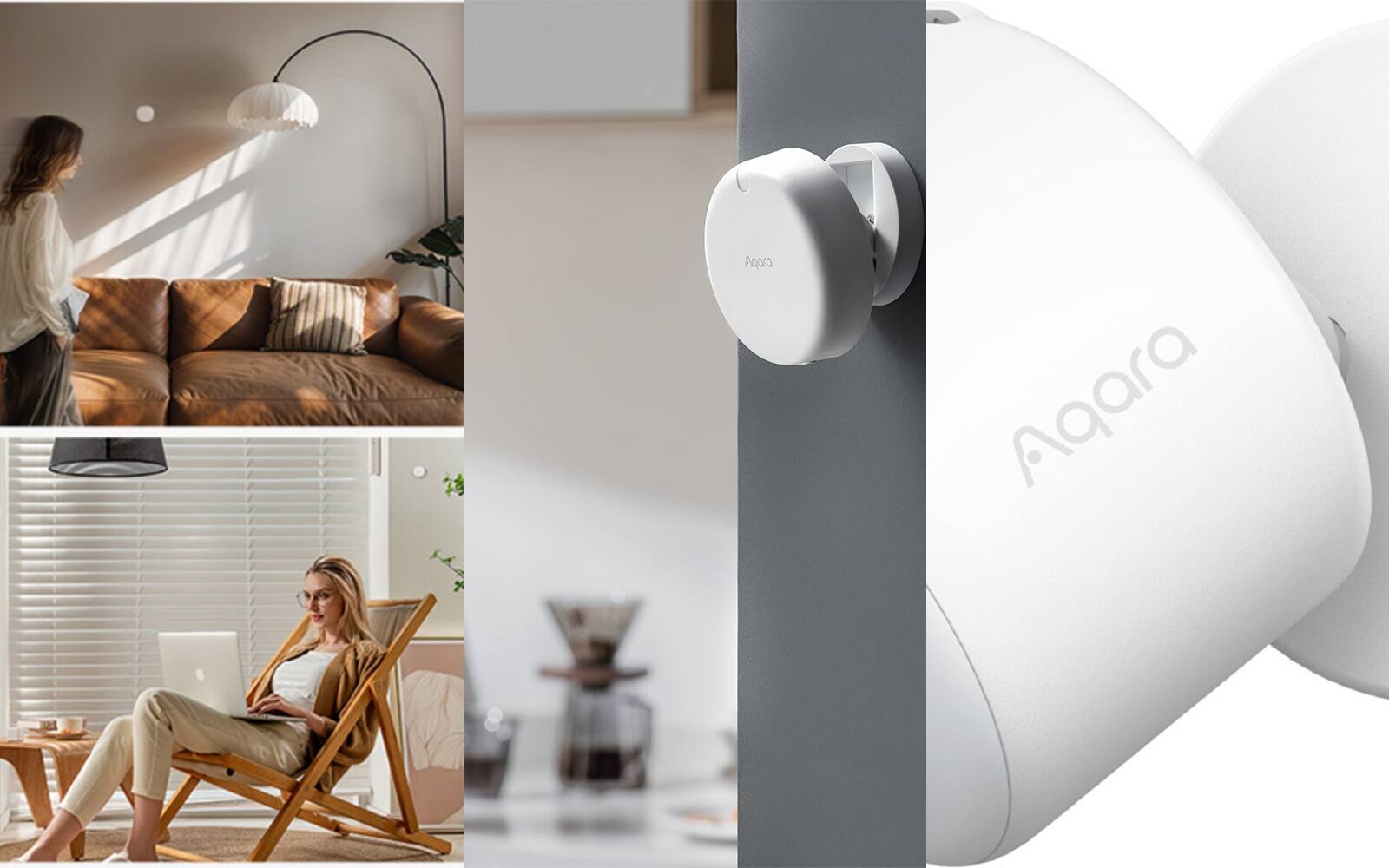
Aqara's FP1E, FP2 and FP300 can all tell that someone is in a room even when they're sitting still, which an ordinary motion sensor often can't. They're built for different jobs, though. One is a simple wired sensor for a single room, one maps a room into zones, and one is a small battery unit that measures other things as well. We also sell the newer Spatial Multi-Sensor FP400, which this comparison doesn't cover.
The easiest way to choose is to decide what you want the sensor to tell your automations. It might only need to know whether the room is occupied. You might want to know which part of the room someone is in, or how many people are there, or to get temperature, humidity and light readings from the same device.
On this page
FP1E, FP2 and FP300 side by side
All three use 60 GHz millimetre-wave (mmWave) radar, which picks up the small movements a normal passive-infrared (PIR) motion sensor can miss. The FP300 adds PIR for a fast first response and to save battery. The FP1E and FP2 are always plugged in, so their radar can run all the time with no battery trade-off.
The biggest difference is mapping. The FP2 can split a room into named zones and tell you which one is occupied. The FP1E and FP300 only tell you whether someone is in the area they cover, not where they are in the room.
Shop Aqara sensors Motion sensors vs presence sensors
| Model | What it reports | Power | Connection | Also measures | Best for |
|---|---|---|---|---|---|
| FP1E | Moving, still or nobody there, for one area | Continuous 5 V USB-A | Zigbee, through a compatible Aqara hub | Nothing else | Bedrooms, studies and rooms where occupied-or-empty is enough |
| FP2 | Up to 30 mapped zones; positions of several people; separate fall mode | Continuous USB-C | Direct 2.4 GHz Wi-Fi | Light level | Open-plan rooms and lighting that follows people between zones |
| FP300 | Presence in one area, using PIR plus mmWave | Two replaceable CR2450 batteries | Zigbee or Thread | Light level, temperature and humidity | Spots without power, and rooms where you want climate readings too |
FP1E: the simple choice for one room
The FP1E covers an area up to about 6 m away, with a field of roughly 120 degrees at distance. It reports whether someone is moving, still or gone, and Aqara's spatial algorithm learns to ignore common sources of interference. You can adjust the detection range and interference areas in Aqara Home, but it still gives you one area, not a map of the room.
It needs 5 V power and a compatible Aqara Zigbee 3.0 hub, so it suits homes that already use Aqara Zigbee and rooms where you can get USB power to the sensor. A supported hub can pass its occupancy reading on to Matter platforms, while the setup and the moving-versus-still detail stay in Aqara Home.
For a bedroom, study or TV area where the automation only needs to know whether someone's still there, this is the one to get. There's no map to draw, as there is with the FP2, and no batteries to look after, as with the FP300.
What the FP2's room map adds
The FP2 is the mapping model. Mounted on a wall, it can cover a room of up to about 40 square metres, split it into as many as 30 zones and track up to five people, though Aqara says it works best with no more than three. Each zone you set up behaves like its own occupancy sensor.
That's most useful in an open living and dining area. Someone on the sofa, at the dining table or at a study desk can each bring on different lights, without a separate sensor for every spot. The map has to match the real room, so you'll mark the walls, doorways, edges and interference areas, then test them.
The FP2 connects straight to 2.4 GHz Wi-Fi and needs USB-C power all the time. It doesn't need an Aqara hub for basic use. It can share its zones with supported household platforms as separate sensors, but you'll still draw the map and do the detailed setup in Aqara Home.
FP300 for battery power and room climate readings
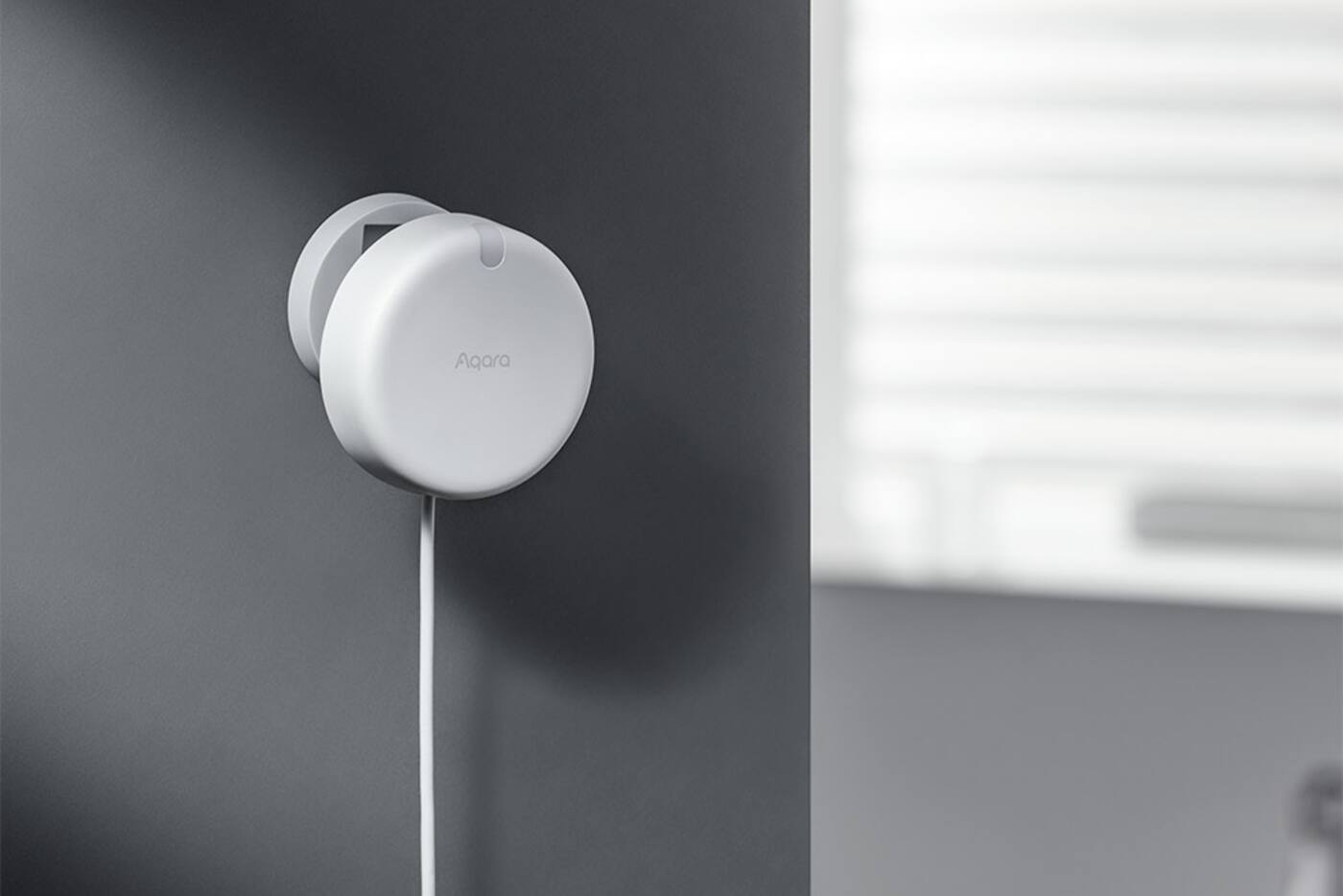
The FP300 pairs PIR with 60 GHz mmWave radar. The PIR reacts quickly when someone walks in, and the radar keeps the room marked as occupied while they sit still. It also measures light level, temperature and humidity, so one sensor can report both occupancy and basic room conditions.
It runs on two replaceable CR2450 batteries, so you don't need a socket nearby or a hidden low-voltage cable. Aqara rates the batteries at up to three years in Zigbee mode and two years in Thread mode under its test conditions. How often it reports, which mode you use, how busy the room is and which sensors you've switched on will all change that in practice.
In Zigbee mode, a compatible Aqara hub and Aqara Home give you Aqara's full settings, and the hub can bridge it to Matter. In Thread mode, you add it through a compatible Matter controller and Thread border router. Decide which mode you want before you set it up, because switching later can mean resetting it and adding it again.
Placement can decide the model for you
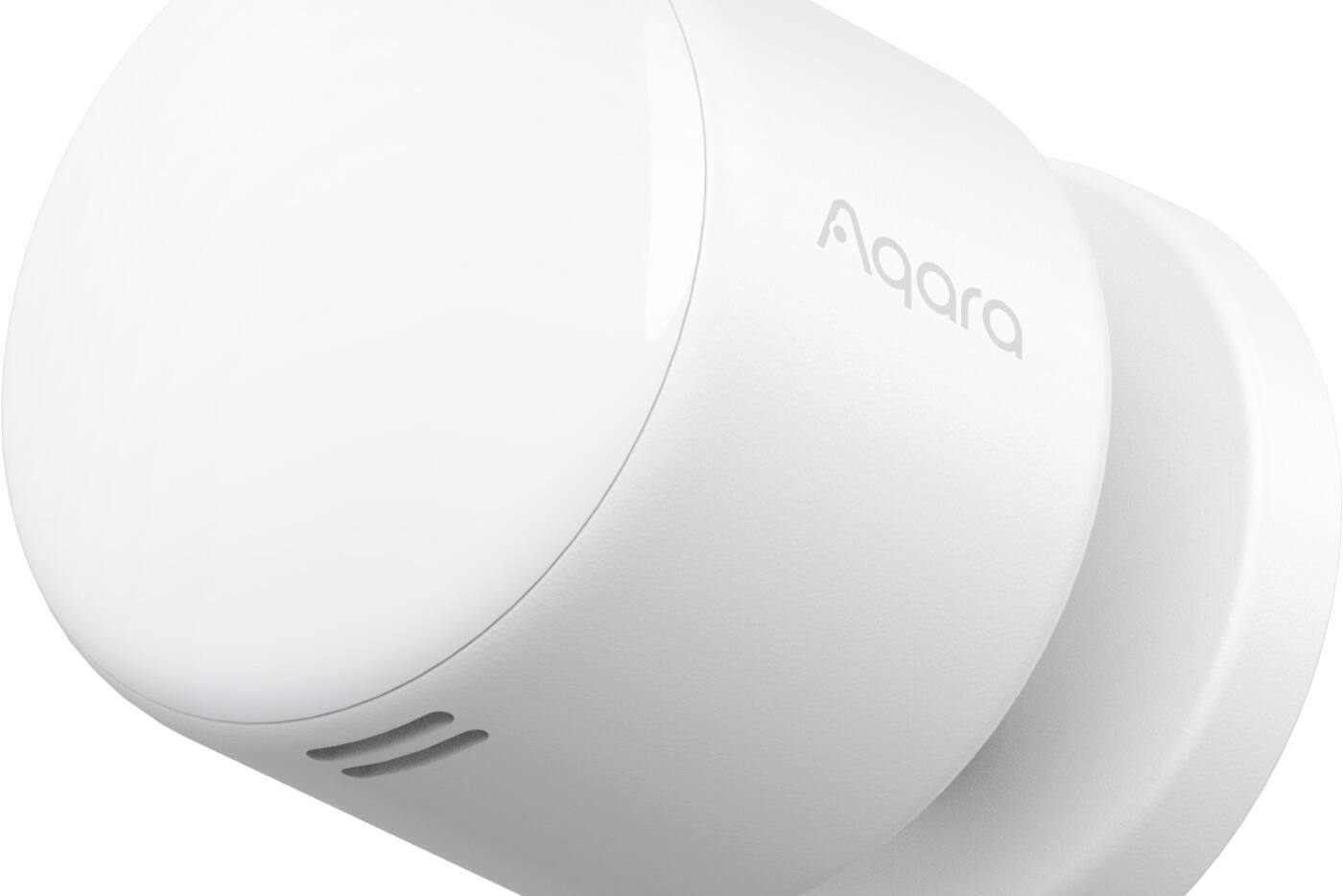
mmWave radar can pick up movement through some light materials, and fans, moving curtains, shiny surfaces and activity in the next room can all affect it. Point the sensor at the part of the room people actually use, and not through a doorway or thin partition unless you want that area covered too.
The FP1E and FP300 cover an area in one direction and usually go in a corner, on a wall or on the ceiling. For zones, the FP2 normally goes on a wall. Its separate fall-detection mode needs it on the ceiling and switches off most of the zone and presence-mapping features, so one FP2 can't do full zone tracking and fall detection at the same time.
Often, power settles it. If you can put a USB point high on the wall, the FP1E or FP2 will work there. In a finished room with no power nearby, the FP300 may be the better choice even though a plugged-in sensor would otherwise be preferable.
How long to wait before a room counts as empty
With presence sensors, how long you wait before treating a room as empty matters more than how fast someone is detected. A bathroom light can go off soon after the room is confirmed empty. In a study or bedroom, small movements and brief signal changes shouldn't switch the lights off on someone who's still there.
Start with a longer delay and shorten it once you've seen how the room is used; every room ends up different. Also decide what should happen if the sensor goes offline. The wall switch should keep working, and a sensor fault shouldn't leave a light or air-conditioner stuck in an unsafe state.
Light-level readings only help if the sensor sees the light that matters. One facing a window, or the lamp it controls, can read something quite different from your desk. Check the threshold at a few times of day before you make it a hard condition.
Which sensor for which automation
If the automation only needs ‘someone's in the room’ or ‘the room is empty’, the FP1E or FP300 will do it. The FP1E is better where there's power and you already use Aqara Zigbee. The FP300 is better where batteries or the extra readings are worth more to you.
For lights that follow you between the desk and the sofa, or an open room with several people in it, the FP2 gives you information the other two can't. It also takes more setting up and testing. Name each zone for what happens there, such as ‘desk’ or ‘sofa’, rather than where it sits on the map, and keep a note of which automation uses each one.
A presence sensor should mean you reach for the switch less often, not never. Keep a wall switch, scene button or the app handy for guests and the odd exception.
See Aqara automation examples Plan sensor positions during renovation
Pick by what the room needs to know
FP1E
- Plugged-in presence for one area
- Needs an Aqara Zigbee hub
- Bedrooms, studies and other simple rooms
FP2
- Zones and positions of several people
- Direct Wi-Fi on permanent USB power
- Open-plan rooms and detailed automations
FP300
- Battery-powered PIR plus mmWave
- Light, temperature and humidity readings
- Zigbee or Thread, placed wherever you need it
Buy the FP2 only if your automations will actually use its zones or people tracking. Otherwise, pick whichever of the other two suits the power and placement.
Official references
Product and standards information was checked against these primary sources. The article above is original Aqara Singapore editorial content.
Presence sensors
Compare the Aqara presence sensors we sell.
Look at the three product pages, or work out sensor positions and lighting as part of planning your whole home.