
Sensors
Motion Sensors vs Presence Sensors: Which Should You Use?
Compare PIR motion sensors with presence sensors for lighting, air-conditioning and room occupancy automations in a Singapore home.
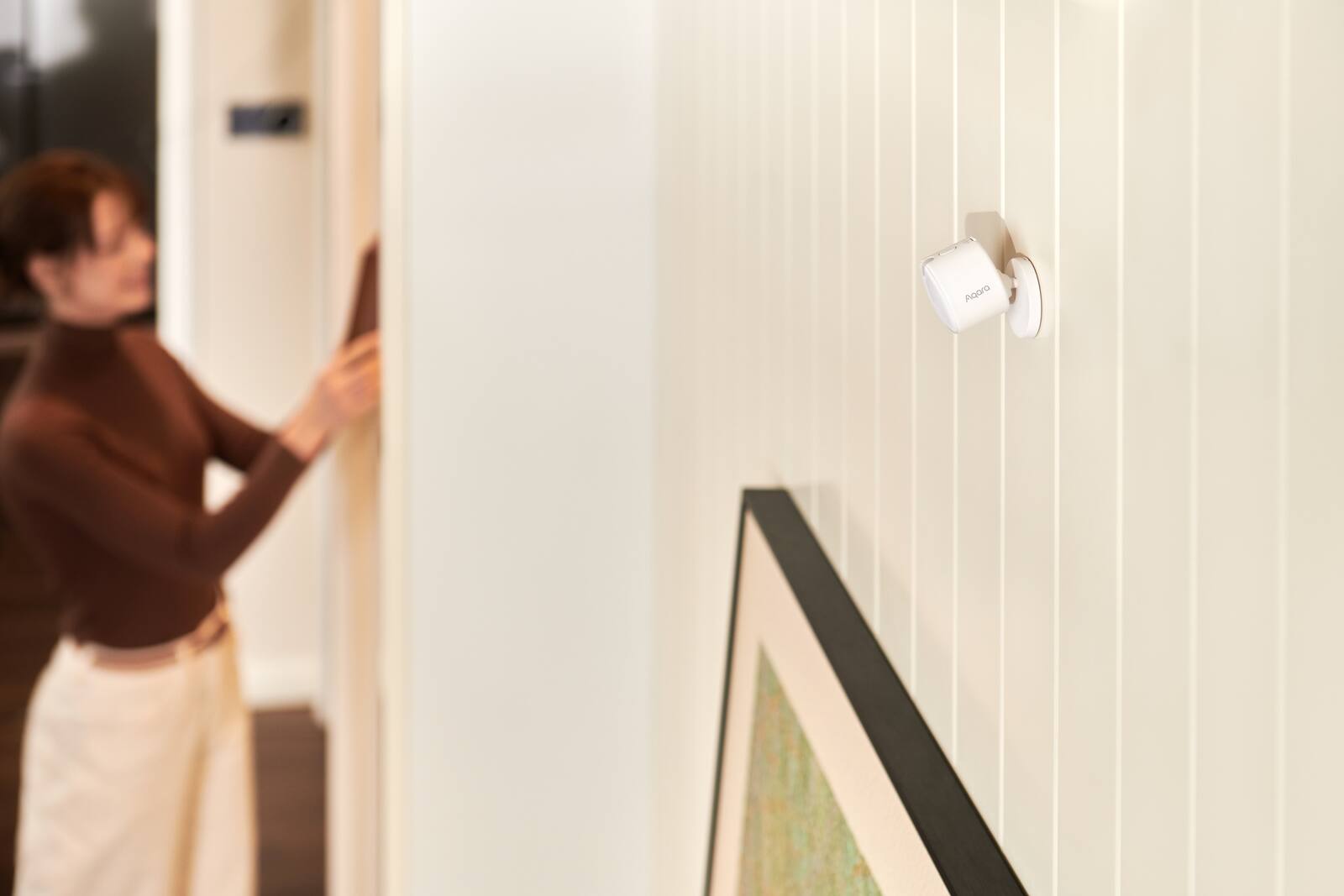
Motion sensors and presence sensors both tell your smart home whether someone is in a room, but they notice different things. A typical passive infrared (PIR) motion sensor is good at spotting someone walking past. A millimetre-wave presence sensor picks up much smaller movements, and some can split a room into zones.
Neither is better everywhere. It depends on the room, what you want the sensor to switch, and how still people tend to be in that space.
On this page
PIR motion sensors: good at spotting movement
Motion sensors suit corridors, entrances, store rooms and other spaces where the main thing you care about is someone walking through. They're small, often run on batteries and are easy to put up.
They can't tell that someone is still there. Read on the sofa or work quietly at a desk and you may not move enough to register, so a short turn-off timer switches the lights off on you.
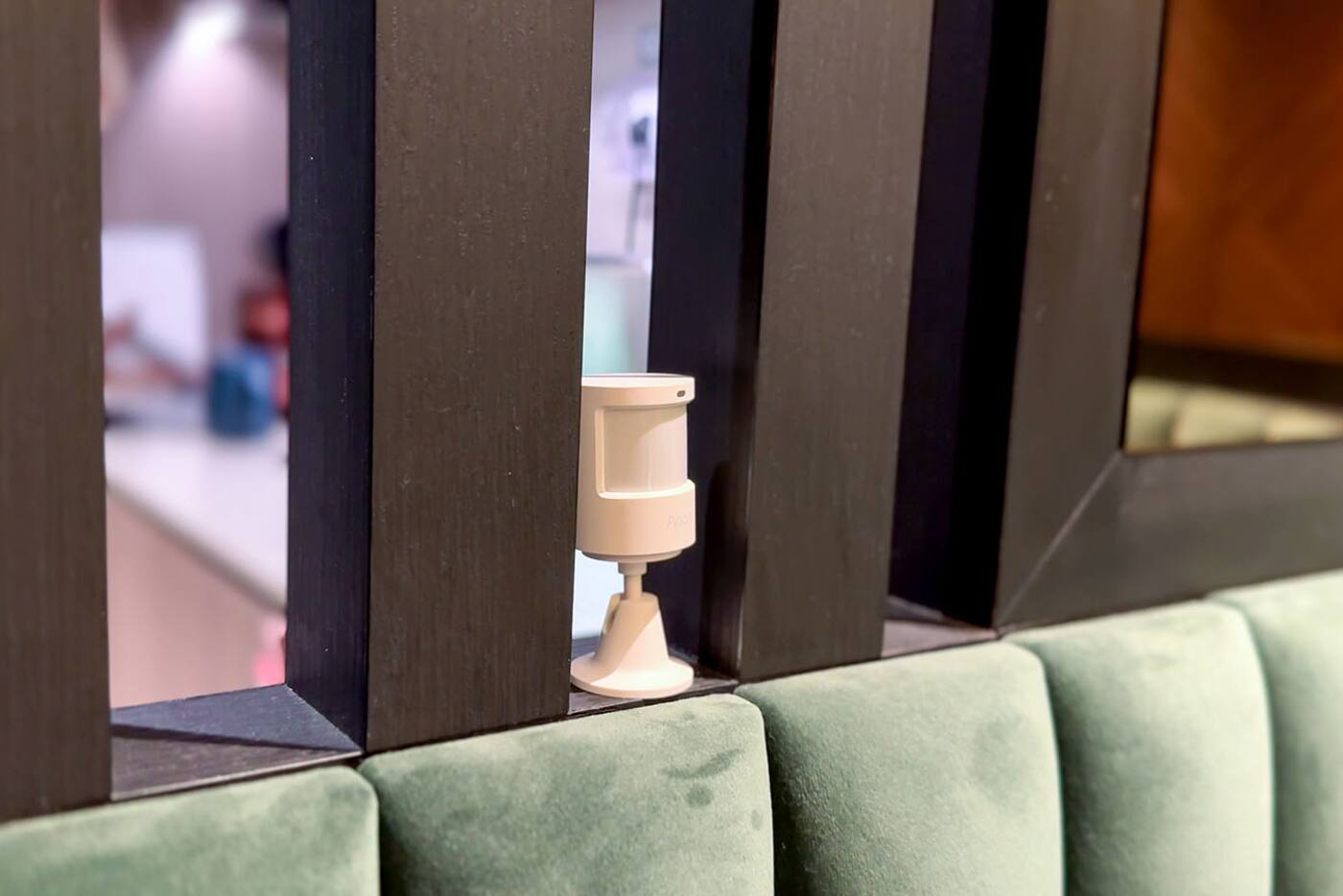
A PIR sensor reacts to changes in infrared energy across its detection zones. That's why it picks up someone walking across its view more easily than someone walking straight towards it, and why mounting height, angle and anything in the way matter as much as the quoted range.
Presence sensors for rooms where people sit still
Presence sensors are the better fit for living rooms, studies and other rooms where people stay fairly still. Models that support it can use zones, direction or distance to make automations more precise.
Where you put the sensor, and how you set it up, makes a real difference. Fans, moving curtains, shiny surfaces, pets and movement beyond an open doorway can all affect what it detects, so try it in the actual room before you rely on it.
A millimetre-wave sensor sends out radio waves and reads the reflections. It can catch tiny movements such as breathing or a hand moving, which a PIR sensor may miss, but the extra sensitivity means more setting up. Its zones are lines drawn in software, not walls, so check them against the real shape of the room.
| Characteristic | PIR motion | mmWave presence |
|---|---|---|
| Best at | Clear body movement | Small movement and continued presence |
| Typical power | Often battery | Often continuous power |
| Setup | Aim and timeout | Position, zones and sensitivity |
| Common issue | Misses very still occupants | Detects fans, curtains or adjacent areas |
Where to mount motion and presence sensors
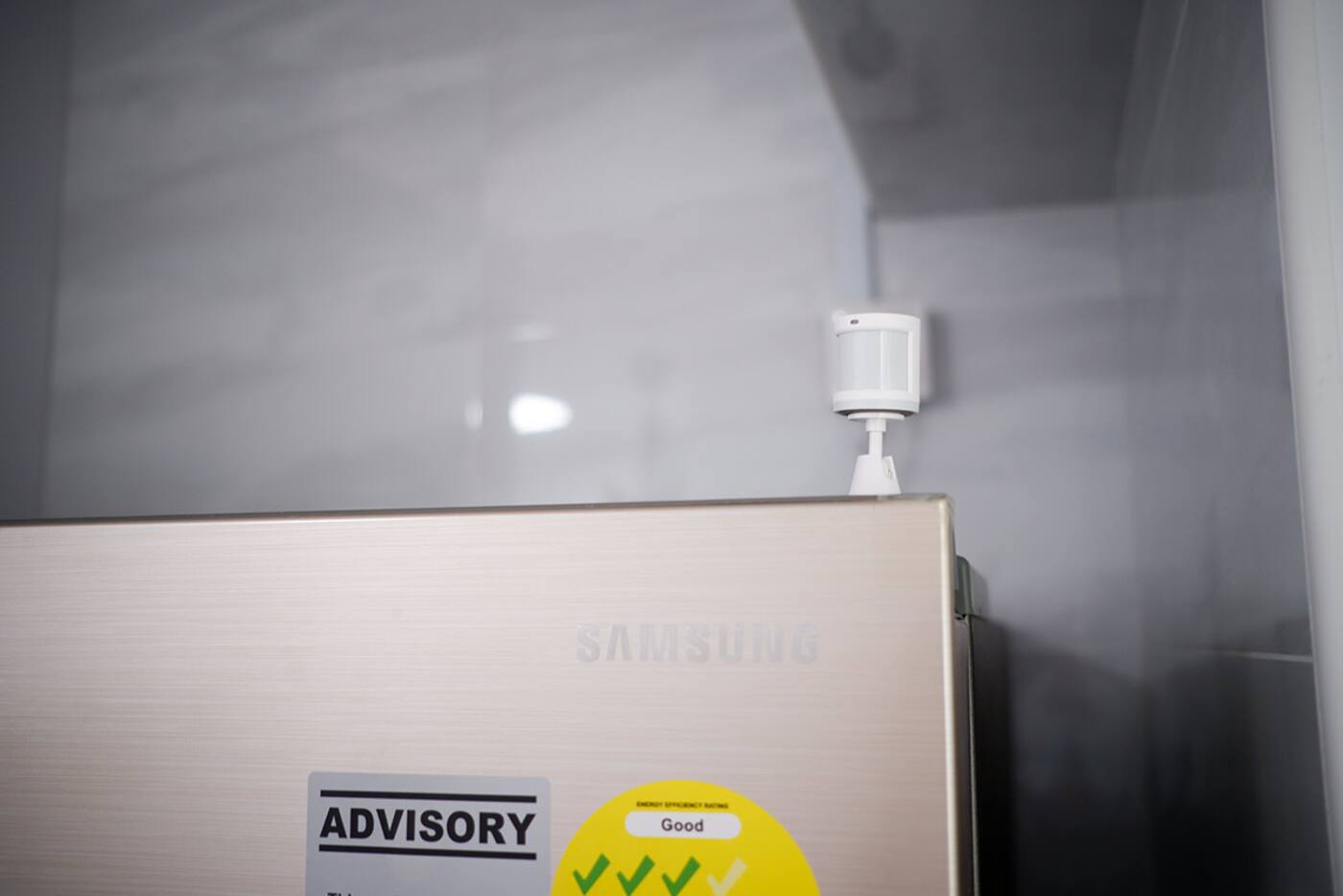
Point a PIR sensor across the path people walk, and keep the lens out from behind glass, out of enclosed cabinets and away from spots where a strong heat source fills its view. For a presence sensor, check where its power will come from, which way up it goes, and whether it's meant for the ceiling, a wall or a corner.
An open doorway can let a presence sensor see someone in the corridor, and ceiling fans, moving fabric and some robot vacuums can set it off. Start with a lower sensitivity and a smaller detection area. If it misses people, widen it from there rather than switching on the whole room at full range on day one.
The bigger the consequence, the surer the sensor needs to be
The more disruptive the action, the more certain you want to be before it happens. Switching on a dim passage light is harmless if it's wrong. Unlocking a door, or shutting down a room someone is still in, is not.
Turning on and turning off don't need the same timing. A light can come on the moment someone clearly walks in, but it should only go off once the room has been empty for a while. Air-conditioning may need an even longer wait, because switching it off and on for a short absence is uncomfortable and wastes energy.
- A passage light can use a motion sensor and a short timeout.
- A study light shouldn't go off just because you're typing quietly.
- Air-conditioning needs long delays and a way to override it by hand.
- Security alerts need different rules from convenience lighting.
Combining sensors in one room
A door sensor, a light-level reading, a time condition and an occupancy sensor can all work together. Walking into a dark bathroom can turn the light on; presence keeps it on while you're there; and a longer empty period turns it off.
Start with simple rules, see how they work in daily life, and add conditions only to fix a problem you've actually seen.
Using two sensors is worth it when each one answers a different question. A contact sensor tells you the door opened or closed. A PIR sensor tells you someone moved. A millimetre-wave sensor tells you someone is still there. A light sensor tells you whether more light is needed. Two sensors that are unsure about the same thing don't add up to certainty.
Testing a sensor in a real room
Do this before you link the sensor to anything disruptive. A week of watching notifications or a low-stakes light will tell you far more than waving your hand at it during installation.
- Walk across the detection area, then straight towards it.
- Sit still at every desk, sofa and bed position you normally use.
- Run the ceiling fan and air-conditioning, and move the curtains.
- Open the doors to the next room and check whether it picks up movement outside.
- If pets or a robot vacuum use the room, test with them too.
- Check that manual override works, and that everything resets properly once the room is empty.
Which sensor for which room
For most homes, PIR is the right pick where movement is obvious, battery power is handy and lights staying on a bit longer doesn't matter. Presence sensors earn their place in rooms where people sit still, where zones add something useful, or where lights going off early would be annoying. Use both only when each gives the automation something the other can't.
You can't settle placement from a floor plan and a spec sheet alone. Furniture, partition walls, fans, door positions and how people actually sit or lie in the room all change what the sensor sees. Budget time for setup and a few days of watching, especially for millimetre-wave sensors with detailed zones and sensitivity settings.
Motion, presence or both?
PIR motion sensor
- Corridors, entrances and rooms people pass through
- People clearly walk across the sensor's view
- You want battery power and easy setup
Presence sensor
- Studies, bedrooms and living areas
- People sit or lie still for long stretches
- Zones or knowing someone is still there are worth the setup time
Both together
- Each sensor tells you something different
- The action is disruptive enough to need extra certainty
- You can still explain and test the automation easily
Watch how the sensor behaves for a few days before you let it switch lights or air-conditioning off by itself.
Official references
Product and standards information was checked against these primary sources. The article above is original Aqara Singapore editorial content.
Try it in a real room
Find the right sensor for each room, and see it working.
Browse Aqara sensors, or come and see motion and presence sensors working in a real room setup.