
Cameras and Doorbells
Aqara Camera Comparison
Compare Aqara E1, G100, G2H Pro, G3, G5 Pro and G350 cameras by room, weather rating, fixed or PTZ view, hub functions, storage, power and privacy.
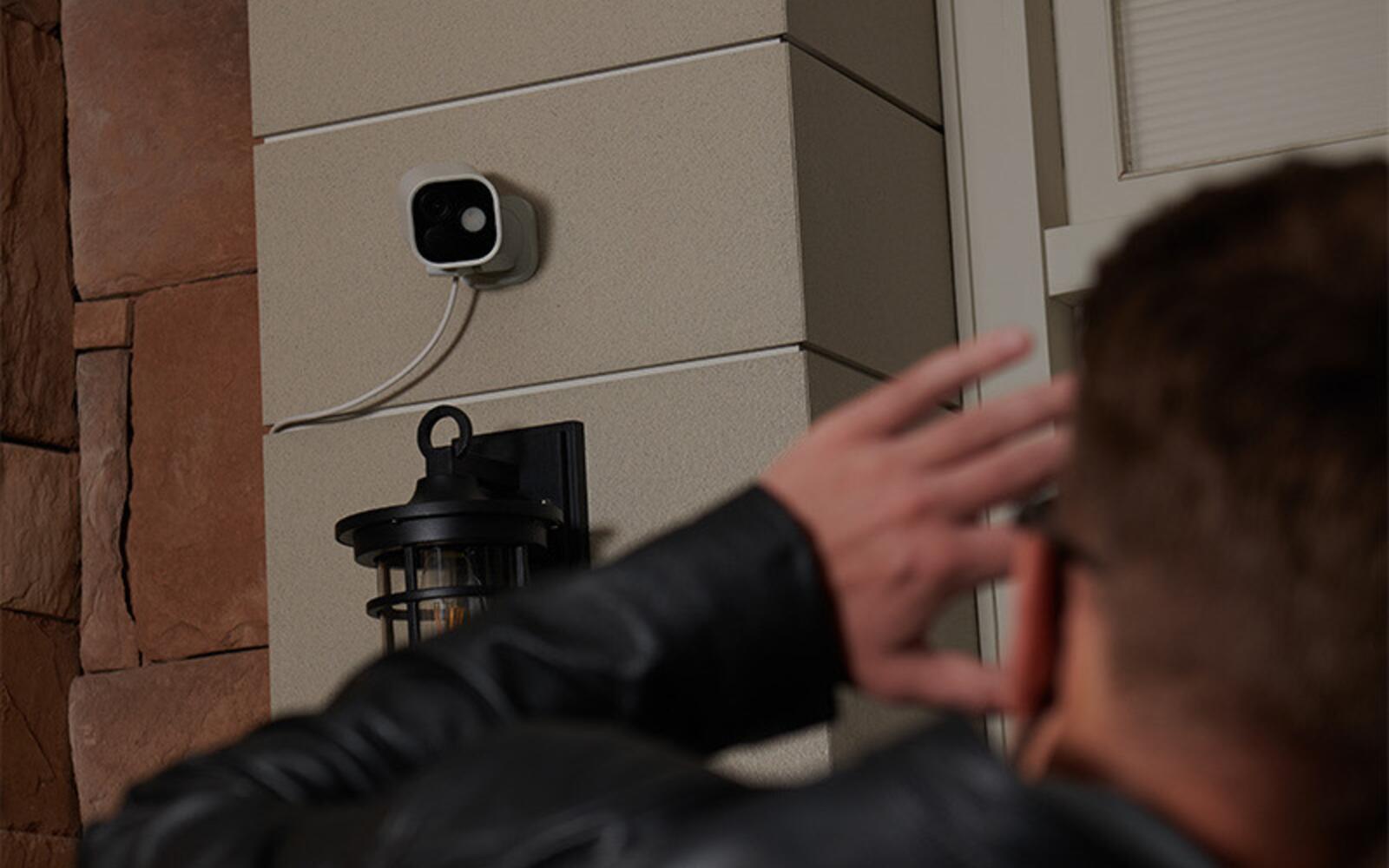
Aqara makes simple indoor cameras, cameras that pan and tilt, fixed outdoor cameras, and cameras that double as a smart home hub. Resolution alone won't tell you which to buy. Start with where the camera will be mounted and what it has to see, then think about power and network, your recording plan, and how much privacy you want.
This guide covers the E1, G100, G2H Pro, G5 Pro and G350, the models we sell now. It also explains how the older Camera Hub G3, which we no longer sell, compares with the G350 that replaced it. Some platform and storage features vary with firmware and service, so check the app and product documentation before relying on one for security.
On this page
- Aqara E1, G100, G2H Pro, G5 Pro and G350 compared
- Camera E1: pan and tilt with a physical privacy mode
- The G100 is small, fixed and weather-rated
- Camera Hub G2H Pro: a fixed indoor view with a Zigbee hub
- Camera Hub G3: discontinued, and what replaced it
- Camera Hub G5 Pro for entrances and outdoor areas
- The G350 gives the most detail indoors
- Decide how an Aqara camera will record
- Aiming an Aqara camera and setting privacy limits
Aqara E1, G100, G2H Pro, G5 Pro and G350 compared
A fixed camera watches the same view all the time. A pan-and-tilt (PTZ) camera can look around a room, follow someone or move between saved positions, but it can only point one way at a time. A hub camera also runs Aqara devices, which can save you a separate hub in a small home, but then the camera has to sit where the hub's radio can reach your devices.
| Model | Where | View | Hub | Network / power | Why you'd choose it |
|---|---|---|---|---|---|
| E1 | Indoor | 2K PTZ | No Zigbee hub | Wi-Fi; USB-C | Compact room coverage and a physical privacy position |
| G100 | Indoor / weather-rated outdoor | 2K fixed, 140° | No | Wi-Fi; USB-C | Low-cost fixed view, RTSP and an IP65 enclosure |
| G2H Pro | Indoor | 1080p fixed | Zigbee hub | 2.4 GHz Wi-Fi; USB | A simple fixed room camera for HomeKit, plus a hub |
| G5 Pro | Indoor / outdoor | 2.6K fixed | Zigbee, Thread and Matter roles | PoE or Wi-Fi version | Perimeter view, strong night imaging and local detection |
| G350 | Indoor | 4K wide + 2.5K telephoto PTZ | Zigbee, Thread and Matter roles | Dual-band Wi-Fi; USB-C | Detailed dual-lens view and close-up tracking |
Camera E1: pan and tilt with a physical privacy mode
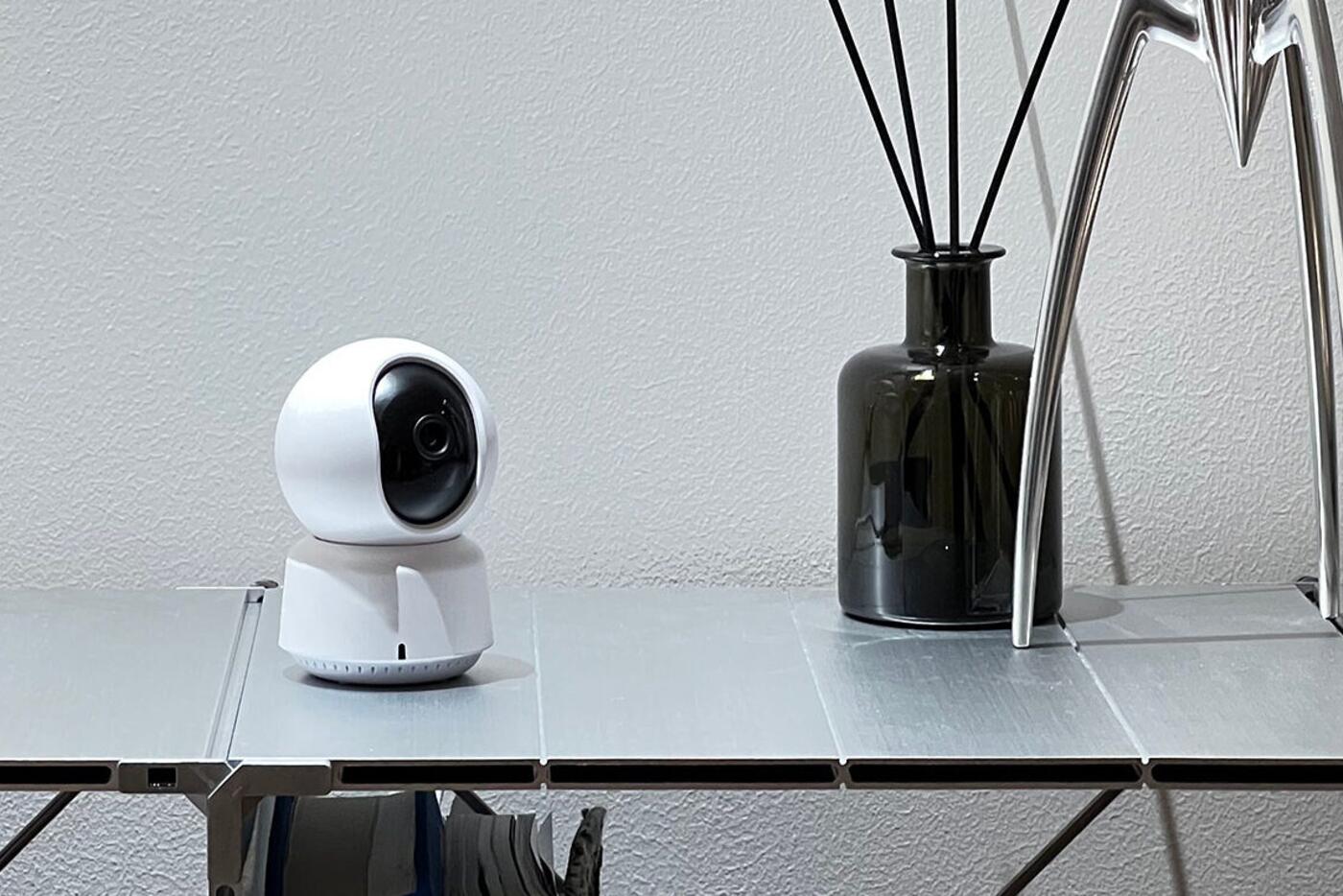
The E1 is an indoor 2K camera that pans and tilts. It tracks people, has two-way audio and uses invisible 940 nm infrared for night vision. From one powered spot it can cover a living room, nursery or pet area, and saved viewpoints make a large room quicker to check.
Its privacy mode turns the lens away and powers down the camera mechanism, so you can see at a glance that it's off rather than trusting a software setting. That suits a household that wants the camera visibly off while they're home.
It can record to a microSD card, back up to a supported NAS or use available cloud services. Apple HomeKit Secure Video, Google and Alexa are separate ways to view it, each with its own conditions on resolution, recognition and subscriptions.
The G100 is small, fixed and weather-rated
The G100 is a 2K fixed camera with a 140-degree view, local person detection, and night modes that use either infrared or its spotlight for colour. Its IP65 enclosure lets it go outdoors in a suitable spot, and its small base also sits on a shelf or mounts on a wall or ceiling indoors.
If you want to feed a camera into local software such as an NVR over RTSP, it's the clearest choice here. It can also record continuously to microSD and back up to a supported NAS. RTSP, Aqara Home, Apple Home and other platforms each get the video their own way, so test the combination you plan to use rather than assuming every detection and resolution carries across.
For an entrance or corridor, a fixed G100 is often better than a pan-and-tilt camera because the area you care about is always in frame. Mount it where a visitor can't easily unplug or turn it, and protect the USB power cable too; the weather rating covers the camera, not the cable.
Camera Hub G2H Pro: a fixed indoor view with a Zigbee hub
The G2H Pro is a fixed 1080p indoor camera with a Zigbee 3.0 hub built in for compatible Aqara sensors and controls. It makes sense in a small flat or a single room where the camera's spot is also a good central spot for a hub, so a separate hub would add nothing.
It has long-standing support for Apple HomeKit Secure Video and Apple Home's security-system modes, as well as Aqara Home, Google and Alexa. Which events and history you see depends on the platform you use to view and record.
Next to newer cameras, its resolution is lower and its view is fixed. Buy it for the built-in hub and a steady view of one room; the hub doesn't make it better than a camera pointed at the right place.
Camera Hub G3: discontinued, and what replaced it
We no longer sell the G3. It's a 2K indoor pan-and-tilt camera with an Aqara Zigbee hub and an infrared blaster, and it recognises faces and hand gestures on the device. If you already have one, it carries on working as before.
The G350 has replaced it. You gain a second, telephoto lens, and the G350 is also a Thread border router and Matter controller. What you lose is the IR blaster. If your G3 switches an aircon, TV or fan by infrared, move that job to a Hub M200 or M3 placed where it can see the appliance.
Camera Hub G5 Pro for entrances and outdoor areas
The G5 Pro is a weather-rated fixed camera for entrances, corridors and the outside of the home. Its large sensor, bright lens and built-in warm spotlight give full-colour pictures in low light, and it switches to infrared when it's too dark. Local detection tells people, pets, vehicles and packages apart and picks up selected security events.
The Wi-Fi and PoE versions suit different homes. PoE runs power and data over one Ethernet cable, and it's usually the better choice if you're renovating and the view is important. The Wi-Fi version still needs protected, constant power and good wireless coverage where it's mounted.
It's also an Aqara hub, with Zigbee, a Thread border router, Matter controller and bridge. That can extend coverage to devices at the edge of your home, but don't compromise the camera's view just to make it your only hub.
The G350 gives the most detail indoors
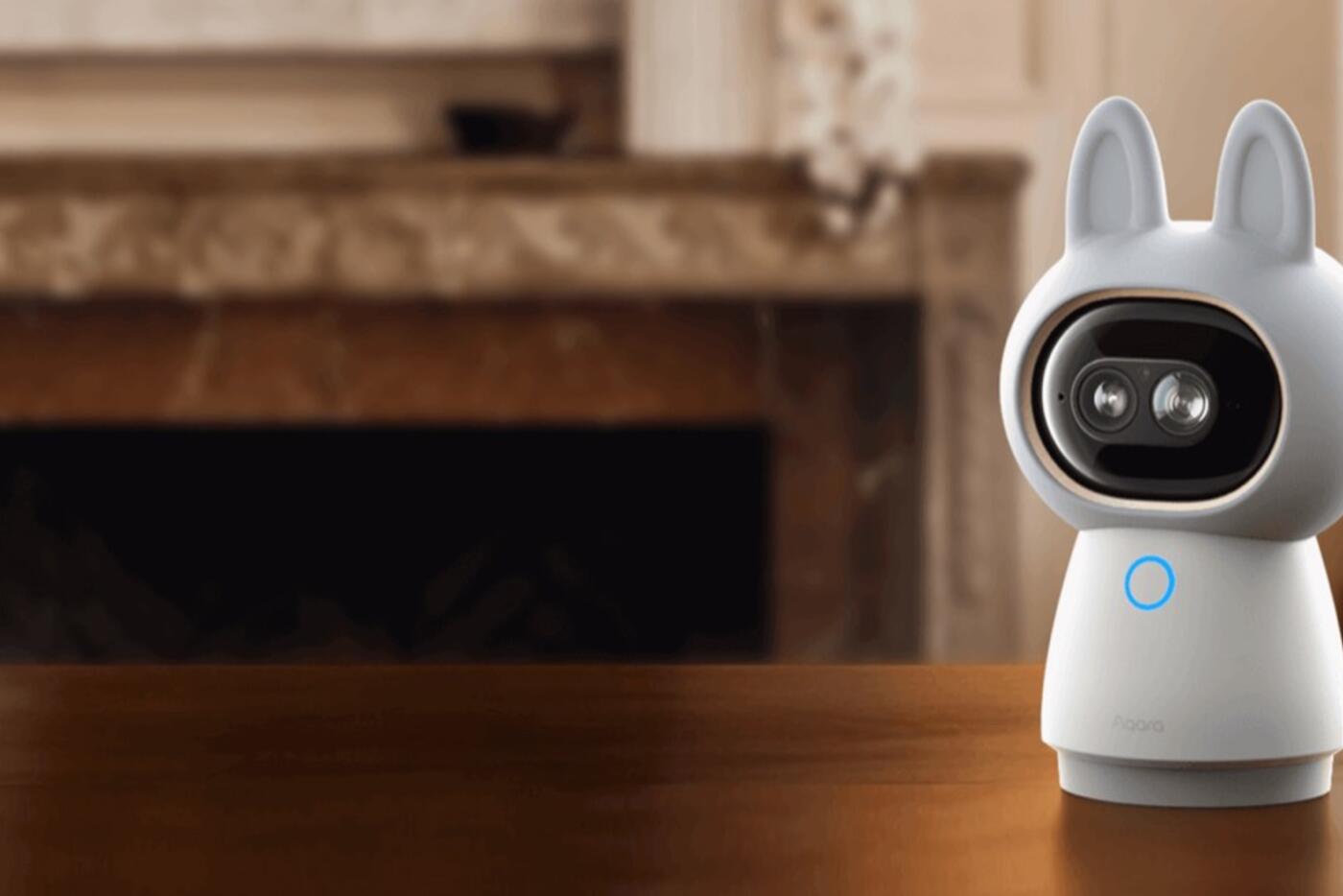
The G350 has a 4K wide camera and a separate 2.5K telephoto camera on one pan-and-tilt body. You get the whole room and a closer view at the same time, without relying only on digital zoom. It can follow people or pets and reframe as they move.
It's an indoor camera that needs a shelf or mount, dual-band Wi-Fi and USB-C power. It detects faces, pets, gestures and selected sounds locally, and it can act as an Aqara Zigbee hub, Thread border router, Matter controller and Matter bridge for supported devices.
Choose it for a larger room where detail matters, such as a living area, nursery or home office, if you're comfortable with a camera that moves around a lot. It's more than a narrow doorway needs, and it can't go outdoors.
Decide how an Aqara camera will record
First decide whether you want continuous recording, event clips or just live viewing. Then choose where the footage goes: a microSD card in the camera, a supported NAS, Aqara cloud or Home Guardian, Apple HomeKit Secure Video, or a local recorder over RTSP on models that support it.
Each option has its own limits on retention, subscriptions and encryption, and each behaves differently in an outage. A microSD card keeps recording when the internet is down, as long as the camera has power. You can't view remotely without a network connection. A cloud clip survives if someone steals the camera, but only if the service is running and the clip has uploaded.
How many days of footage you get depends on the codec, resolution, frame rate and how often events happen, not just the card size.
Aiming an Aqara camera and setting privacy limits
Stand where the camera will go and work out what it must see, where the backlight falls, where faces enter the frame and what to leave out. A wider lens sees more but gives fewer pixels to a face further away. A pan-and-tilt camera is more flexible but may be pointing elsewhere when something happens.
Indoors, decide when the camera should go into privacy mode and who can turn it back on. Outside, keep the view within your own property so you aren't filming neighbours or common areas. Keep admin access to the cameras separate from everyday viewing for the rest of the household.
Lastly, give it a power point you can switch off when you need to but a visitor can't easily unplug. If the camera, hub and recorder share one power or network path, they all go down together when it fails.
Which Aqara camera for which spot
Indoor
- E1 for affordable pan-and-tilt and a privacy mode
- G2H Pro for a fixed view plus a Zigbee hub
- G350 for dual-lens detail
Fixed / outdoor
- G100 for a compact IP65 fixed view and RTSP
- G5 Pro for a stronger perimeter camera with a PoE option
- Protect the power cable as well as the camera
Recording
- Decide how long to keep footage before choosing a card size
- Check which features each platform shows
- Plan power, network and privacy together
A camera that reliably covers the right area is more useful than a sharper one in the wrong place.
Official references
Product and standards information was checked against these primary sources. The article above is original Aqara Singapore editorial content.
Aqara cameras
Compare the Aqara cameras we sell.
See our cameras and prices, or get help planning coverage, power, networking and recording for a bigger setup.