
Cameras and Doorbells
Aqara Video Doorbell Comparison: G4 vs G410 vs G400
Compare Aqara G4, G410 and G400 video doorbells by battery or wired power, mounting, image framing, detection, chime hub, storage and network connection.
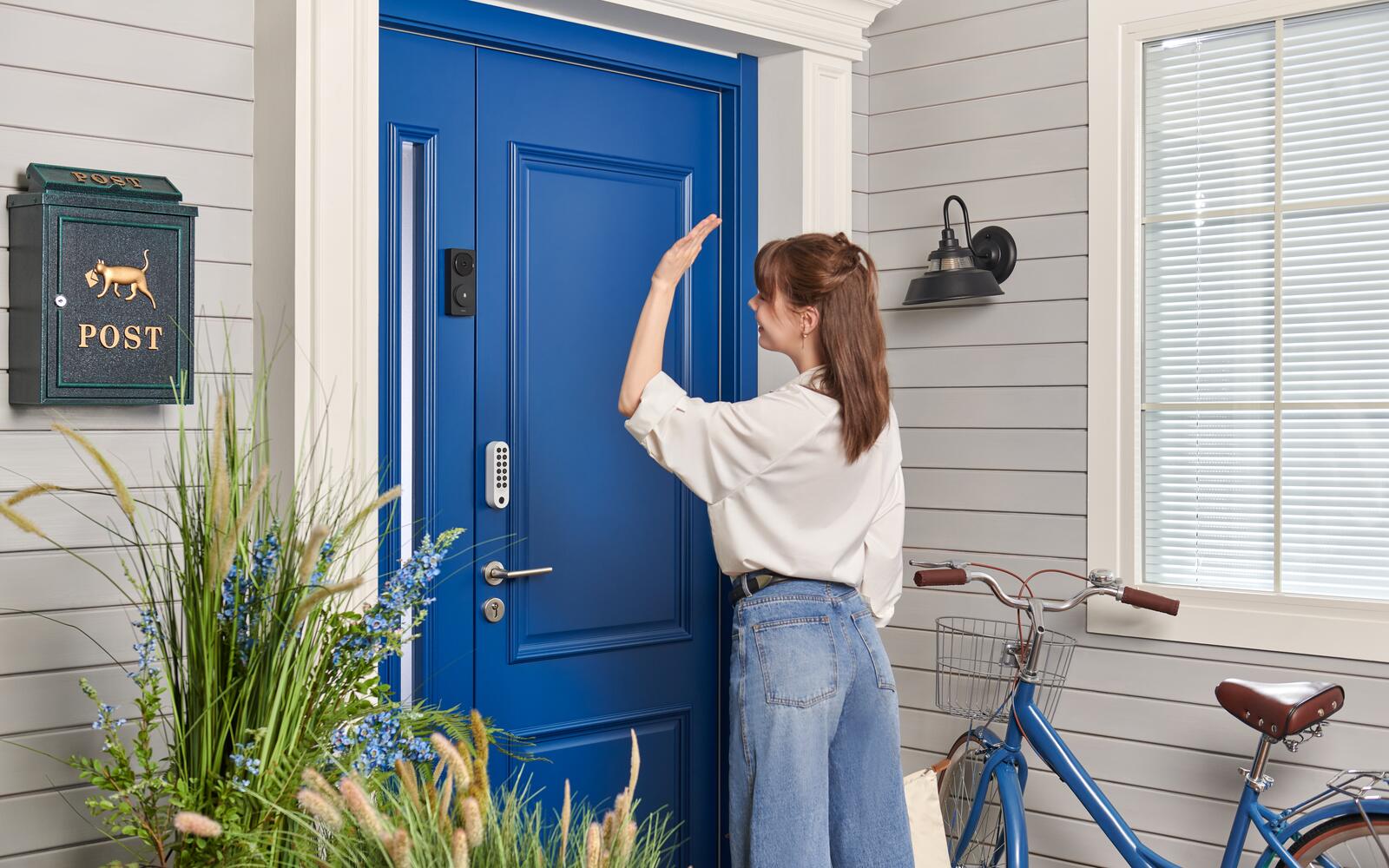
We sell two video doorbells, and they suit different front doors. The G410 runs on batteries or wiring, has a 2K camera, and its indoor chime doubles as an Aqara and Matter hub. The G400 is wired in permanently, and PoE is what sets it apart. We no longer sell the older G4. The G410 replaced it, and this guide still covers how a G4 compares in case you already have one or see it sold elsewhere.
So work out how you'll power and mount the doorbell before comparing detection features. A battery doorbell behaves differently from one that's always powered, and PoE only makes sense if you can get an Ethernet cable to the door neatly.
On this page
- G4 vs G410 vs G400: power, picture and hub
- If you already have a Video Doorbell G4
- The G410 adds 2K video and a chime that's also a hub
- Video Doorbell G400 for PoE and always-on recording
- Mounting space and camera angle for the G410 and G400
- Keeping the chime, Wi-Fi and PoE connections reliable
- Recording and storage on the G4, G410 and G400
- Motion zones, face recognition and who has access
- Entrance checklist before buying a G410 or G400
G4 vs G410 vs G400: power, picture and hub
A battery doorbell sleeps between events to save power. How often it's triggered, how much you use live view, how often it wakes from cold and how long it records all affect battery life. A wired doorbell can stay awake and record continuously, but only if its power supply, cable route and isolation are planned properly.
| Model | Power | Picture | Indoor unit | Network | Best for |
|---|---|---|---|---|---|
| G4 | Six AA batteries or compatible low-voltage wiring | 1080p, 162° diagonal | Chime and repeater with microSD slot | Doorbell connects through the chime's Wi-Fi repeater | Discontinued; replaced by the G410 |
| G410 | Battery or compatible low-voltage wiring | 2K, 175°, 4:3 head-to-toe | Chime that's also a Zigbee, Thread and Matter hub | 2.4 GHz Wi-Fi doorbell; chime repeater on 2.4/5 GHz Wi-Fi | Finished homes and easy installs |
| G400 | PoE or compatible wired supply | 2K, 165°, tall 3:4 view | USB-C indoor chime (rings only; no hub or storage role) | Ethernet/PoE or Wi-Fi 6, depending on installation | Renovations and always-on recording |
If you already have a Video Doorbell G4
We no longer sell the G4; the G410 replaced it. It runs on six AA batteries or a compatible AC/DC doorbell supply. Batteries save running a cable through a finished entrance; wired, it can record continuously with the batteries as backup. Battery life depends on how often it's triggered, live viewing, temperature, signal strength and recording settings, so don't expect the quoted figure at a busy corridor.
Its 1080p camera has a 162-degree diagonal view, infrared night vision, two-way audio and face recognition on the device. It works with Apple HomeKit Secure Video and can stream to compatible Google and Alexa displays. The separate indoor chime rings, strengthens the doorbell's connection and holds the microSD card safely away from the door.
Next to the G410, the G4 has a 1080p picture instead of 2K, a 162-degree view instead of 175, and a chime that repeats the signal but isn't a Zigbee, Thread or Matter hub. Both keep local storage in the indoor chime. If your G4 works and you don't need a hub near the door, keeping it is reasonable.
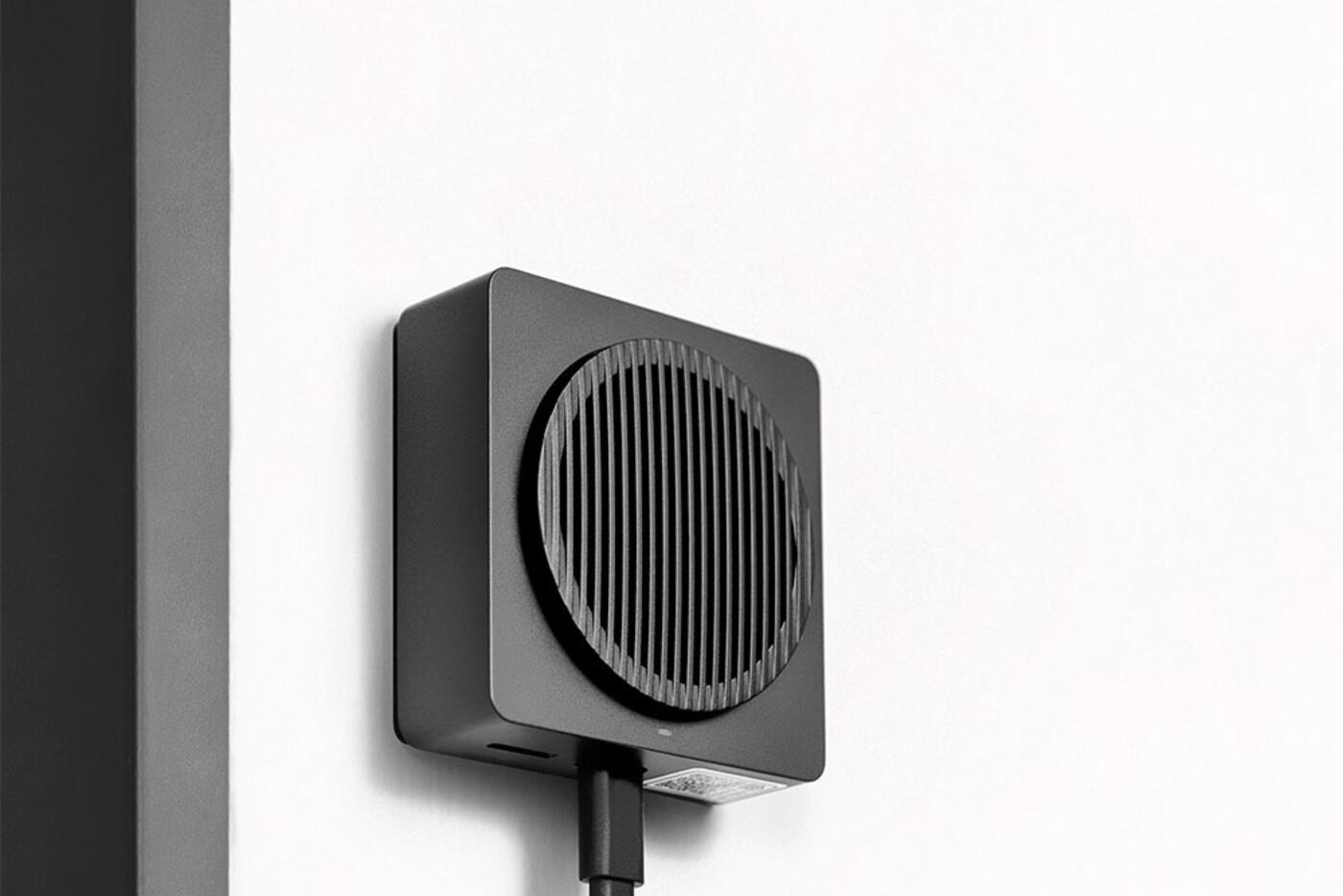
The G410 adds 2K video and a chime that's also a hub
The G410 moves up to a 2K sensor with a wide 175-degree view. Its 4:3 frame is meant to show a visitor from head to toe along with the ground just outside the door. It has two-way talk and local detection, and works with the major platforms, including Apple HomeKit Secure Video within Apple's own recording limits.
Its indoor chime is a smart home hub too. It runs compatible Aqara Zigbee devices, works as a Thread border router, and acts as a Matter controller and bridge. In a small home that can save you a separate hub, or improve coverage near the front door.
It runs on batteries or compatible wiring, which makes it the one to get for a finished entrance where no cable reaches the door. The chime needs constant power and a good network spot indoors; put it inside a metal cabinet and both its hub functions and the battery-powered doorbell outside will suffer.
Video Doorbell G400 for PoE and always-on recording
The G400 is built for permanent power. It can run on Power over Ethernet, which carries data and power on one cable, or on a compatible low-voltage doorbell supply. PoE gives it a dependable wired connection and means no batteries to change at the door.
Its 2K camera has a tall 3:4 frame and a 165-degree view, so faces and parcels fit in one shot. Local person and motion detection, adjustable activity zones and an IP65 enclosure suit an exposed front door. With constant power it can record locally around the clock, where that's set up and supported.
It's the one to get if you're renovating, or if an existing cable route can be properly reused. Running PoE through a finished fire-rated door frame, stone wall or enclosed corridor can cost more than the doorbell, and a cable run along the surface can spoil the entrance and make the doorbell easier to tamper with.
View Smart Video Doorbell G400
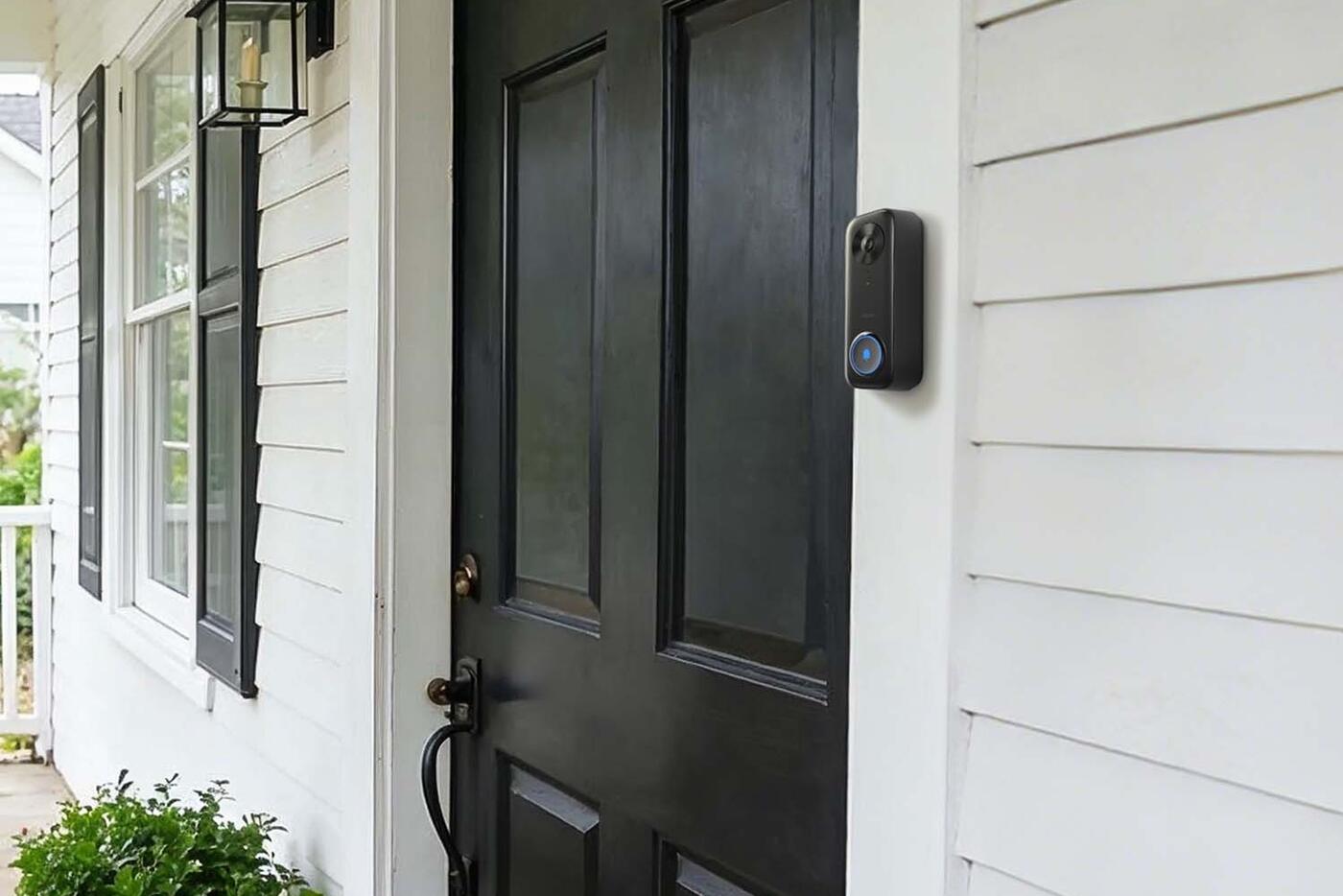
Mounting space and camera angle for the G410 and G400
Measure the flat surface next to the door, not just the gap to the nearest trim. The doorbell body and any angle bracket must clear the door as it opens, the gate, any grille and the wall beside it. In a narrow recess, a wide-angle camera can end up looking at the opposite wall with the visitor squeezed at the edge of the frame.
Mount it at a height that catches faces and still sees parcels on the floor. A tall 4:3 or 3:4 image helps, but it can't make up for a steep sideways angle. Before drilling, check the live view from the planned position with a tall adult, a child and a parcel on the ground.
If there's a gate outside the main door, decide which one carries the doorbell and where visitors naturally stop. A swinging gate, or a tight gap between gate and door, can damage a doorbell that sticks out or make the button hard to reach.
Keeping the chime, Wi-Fi and PoE connections reliable
With the G410, and the older G4, the doorbell outside talks to the chime or repeater indoors. Put the chime close enough for a strong link, somewhere you'll hear it and where the Wi-Fi is good. Reinforced walls, metal gates and electrical cabinets all weaken 2.4 GHz signals.
For a G400 on PoE, run outdoor-rated or properly protected cable back to a suitable PoE switch or injector. Label the switch port, and put the power source on suitable backup so the doorbell keeps working through short outages. If your G400 uses Wi-Fi with wired power instead, test the signal exactly where it will be mounted.
A doorbell alert passes through the doorbell, the chime, your router, the internet, your phone's notification settings and the smart home app. The chime still rings indoors when your phone doesn't, so keep it in the setup.
Recording and storage on the G4, G410 and G400
The G4 and G410 keep their local storage in the indoor chime, so nobody can simply pull the card out at the door. The G400, being always powered, is better suited to continuous local recording. Aqara cloud services and Apple HomeKit Secure Video are other options, each with its own rules on retention, subscriptions, encryption and resolution.
Decide what you actually want: snapshots when someone rings, motion clips, pre-roll from just before each event, continuous recording or a copy stored off-site. Battery doorbells naturally lean towards event clips. Continuous recording needs permanent power and enough storage for the quality and the length of time you want to keep.
Test what happens when the internet goes down but power and your home network stay up. Local recording and the chime can carry on while phone alerts and cloud uploads stop, so you'll know which footage survives each kind of outage.
Motion zones, face recognition and who has access
A doorbell facing a shared corridor or a public path can trigger all day. Tight framing and activity zones, where supported, keep the alerts manageable, and a motion alert isn't a burglar alarm. Person detection cuts down false alerts, but test it against backlight, rain, shadows and people approaching from the side.
Treat face recognition as a convenience, not proof of who someone is. A familiar-face automation can announce an arrival or turn on a light. Unlocking the door automatically calls for a more secure method and for everyone at home to agree to it.
Keep account owners, alert recipients and recording access up to date. A doorbell films visitors as well as the people who live there, so remove access for former installers, tenants or household members once they no longer need it.
Entrance checklist before buying a G410 or G400
Take photos looking towards and away from the door, including where the power and network cables end. With those, choosing between the G410 and G400 is much easier than comparing resolution figures.
- Mounting width and depth, and the camera height you want
- How the door and gate swing, and the clearance between them
- Whether you need an angle bracket or have a flat surface
- Batteries, low-voltage wiring or a PoE cable route
- Where the chime will go, whether you'll hear it, and the Wi-Fi signal there
- Event clips or continuous recording, and how long to keep them
- Which platform you use: Apple, Google, Alexa, SmartThings or Aqara Home
- Weather exposure, and whether rain can reach it directly
Start with power and wiring
G410
- The pick for a finished home
- 2K head-to-toe view on batteries or compatible wiring
- Chime is also a Zigbee, Thread and Matter hub
G400
- PoE or compatible permanent wiring
- Always on, with continuous recording
- Best planned before the entrance is finished
Already have a G4?
- Discontinued; the G410 replaced it
- 1080p with mature HomeKit Secure Video support
- Keep it if it works and you don't need a hub
Reliable power and a good network connection do more for a doorbell than a better spec mounted in a poor spot.
Official references
Product and standards information was checked against these primary sources. The article above is original Aqara Singapore editorial content.
Aqara video doorbells
Compare the Aqara video doorbells we sell.
See the G410 and G400, then check mounting, power, chime placement, network and recording before you install.