
Controls
Physical Switches, Apps and Voice: Controls for Everyone
Combine wall switches, wireless buttons, apps and voice assistants so residents and guests can operate an Aqara smart home easily.
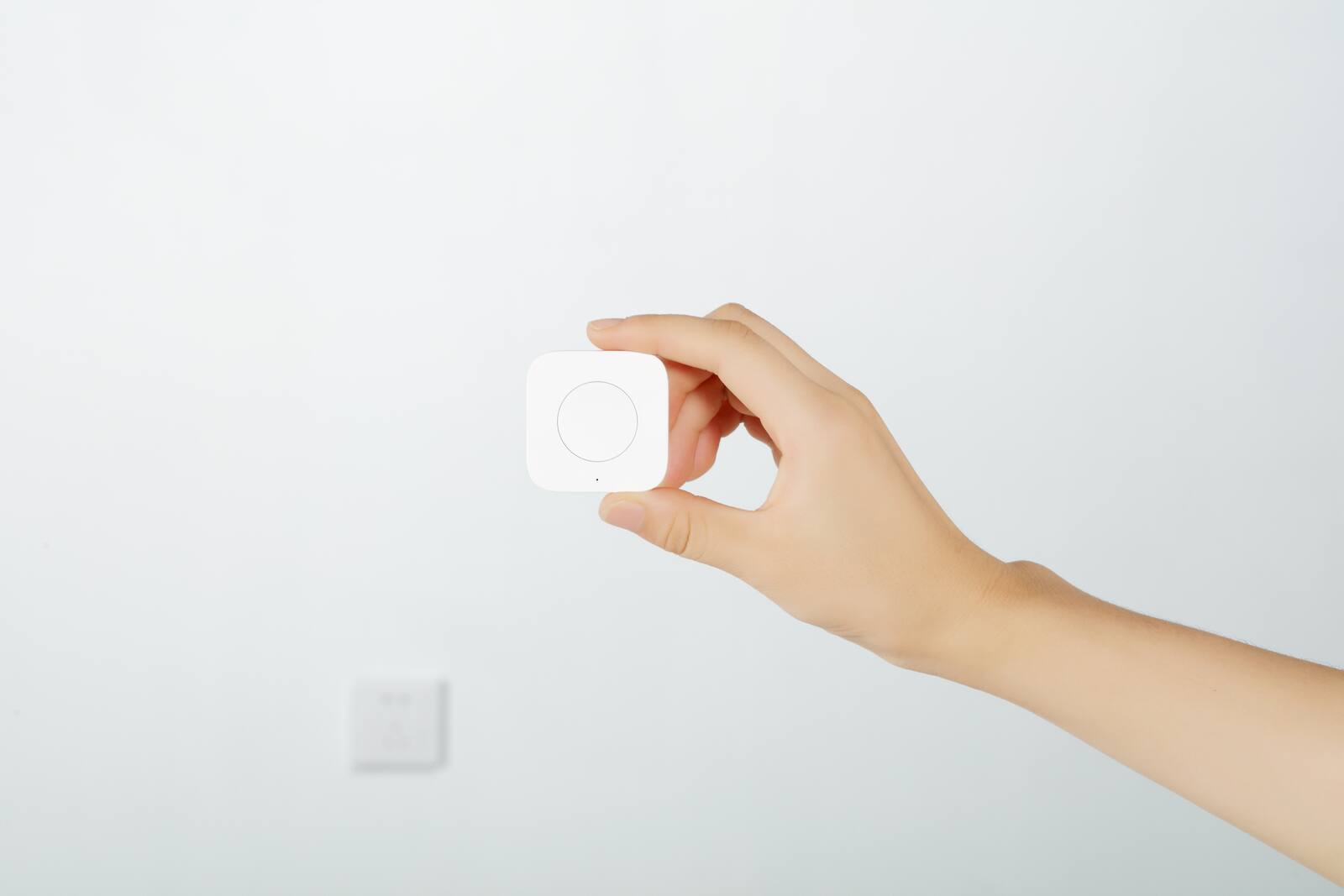
Nobody in your home should need an app just to turn on a light. Wall switches are still the quickest and most obvious way to control everyday lighting. Apps, voice and automations are extras that help in particular situations.
If you plan the controls in layers, everyone can use whichever way feels natural, and guests can find their way around without being shown.
On this page
- Wall switches and scene buttons for everyday lighting
- When to reach for the app
- Voice control when your hands are full
- What switches, buttons, apps and voice each depend on
- Where to put switches and wireless buttons
- Confirmation for locks, curtains and Away mode
- Making sure everyone at home can use it
- A control setup that keeps working
Wall switches and scene buttons for everyday lighting
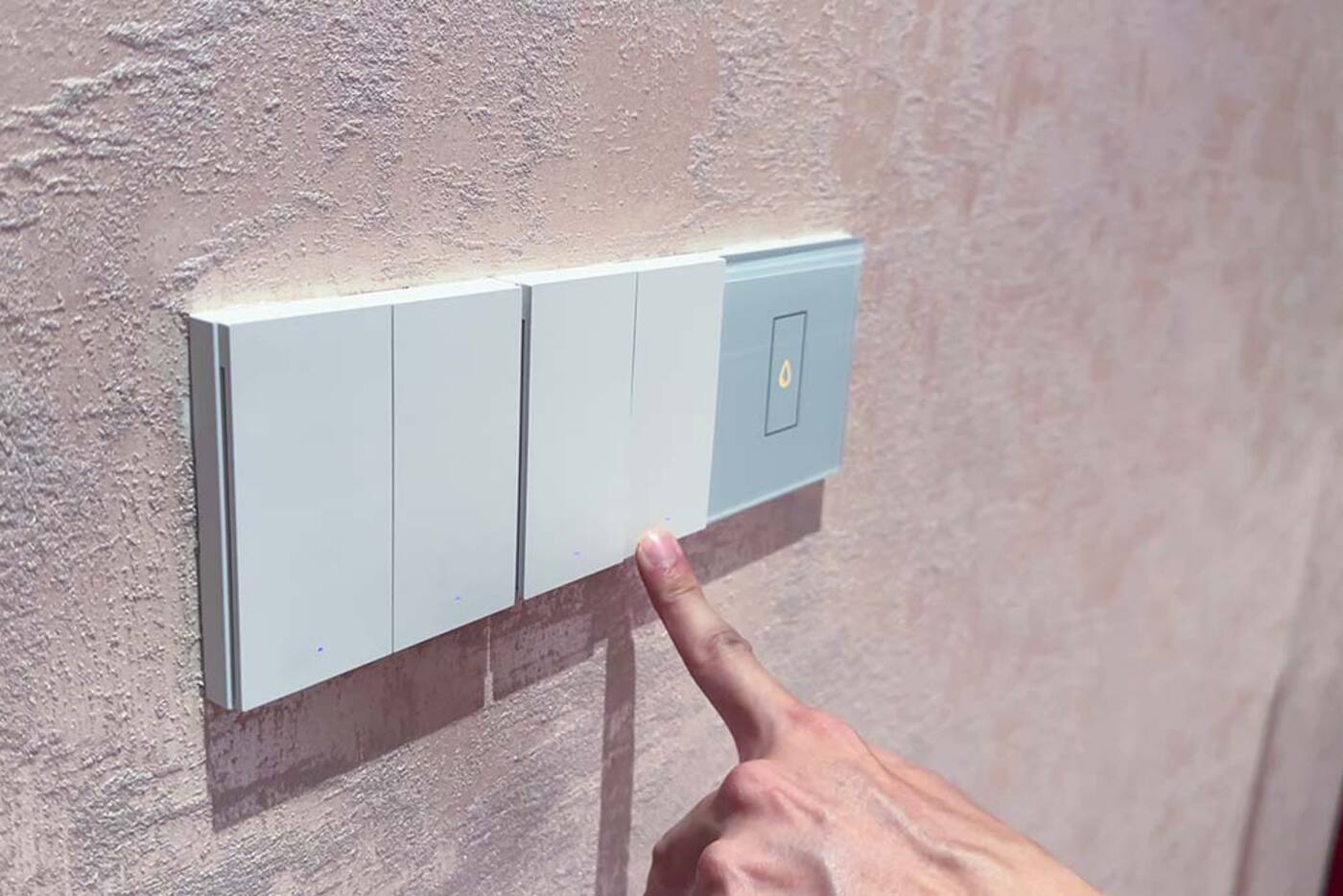
Put switches where people reach for them: at the room entrance, beside the bed and near the places you use most. A switch should do the same thing every time, even when the internet or the voice service is down.
A scene switch can control a whole room, as long as its labels and button layout stay easy to follow. Packing unrelated functions onto double and triple presses defeats that, unless the people using it specifically want it that way.
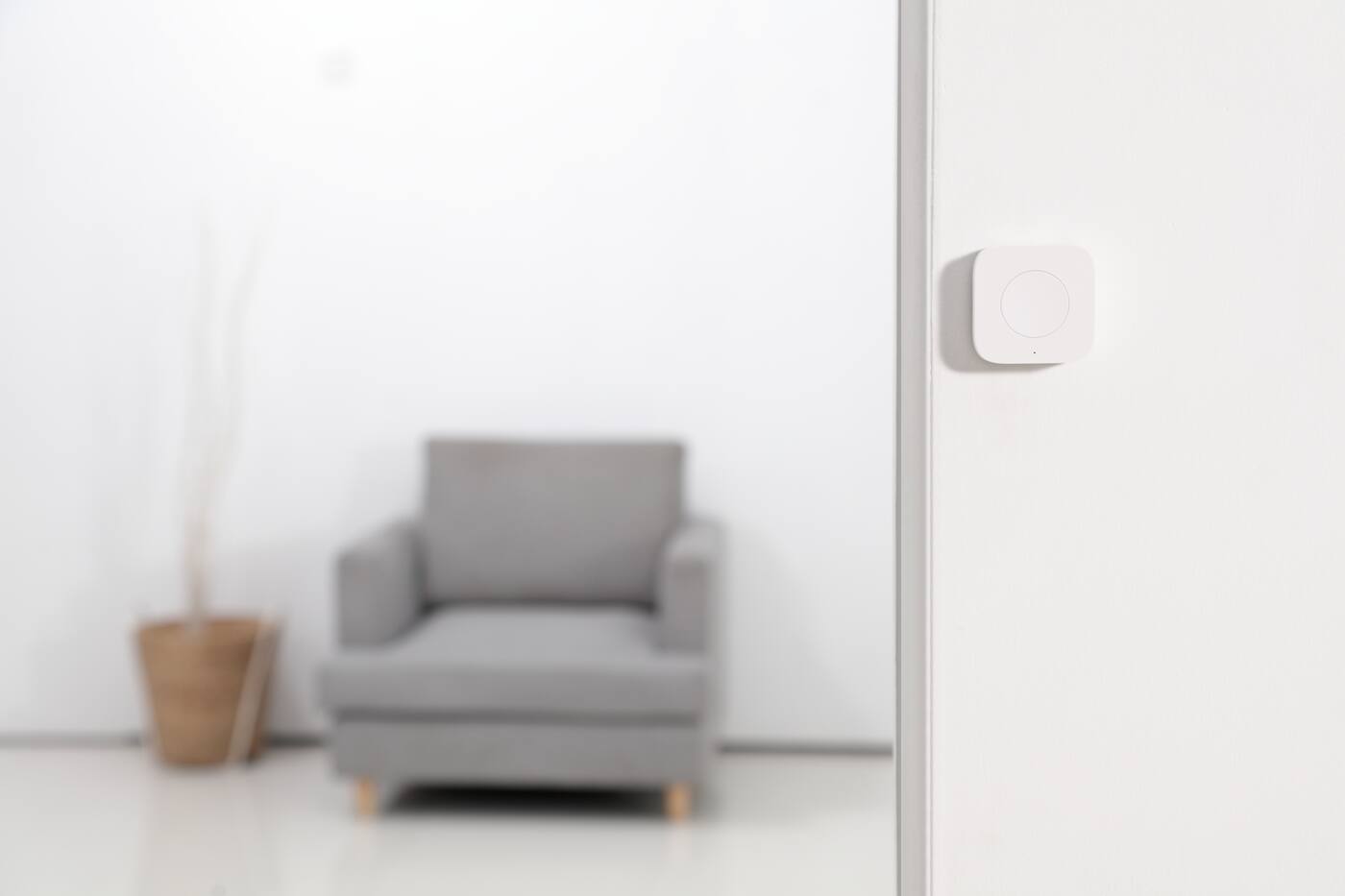
A wired smart switch and a wireless scene button can look alike, but they work differently. The wired switch controls the power to a circuit and has to suit that circuit. The wireless button sends commands through your hub and doesn't need any wiring to the light. They fail in different ways and suit different places.
When to reach for the app
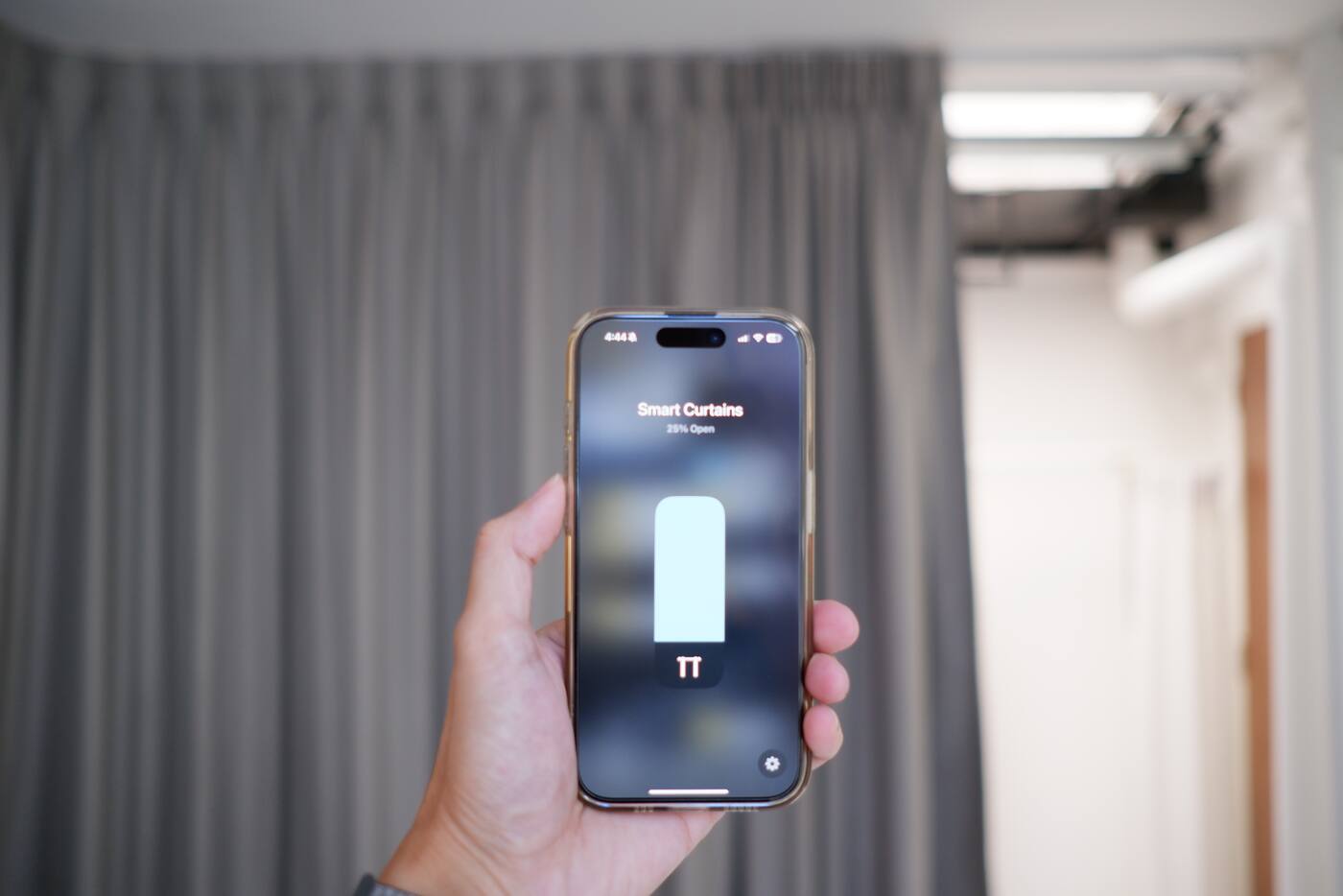
Use the app to set things up, check status, control things while you're out and make adjustments that don't need their own button. It's also where you create scenes and automations, with no rewiring.
Group devices by room, keep names short and delete old test devices.
Keep admin access to a minimum. Where the platform allows it, give the other people at home ordinary shared access instead of the owner password. The owner account should hold the recovery details, and once the installer has finished, their access should be removed or cut back.
Voice control when your hands are full
Voice control works well when you're cooking, carrying a child or already in bed. Give rooms and scenes names that are distinct and easy to say.
It relies on microphones, the voice platform and often the internet, so for anything essential, treat it as an addition to physical controls rather than a replacement.
Voice works best when the command has an obvious target, such as ‘Turn on kitchen task lights’ or ‘Start Evening’. A request like ‘turn on the light’ depends on which room the speaker is assigned to and how the platform interprets it. Have different people in the household try everyday phrases out loud, rather than choosing names on a screen.
What switches, buttons, apps and voice each depend on
An ordinary wired switch works with no hub, network or account. A wired smart switch may still switch its light locally while its automations rely on the hub. A wireless scene button needs its battery, its radio link, the hub and the device it's controlling. Using the app from outside the home, or using voice, adds more network and online services to that chain.
That's fine, as long as the essentials have a simpler fallback. If the hub is restarting, it should still be obvious how to turn on the bathroom light. If the internet is down, you shouldn't need a voice assistant to turn off the shared lights.
| Control | Phone | Local network | Internet / cloud |
|---|---|---|---|
| Wired wall switch | No | No | No |
| Local scene button | No | Usually | Not necessarily |
| App at home | Yes | Yes | Depends on function |
| Remote app / voice | Yes or speaker | Yes | Usually |
| Control | Best for | What it relies on |
|---|---|---|
| Wired physical switch | Everyday and essential room lighting | Power to the circuit; smart features may also use a hub |
| Wireless scene button | Setting several devices at once, often | Button battery, radio link, hub and the devices it controls |
| App | Setup, status, remote access and occasional changes | Your phone, account, network and sometimes a cloud service |
| Voice | Clear commands when your hands are busy | Microphone, voice platform, network and often internet access |
Where to put switches and wireless buttons
Put the entrance switch on the side of the door you naturally approach from. Bedside controls should be reachable without crossing the room. A dining scene button belongs where someone serving food can press it, not in an electrical cabinet or buried in an app.
Wireless buttons are handy where running new wiring isn't practical, but they still need to be mounted properly. Fix them firmly, label any scene functions that aren't obvious and note which battery they take. A loose button that wanders from room to room soon stops being something people rely on.
Confirmation for locks, curtains and Away mode
When you switch on a light, you can see that it's on. A curtain in another room, a lock or Away mode gives you no such signal. Where it matters, use a control with a status light, a confirmation in the app or a notification. Pressing a button doesn't prove the device did what you asked.
For anything to do with security, there's a difference between the command being sent, the device confirming it and the actual state of the door. A contact sensor can confirm the door is shut; the lock reports whether it's locked. Don't assume either just because you pressed Good Night.
Making sure everyone at home can use it
Try a visitor test: ask someone who doesn't know the system to walk in, turn on the main lights, use the bathroom and find the night light without help. Wherever they hesitate, a label, a switch position or a behaviour needs simplifying.
- Can a visitor turn on the bathroom light straight away?
- Can a child or an older family member reach the main switches?
- Is the room still usable if your phone battery is flat?
- Could you understand and change the system yourself once the installer has gone?
A control setup that keeps working
- Wired switches for essential lighting and anything else that must always work.
- Scene buttons for things you do often that involve several devices.
- The app for setup, status, remote access and occasional changes.
- Voice where it's genuinely quicker than reaching for a switch.
- A record of accounts, batteries, labels and what still works when something fails.
Physical, app and voice: what each one is for
Physical
- Everyday lighting and essential circuits
- Easy for guests and reachable from the bed
- Still works when the smarter layers don't
App
- Setup and checking device status
- Control from outside the home and occasional changes
- The owner account and who else gets access
Voice
- Simple commands with an obvious target
- When your hands are full, and for accessibility
- An extra on top of physical switches, not a replacement
Try the visitor test: someone new should find the main lights, the bathroom light and the night light without being shown.
Official references
Product and standards information was checked against these primary sources. The article above is original Aqara Singapore editorial content.
For everyone in the home
Compare physical, app and voice controls.
See how Aqara controls work together, or try the wall switches, scene buttons and voice control yourself at our Experience Centre.