
Cameras and Doorbells
Planning an Aqara Video Doorbell Installation
Plan Aqara G410 or G400 doorbell power, mounting, view, Wi-Fi, chime position, weather protection and recording before drilling.
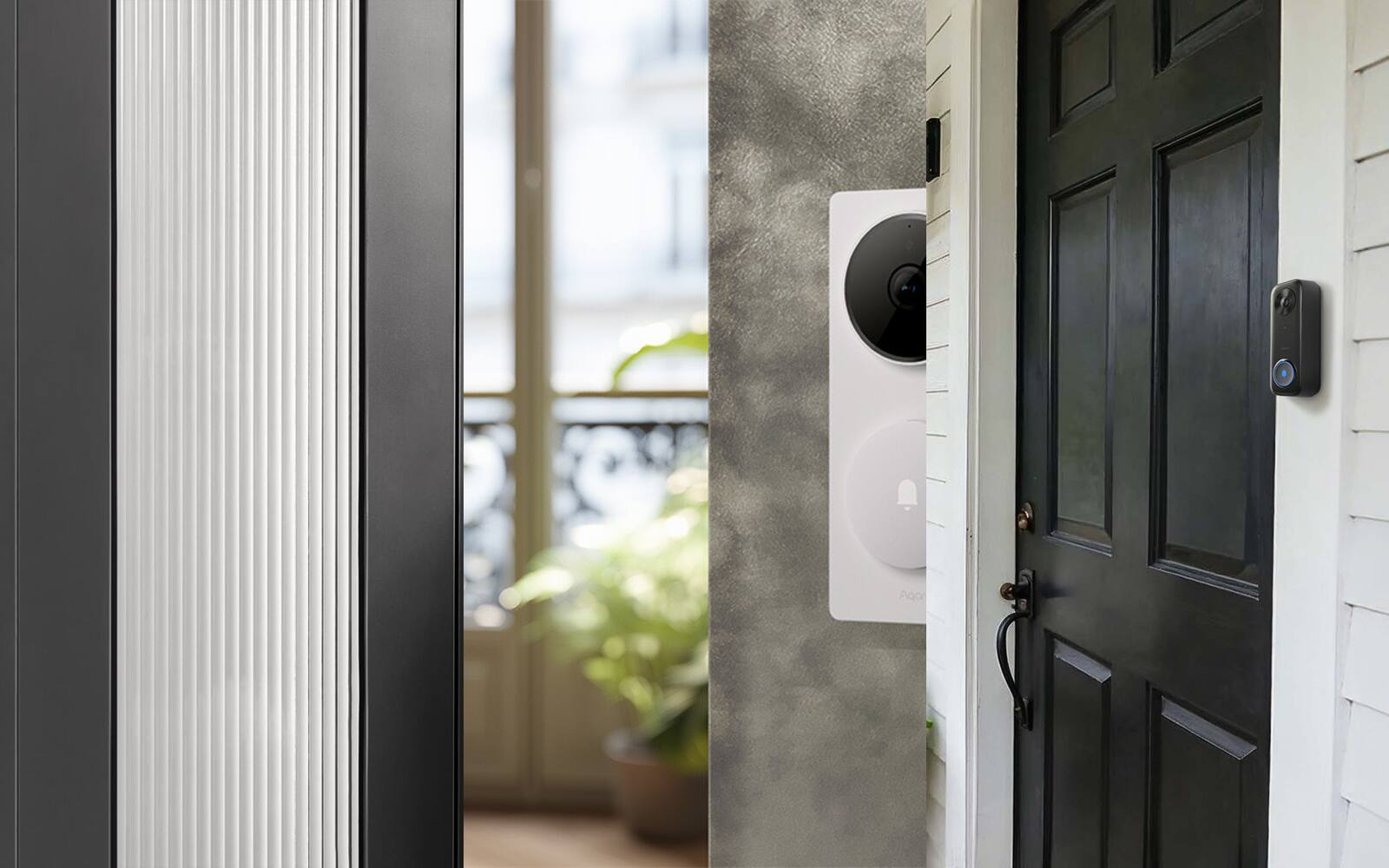
A video doorbell installation involves more than it looks. The doorbell has to fit on the frame beside your door and see the people who come to it, and it needs power. On most Aqara models there is also an indoor unit that needs its own socket and a good Wi-Fi signal.
This guide covers what to sort out before you drill for an Aqara G410 or G400, the two video doorbells we sell. If you already have the older G4, which we no longer sell, most of the G410 advice applies to it too. The guide doesn't replace the wiring diagram for your model, or the licensed electrical work some installations need.
On this page
- Power and network: batteries, low-voltage wiring or PoE
- Door frame width, door swing and gate clearance
- Getting the camera view right with a live preview
- Where the G410 chime-hub should go
- Rain, sun and water running along the cable
- Recording and storage decide whether batteries are enough
- Test everything before the final fixing
Power and network: batteries, low-voltage wiring or PoE
The G410 can run on six replaceable AA batteries or on suitable low-voltage wiring. Either way, the outdoor unit reaches your network through the powered chime-hub that comes in the box. The older G4 works the same way through its indoor repeater, so if you own one, the G4 and G410 plan out much alike. The G400 always needs permanent power. It can take IEEE 802.3af PoE, which carries power and data over one Ethernet cable, or suitable 8–24 V AC/DC doorbell wiring, in which case it uses Wi-Fi for data.
PoE gives the G400 the most predictable connection, but you need an Ethernet cable that actually reaches the door and can be terminated neatly there. If you already have doorbell wires, have the transformer voltage and available power checked before relying on them. A cable that once rang a mechanical chime isn't automatically good enough for a camera, and the G400 won't ring an existing traditional chime.
With batteries, think about how the doorbell comes off its mount and where you'll change the cells. With wiring, make sure the supply can be switched off somewhere you can reach, and don't bury joints where you'd have to damage the frame or wall to get at them later.
Compare the G410, G400 and older G4 Shop Aqara video doorbells
| Model | Outdoor power | How it connects | Continuous recording | What it means for installation |
|---|---|---|---|---|
| G410 | Six AA batteries or 12–24 V AC / 8–24 V DC | Outdoor unit to powered chime-hub; dual-band Wi-Fi | Needs wired power for 24/7 recording | Battery option, plus an indoor unit that is a more capable Aqara hub |
| G400 | IEEE 802.3af PoE or 8–24 V AC/DC | Ethernet with PoE, or dual-band Wi-Fi when low-voltage powered | Supported with local microSD storage | Needs permanent wiring; slim body; no battery fallback |
| G4 (older model, discontinued) | Six AA batteries or compatible low-voltage supply | Outdoor unit to powered indoor chime repeater; 2.4 GHz Wi-Fi | Needs wired power for 24/7 recording | Battery option; the deepest body of the three |
Door frame width, door swing and gate clearance
Measure the flat surface the doorbell will sit on, not the whole frame. Open the door fully and make sure it clears the doorbell, and if you have a gate, check that it doesn't swing across the lens. You also need to be able to reach the release pin or fixing screw once it's up. A wedge changes both where the lens points and how far the body sticks out.
The G410 is about 65 mm wide, as is the older G4; the G400 is about 53 mm. On a narrow metal frame or beside a lift-lobby wall, that difference can decide which model fits. The frame material decides how you fix it: powder-coated metal, stone, tile, textured paint and laminate don't all take the same fasteners or adhesive.
If your entrance door is fire-rated, or the wall is common property, don't drill or run cable until you've checked what the building rules and management allow. Mounting on the wall beside the door can be simpler than modifying the door leaf or frame.
Getting the camera view right with a live preview
Before you drill, hold the doorbell in place at the height you're planning and open the live view. You want to see a visitor's face at normal standing distance, a parcel left near the floor and the path people walk up. A wider field of view won't help if a return wall or an open gate is hiding part of the picture.
The G410 and G400 frame the picture taller than the older G4's wide, landscape-shaped view, which is better for seeing someone head to toe and a parcel on the floor. A wedge, included or optional, can turn the camera towards a visitor who stands off to one side, but it also changes how much of the opposite wall or shared corridor gets recorded.
Look at the picture at night as well as by day. A bright corridor window, a reflective gate or a nearby wall can make the camera expose for the wrong thing. Set privacy masks and detection zones only once the physical view is right, because cropping in software won't rescue a badly placed camera.
Where the G410 chime-hub should go
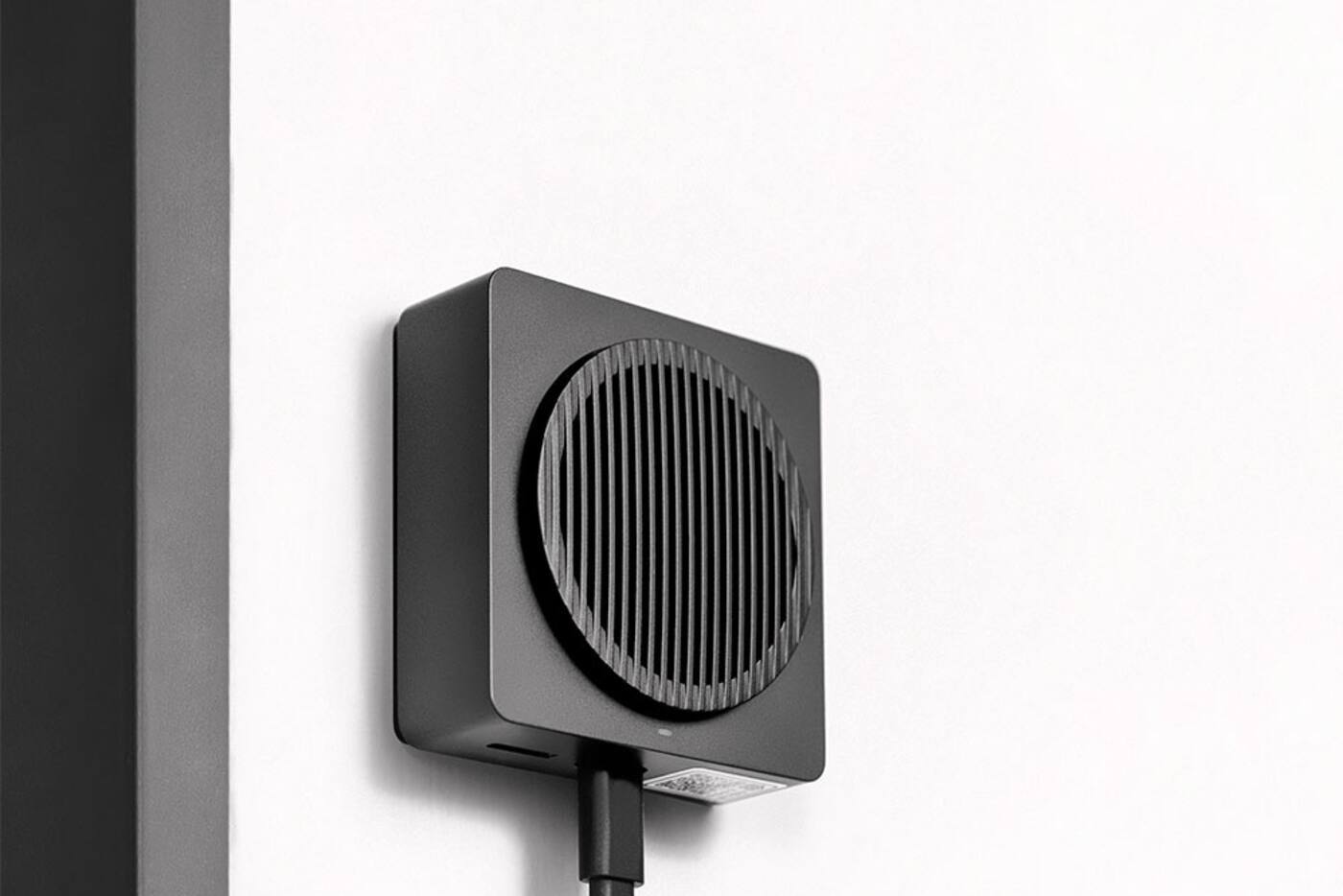
On the G410, the indoor chime-hub isn't just a speaker. The doorbell's signal passes through it, so it needs USB power all the time and a steady connection to your home network. A metal door, reinforced walls or an electrical cupboard can all shorten the range between it and the outdoor unit. The older G4's indoor repeater works the same way, and Aqara recommends keeping it within practical range of the doorbell.
Put it inside, near the entrance, where it can pick up the doorbell and still reach your Wi-Fi. A closed metal distribution board or the space behind the fridge blocks both, however handy the socket there. Test live view, how quickly notifications arrive and two-way audio with the main door and gate shut.
The G410's indoor unit is also an Aqara Zigbee hub, a Matter controller and a Thread border router. If you'll use it for other devices, its position has to work for the doorbell and for Zigbee and Thread coverage into the rest of the home. Turning the ringtone up won't make up for a poor position.
Rain, sun and water running along the cable
An outdoor rating doesn't make every mounting detail waterproof. Check whether wind-driven rain reaches your doorway, whether water could run along the cable into the wall, and whether the surface behind the doorbell is flat enough to seal. Fit the supplied seals the way the manual shows. Sealant smeared over drainage holes or the microphone opening causes problems of its own.
The G400 is rated IP65, but that covers the doorbell, not any low-voltage joint, Ethernet termination, USB supply or transformer connected to it. The indoor chime has to stay indoors. If your entrance is unusually exposed, add a suitable hood or move the doorbell; tape around the body isn't a fix.
Strong afternoon sun can heat a dark door and cause glare. Check the model's operating range and look at the doorway at the time of day the sun hits it. A little shade or a small change of angle can help both reliability and picture quality.
Recording and storage decide whether batteries are enough
Recording only when something happens and recording around the clock need very different amounts of power and storage. On batteries, the outdoor unit wakes for button presses and the detections you've set up. Frequent live viewing, loitering detection and recording to a household platform all run the batteries down faster. Aqara's battery-life estimates come from test scenarios and aren't a promise for a busy corridor.
The G410 keeps its microSD card in the indoor chime-hub, out of the weather, as the G4 does. For continuous recording, it needs wired power at the door. The G400 can record continuously to microSD and back up to a NAS if you set one up. If you want both continuous recording and a wired network connection, PoE to a G400 is usually the most sensible route.
HomeKit Secure Video, Aqara's HomeGuardian cloud plan and a local microSD card each solve a different problem. Before you finish, check the subscription, how long footage is kept, which hub your household platform needs and what happens in an outage. A cloud plan won't make up for unreliable power or Wi-Fi at the door.
View Smart Video Doorbell G400
Test everything before the final fixing
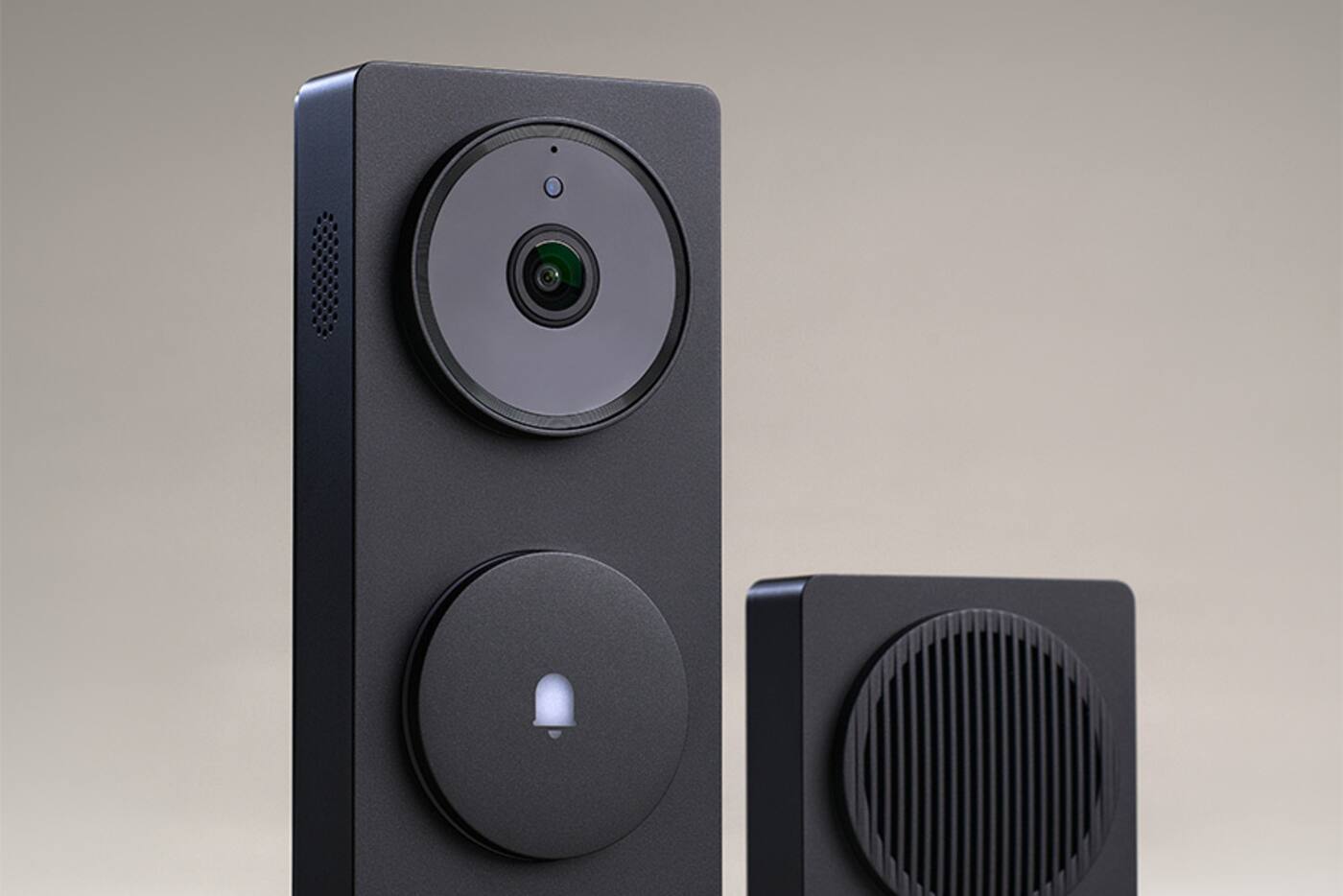
Pair both units, update the firmware and try everything in the final positions before you drill or stick anything down. Press the button, open live view, check notifications, try two-way audio and look at the night picture, several times each. Do it with the main door and gate closed and your Wi-Fi as busy as it normally is.
On a battery model, make sure you can get the doorbell off to change batteries, and note the battery type. Don't mix old and new cells. On a wired model, measure the voltage at the door with the doorbell working and label where the power comes from. With PoE, note the switch port, have the cable certified and keep the route reachable.
Write down how the mount releases, where recordings are stored, which account owns the doorbell, how notifications are set, where the transformer or PoE supply is and any privacy masks. It takes a few minutes during installation and is much harder to piece together after a fault.
What to check before drilling
The model, the wiring and the camera view have to be decided together.
At the door
- Flat mounting width, with room for the door and gate to open
- A useful picture by day and at night
- How rain reaches it, how it's fixed and how it comes off again
Inside the home
- Permanent power for the chime or hub
- Signal and Wi-Fi tested with the doors closed
- A decision on microSD, household platform or cloud recording
For wired models
- Transformer capacity checked, or IEEE 802.3af PoE
- A labelled supply you can switch off
- No hidden cable joints you can't get to
Holding the doorbell up with live view on at your own door tells you more about height and angle than any product photo.
Official references
Product and standards information was checked against these primary sources. The article above is original Aqara Singapore editorial content.
Before you drill
Choose the doorbell and how it's installed at the same time.
Compare the G410 and G400, the two Aqara doorbells we sell, or send us photos of your door, gate and the nearest indoor power points for installation advice.