
Automations
Building Useful Arrival, Evening and Good Night Routines
Design three practical Aqara routines that coordinate lighting, curtains and security without making the home difficult to override.
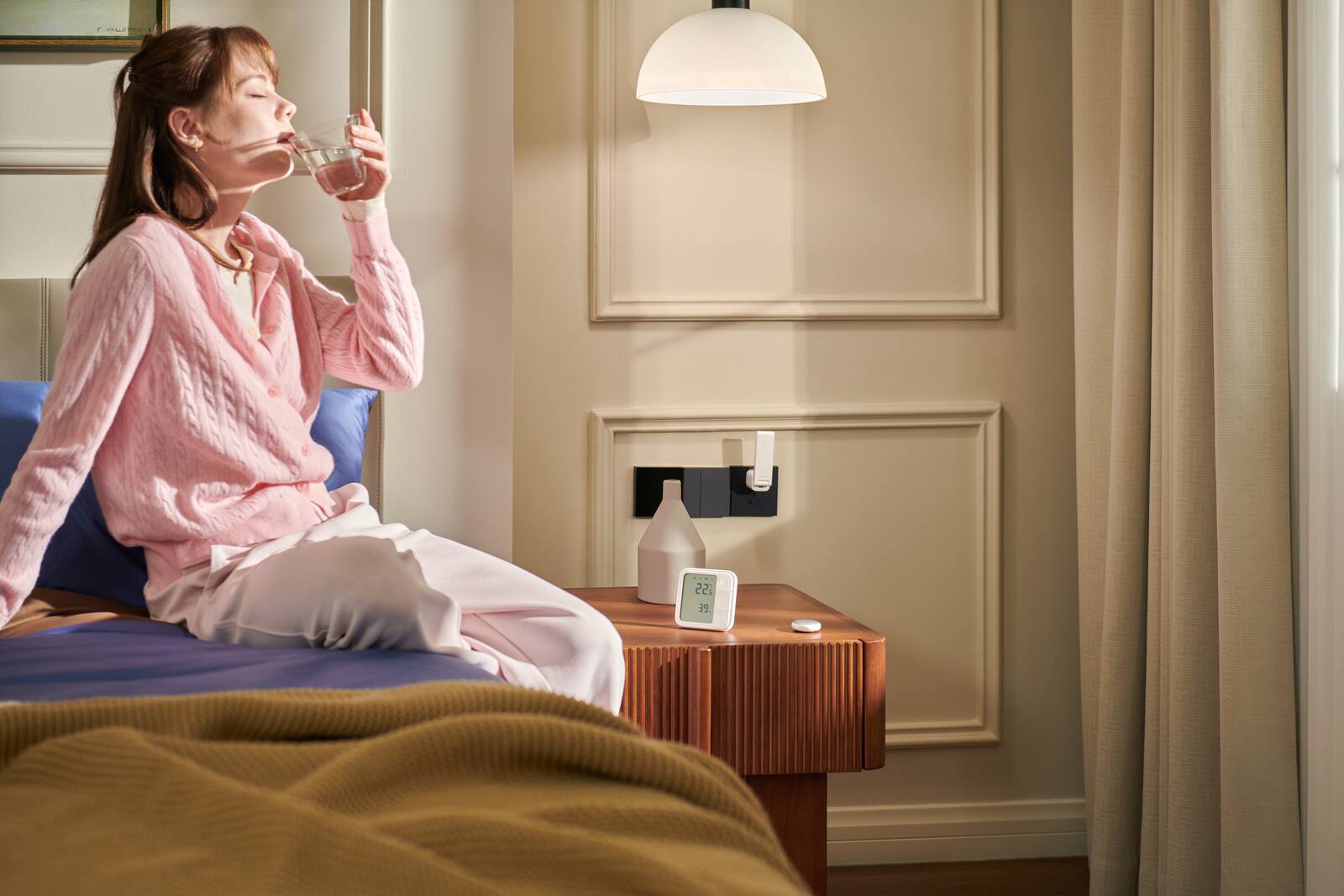
Good routines take small, repeated jobs off your hands without making the home unpredictable. Arrival, Evening and Good Night are good ones to start with, because each has an obvious purpose and each involves more than one room.
It pays to build them in stages: get the actions right, then add conditions, and keep a physical way to change the result at every step.
On this page
- Arrival: lights on as you walk in
- An Evening scene that changes the light, not just the switches
- Good Night: shutting down the home and flagging what's still open
- Home, Away and Sleep modes stop routines clashing
- Overriding a routine, and when automation takes over again
- Checklist for keeping routines easy to override
- The order to build and test Arrival, Evening and Good Night
Arrival: lights on as you walk in
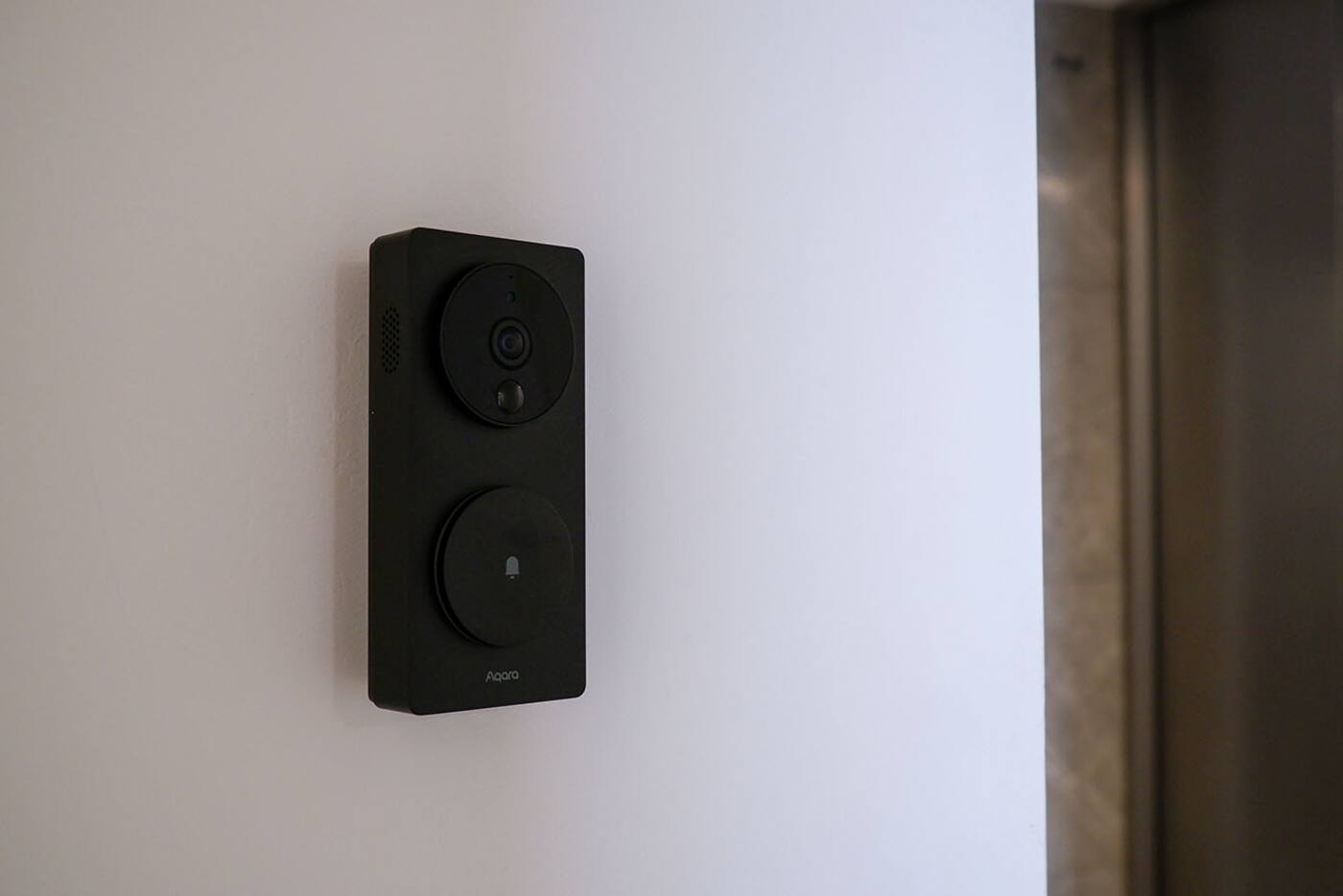
An arrival routine can turn on the entrance and corridor lights when the main door opens after dark. If your platform and setup can track presence reliably, it can also tell a real arrival apart from someone who's already home opening the door.
Knowing that someone came in is not the same as knowing they're allowed in. A door sensor proves the door opened, and phone presence hints at who arrived, but neither proves that an authorised person meant to unlock the home. Leave unlocking and disarming to the lock's own supported credentials or another deliberate action, and let the arrival routine look after the lights.
A sensible version: the door opens after dark, the entrance light comes on straight away, the corridor light comes on at a lower level, and an occupied-home mode stops the routine from switching the whole home into its ‘just arrived’ state when someone was already inside.
An Evening scene that changes the light, not just the switches
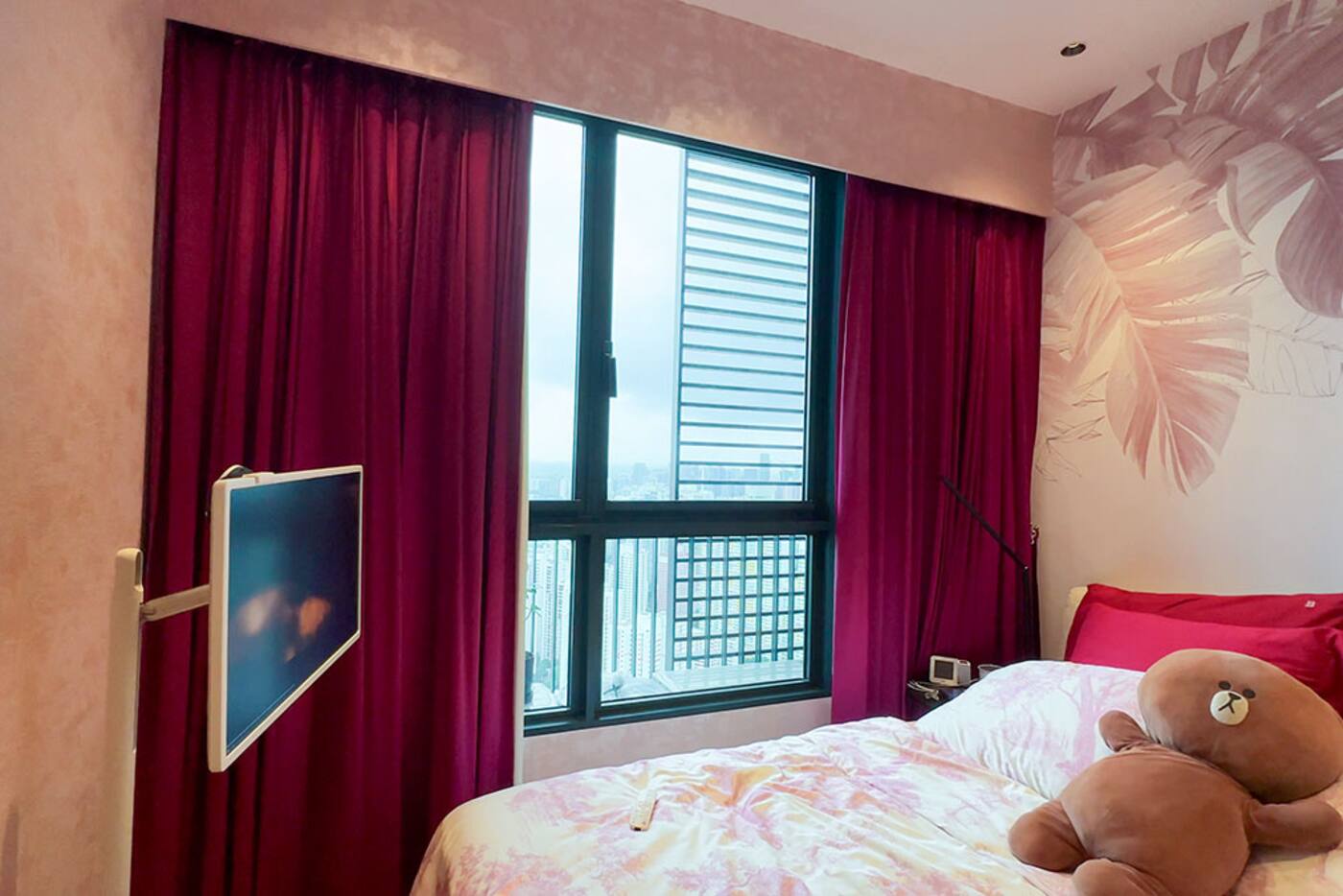
An Evening scene can close selected curtains, bring the brightness down and shift adjustable lighting to a warmer colour temperature. That does far more for a room than turning every light on at sunset.
Leave the kitchen and any work areas out of it where you may still need bright task light. Have the scene set exact values instead of toggling lights on and off; it sets the base, and you can change individual rooms from there.
You'll probably want to trigger it yourself, because evening starts when your household decides it does, not when the sun sets. Sunset can prompt you or close the curtains for privacy, while a scene button lets you run Evening whenever dinner, work and daylight don't follow the usual pattern.
Good Night: shutting down the home and flagging what's still open
A Good Night scene can switch off the lights in shared areas, close curtains, turn down the air-conditioning in selected rooms and arm supported security monitoring. It can also leave a low light available for anyone who gets up in the night.
Run it from a clear button or voice phrase, and make sure it lets you know it has run. If an important action is buried in a schedule, it can fire while someone is still using the room.
It helps to split the routine into actions and checks. The actions set the lights, curtains and supported cooling controls. The checks tell you about doors or windows that are still open, and devices that didn't respond. A warning is safer than having the system lock or close something automatically when it can't see what's physically going on.
Handle the night route separately, as a low-light setting triggered by a suitable occupancy sensor. It can light the way from bedroom to bathroom without cancelling Good Night or turning on the ceiling lights.
Shop smart curtains and blinds
Home, Away and Sleep modes stop routines clashing
A few household modes, such as Home, Away, Evening and Sleep, give your automations shared context. In Sleep, a corridor sensor can bring the lights up to a night level instead of the daytime level. In Away, an opened door can send you an alert instead of running the arrival routine.
Each mode needs a dependable way to switch on and off. A scene button is the clearest. Geofencing, which uses your phone's location, can help, but you need to plan for several residents, flat phone batteries and changed app permissions. Don't let an uncertain location reading quietly arm security while someone is still at home.
Overriding a routine, and when automation takes over again
When you change something by hand, it should happen immediately. The automation then needs to know when it may take over again: once the room is empty, at the next scheduled period, or when a scene resets things. Without that rule, the system either fights you or stays switched off for good.
Toggles are bad at this, because a toggle can't tell whether a light was changed by you, by another automation or by the power coming back. If Evening is meant to reset the room, have it set the exact brightness and colour temperature.
Checklist for keeping routines easy to override
Write down what should happen in normal use, when someone overrides it, when it runs twice in a row, when one device is offline and when the internet is down. Then run each of those tests.
- Keep the wall switches working.
- Use clear names for scenes and rooms.
- Only add delays where they fix a real timing problem.
- Try each routine with guests, late arrivals and unusual days.
- Look at your routines again after a few weeks of living with them.
The order to build and test Arrival, Evening and Good Night
- Set up each routine as a scene with exact device states, and check where everything ends up.
- Put the scene on a physical button and use it for a few days.
- Add time, light, occupancy or household-mode conditions only where they save a decision you keep making.
- Take one device offline and check that the rest of the routine still does something useful.
- Note how to override it, and what lets the automation take over again.
Scene first, automation second
Get the scene right
- Set exact device states, not toggles
- Put it on a clear button or in the app
- Run it by hand for a few days
Then automate it
- Add conditions only where you've seen a real need
- Test repeat triggers, offline devices and internet loss
- Know how to override it and when it takes over again
Keep unlocking and disarming as deliberate, confirmed actions. Routines are best at comfort and at telling you what state the home is in.
Official references
Product and standards information was checked against these primary sources. The article above is original Aqara Singapore editorial content.
Start with one routine
Turn a scene you already use into a tested automation.
Look through practical scene and automation examples, then build the smallest version that handles something you do every day.