
Automations
Automations vs Scenes: How to Use Both in an Aqara Home
Learn the difference between an automatic trigger-and-action routine and a manually started scene, with practical Aqara examples for daily life.
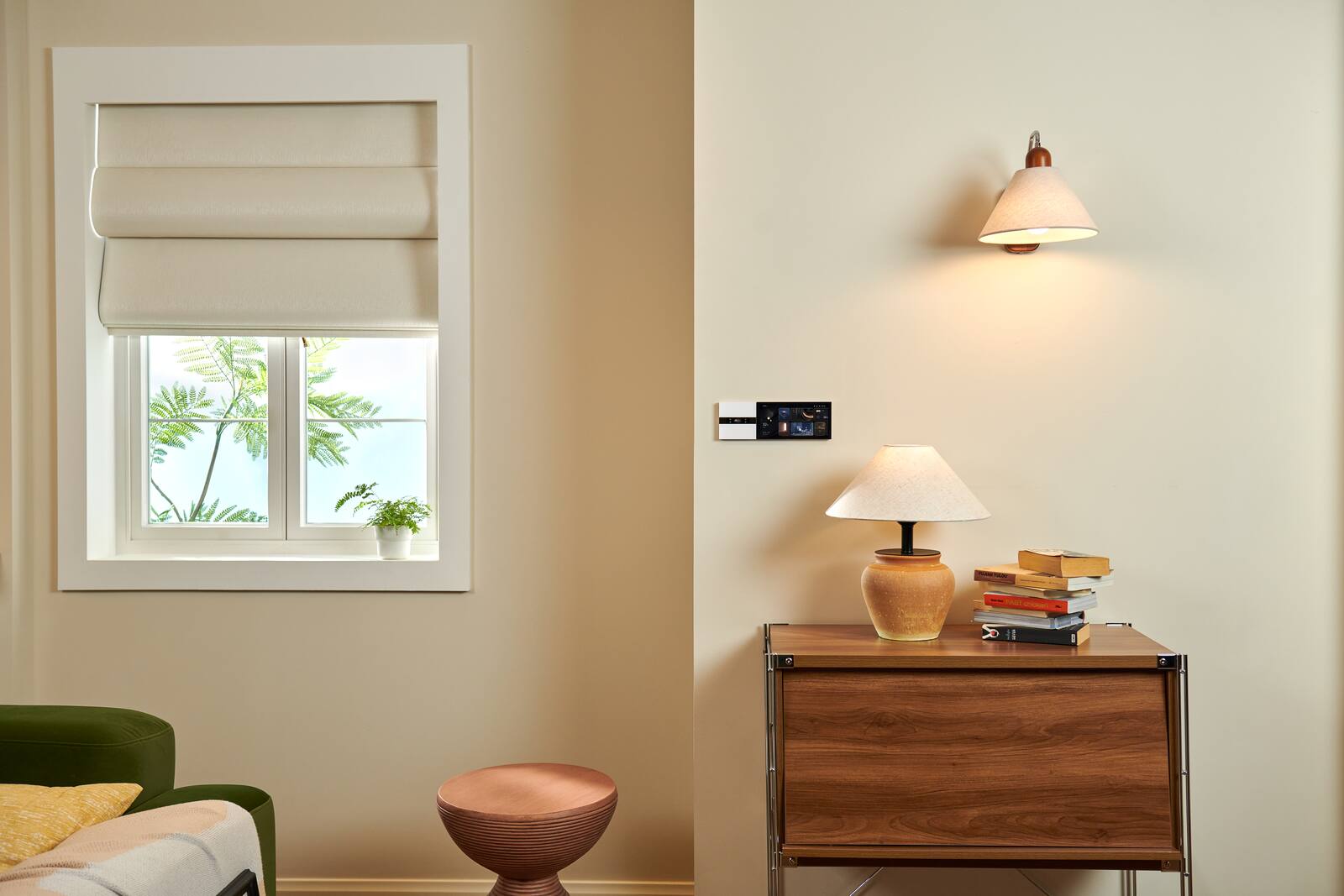
An automation runs by itself when something happens: a sensor notices movement, a door opens, the clock reaches a set time. A scene is a set of actions you've saved in advance, and it runs when someone chooses it. Both can control several devices at once. The difference is who, or what, starts them.
Homes that feel easy to live with tend to use automations for the predictable background jobs and scenes for the moments you'd rather decide yourself.
On this page
How an automation works: trigger, conditions, actions
The trigger can be a sensor reading, a change in a device, a schedule or another supported event. The automation then checks any extra conditions and, if they're met, carries out its actions. For example: when there's motion in the passage after sunset, turn the passage light on at low brightness.
Good automations are specific enough not to surprise you. A time window, a check on whether anyone is home or a short delay is often the difference between a helpful light and one that comes on at the wrong moment.
Before you open the app, write it out as WHEN, IF and THEN. WHEN is the event that sets it off. IF is what else has to be true. THEN is exactly what should happen, including brightness, colour temperature, any delay and where things should end up. Writing it down shows you quickly where you haven't really decided what you want.
Scenes run when you choose
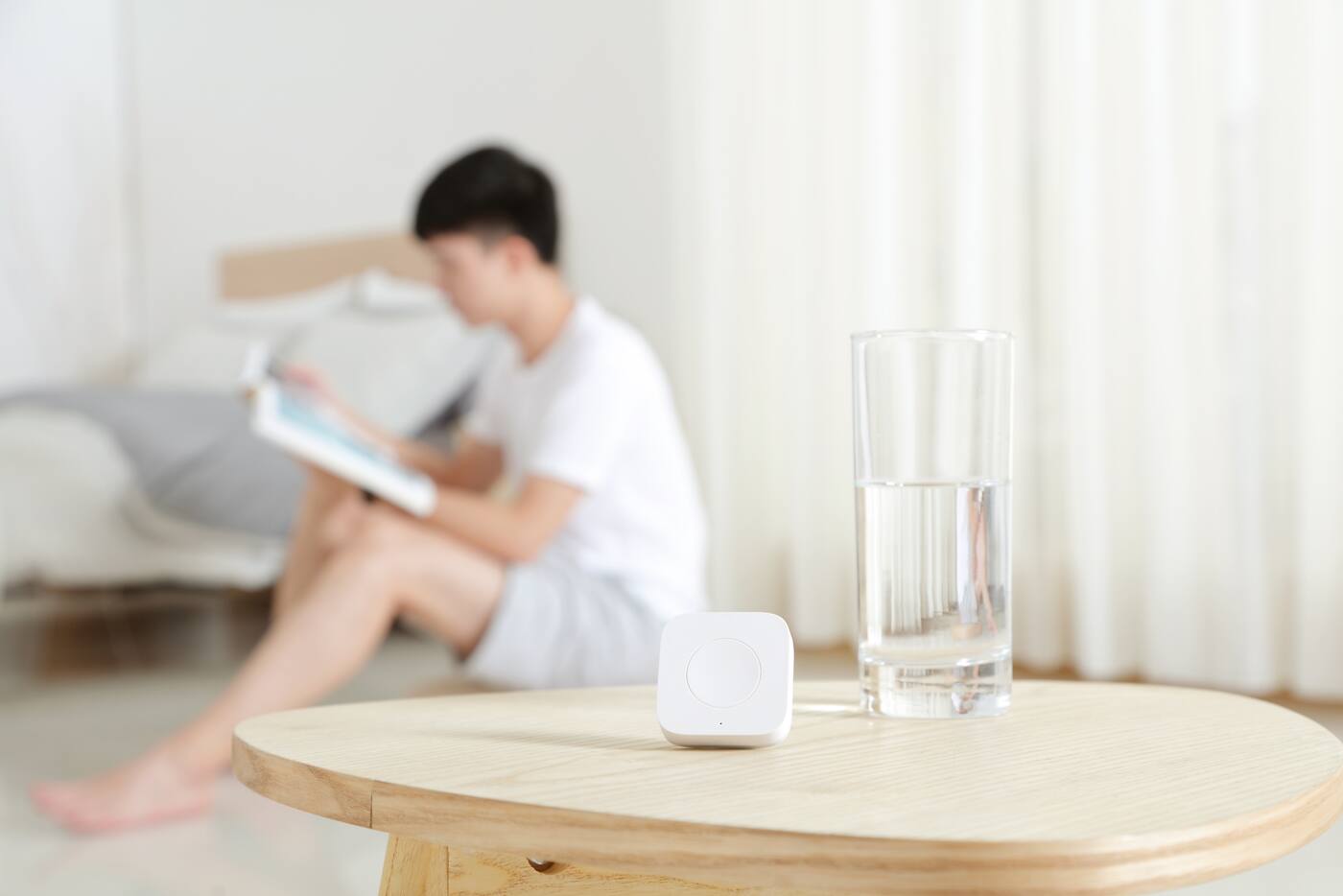
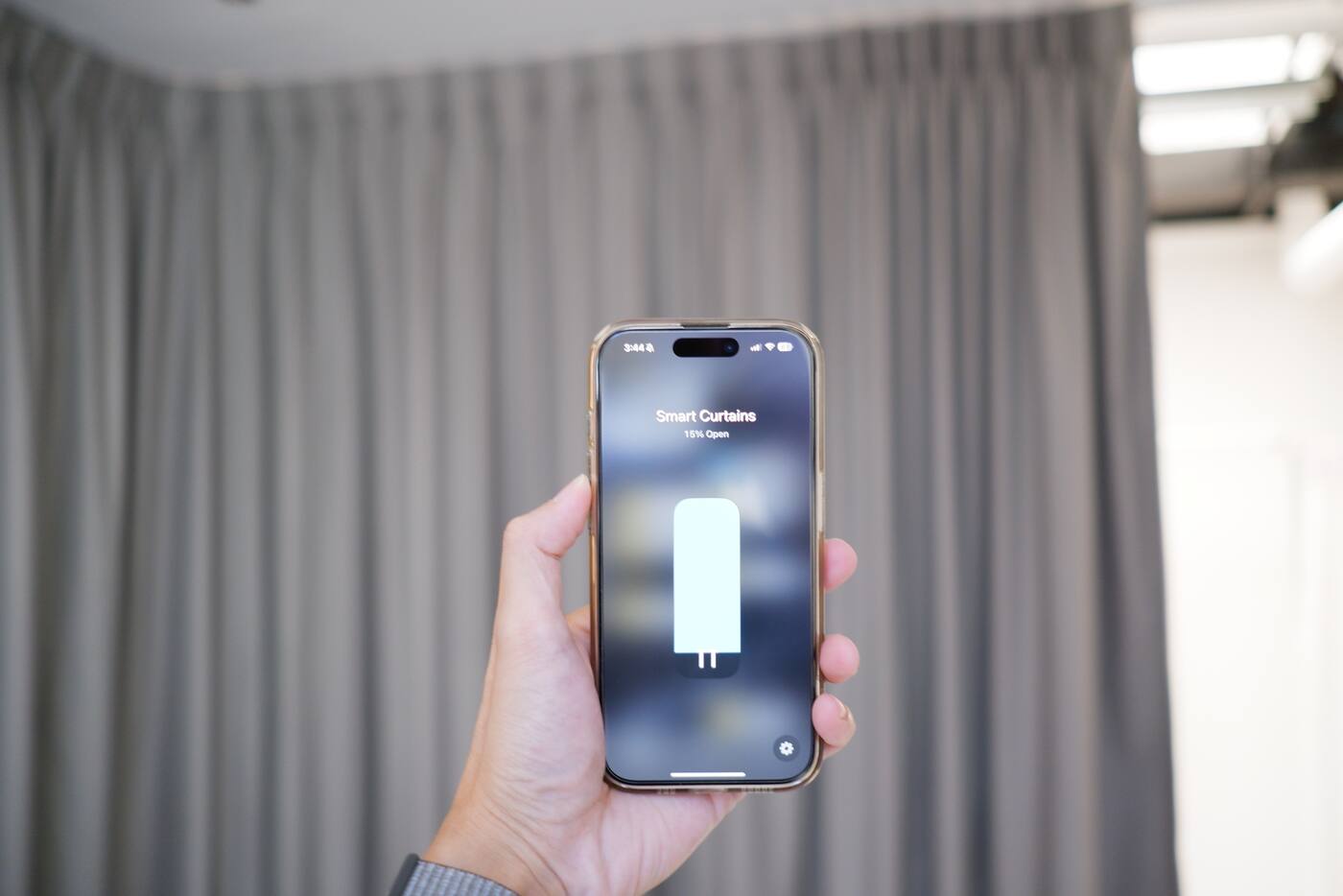
You can start a scene from the Aqara Home app, another compatible platform, a voice command, a wireless button or a control panel. An Evening scene might close the curtains, switch some lights to a warmer colour temperature and bring the living room brightness down.
Scenes are the right tool when you'll want the same set of changes regularly, but the timing depends on your household.
A scene should describe how you want things to end up, not flip each device to its opposite. ‘Evening’ should give you the same room even if some lights are already on and others are off. Run it twice and nothing changes the second time.
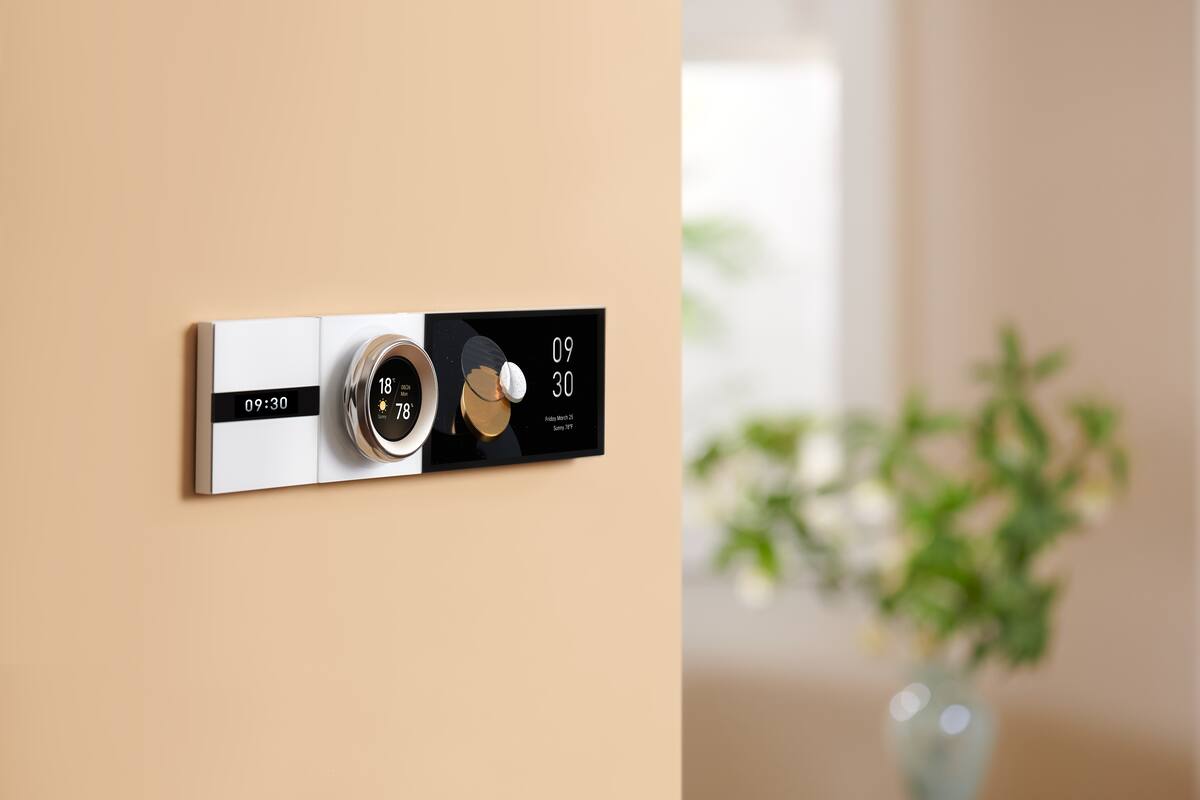
Building automations around scenes
Where your platform allows it, a scene can serve as a ready-made bundle of actions. Rather than rebuilding the same light and curtain settings in several automations, make one scene and have each automation start it.
Changes then get easier: adjust the scene once and every automation that uses it picks up the change.
Say your Evening scene closes the curtains, puts the ambient lights at 40 per cent and sets the tunable lights to a warm tone. A schedule can run it on ordinary days, and a wireless button lets someone run it early. Either way, the room ends up the same.
Using conditions so automations fit the situation
A single sensor event rarely tells the whole story. Motion in the passage should only turn the light on if it's dark enough. A door opening could mean someone arriving, leaving or just taking in a delivery. Add conditions that tell those apart, but stop before the chain gets so long nobody can work out why it didn't run.
Time ranges are simple but rigid. Sunrise and sunset offsets shift with the seasons. A light-level reading reflects the room as it really is, but depends on where the sensor sits and on the lights you're switching. Home and away modes add useful context, but only if something reliably switches between them. Use the fewest conditions that solve a real problem.
When sensors keep firing: repeats and delays
Sensors can report over and over. A motion automation that restarts a long sequence on every report can flood you with notifications or keep resetting a timer. Where your platform has them, use a cooldown, a condition that waits for a steady state, or a separate occupied/empty status for the room.
Delays don't behave the same way on every hub and cloud platform. Check what happens if someone changes a device by hand during the delay, if the hub restarts, or if a second trigger arrives. For routines that matter, aim for a clear end result rather than a fragile string of timed on/off steps.
Keep each routine in one app only
A routine can live in Aqara Home, Apple Home, Google Home, Alexa or another controller, depending on the devices and features involved. Just make sure it lives in only one. When two apps react to the same event, you get doubled actions and timing clashes that are hard to track down.
Note which app runs each automation, and keep device names the same across apps. If you share an Aqara Home scene to another platform, check whether that platform runs the Aqara scene or keeps its own copy of the actions. It decides where you'll have to make changes later.
Test the awkward cases, not just the normal one
An automation isn't finished just because it works when everything goes to plan. Think about children, guests, late nights and internet outages, and test for those.
A short checklist is enough: the normal trigger, a condition that isn't met, a repeated trigger, a manual override, a device that's offline and the internet being down. Write down what should happen in each case. That catches most of the annoying behaviour without turning your home into a software project.
- What happens when someone is still in the room but sitting quietly?
- Should the automation run on weekends and public holidays?
- Can a guest use the home without the app?
- Is there an obvious physical way to override it?
Automation or scene?
Use an automation when
- A clear event can start it
- The conditions that matter can be written as simple rules
- It's predictable and harmless for it to run with nobody deciding
Use a scene when
- Someone in the house should choose the moment
- Several devices need to end up in one set state
- You want the same result from the app, your voice or a button
For a routine you'll reuse, like Evening, make the scene first. Then decide whether an automation should run it.
Official references
Product and standards information was checked against these primary sources. The article above is original Aqara Singapore editorial content.
See it in practice
Browse real Aqara scenes and automations.
Start with how you want the room to end up, then decide whether a person or a trigger should start it.