
Planning
Should I Configure My Smart Home Myself or Hire a Professional?
Compare DIY Aqara app configuration with professional setup, including time, cost, account ownership, automations, platform integration and support.
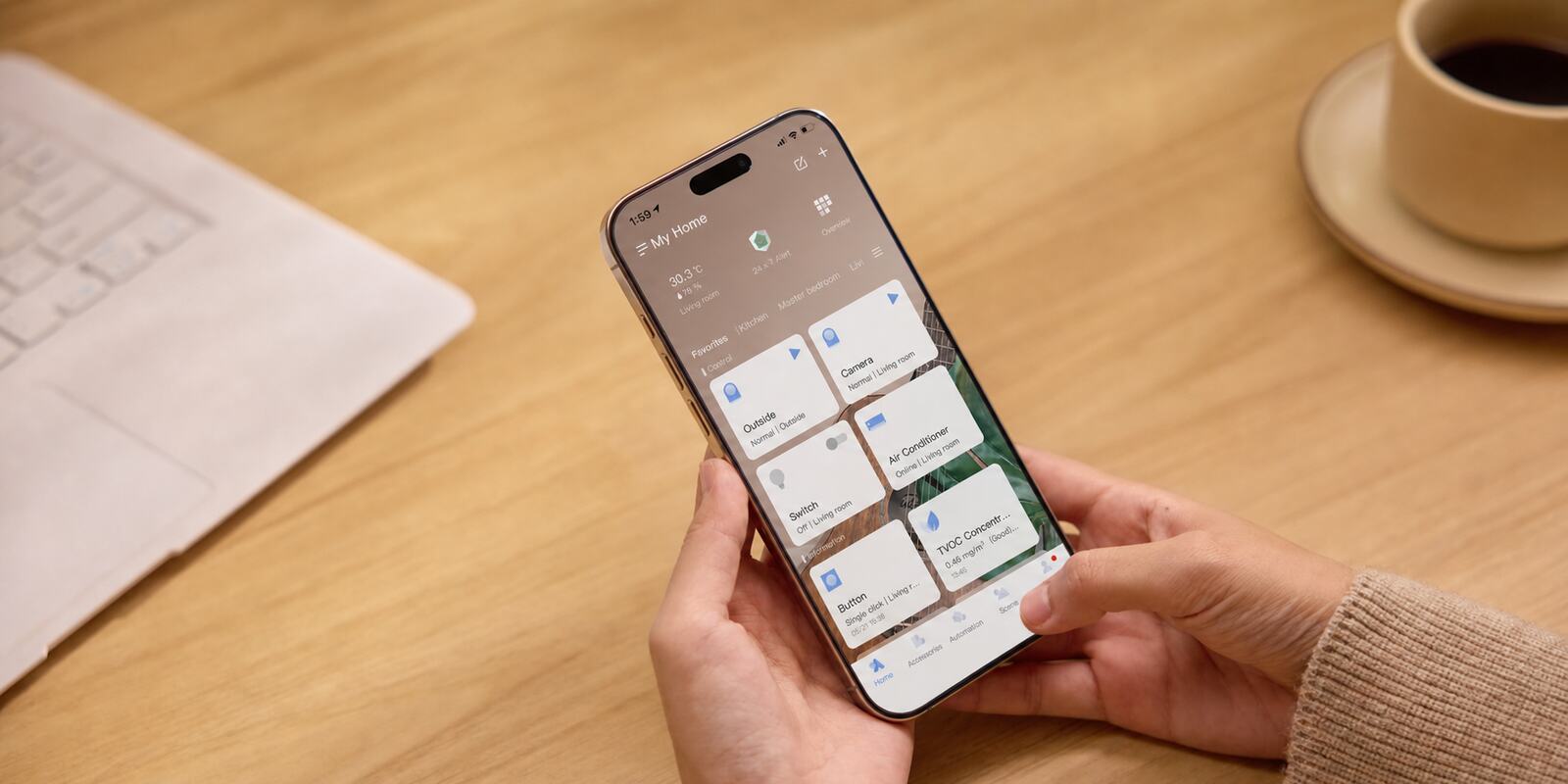
Once your Aqara products are installed, someone still has to set them up in the Aqara Home app: create the home, pair the hubs and devices, sort them into rooms, invite the rest of the household, and build the scenes and automations you want. You can do that yourself, or pay someone to do it for you.
This guide covers only that app side. It assumes the wiring and mounting are done, and looks at what each route costs you in time and money, who ends up owning the accounts, and what happens when you want to change something later.
On this page
- When to do it yourself and when to pay for help
- Aqara Home is built for owners, not installers
- What you gain by setting it up yourself
- The hidden cost of DIY is your time
- What a good professional setup gets you
- Downsides of paying someone else
- Why a mixed setup is harder than a big one
- Getting professional help while keeping control
- Questions to ask yourself before deciding
- Keep the accounts in your name either way
When to do it yourself and when to pay for help
If you're happy following app instructions, everything sits in one Aqara Home account, and you have time to test things, do it yourself. A hub, a handful of devices, sensibly named rooms and a few scenes or automations are well within reach for most people.
Help starts to pay off when the system covers a lot of rooms or several hubs, when family members need different levels of access, or when you want the devices to show up in Apple Home, Google Home, Alexa or another supported platform too. What you're buying is speed, tidy organisation and proper testing.
You can also split it: have someone set up and document the first version, then make the day-to-day changes yourself.
Aqara Home is built for owners, not installers
Aqara Home is a consumer app. From your own account you can create the home, add compatible hubs and devices, set up rooms, rename things, invite family members, and build or edit scenes and automations. None of it needs a professional login or special programming software.
Many older home automation systems worked differently. They were set up with specialist software, so changing a button, a schedule or a scene often meant calling the original installer back. With Aqara, you can open the app, see how things are set up and change them.
That doesn't make a big setup quick. Linking other platforms, keeping dozens of similar device names straight and getting complicated automation conditions right all take patience. So the real question is how much your time is worth and how much you want to learn, not whether you're able to do it.
What you gain by setting it up yourself
The obvious gain is cost. Nobody is charging you to create the rooms, add devices, build scenes, test automations and write it all down. On a small setup, a professional fee can be a lot compared with the few products involved.
You also end up knowing how the system works. That pays off when a battery runs flat, a device drops offline or someone in the house wants a routine changed. If you built the automations, you can usually work out why one didn't fire and fix it without booking a visit.
Doing it yourself also lets you go slowly. Add one automation, live with it for a week, adjust the timing, and only then copy the idea to other rooms. That usually works better than building a dozen routines around guesses about how the household behaves.
And the accounts stay firmly yours, provided you set them up carefully: use an email address you control, keep the recovery details somewhere safe, and clear out test homes and duplicate devices as you go.
Shop Aqara hubs Shop Aqara sensors
The hidden cost of DIY is your time
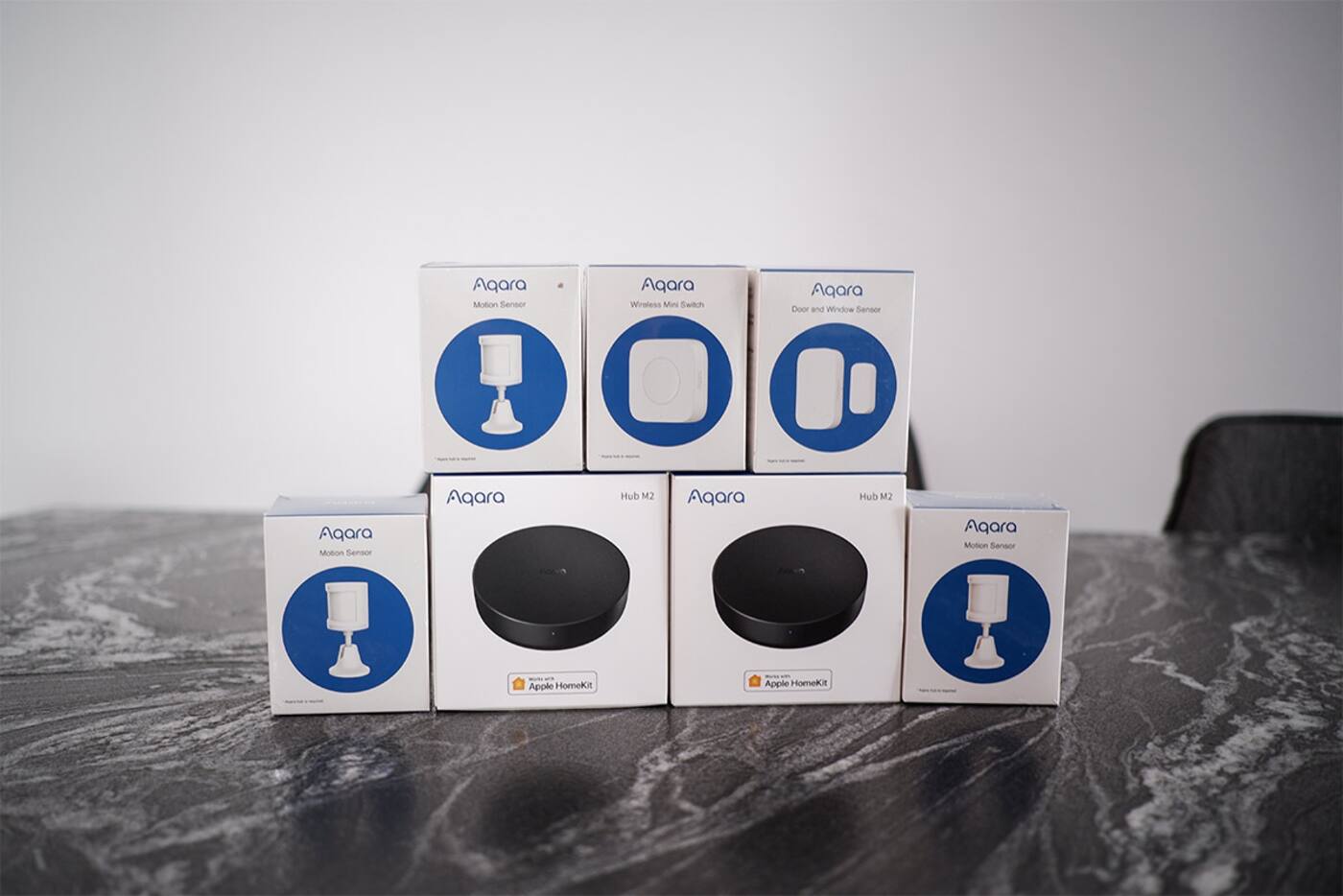
Before you pair anything, check which hub supports each device, which account region to use, and whether the setting you care about actually appears in Aqara Home, Apple Home, Google Home, Alexa or whichever app you plan to use. A compatibility logo on the box doesn't mean every setting shows up in every app.
The first setup takes a while too. Devices need consistent names and rooms, firmware may need updating, and family members need the right access. When something misbehaves, the cause could be Zigbee range, Wi-Fi, account permissions or one of several apps that each show only part of the picture.
Testing usually takes longest. A routine that works once while you watch it may act differently at night, when someone uses a wall switch, or when a condition stays true longer than you expected. For each automation that matters, try the normal case and an unusual one, and make sure there's an easy way to override it.
The work doesn't end after the first weekend. Someone has to deal with offline devices, keep access up to date and show other people in the house how things work. If only you understand the setup, you become the household's help desk.
What a good professional setup gets you
A good installer starts by asking how your household actually uses the home, then sets up the account, rooms and names consistently. On a bigger system this matters more than it sounds: ‘Master Bedroom Ceiling’, ‘Master Bedroom Cove’ and ‘Master Bedroom Bedside’ still make sense in the app, in a voice command and in the automation list. A pile of default device names quickly doesn't.
Someone who does this regularly also pairs and troubleshoots faster. They're more likely to spot a device that needs a reset, a hub or firmware dependency, a duplicated home or a permission problem before you've lost an evening chasing the wrong fix.
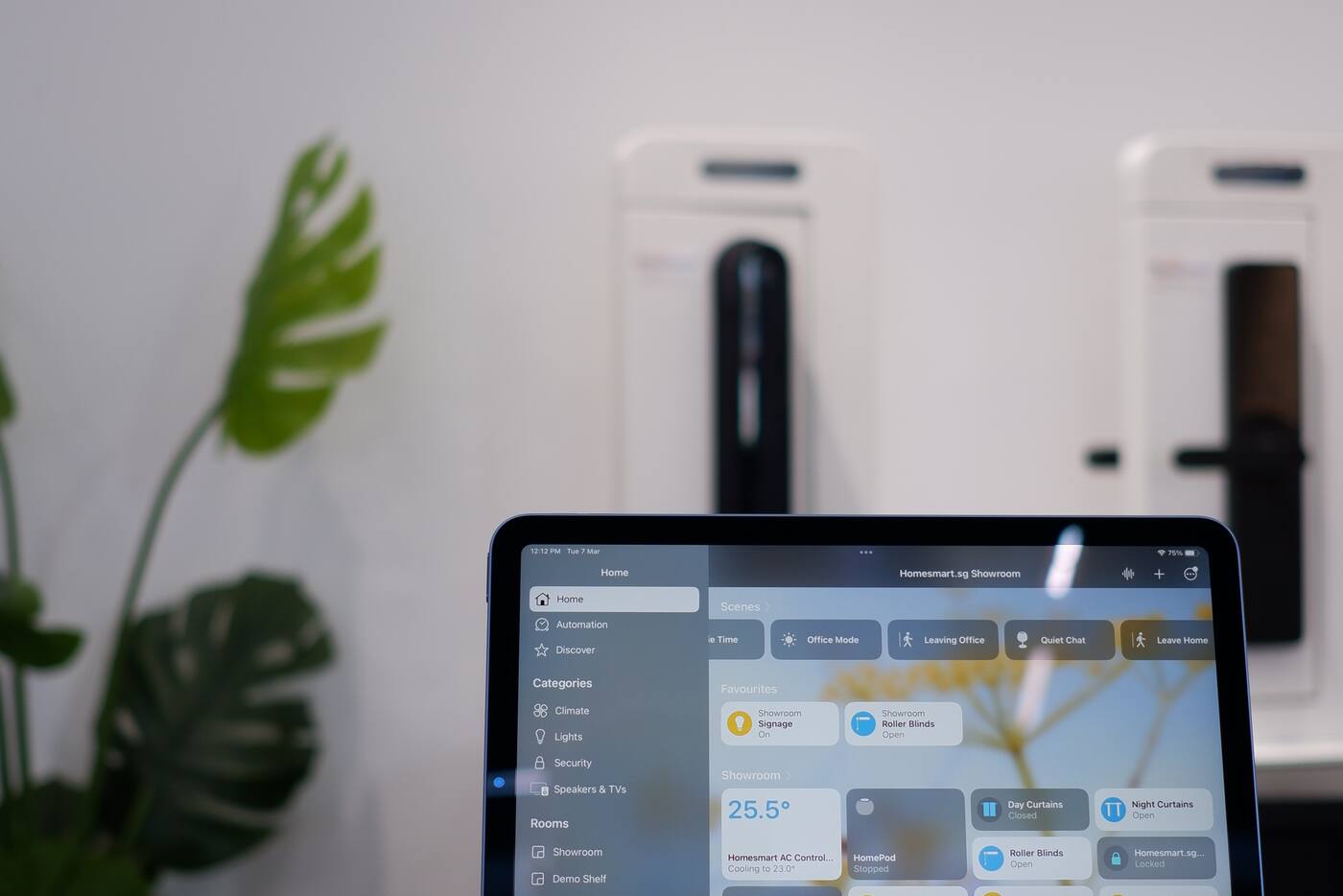
Linking other platforms is where experience helps most. You might keep the detailed device settings in Aqara Home while the household uses Apple Home, Google Home or Alexa day to day. Done well, each device shows up once, rooms and names aren't duplicated, and you know which app to open for which kind of change.
They can also build and test the first scenes and automations, invite the family, record who holds the main account and tell you where to go for support. Mostly, you're saving yourself the decisions and the troubleshooting.
Downsides of paying someone else
The fee is the obvious one. Configuration, testing, documentation and follow-up are all labour, and a simple setup may not have enough to it to justify the cost, especially since Aqara Home already walks you through the basics.
Quality varies. Paying someone doesn't guarantee sensible automations or a clean handover. A poor installer may set everything up under their own account, leave routines nobody explains, lean heavily on cloud services, or leave you unable to change anything. Ask exactly what the setup includes before you book.
Handing everything over can also mean you never learn the basics. You should still know which app the devices live in, how the scenes and automations are organised, how the manual controls work and who holds the admin accounts. Paying for convenience shouldn't leave you calling someone for small changes.
Why a mixed setup is harder than a big one
Twenty similar devices on one Aqara hub can be easier to set up than five devices split across several hubs, accounts and platforms. It gets complicated when one function has to pass through Aqara Home, another platform, several user permissions and a stack of automation conditions.
It also depends on what's at stake. A passage light that comes on at the wrong time is a nuisance. Anything involving a lock, alarm or camera deserves more careful rules, clear notifications and a manual fallback you've actually tried.
Getting professional help while keeping control
Paying for help doesn't have to mean paying for every future change. A sensible arrangement is to have someone create the home and rooms, add and name the devices, connect your chosen platform, build the first routines and hand it all over in accounts you own.
After that, you can tweak scene levels, schedules and automation conditions yourself. Because the setup is written down, you're less likely to break something you didn't know was connected. Keep paid support for faults, expansion or problems between platforms.
If you'd rather do the work yourself, you can pay for a review instead. Someone experienced checks your account structure, names, platform plan and automation logic, and you still do the setup and learn the system.
Questions to ask yourself before deciding
If you enjoy learning the system and have time to test, do it yourself. If the hours saved, the tidy setup and having someone to call are worth more than the fee, pay for it. And if you want a solid start without giving up control, have someone set it up in your accounts and take over from there.
- How many devices, rooms, hubs and apps are involved?
- Will you use only Aqara Home, or Apple Home, Google Home, Alexa or Matter as well?
- How many people need access, and who should be the administrator?
- Do you enjoy troubleshooting, and do you have time to test and write down what you build?
- How complicated are the scenes and automations you have in mind?
- Could someone else in the house look after it later?
- If you're hiring someone, can they tell you who will own the accounts, what the handover looks like, what support you get and what the fee covers?
Keep the accounts in your name either way
You should hold the main accounts, the recovery email addresses and the household invitations. Keep a simple record of device names, rooms, scenes, the automations that matter and any links to other platforms. The wall switches should still make sense to a guest and keep working when the app or the internet doesn't.
A professionally configured Aqara home shouldn't be a black box, and a DIY one shouldn't live entirely in one person's head. Whoever does the first setup, the household should understand it well enough to use it, look after it and change it.
DIY or professional setup?
Set it up yourself if
- It's one Aqara account and a manageable number of devices
- You'd like to learn the system and adjust it over time
- You have time to test the automations and note down what you built
Pay for help if
- You have several hubs or platforms, or people who need different access
- You want it organised quickly from day one
- You want tested routines, written notes and someone to call
The middle route: have someone set it up in accounts you own, then make your own changes afterwards.
Official references
Product and standards information was checked against these primary sources. The article above is original Aqara Singapore editorial content.
Next step
Build your own routines, or ask us to set things up.
See how Aqara automations are put together, or tell us which rooms, devices and platforms you want configured.